Unblur image
The shot you almost got, made sharp.
A shaky hand, a moving subject, a camera that focused on the wrong thing. Upload the photo and get it back sharp: clear eyes, clean edges and readable text, with the people and the scene unchanged.
Photo tools come with every paid plan, from $19.99 a month.
Before and after.
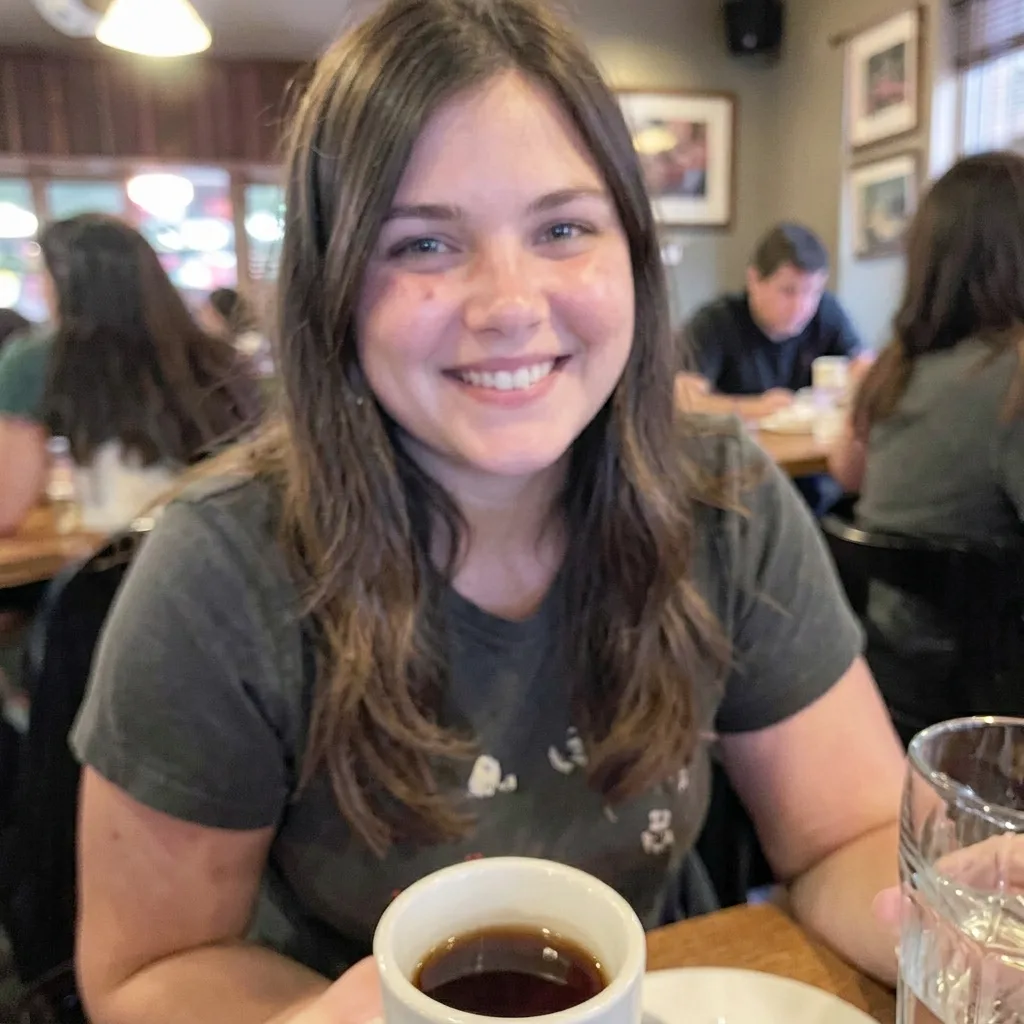
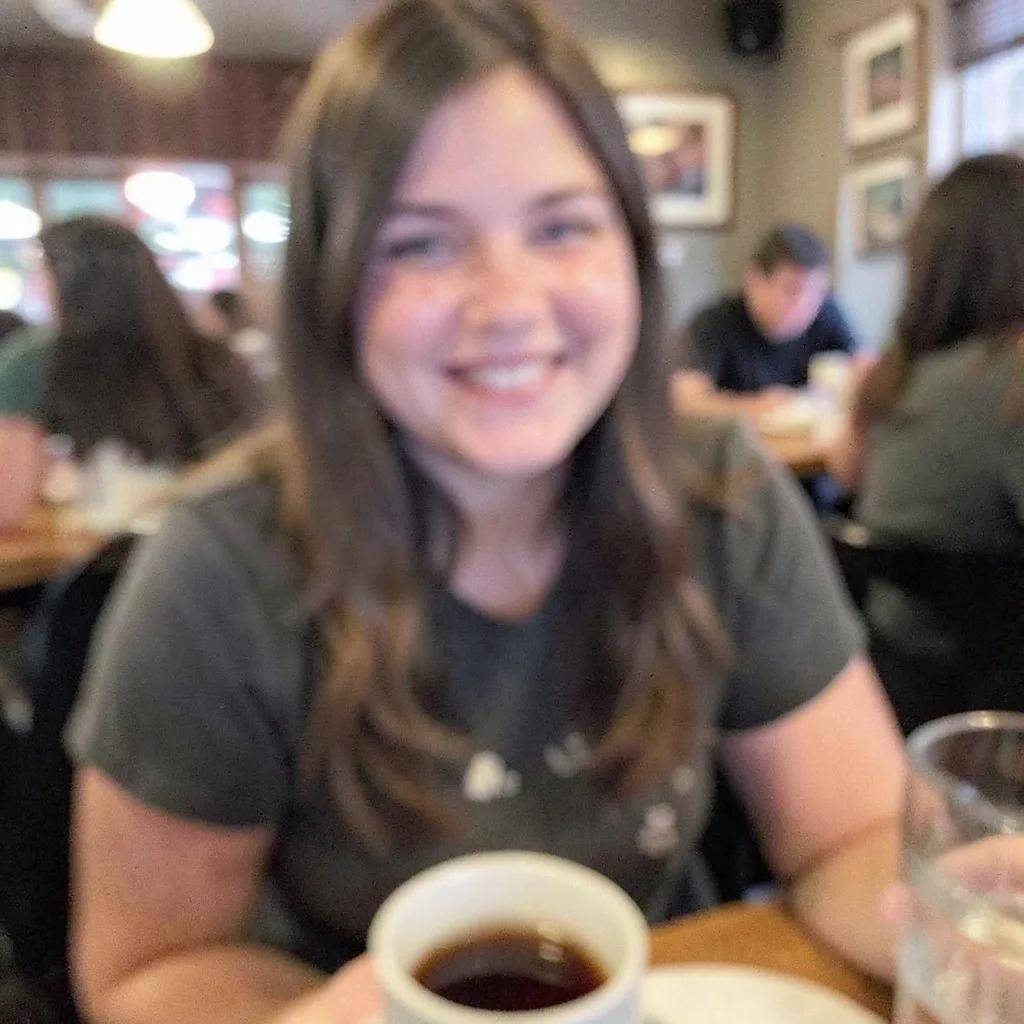
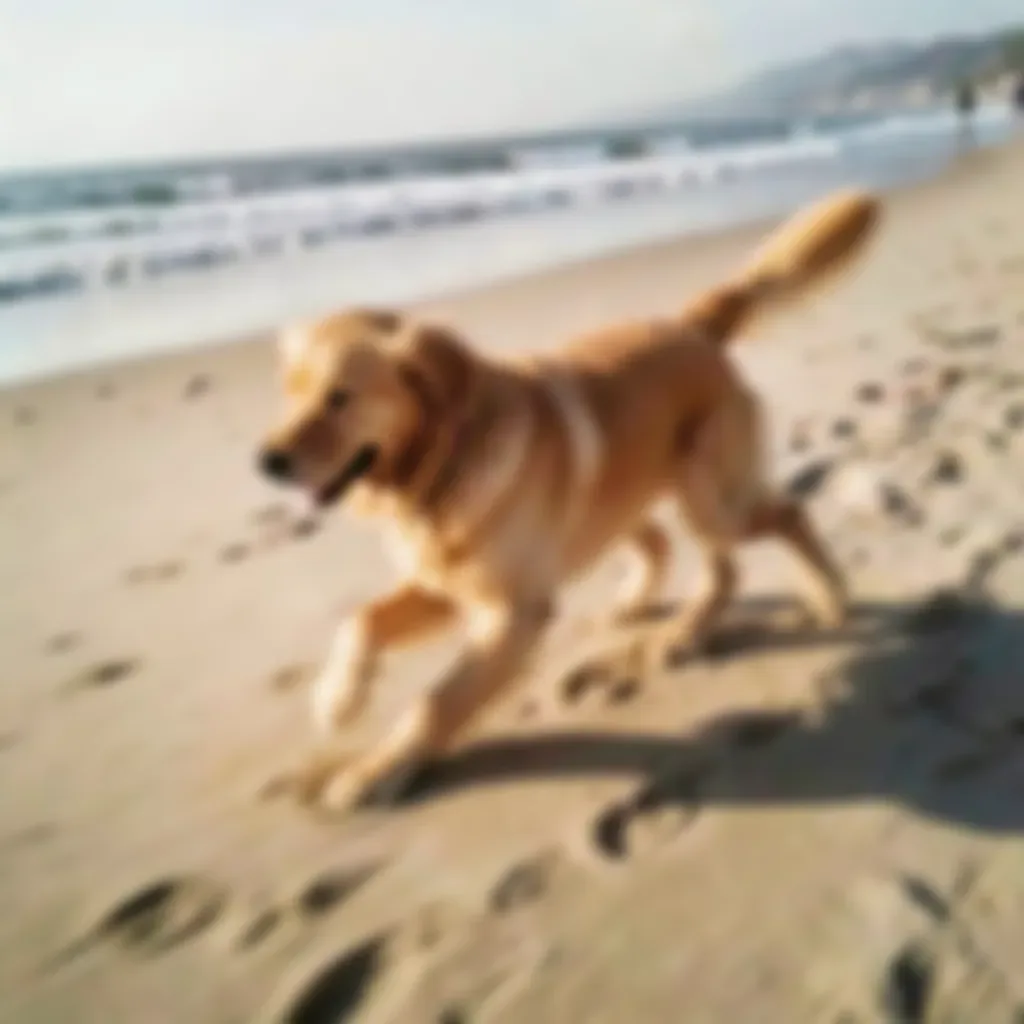
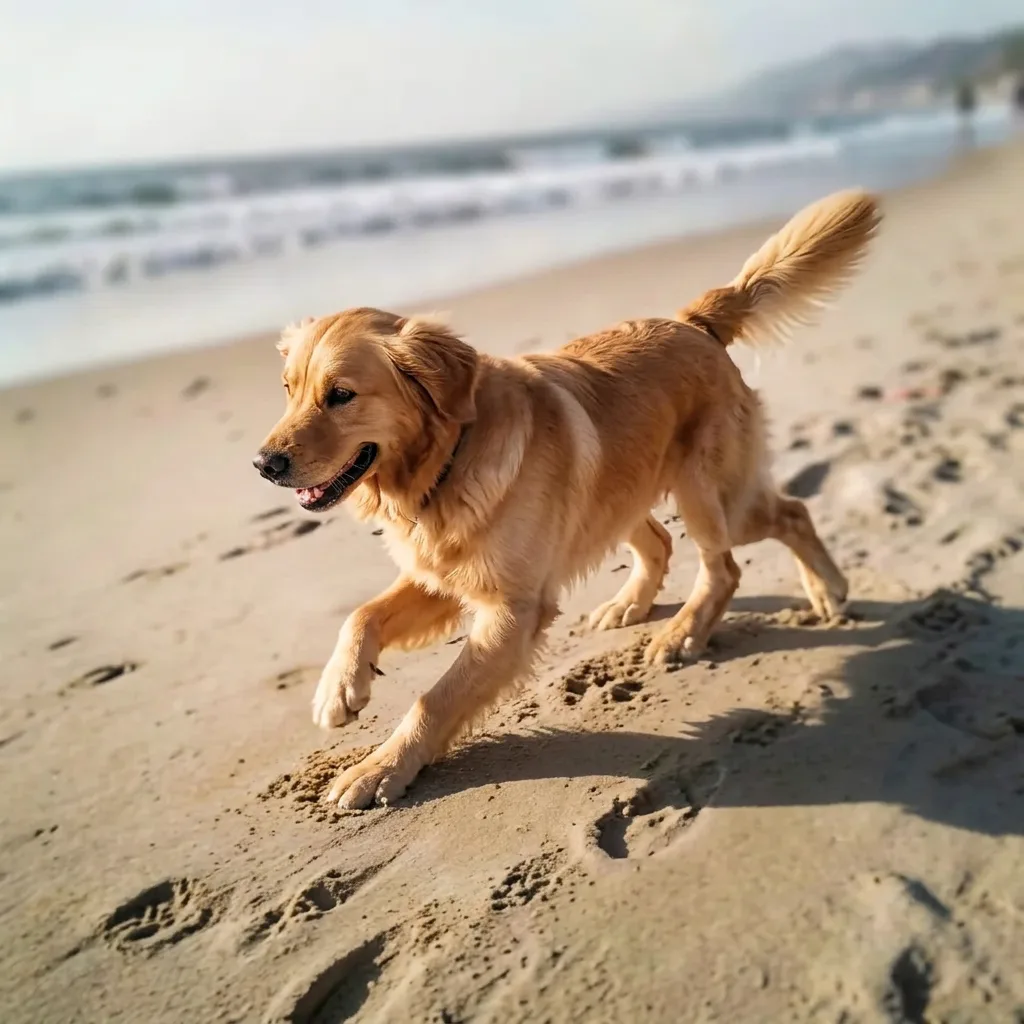
A cafe snapshot ruined by camera shake, and a dog caught mid-run. Drag the slider to compare.
How it works.
- 1Upload the photoA phone shot, a screenshot or a scan. The larger the original, the better the result.
- 2UnblurOne click. Motion blur and soft focus are cleaned up across the whole picture.
- 3Check and downloadCompare with the slider, then download it or run it again for another take.
- Faces kept. It is told to sharpen, never to redraw: the same people, the same expressions.
- Real runs on this page. Both before-and-afters below came out of the Unblur tool itself.
- The price before you run. The tool shows what one fix costs in credits before you press the button.
When people unblur a photo.
Once-only moments
A birthday, a wedding toast, a first step: the one photo there is.
Pets and kids
Subjects that never stay still for the shutter.
Documents and screenshots
Text that is almost readable made readable again.
Low light
Indoor and evening shots that came out soft and noisy.
- Old prints. For scratches and fading as well, use Restore a photo.
- Small images. For a tiny image that needs more pixels, use the Upscaler.
Good to know.
What it can fix
Blur means the detail is spread out or missing. AI rebuilds the most likely sharp version, so the lighter the blur, the truer the result.
- Camera shake. The whole frame smeared in one direction, the most common phone problem.
- Missed focus. The camera picked the background and the person came out soft.
- Moving subjects. Kids, pets and sport caught mid-move, a little streaked.
Questions, answered.
Something else on your mind? Write to us.
Can AI really unblur a photo?
It rebuilds the detail blur hides, so light and medium blur come out sharp and natural. A photo where the subject is a smear can be improved but not recovered exactly.
Will it change the faces?
It is told to keep every person, face and expression the same. Check faces closely on very blurry photos, where the model has more to guess.
Does it work on text?
Yes. Blurry signs, receipts and screenshots usually come back readable, as long as the letters are not completely merged.
What is the difference with upscaling?
Unblur fixes a photo that is soft at its size. Upscaling adds pixels to a photo that is too small. Both tools are in Merlio.
Is it free?
Unblur runs on credits, so it needs a paid plan. The free plan covers chat and text-to-image only.
More photo tools.
All AI tools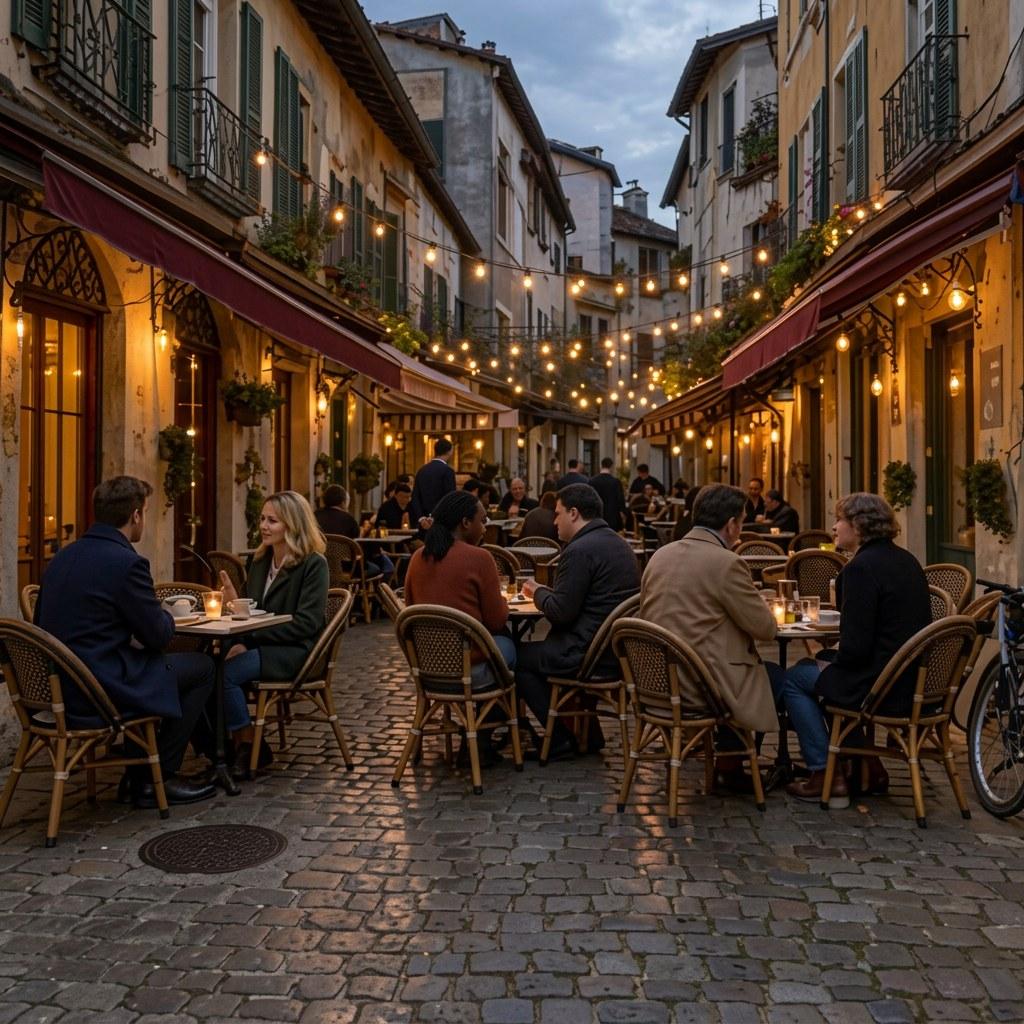
AI photo upscaler
A small, soft photo made sharp.
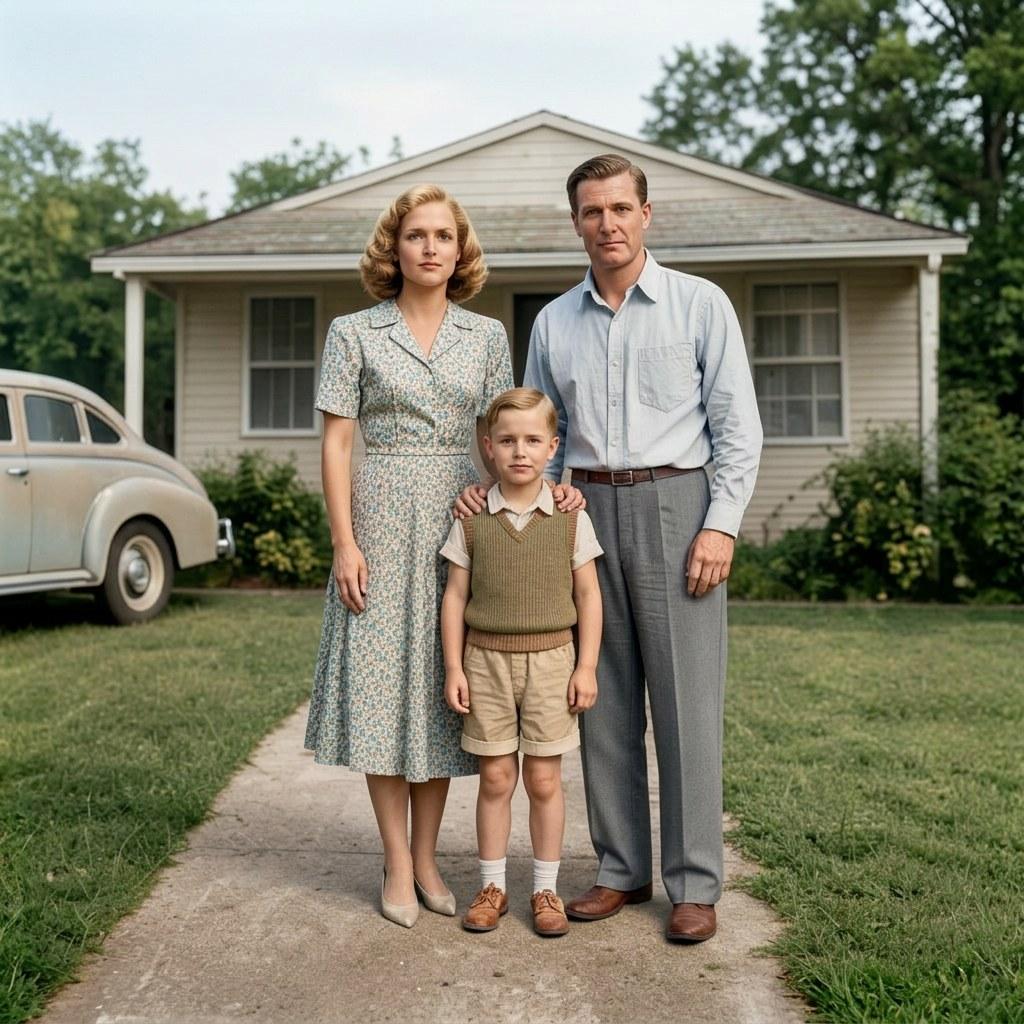
Restore old photos
The family print, without the damage.
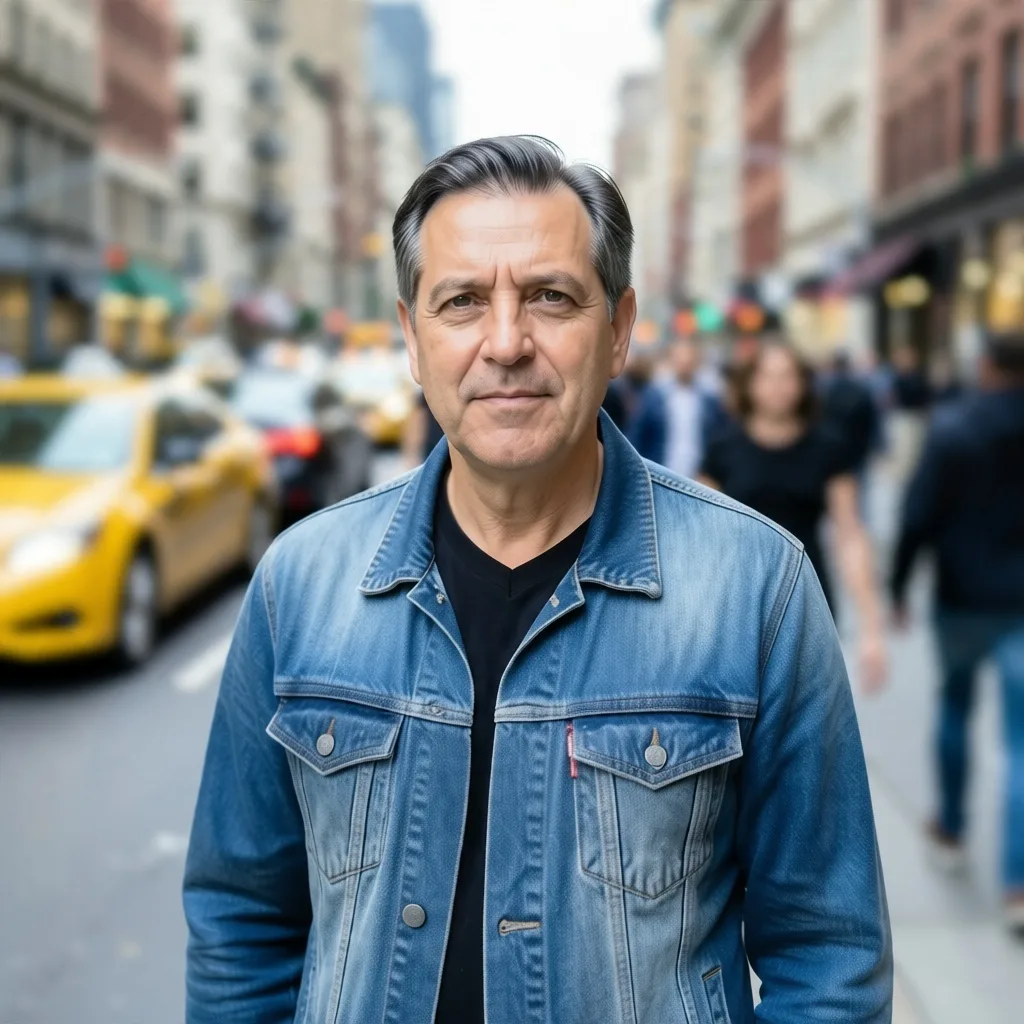
Blur background
Portrait mode, after the fact.
Remove text from image
The words gone, the picture whole.

Remove object from photo
Paint it. Gone.
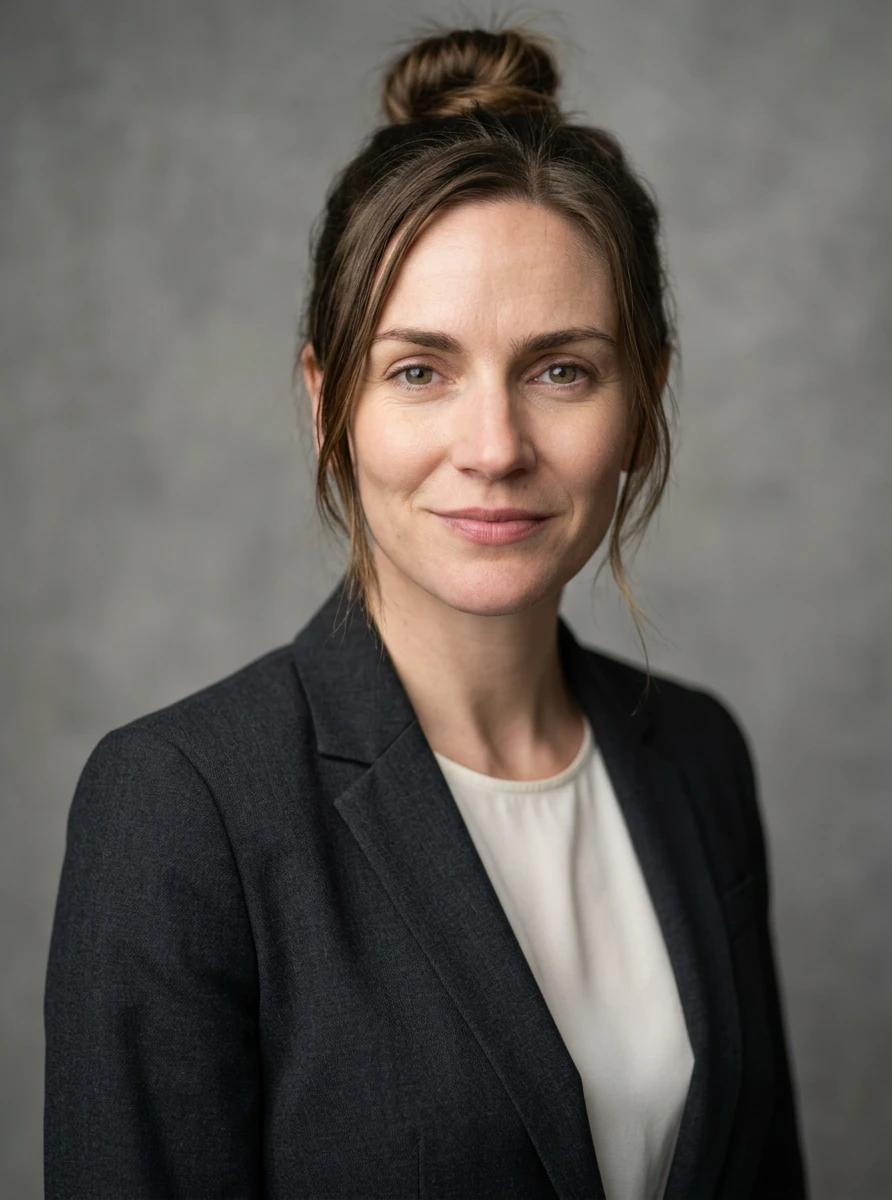
AI headshot generator
A studio headshot from one selfie.
Remove background from image
A clean cut-out, nothing behind it.
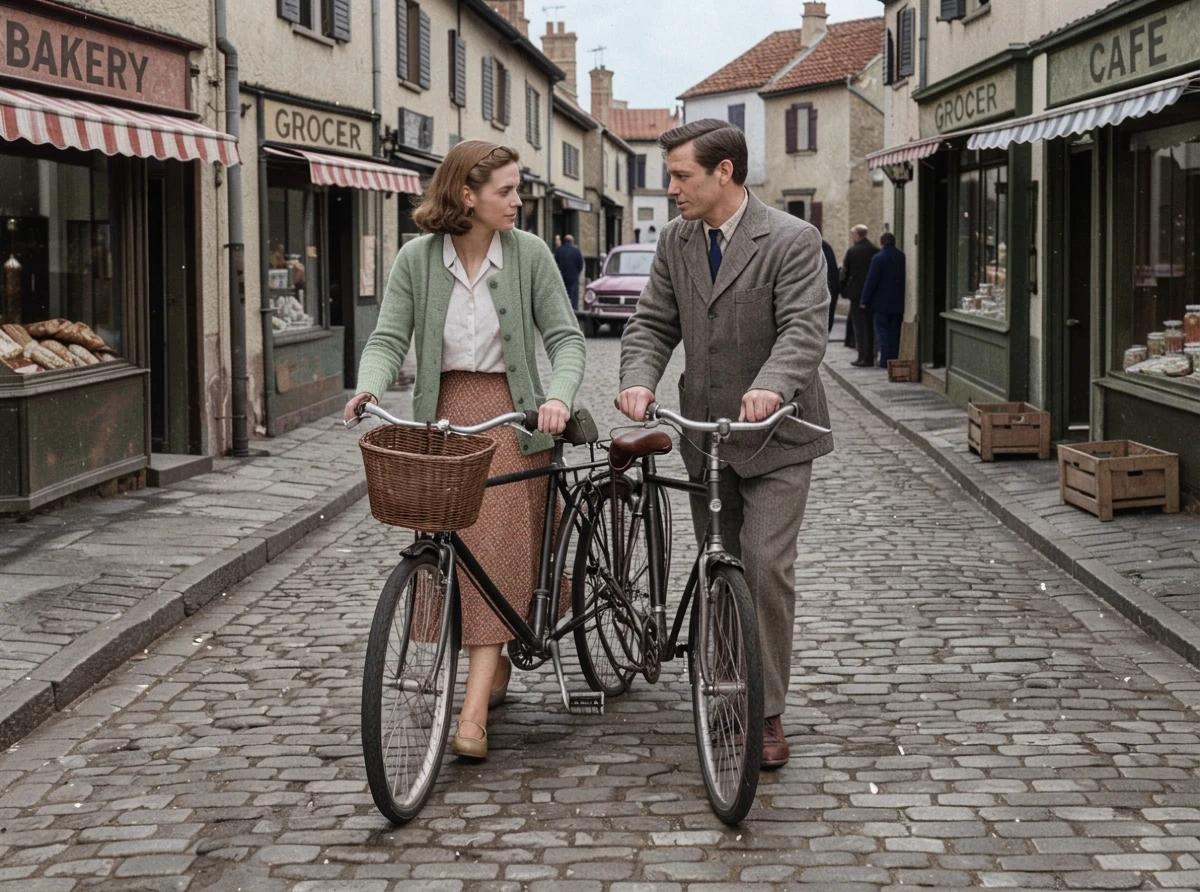
Colorize black and white photos
Old photos, in the color of their time.