Change photo background
The same people, somewhere else.
Upload a photo and pick a new place: a beach, a city at night, the mountains, a forest, a Paris street or a clean studio. The people stay as they are, and the light and perspective are matched so it still looks like a photo.
Photo tools come with every paid plan, from $19.99 a month.
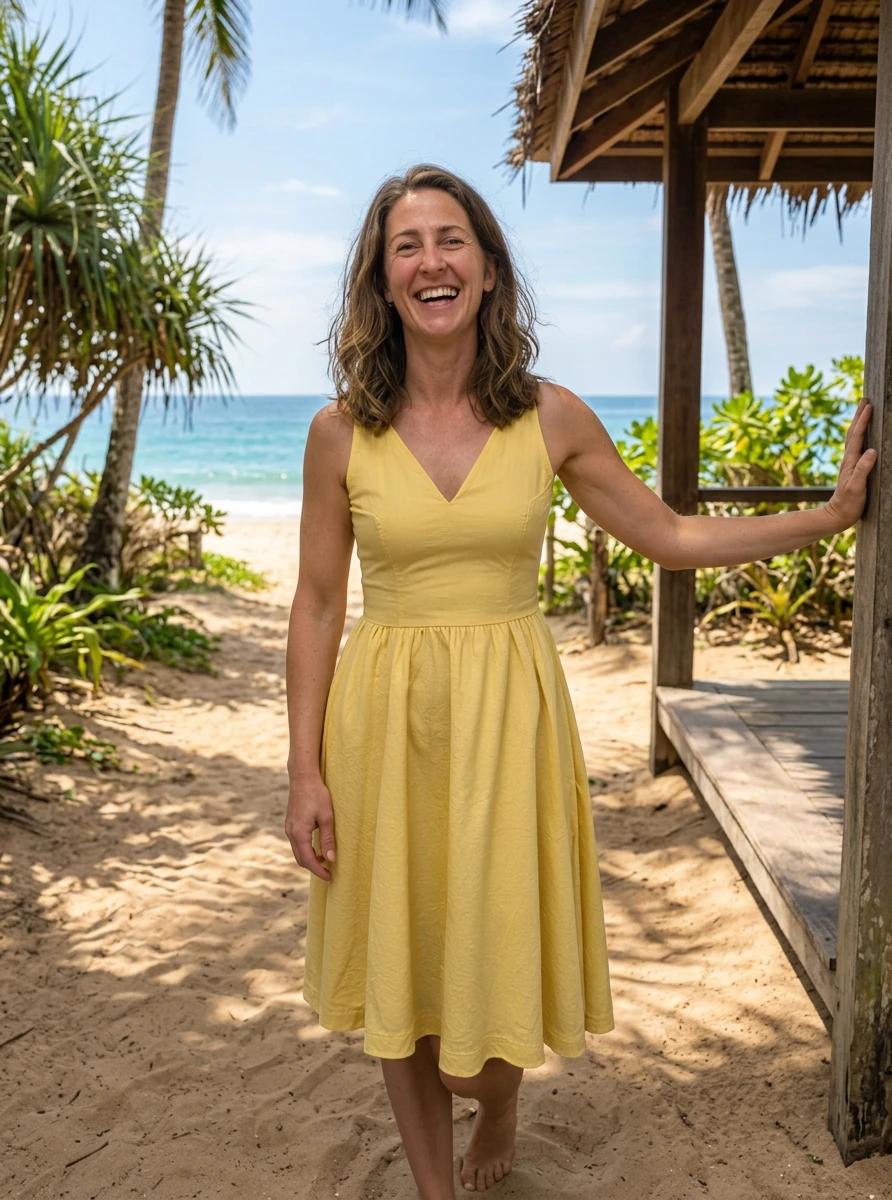
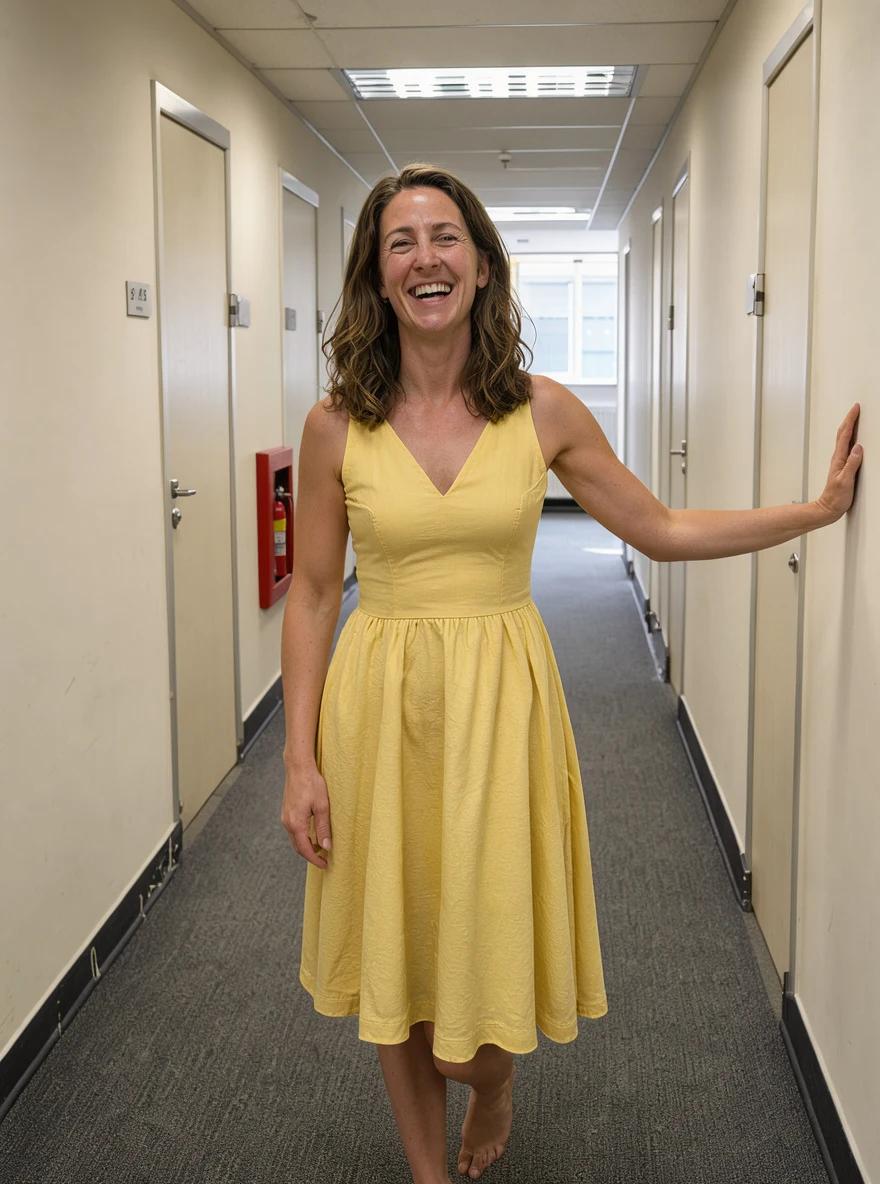
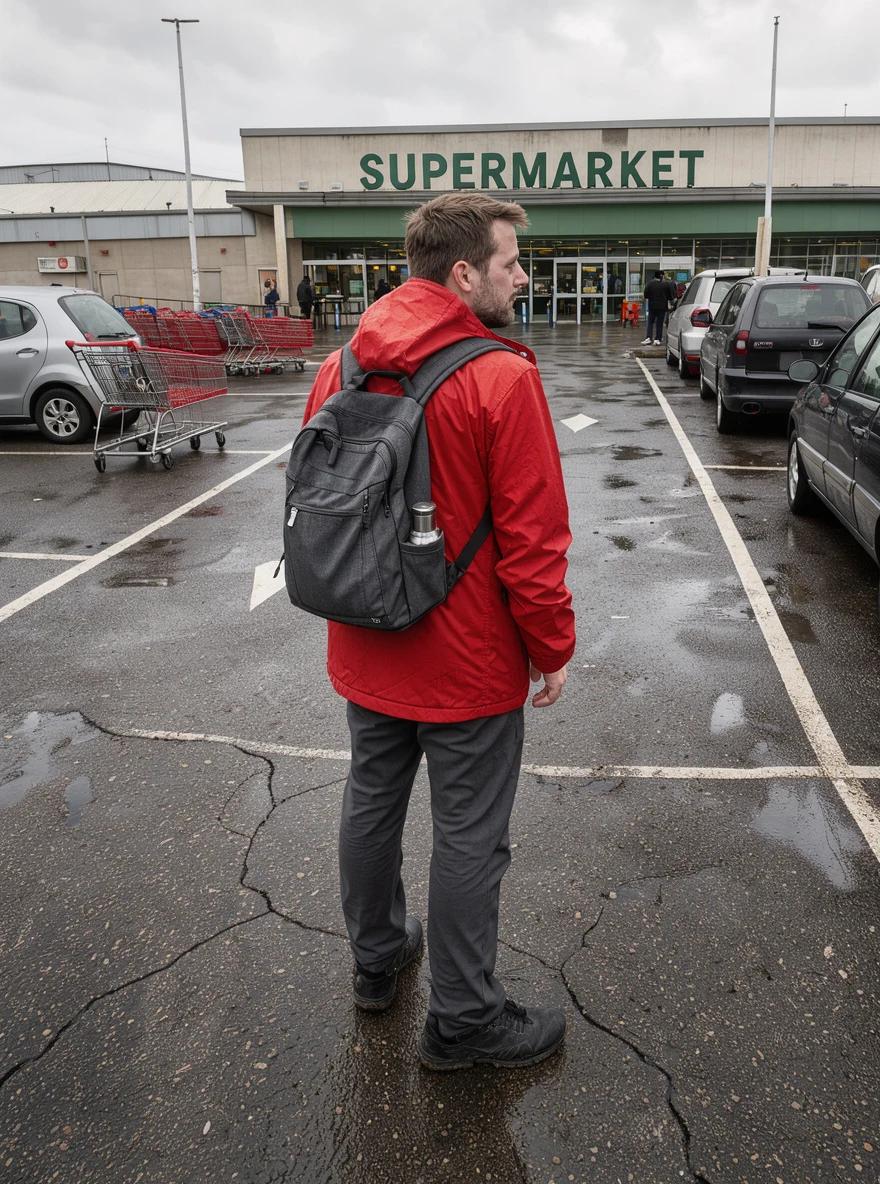
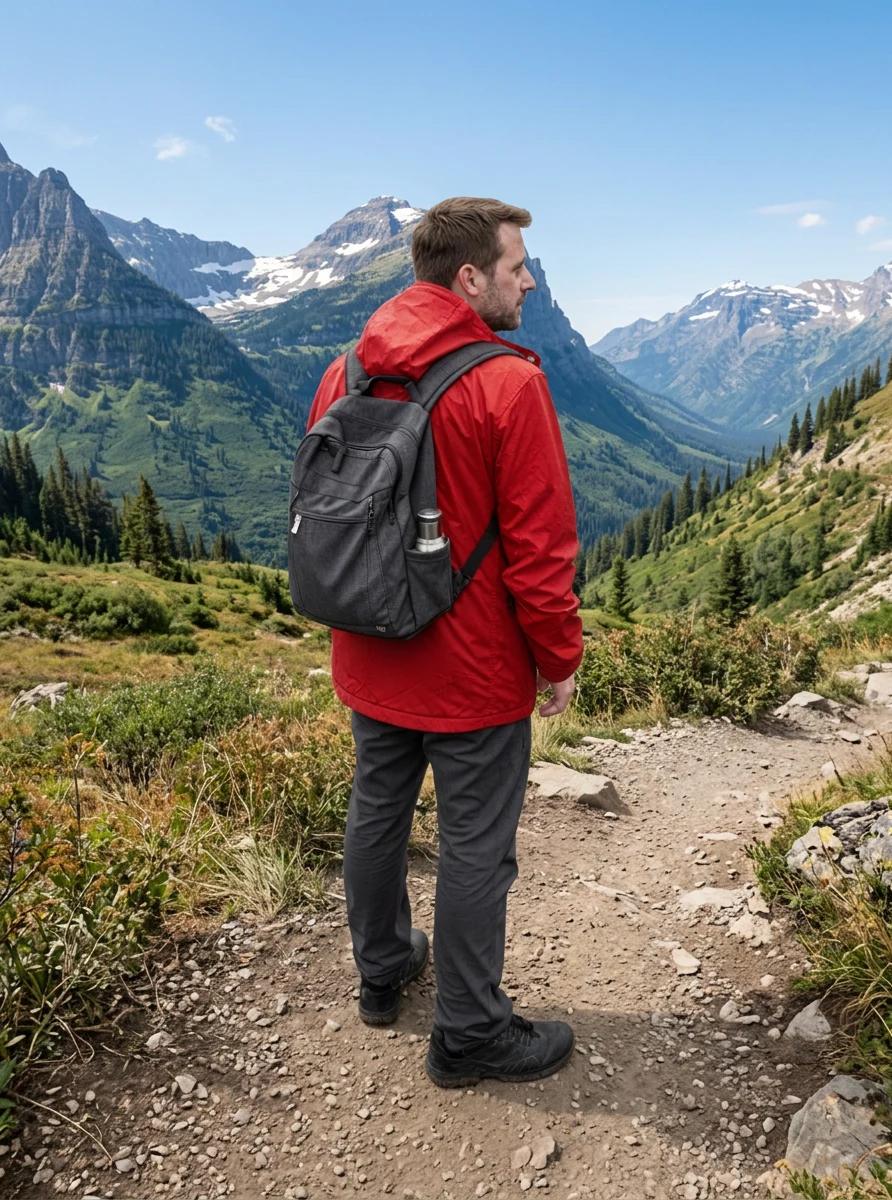
Before and after.
An office hallway turned into a beach, and a parking lot into the mountains. Drag the slider to compare.
How it works.
- 1Upload the photoOne person, a couple, a group or a product: anything with a clear subject.
- 2Pick a placeBeach, city at night, mountains, forest, Paris street or studio.
- 3DownloadCheck the edges around hair and hands, then download or try another place.
- People left as they are. The tool is told to keep everyone exactly as they are: same pose, same clothes, same faces.
- Real runs on this page. The office hallway and the parking lot below were changed by the tool itself.
- The price before you run. The tool shows what one change costs in credits before you press the button.
When people change a background.
Profile pictures
A selfie taken in a car or an office, moved somewhere that says more about you.
Messy rooms
A good photo ruined by clutter behind, given a clean place instead.
Travel posts
A trip photo with a grey sky or a crowd behind, given the view you came for.
Products
An object shot on a desk, shown in a studio or a lifestyle setting.
- Studio portraits. A plain, even backdrop for a CV, a team page or a dating profile.
- Cards and invitations. A family photo set on a beach or in snowy mountains for a greeting card.
Good to know.
Not a cut-and-paste
Removing a background and pasting a picture behind leaves hard edges and the wrong light. This tool redraws the scene around the subject, so the light, shadows and perspective agree.
- Light matched. A sunny beach puts warm light on faces; a city at night gives them a cooler, darker look.
- Edges. Hair, glasses and loose clothes blend in instead of showing a cut-out halo.
- Only a transparent background? Use Remove background instead: it gives you a cut-out to place anywhere yourself.
Questions, answered.
Something else on your mind? Write to us.
Will it change the people in my photo?
It is told to keep the people and the subject exactly as they are, same pose and clothes. Check faces and hands at full size before you post.
Which backgrounds can I choose?
A beach, a city at night, mountains, a forest, a Paris street and a studio backdrop.
Is it the same as removing a background?
No. Remove background gives you the subject on a transparent background. Change background puts the subject in a new place, with the light matched.
Does it work on products?
Yes, on any photo with a clear subject. For product shots meant to sell, AI product photography gives you more studio and lifestyle scenes.
Is it free?
Change background runs on credits, so it needs a paid plan. The free plan covers chat and text-to-image only.
More photo tools.
All AI tools
Remove background from image
A clean cut-out, nothing behind it.
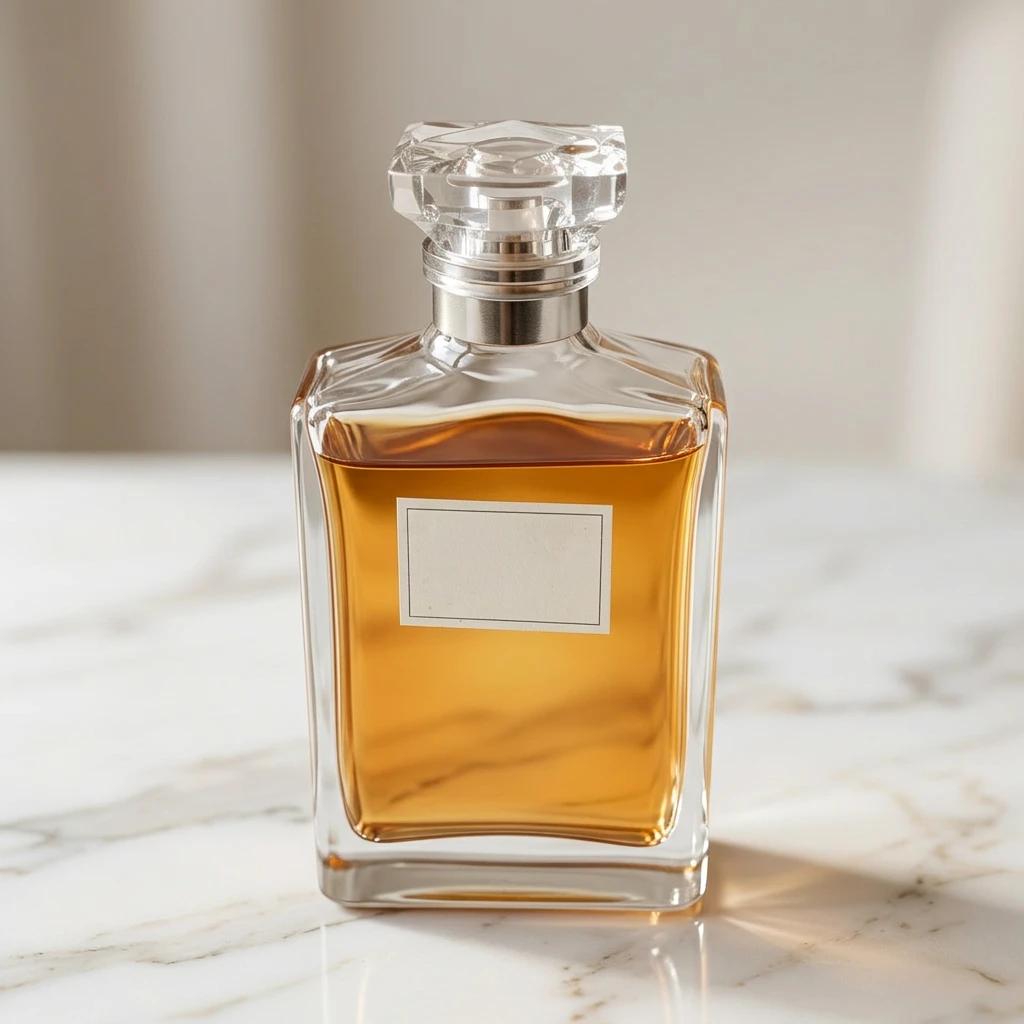
AI product photography
Studio shots from one phone photo.
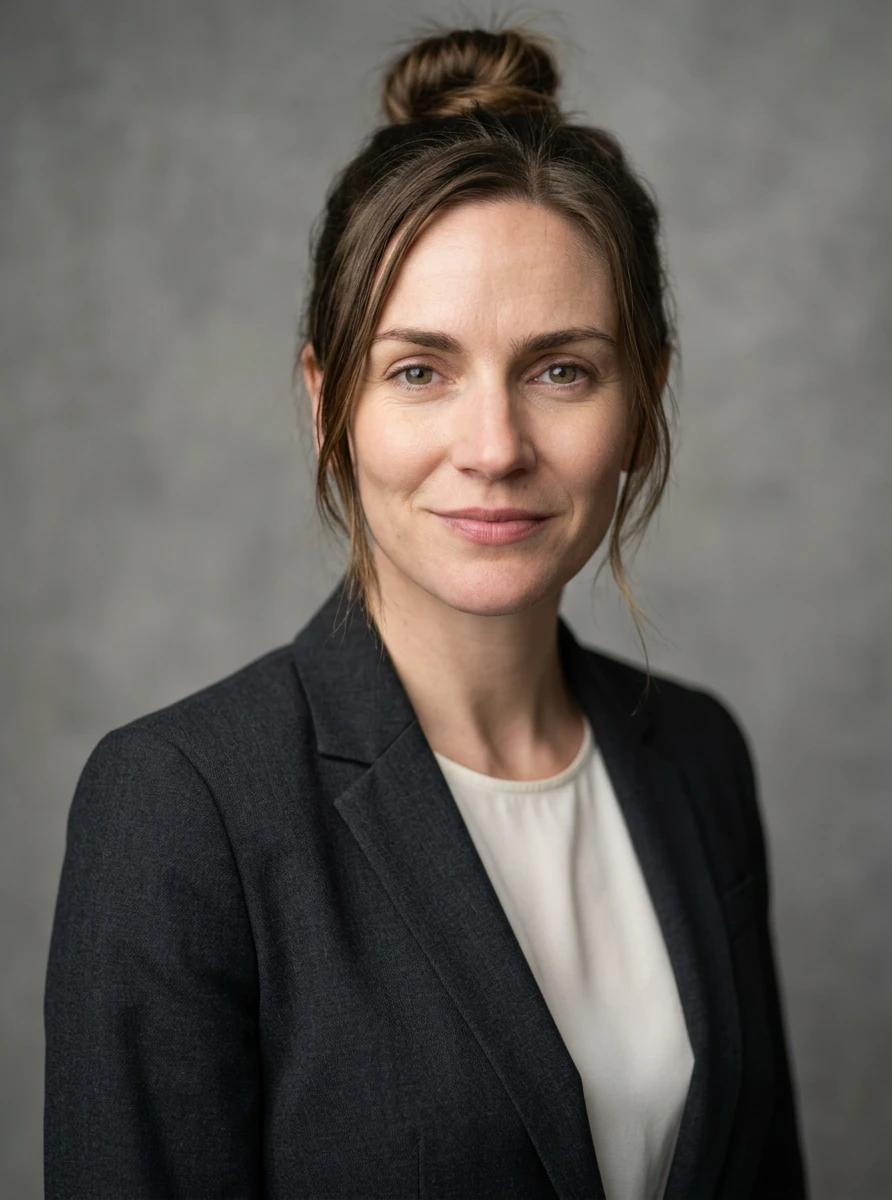
AI headshot generator
A studio headshot from one selfie.

Photo to art
Your photo, redrawn in a style.
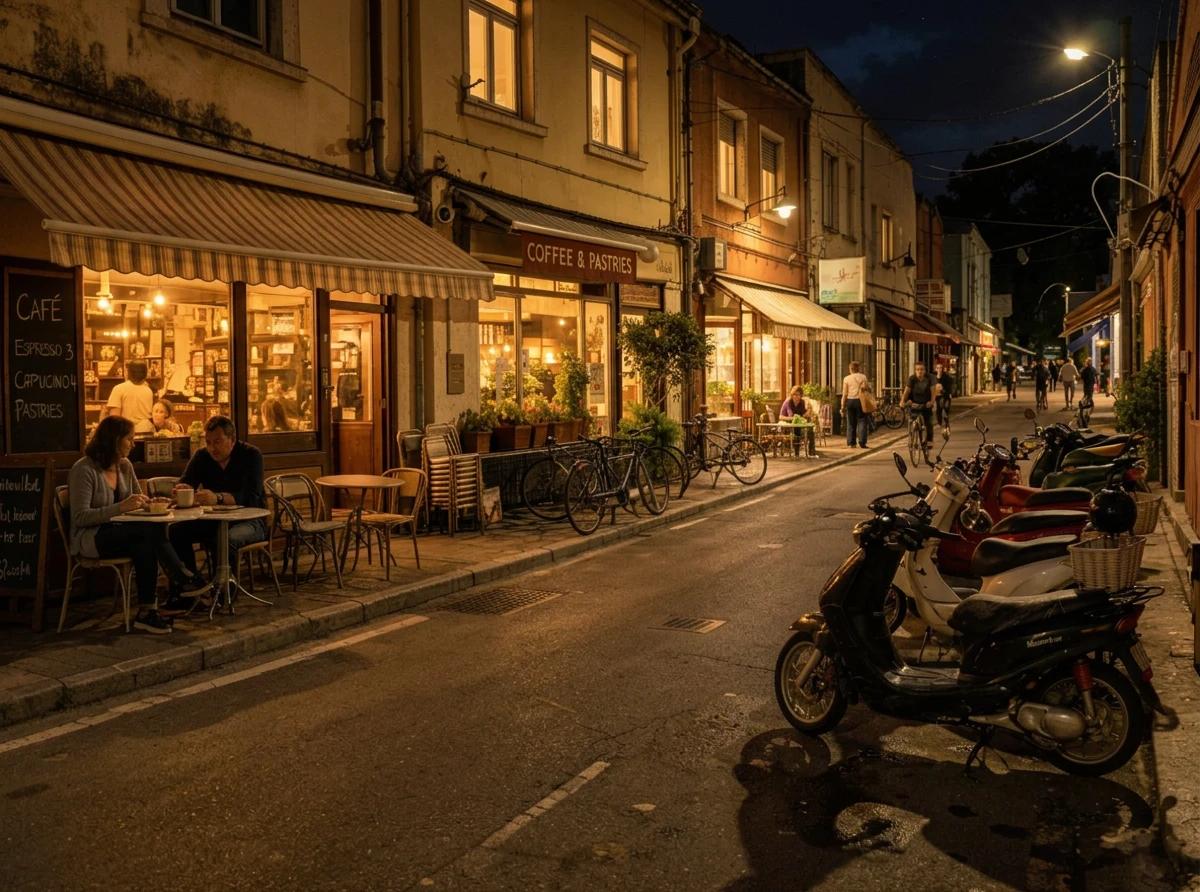
Day to night photo
The same scene, at another hour or season.
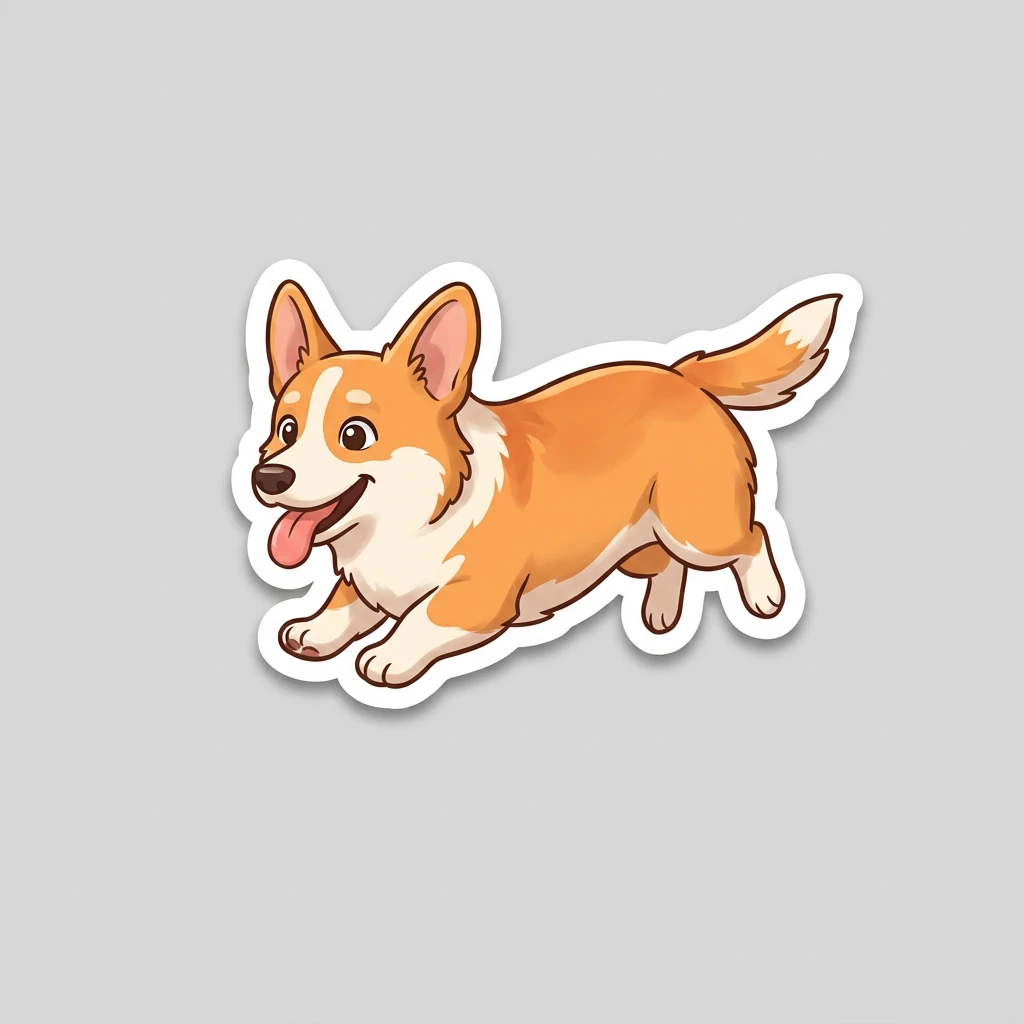
AI sticker maker
Anyone or anything, as a die-cut sticker.
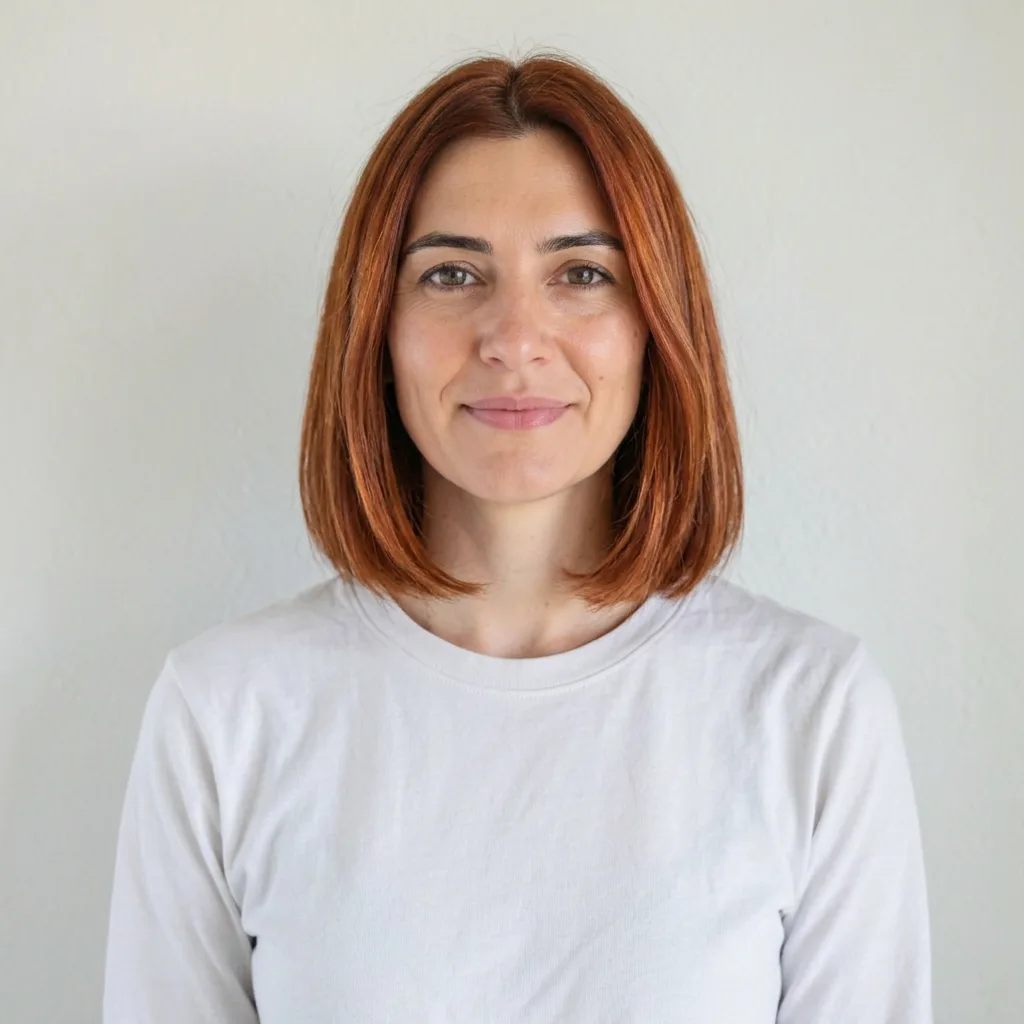
AI hairstyle try on
See the cut before you make it.
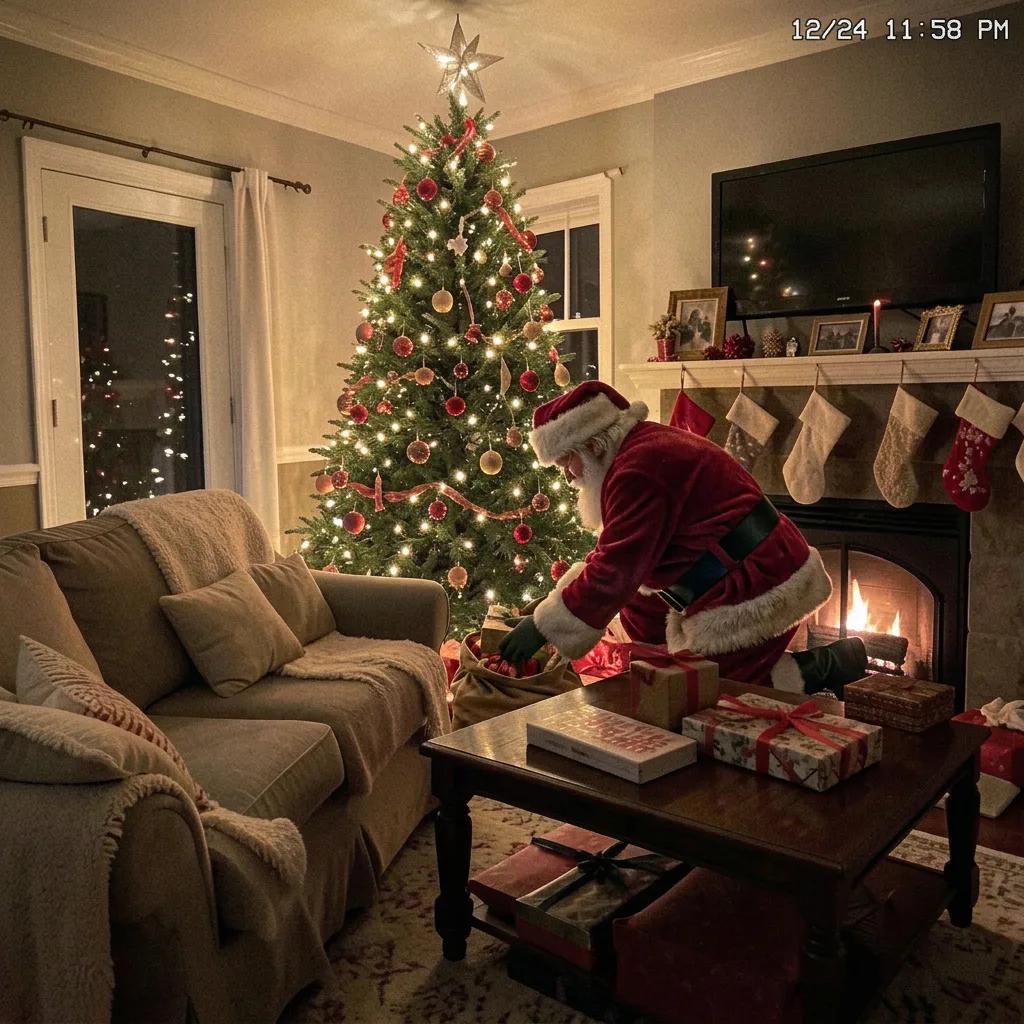
Catch Santa in your own home
Proof, by the tree.