Remove text from image
The words gone, the picture whole.
Captions, date stamps, prices and overlaid words come off, and what was behind them is drawn back in: sky, wall, fabric or floor, matched to the light and the texture around it.
Photo tools come with every paid plan, from $19.99 a month.


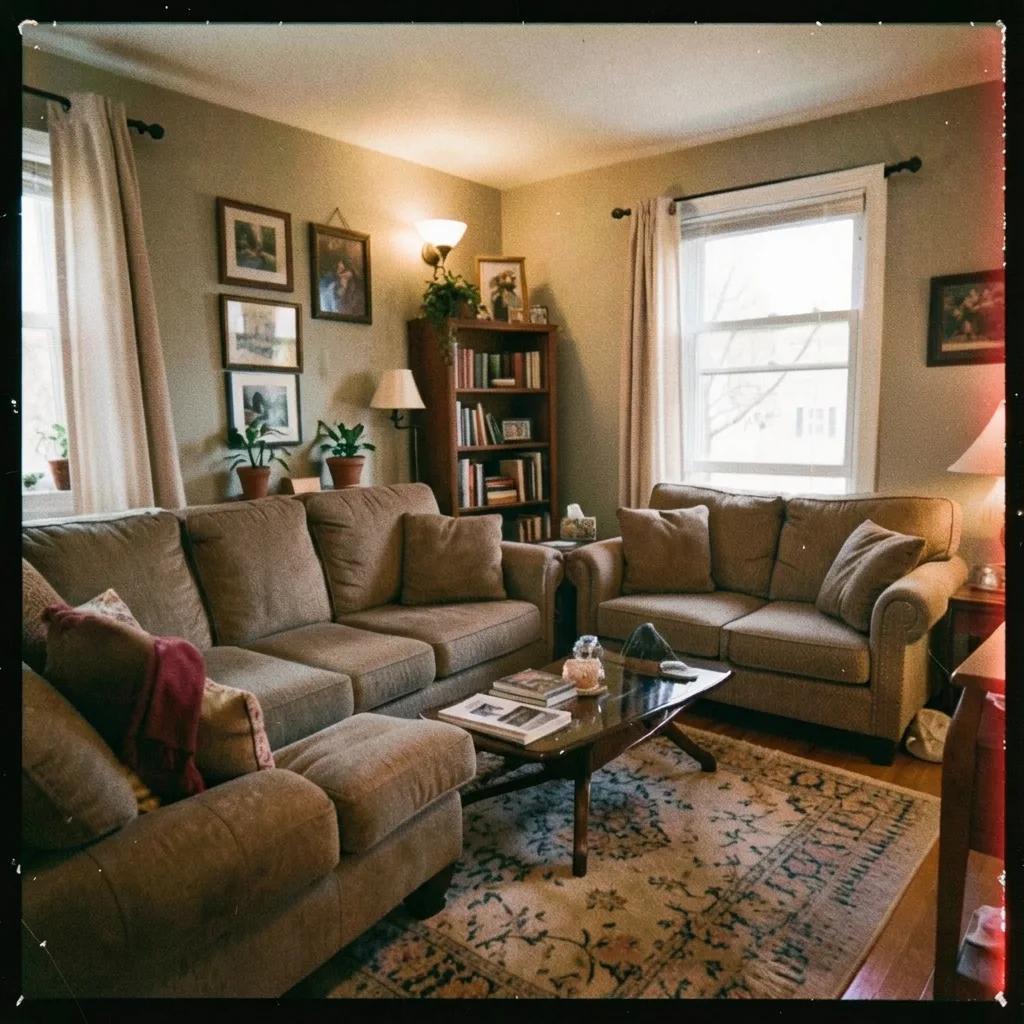
Before and after.
A beach photo under a big caption, and a room under a sale banner and a date stamp.

How it works.
- 1Upload the imageA photo, a screenshot or a product shot, with the text you want gone.
- 2Remove textOne click. Every caption, number and overlaid word is taken out.
- 3Check and downloadLook at the spots that had text, then download or run it again.
- Filled, not blurred. The spot where the text was is redrawn, not smudged or covered with a patch.
- Real runs on this page. Both before-and-afters below came out of the Remove text tool itself.
- The price before you run. The tool shows what one clean-up costs in credits before you press the button.
When people remove text from an image.
Old photo date stamps
The orange date in the corner of a family print, gone.
Product photos
Supplier text and old prices off a picture you are allowed to use.
Memes and reposts
Your own picture freed of its caption, ready for a new one.
Slides and screenshots
A clean background to write new words over.
- Listings. A sold sign or an agency banner removed from your own property photo.
- Design drafts. Placeholder words taken out of a mockup before the real copy goes in.
Good to know.
What it removes, and what it keeps
- Overlaid text. Captions, titles, stickers with words, prices and camera date stamps.
- Text in the scene. Signs and labels in the photo are removed too, so check a shop front or a product label after.
- Everything else. People, objects, colors and the framing stay as they were.
Questions, answered.
Something else on your mind? Write to us.
How do I remove text from a picture?
Upload it and press Remove text. The tool finds the words and fills each spot with what would naturally be behind it.
Can I keep some of the text?
Not yet: it removes all the text it finds. Crop or edit the result if one word should stay.
Can I use it to remove watermarks?
Only on images you own or have the rights to. Removing a watermark or a credit from someone else's work breaks their copyright.
Does it work on busy backgrounds?
Plain areas come back clean. Text over faces or detailed patterns is redrawn too, so check those spots before you use the image.
Is it free?
Remove text runs on credits, so it needs a paid plan. The free plan covers chat and text-to-image only.
More photo tools.
All AI tools
Remove background from image
A clean cut-out, nothing behind it.

Change photo background
The same people, somewhere else.

Unblur image
The shot you almost got, made sharp.

Blur background
Portrait mode, after the fact.

Remove object from photo
Paint it. Gone.

AI headshot generator
A studio headshot from one selfie.

Restore old photos
The family print, without the damage.
Colorize black and white photos
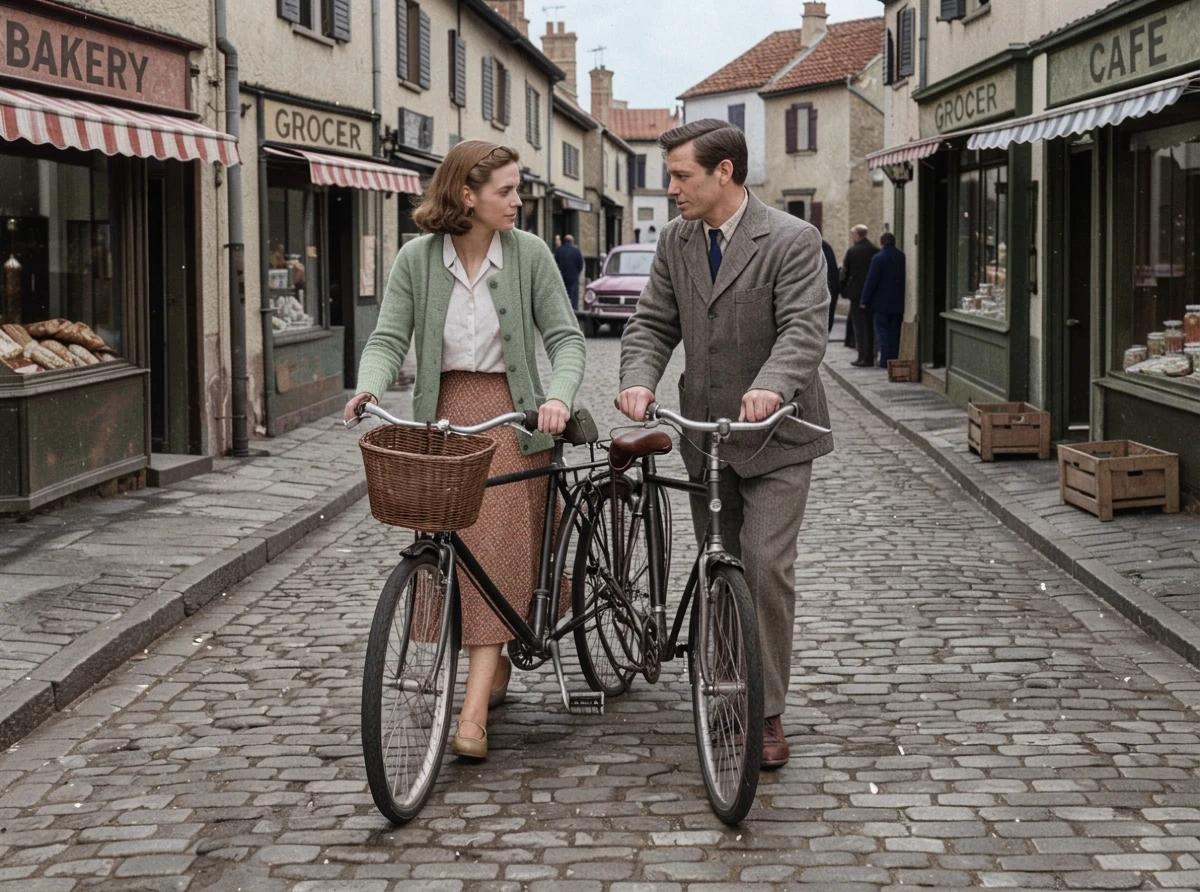
Old photos, in the color of their time.