Colorize black and white photos
Old photos, in the color of their time.
Upload a black and white photo and get it back in natural color: skin, clothes, sky, brick and leaves. The faces, the composition and every detail stay the same; only the color is added.
Photo tools come with every paid plan, from $19.99 a month.
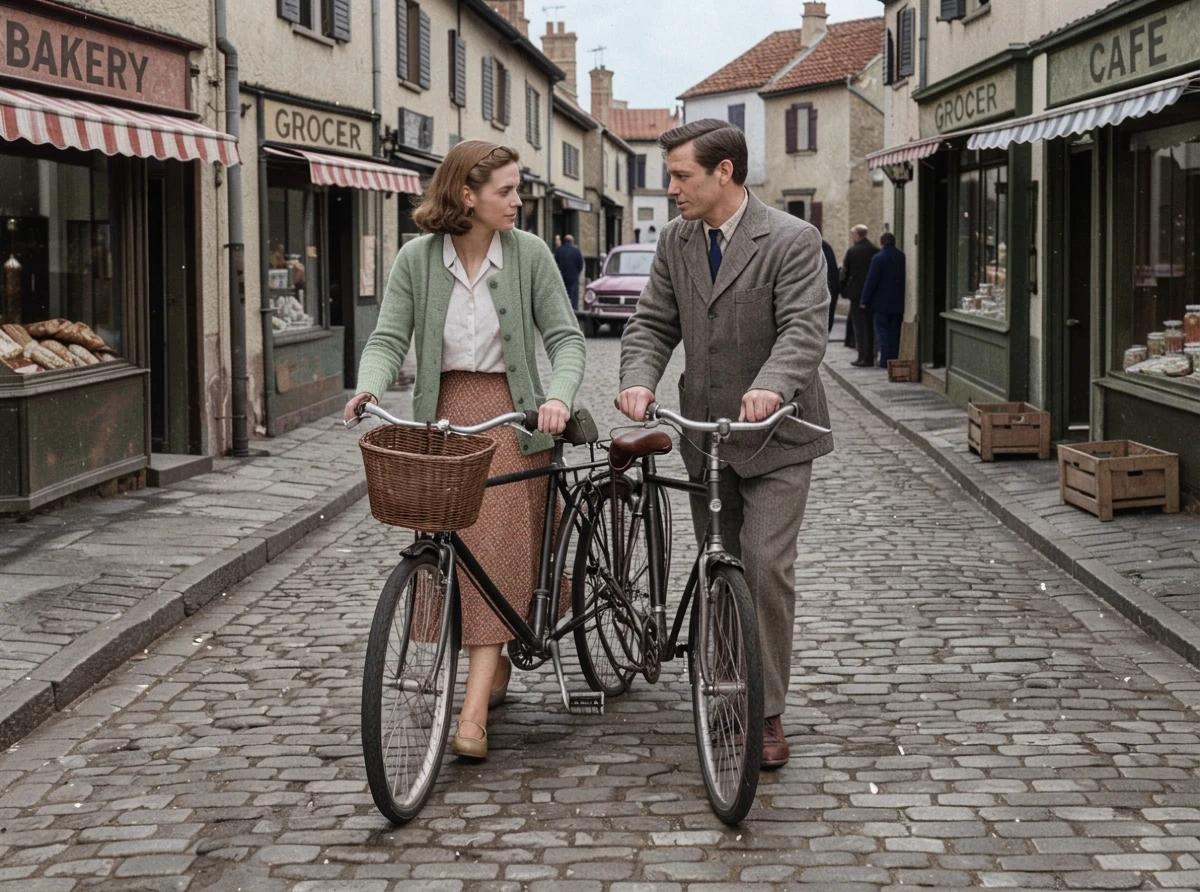
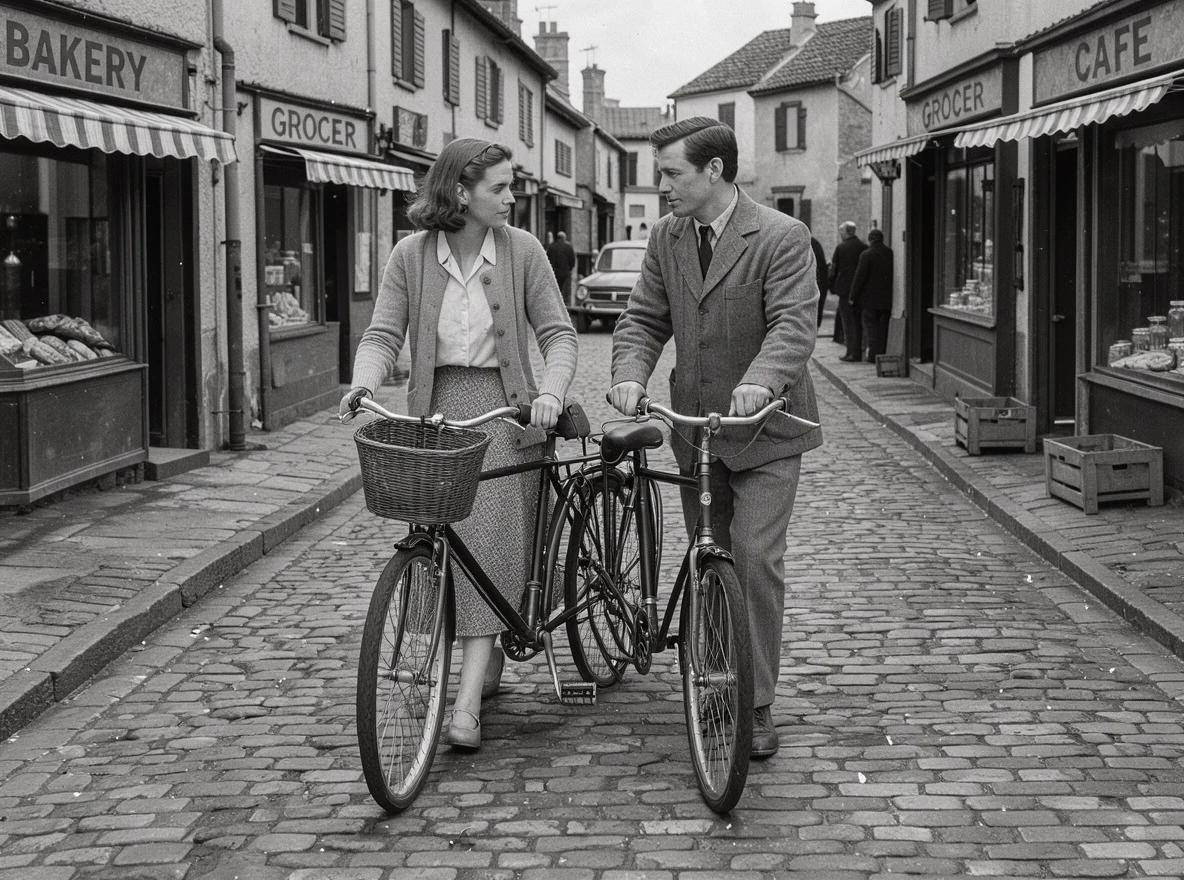
Before and after.
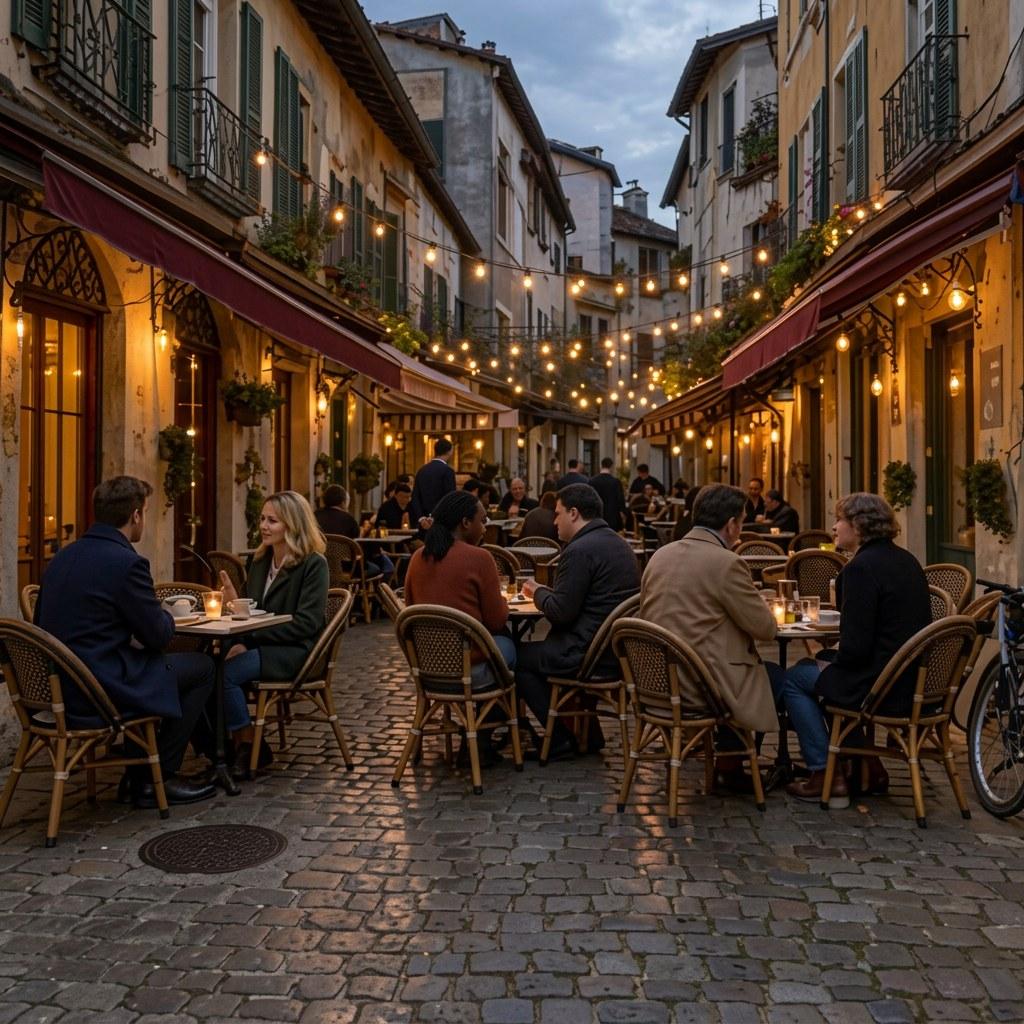
A 1950s street and an old harbor portrait, each colorized by the tool.
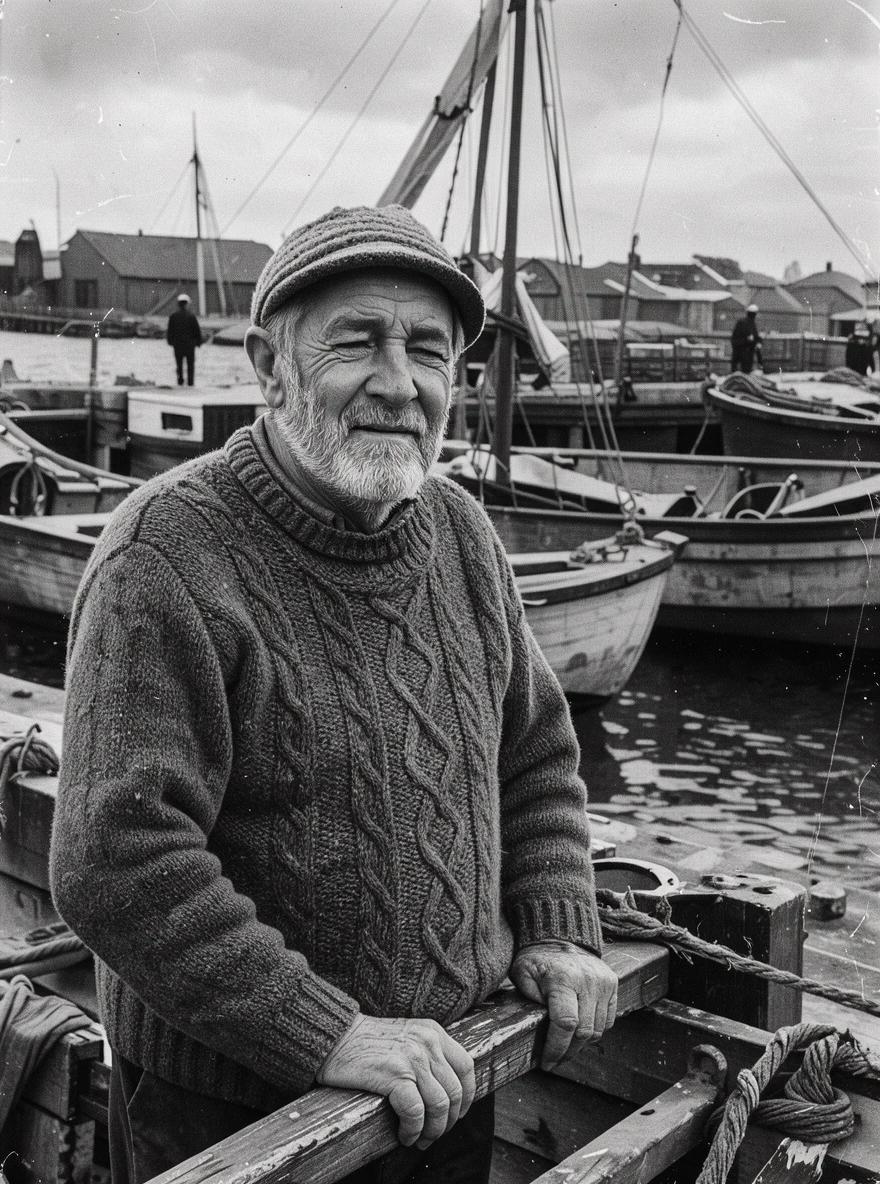
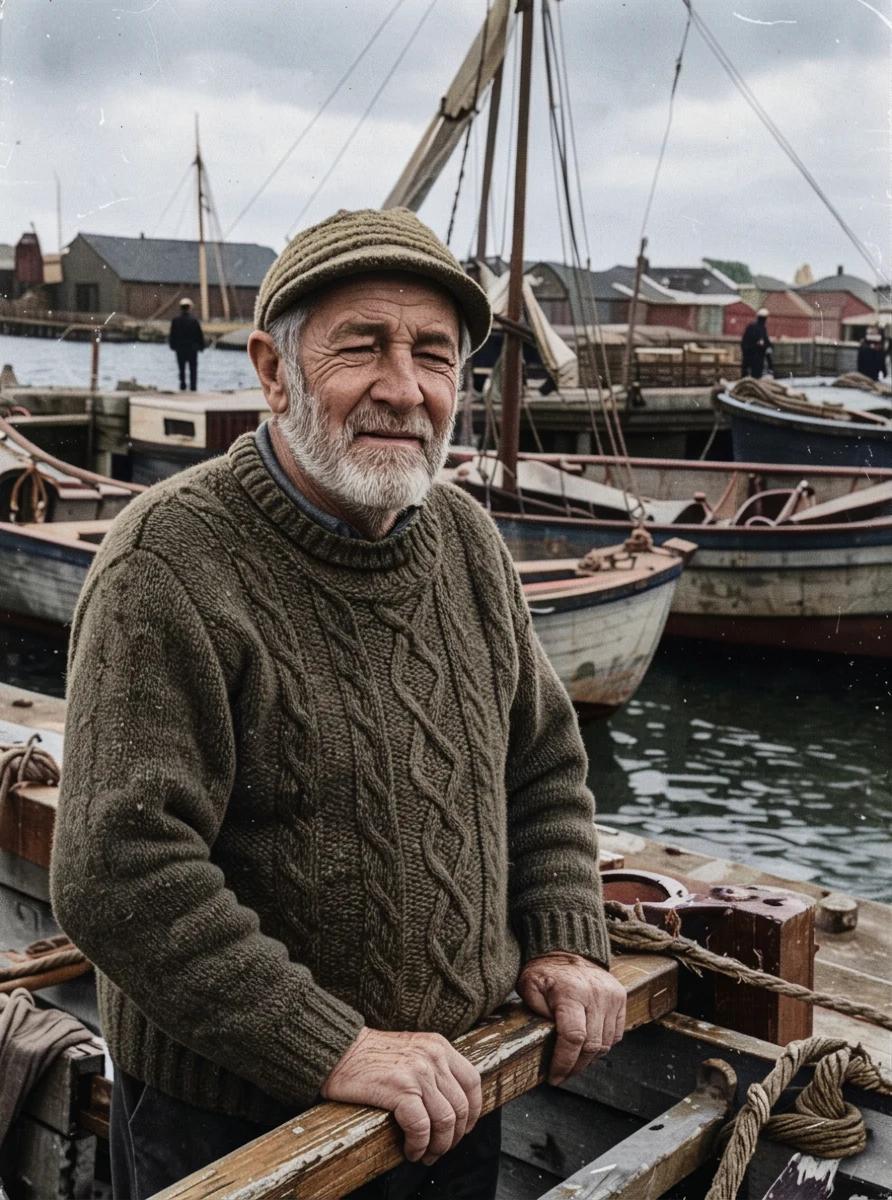
How it works.
- 1Restore first if neededScratches and stains get colored too. Run a damaged print through Restore before you colorize it.
- 2Upload and colorizeOne click. The model picks colors that fit the era and the light of the photo.
- 3Fix what you knowIf you know the dress was red, open the result in the image editor and ask for it in one sentence.
- Color only. The instruction keeps every person, face and detail where it is. Nothing is added to the scene.
- Real runs on this page. Both before-and-afters below came out of the Colorize tool itself.
- The price before you run. The tool shows what one photo costs in credits before you press the button.
What people colorize.
Family albums
Grandparents' wedding photos and childhood snapshots, to share with the family.
Genealogy
A colorized copy next to the original makes an ancestor feel closer in a family tree.
Local history
Old views of a street or a village, for a talk, a book or a town page.
Gifts
A printed, colorized portrait for a birthday or an anniversary.
Good to know.
Plausible color, not recorded color
A black and white photo holds brightness, not hue. Any colorization, by hand or by AI, is an informed guess.
- Skin, sky, plants. These come out convincingly, because their colors are predictable.
- Clothes and cars. A gray coat could have been navy, green or brown. The model chooses one that fits; family memory beats it.
- Uniforms and flags. For historical work, check colors against a source. The model knows common uniforms but can be wrong on details.
Questions, answered.
Something else on your mind? Write to us.
Are the colors historically accurate?
They are plausible, not proven. The model chooses colors that fit the period and the light, which works well for skin, sky and plants. For clothes, cars or uniforms, trust a family memory or a source over the result.
Should I restore the photo first?
Yes, if it is scratched or stained. Restore it, then colorize the restored image; otherwise the marks get colored along with everything else.
Does it change faces?
The instruction keeps every face and detail exactly. Check small faces in group photos at full size, since tiny details are where models drift.
Can I colorize a sepia photo?
Yes. Sepia is still a one-tone image; the tool reads it the same way as black and white.
Is it free?
Colorize runs on credits, so it needs a paid plan. The free plan covers chat and text-to-image only.
More photo tools.
All AI tools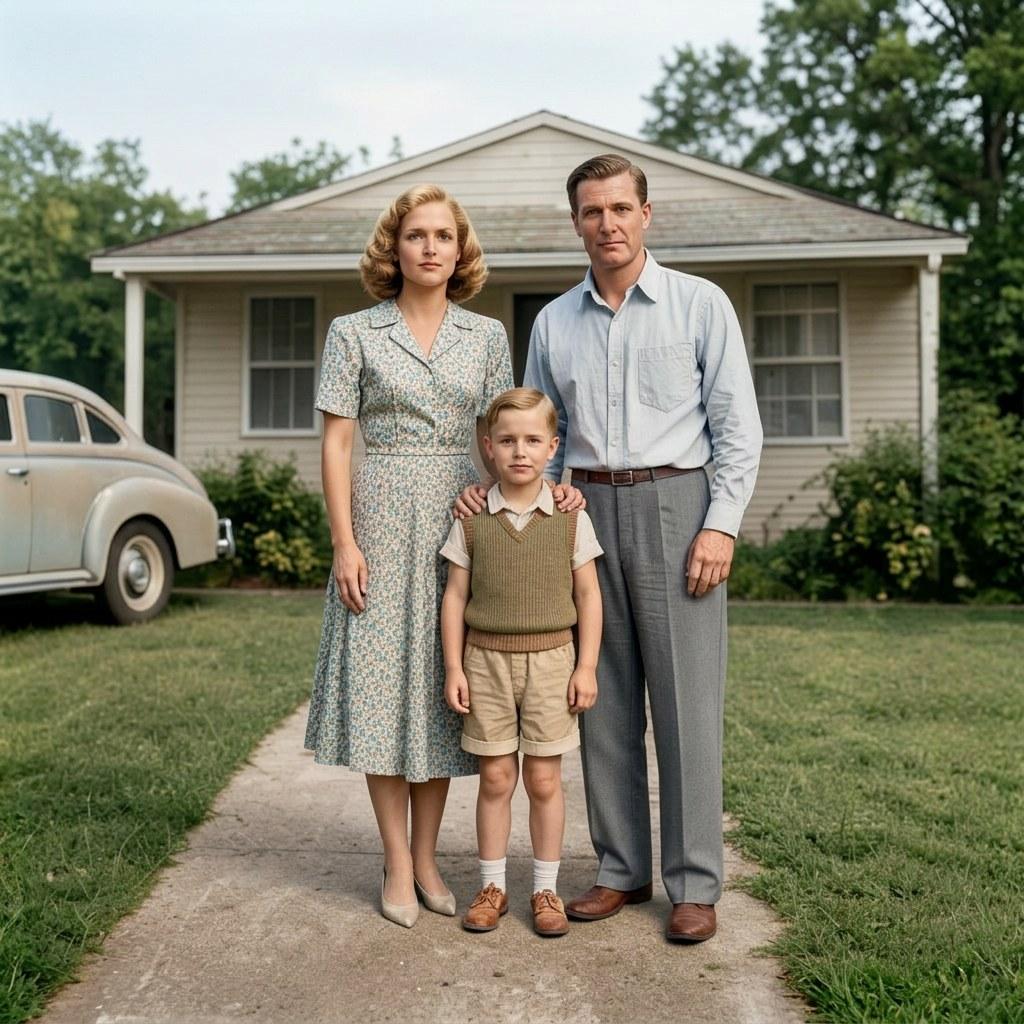
Restore old photos
The family print, without the damage.
AI photo upscaler
A small, soft photo made sharp.
AI face swap
Your face, in any picture.
Expand image with AI
A square photo, made wide or tall.
Unblur image
The shot you almost got, made sharp.
Remove text from image
The words gone, the picture whole.
Blur background
Portrait mode, after the fact.

Remove object from photo
Paint it. Gone.