Remove object from photo
Paint it. Gone.
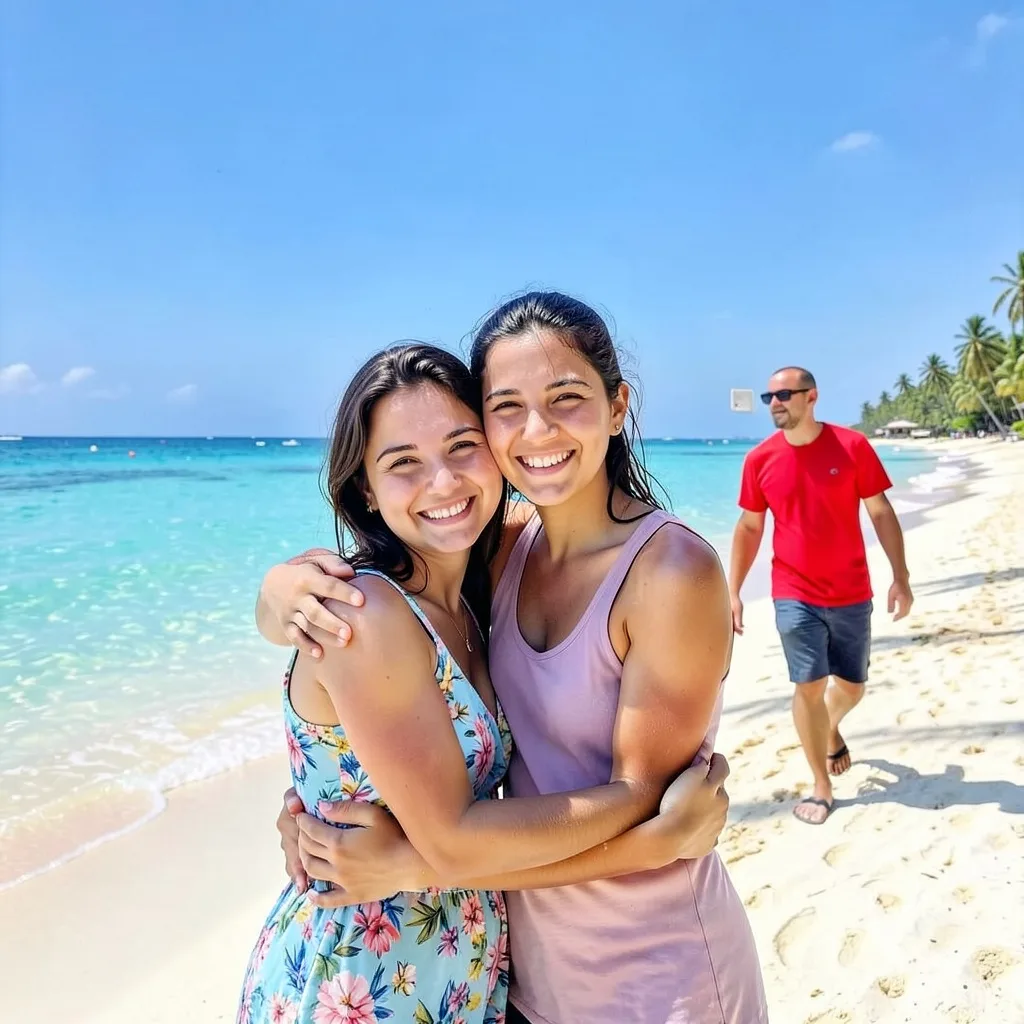
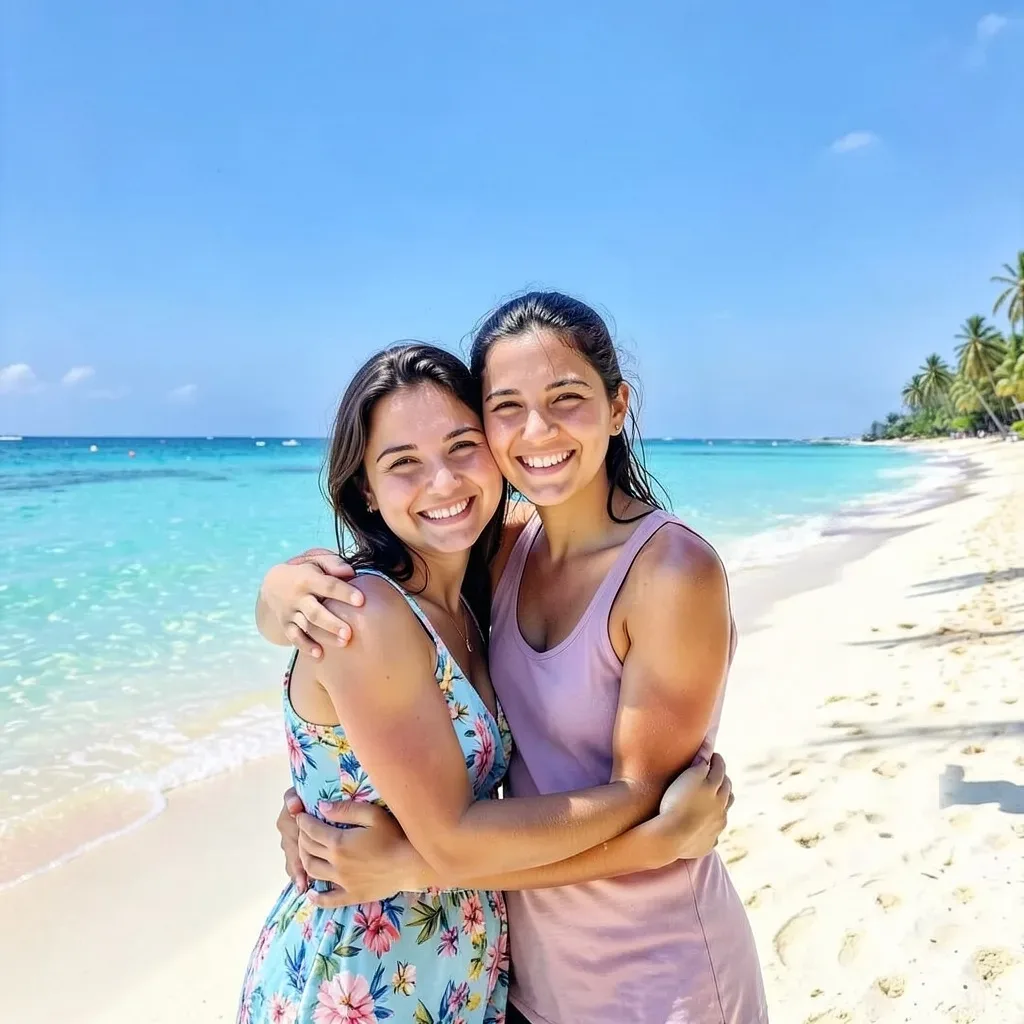
Brush over the stranger in the background, the car in front of the house or the power line across the sky. The eraser removes exactly what you painted and rebuilds the scene behind it, the rest of the photo untouched.
Photo tools come with every paid plan, from $19.99 a month.


Before and after.
A taxi and a passer-by off a street portrait, and a photobomber off a beach photo. Drag the slider to compare.
How it works.
- 1Upload the photoAny photo with something in it you don't want.
- 2Paint over itThree brush sizes, Undo and Clear. Cover the whole object and its shadow.
- 3RemoveOne click. Compare with the slider, then download or paint something else.
- You choose what goes. Only what you paint is removed: no guessing, nothing else changes.
- Real runs on this page. Both before-and-afters below came out of the Remove object tool itself.
- The price before you run. The tool shows what one removal costs in credits before you press the button.
What people remove.
Photobombers
The stranger who walked into your vacation photo.
Tourists
The crowd in front of the monument, for the shot you wanted.
Cars and bins
Parked cars and trash cans off a house photo for a listing.
Wires and poles
Power lines across a sky or a view.
- Clutter. Cables, bottles and mess on a table or a desk.
- Blemishes and spots. A stain on a shirt or a speck on a product shot.
Questions, answered.
Something else on your mind? Write to us.
How do I remove an object from a photo?
Upload the photo, paint over the object with the brush and press Remove. The painted area is erased and filled with the background.
Can I remove a person from a photo?
Yes. Paint over the whole person, including their shadow, and they are replaced by what was behind them.
Will the rest of my photo change?
No. Only the painted area is redrawn; everything you did not paint stays as it was.
What if a trace is left?
Paint a little wider than the object, or run it again on the result to clean what is left.
Is it free?
Remove object runs on credits, so it needs a paid plan. The free plan covers chat and text-to-image only.
More photo tools.
All AI tools
Remove text from image
The words gone, the picture whole.
Remove background from image
A clean cut-out, nothing behind it.
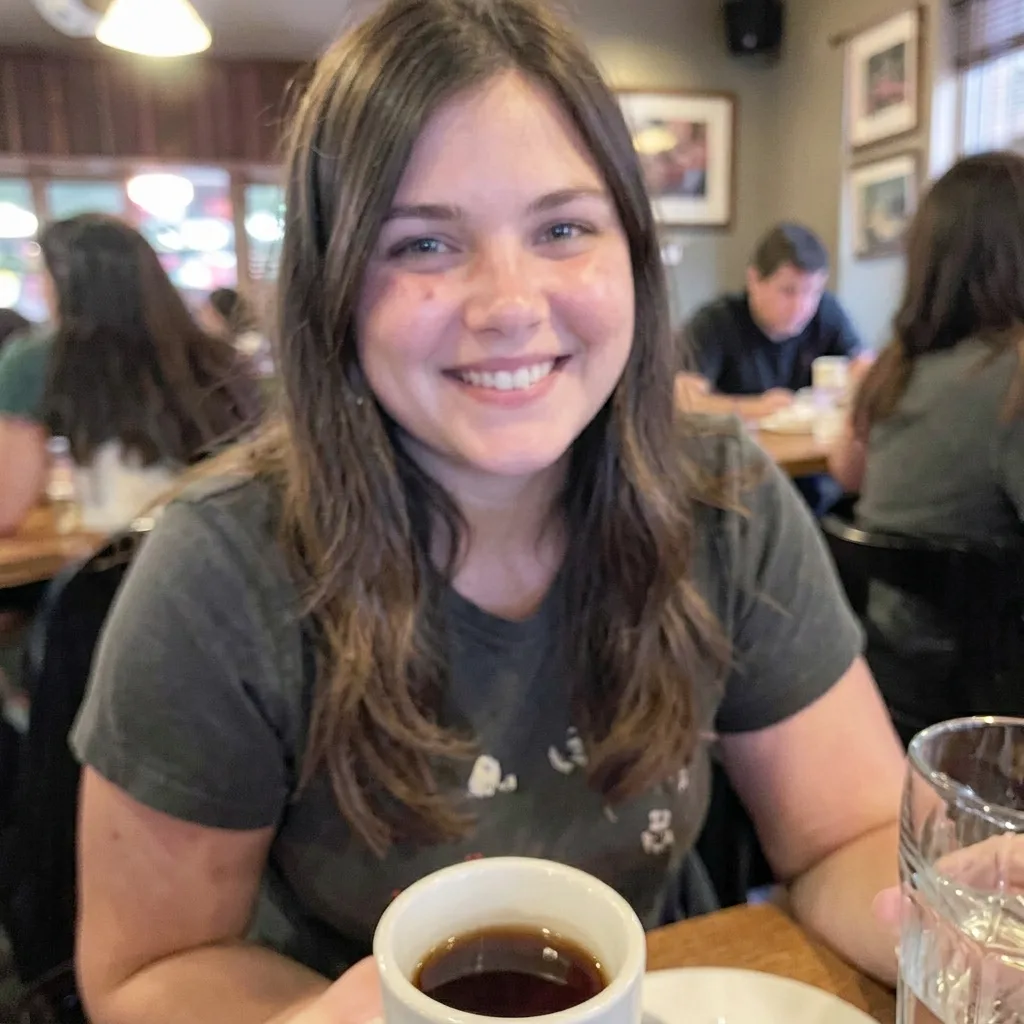
Unblur image
The shot you almost got, made sharp.
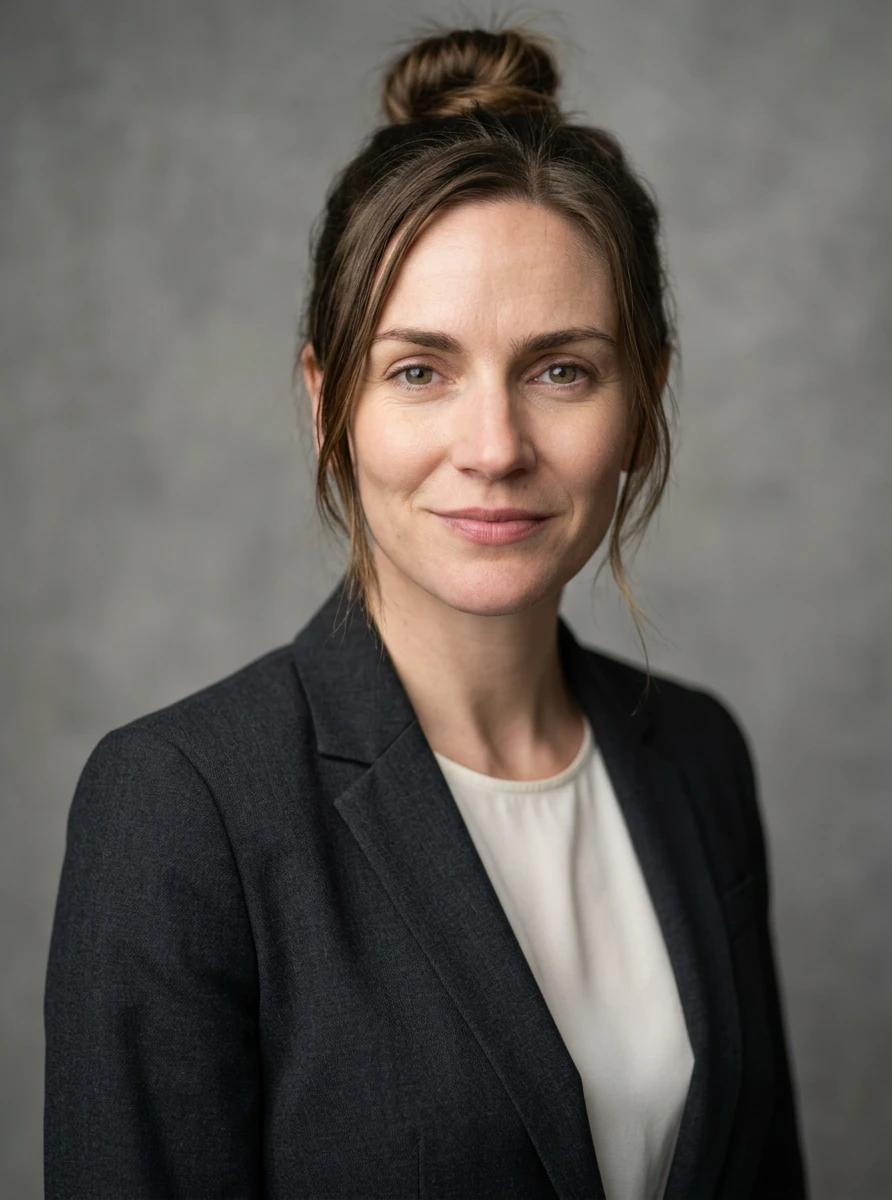
AI headshot generator
A studio headshot from one selfie.
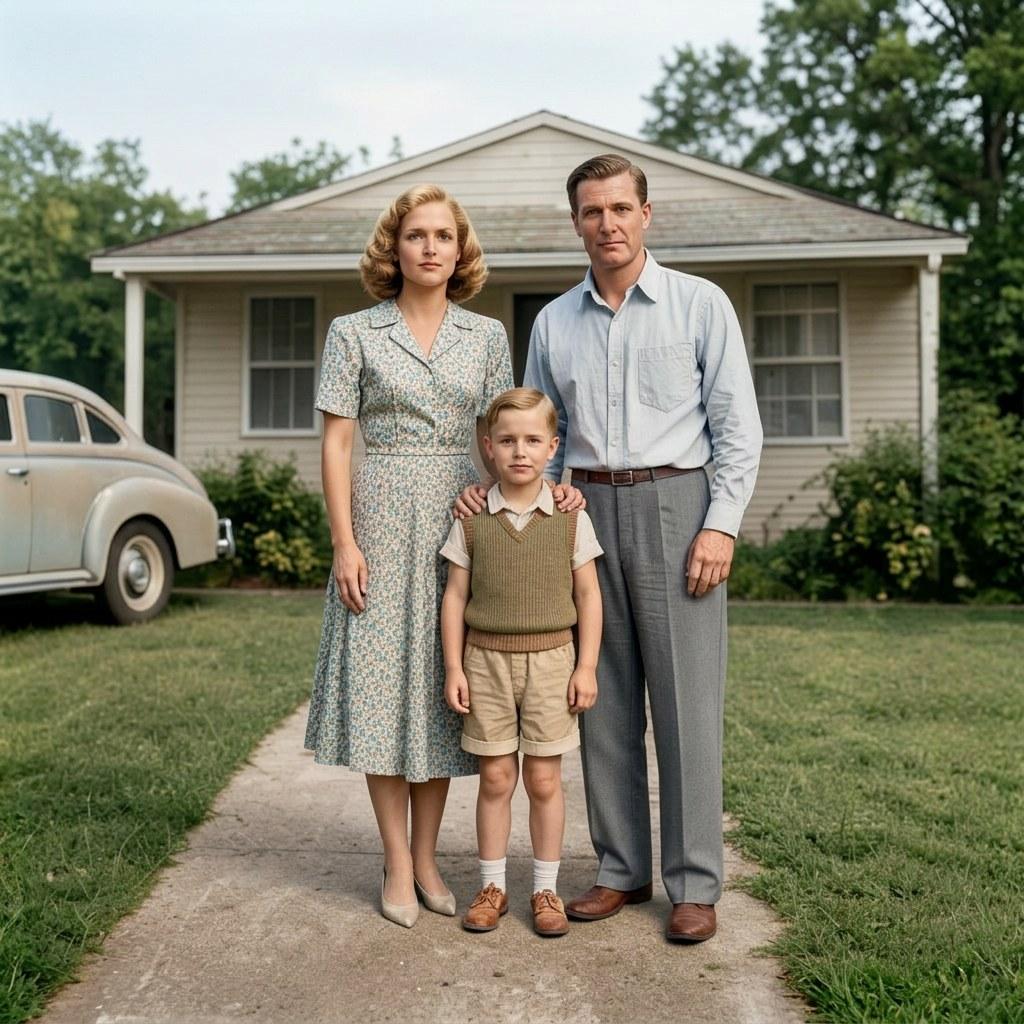
Restore old photos
The family print, without the damage.
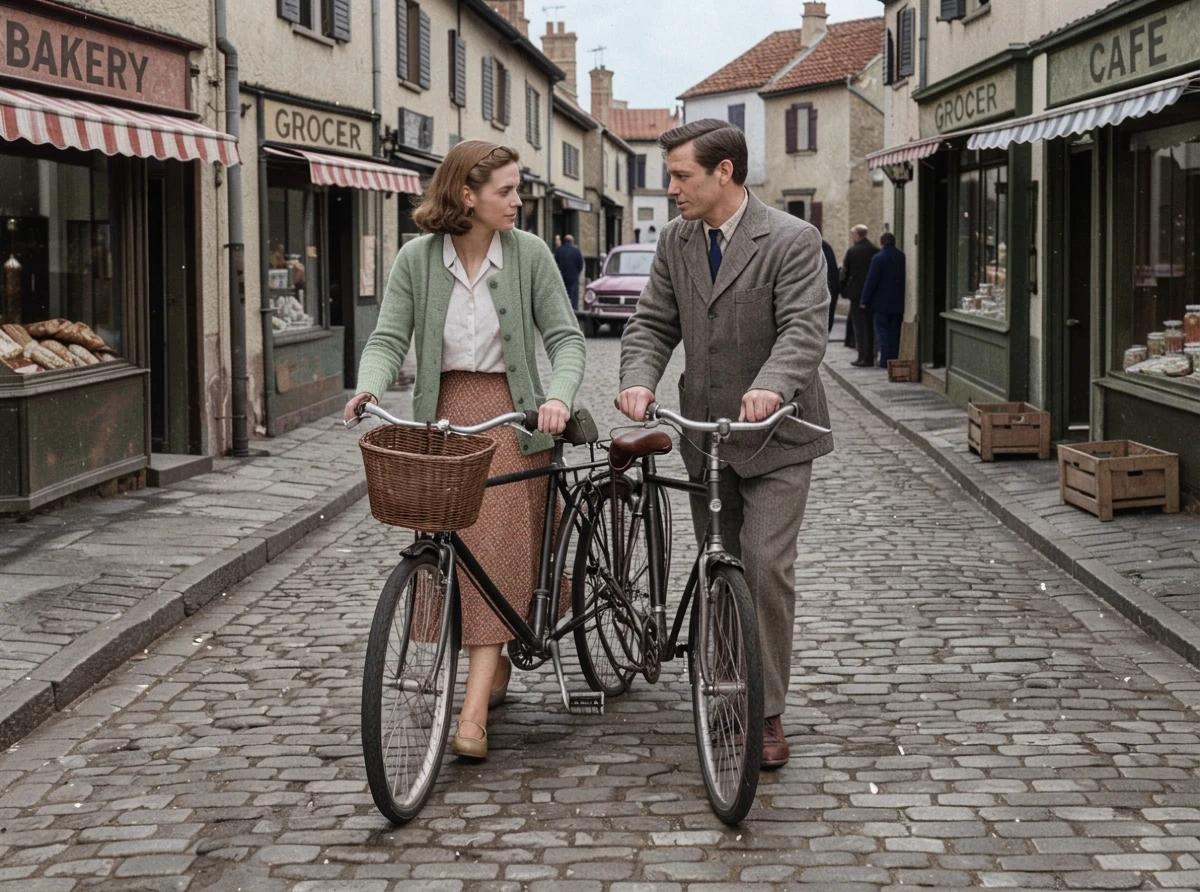
Colorize black and white photos
Old photos, in the color of their time.
AI photo upscaler
A small, soft photo made sharp.
Expand image with AI
A square photo, made wide or tall.