AI headshot generator
A studio headshot from one selfie.
Upload a clear photo of your face, plus up to three more from other angles if you have them, choose a backdrop and an outfit, and get a head-and-shoulders portrait lit like a studio shot. It is still your face, not a stranger who looks a bit like you.
Photo tools come with every paid plan, from $19.99 a month.
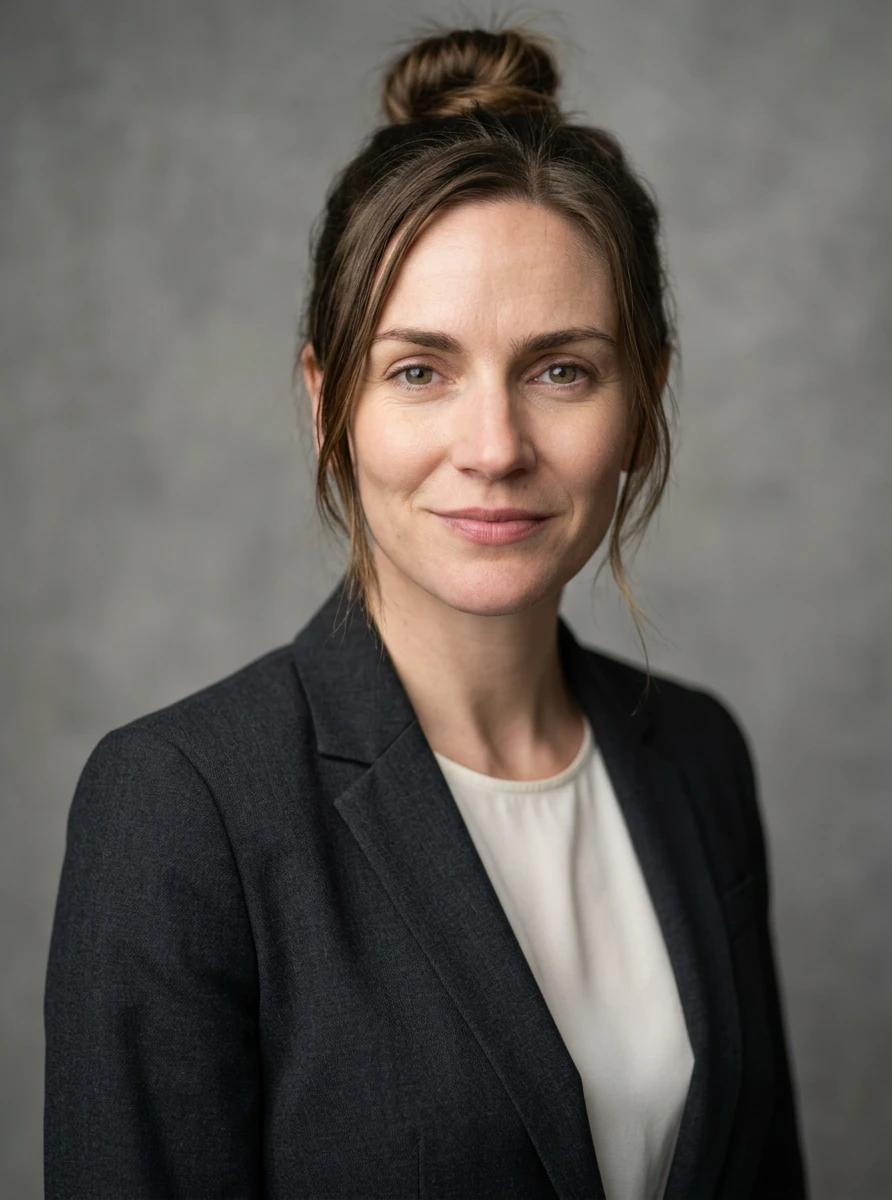
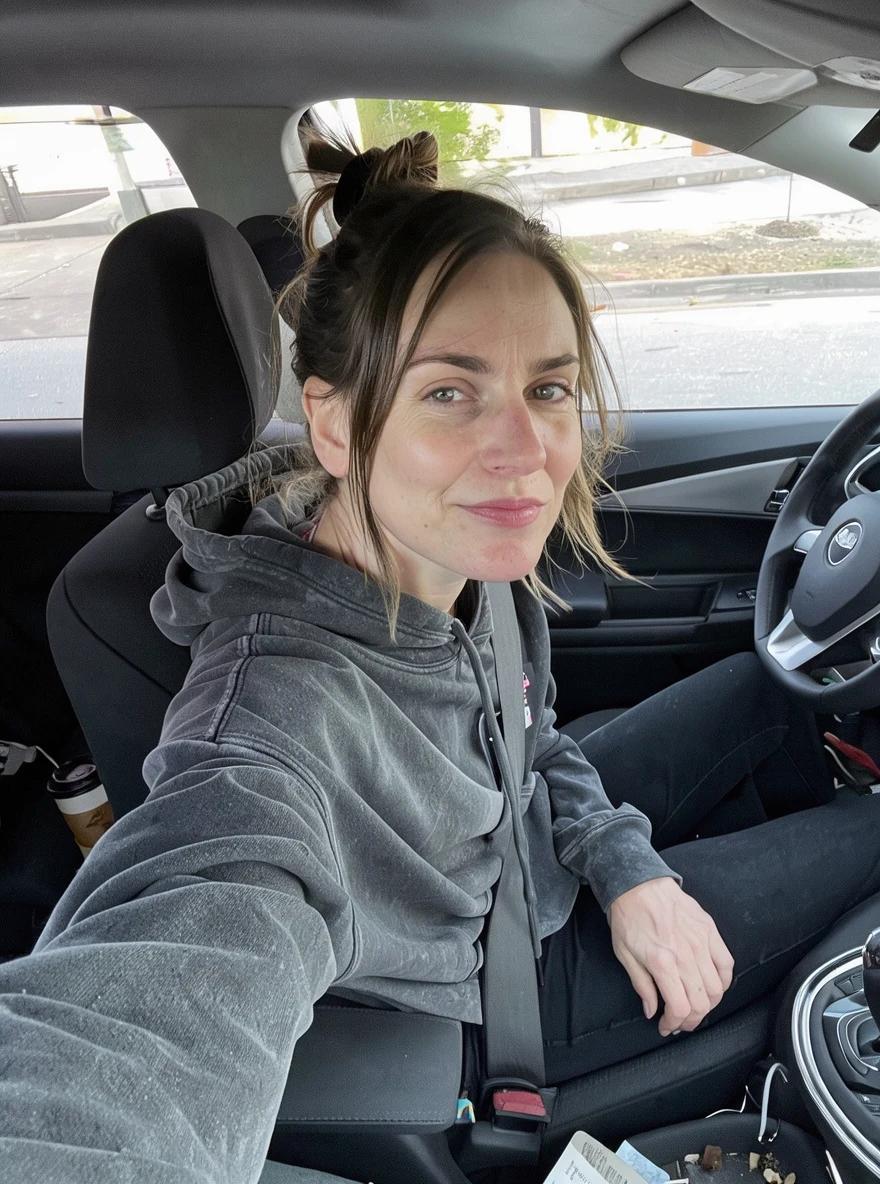
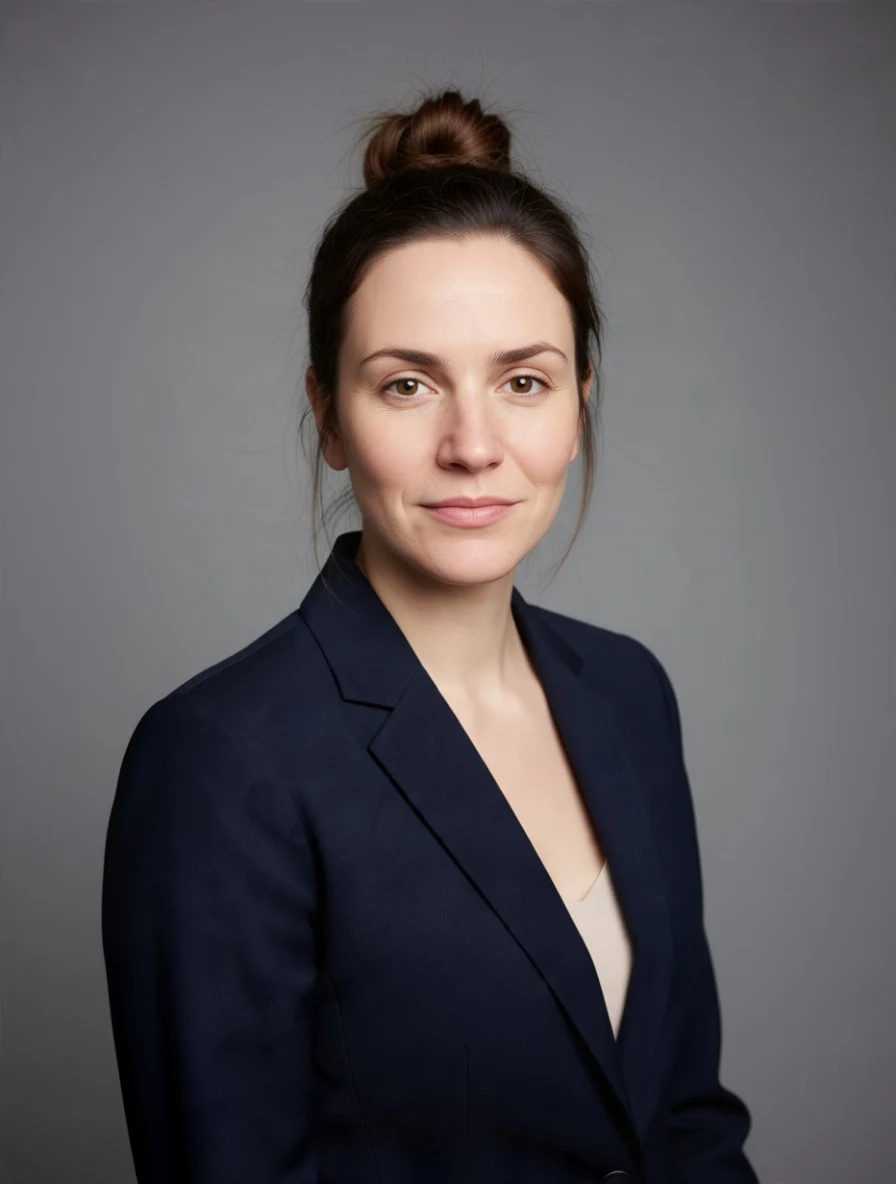
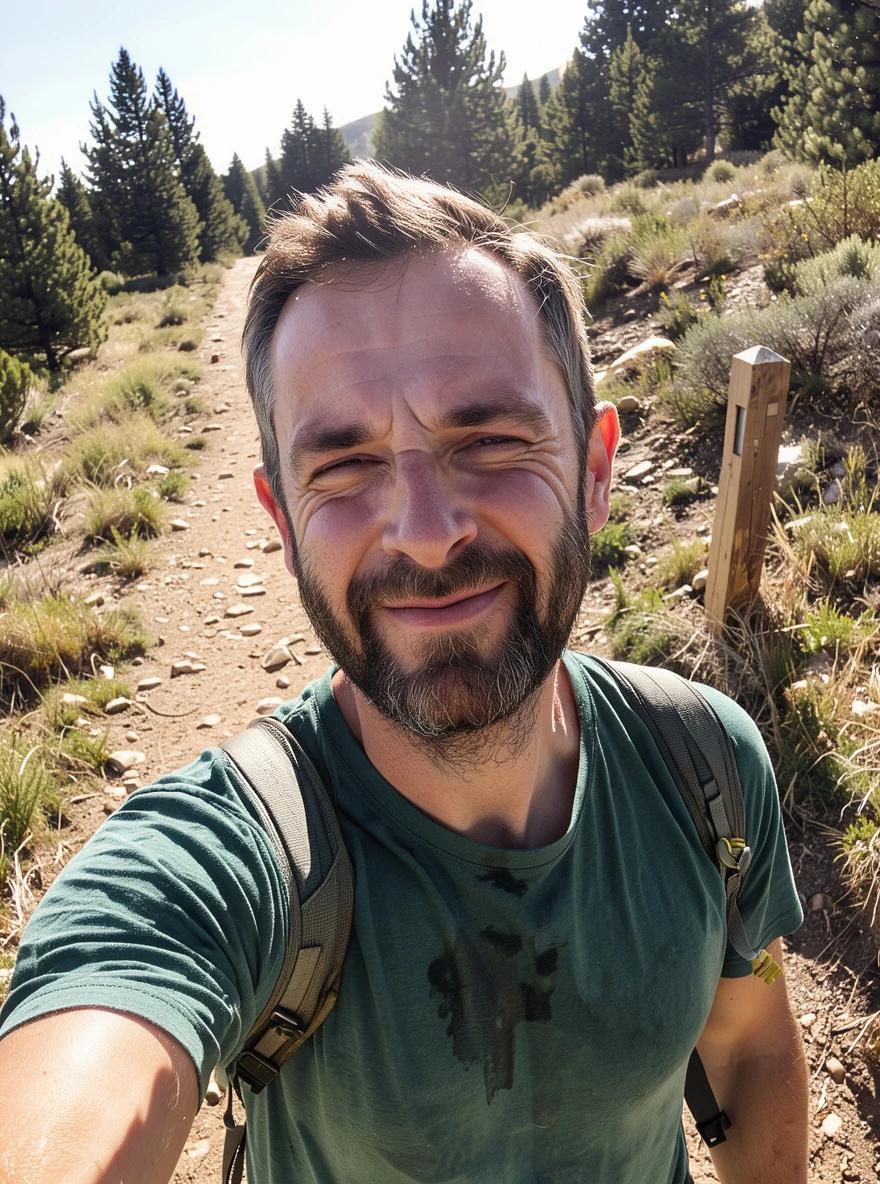
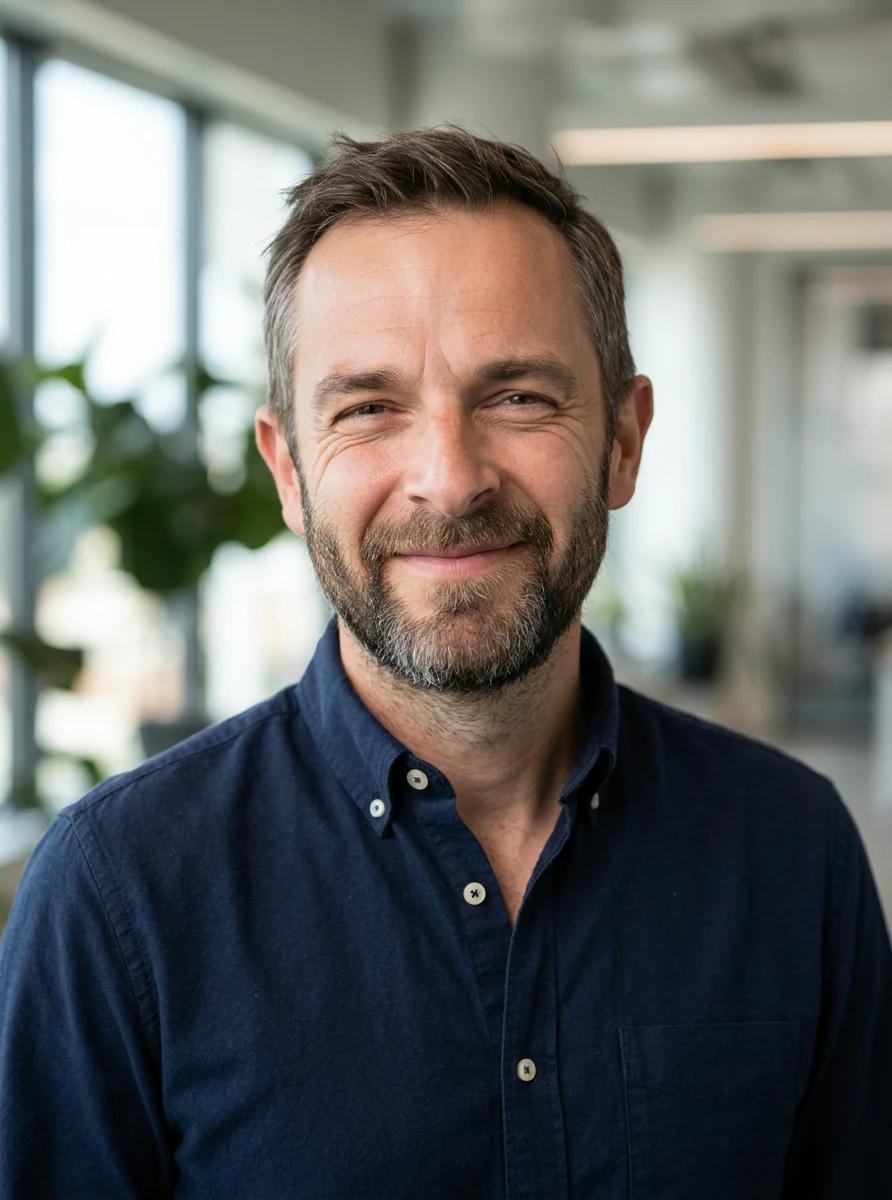
Before and after.
A selfie taken in a parked car and one taken on a hiking trail, each turned into a headshot, then the first face again from three photos. The faces are generated; nobody real.
How it works.
- 1Add one to four photosA clear selfie facing the camera, no sunglasses. Two or three more from other angles or other days give a closer likeness.
- 2Choose backdrop and outfitStudio gray, white, an office or a park behind you; a suit, smart casual, or the clothes you wore.
- 3Check it is you, then downloadLook closely at the eyes, the hairline and any glasses. Run it again or change the selfie if something drifted.
- One to four photos, not twenty. No training set of selfies and no waiting a day. One selfie works; two or three more angles keep the likeness closer.
- Real runs on this page. Both before-and-afters below came out of the Professional headshot tool itself.
- The price before you run. The tool shows what one headshot costs in credits before you press the button.
Where it is used.
LinkedIn and job sites
A clean profile photo when you are job hunting and have no time to book a photographer.
CVs and résumés
In countries where a photo on the CV is expected, a neutral backdrop reads as serious.
Team pages
Give everyone the same backdrop and outfit so the team page looks like one shoot, even if the selfies came from ten kitchens.
Speaker bios and press
Conference programs and podcast pages ask for a headshot by Friday. Now you have one.
- Company directories. Slack, Teams and email avatars that are recognisable at a small size.
- Freelance profiles. Upwork, Malt or your own site: a client hires the person in the photo.
Good to know.
What a LinkedIn photo needs
LinkedIn's own tips, in short. A headshot from this tool is cropped head and shoulders, which is what they describe.
- Your face fills the frame. LinkedIn suggests your face take up about 60% of the photo. Head and shoulders, nothing else in the shot.
- 400 by 400 pixels or more. 400 × 400 is the usual minimum, and LinkedIn shows it in a circle. Results here are well above that; keep your face centered for the round crop.
- It should look like you today. People you meet will compare. Keep your real hair, glasses and age; pick the outfit you would actually wear to work.
- You, alone. No group crops, no pets, no logos. The tool keeps only you in the frame.
Questions, answered.
Something else on your mind? Write to us.
Is an AI headshot allowed on LinkedIn?
LinkedIn asks for a photo that is a real likeness of you. A headshot made from your own selfie, that still looks like you, fits that. Don't use it to look like someone else or much younger.
How many photos do I need to upload?
One is enough, and up to four help. Several photos of your face, from different angles or days, give the model more to go on, so the result looks more like you. Unlike headshot apps that train on 10 to 20 selfies, nothing is trained: each photo you add costs a little more, and the tool shows the price before you run it.
Will it still look like me?
The instruction asks the model to keep your face, skin, hair and expression exactly. It usually does, but check the eyes, teeth and glasses before you post. If something changed, run it again or start from a sharper, front-facing selfie.
Can I do a whole team?
Yes. Pick the same backdrop and outfit for every person and run each selfie. The results share one look, which is what makes a team page feel consistent.
Is it free?
The headshot tool runs on credits, so it needs a paid plan. The free plan covers chat and text-to-image only.
What happens to my selfie?
It is stored in your account so you can find the result in History, and you can delete both from there at any time.
More photo tools.
All AI tools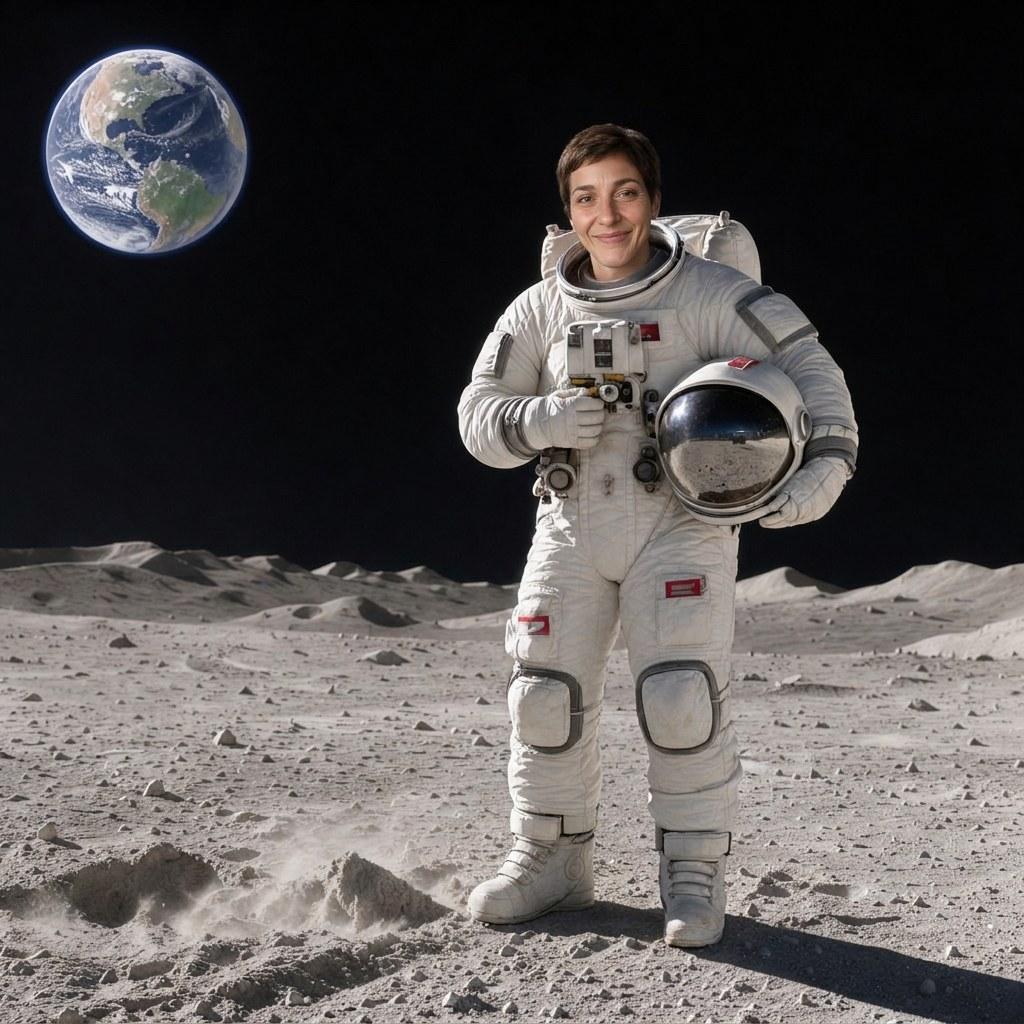
AI face swap
Your face, in any picture.
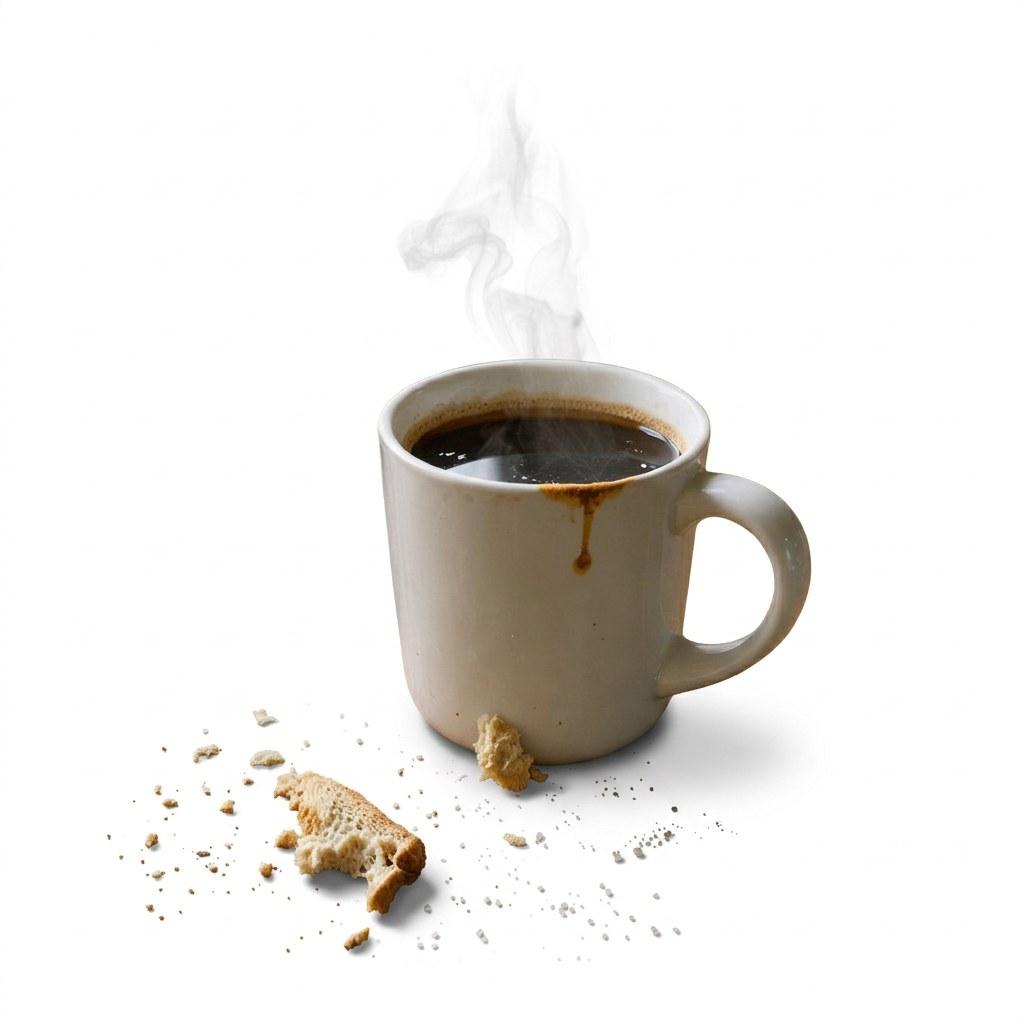
Remove background from image
A clean cut-out, nothing behind it.
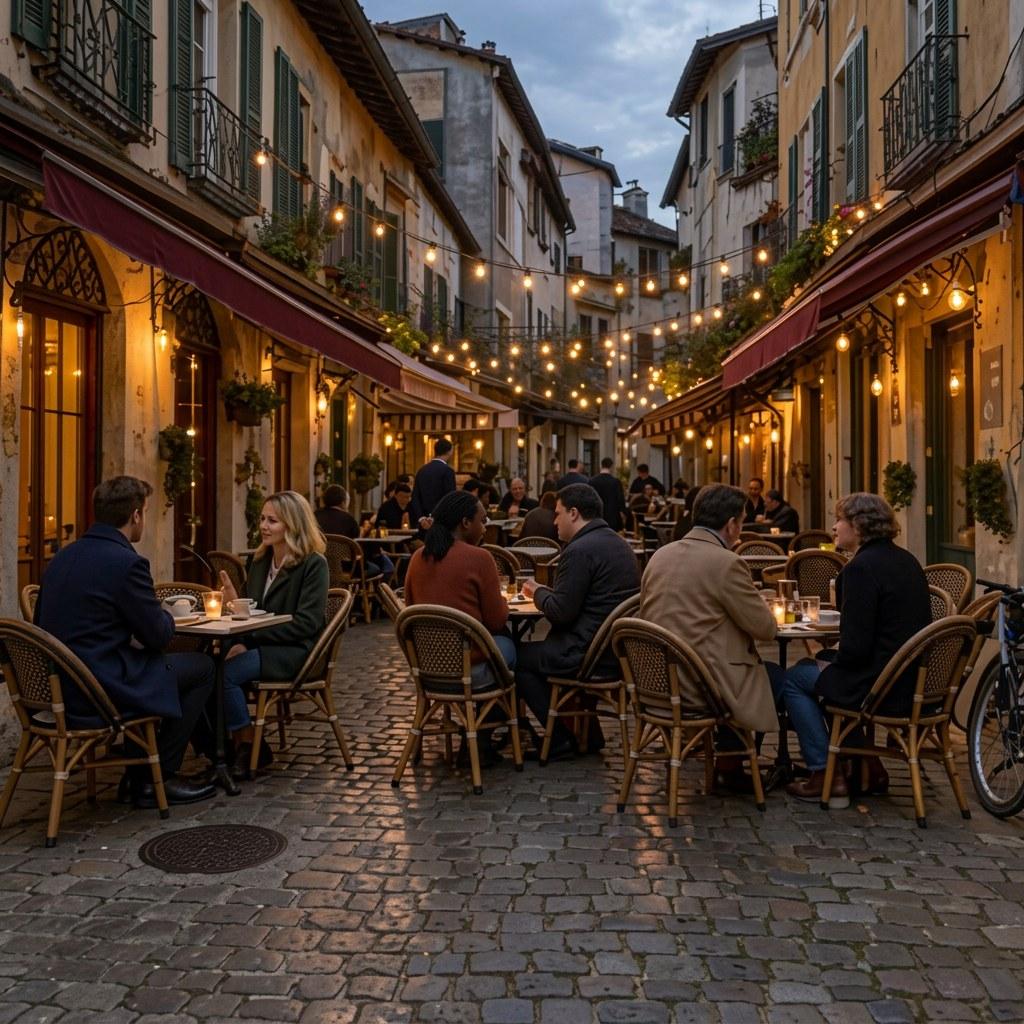
AI photo upscaler
A small, soft photo made sharp.
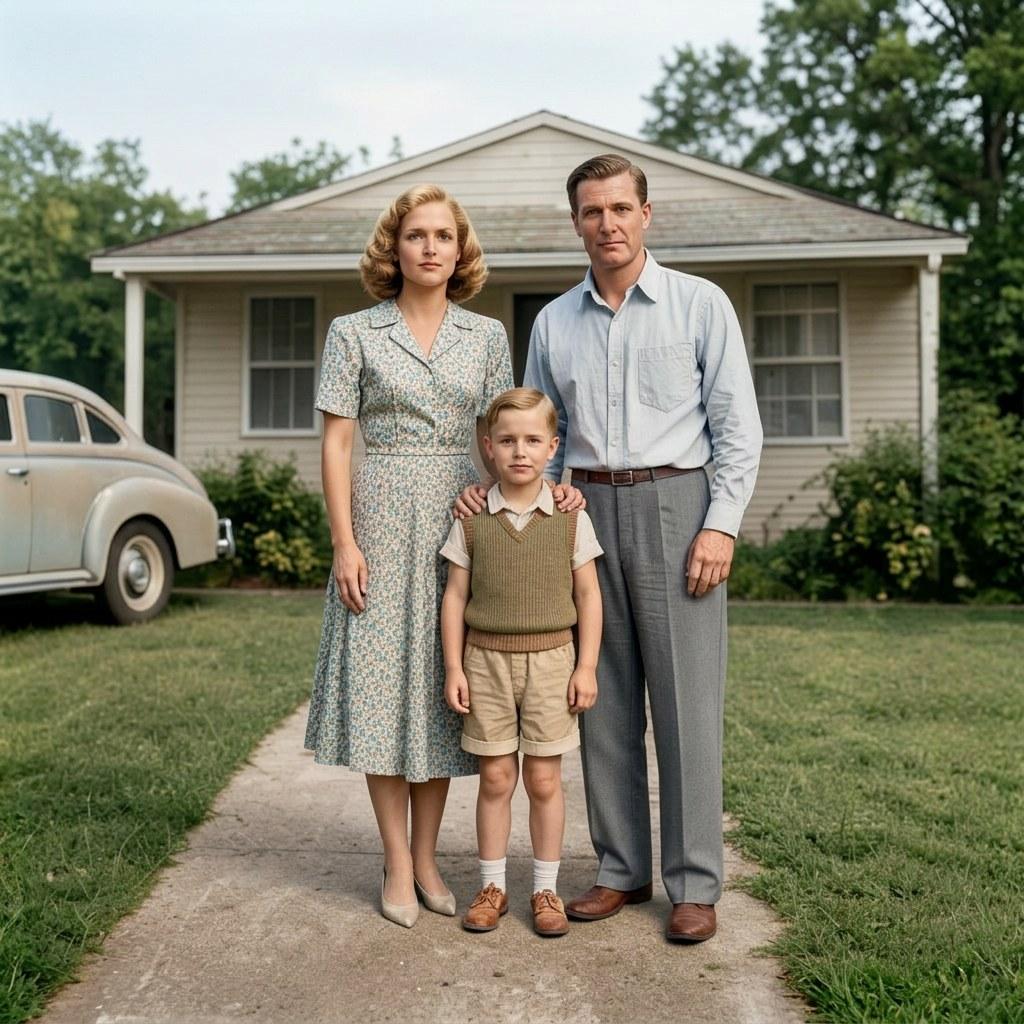
Restore old photos
The family print, without the damage.
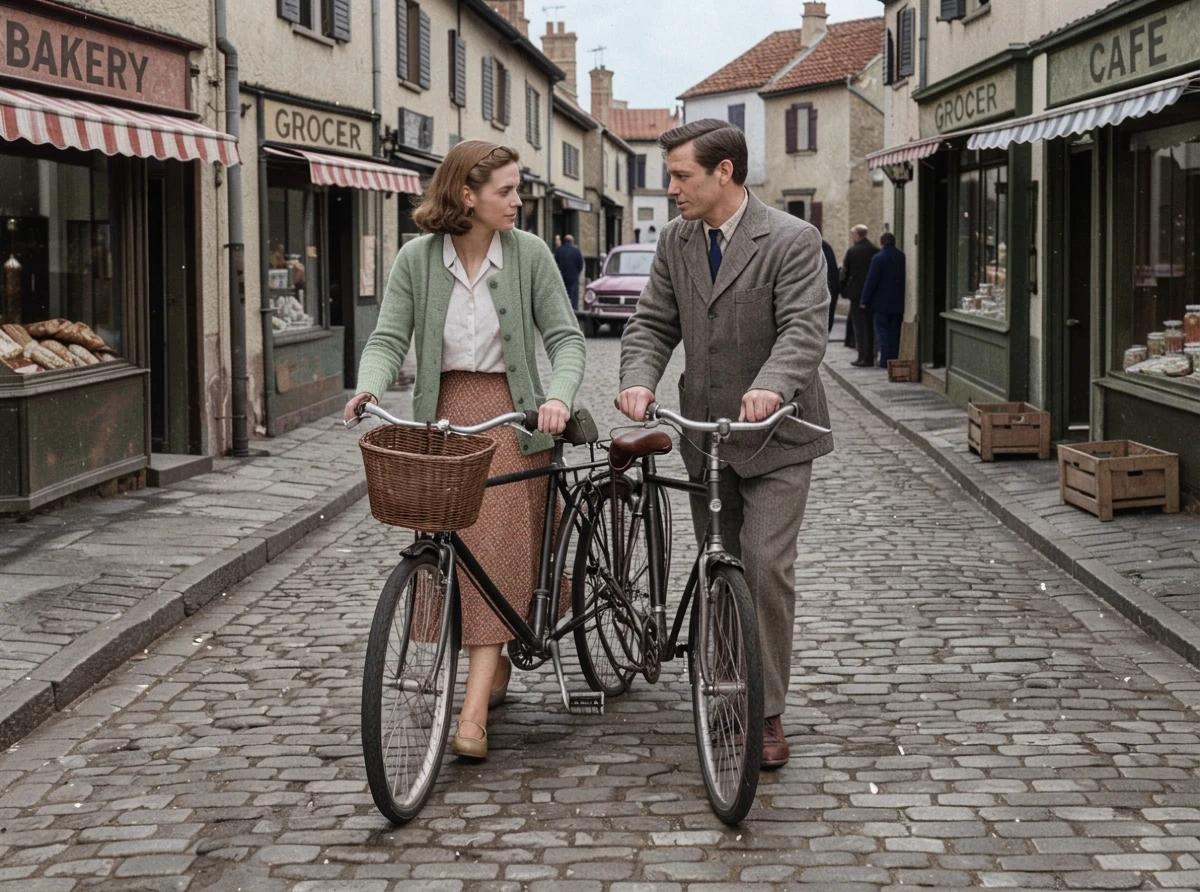
Colorize black and white photos
Old photos, in the color of their time.
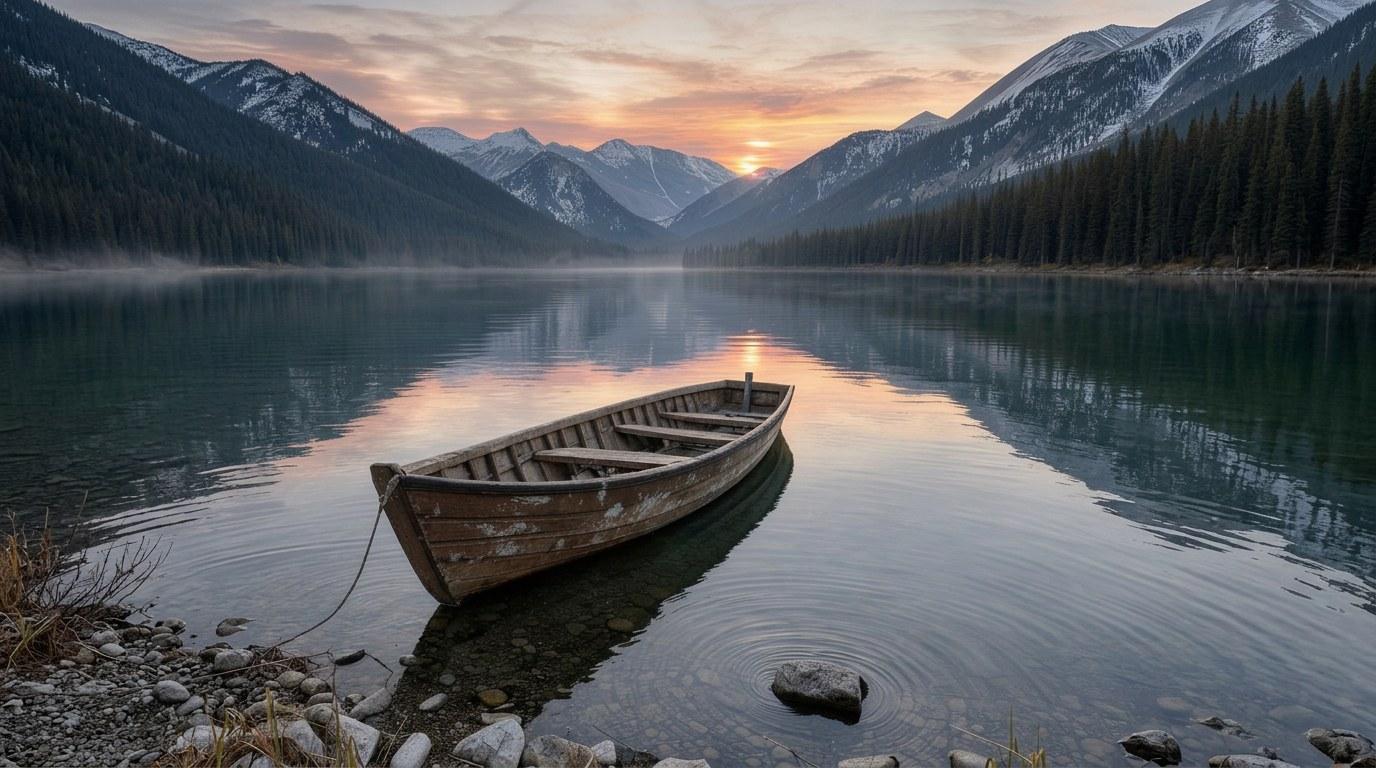
Expand image with AI
A square photo, made wide or tall.
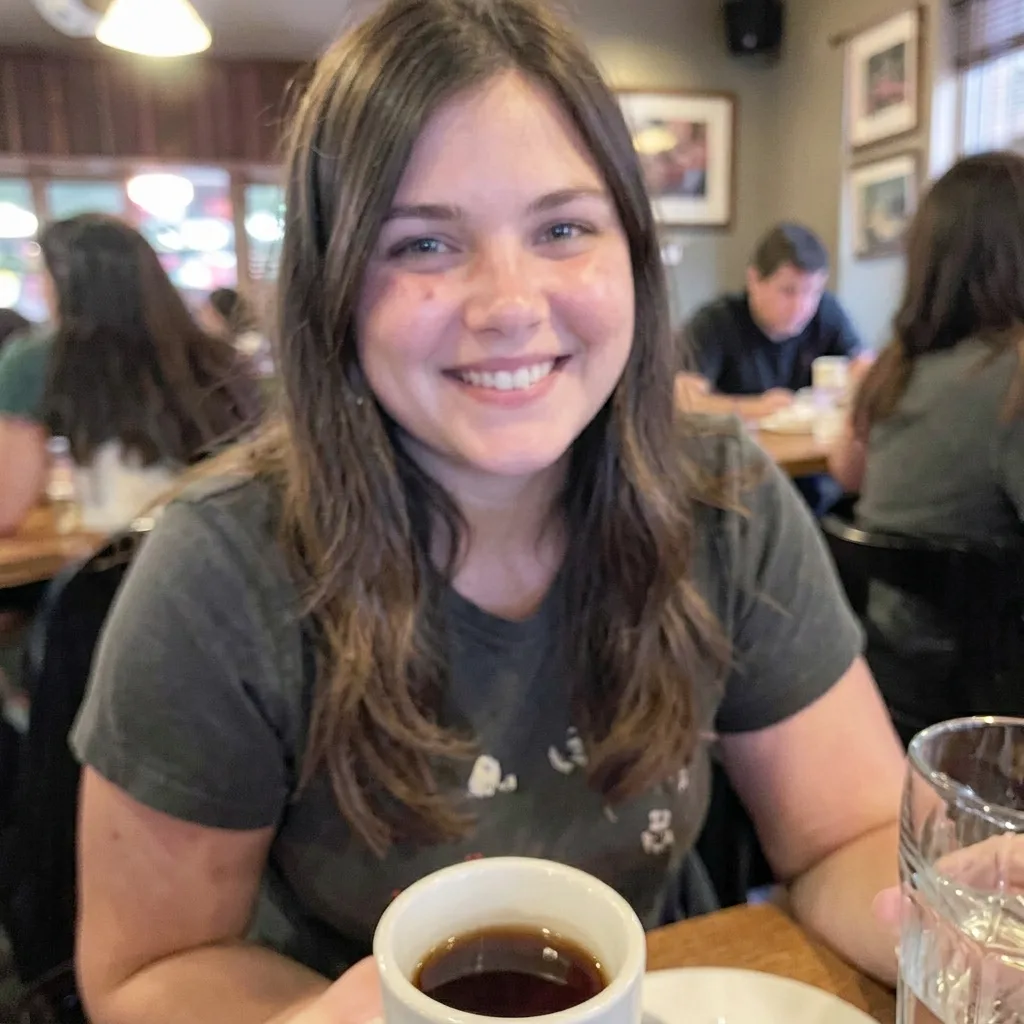
Unblur image
The shot you almost got, made sharp.
Remove text from image
The words gone, the picture whole.