Restore old photos
The family print, without the damage.
Upload a scan of a faded, scratched or creased photo. The tool removes the marks, brings back the color the print lost and sharpens what it can, while keeping every face and the scene as they were.
Photo tools come with every paid plan, from $19.99 a month.

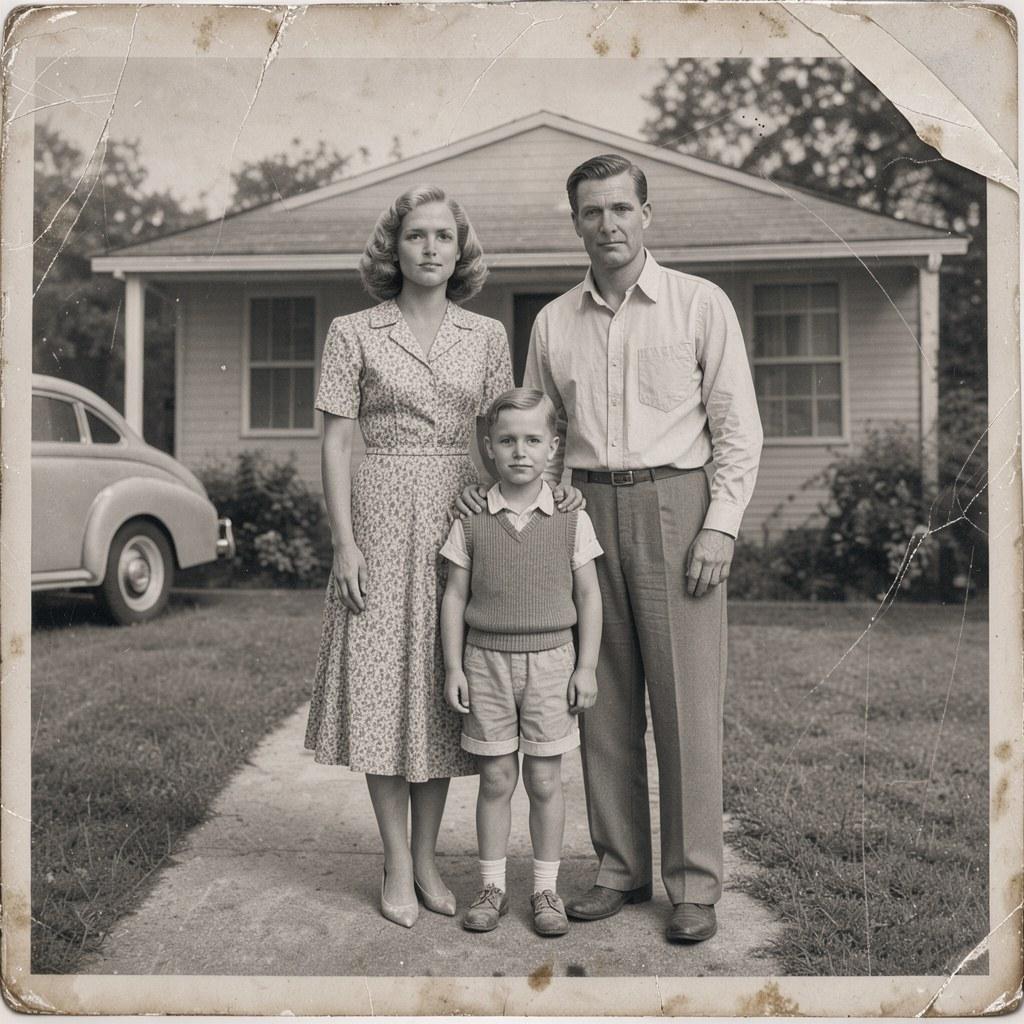
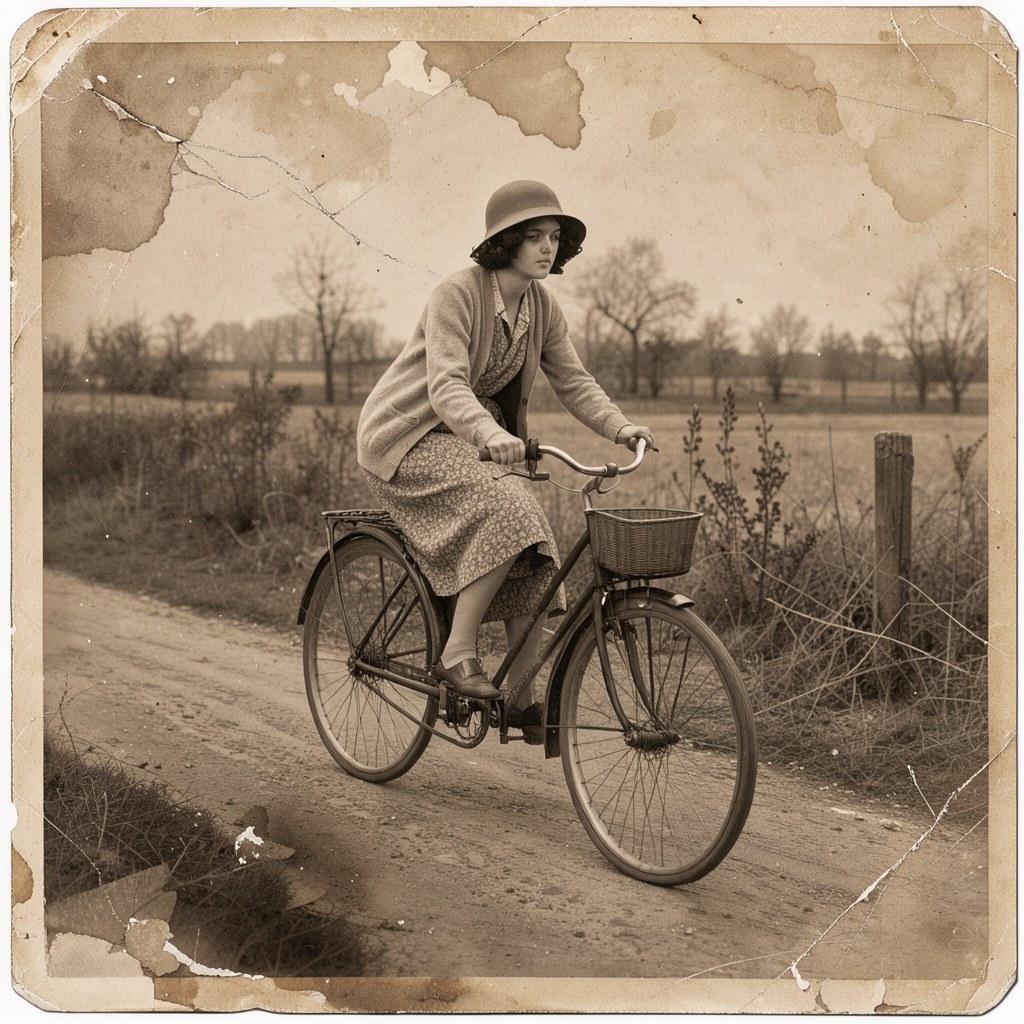
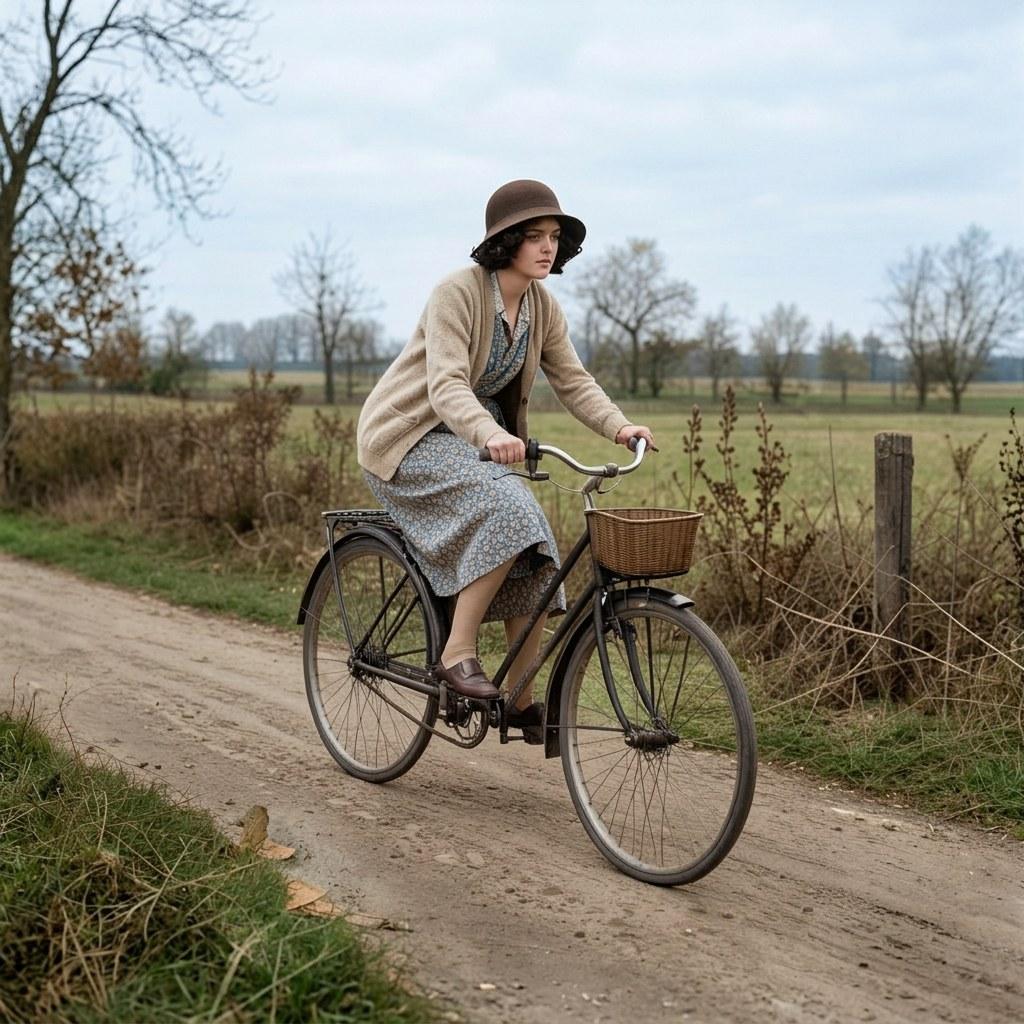
Before and after.
A faded family print and a cracked, stained one, each restored by the tool.
How it works.
- 1Scan the printA flatbed scanner at 600 dpi is best. With a phone, shoot straight above it in daylight, no flash, no glass.
- 2Upload and restoreOne click. Crop the scan to the photo first, so the table or album page is not treated as part of it.
- 3Compare, then keep the originalCheck faces and small text at full size. Keep the untouched scan too: it is the record.
- Faces kept. The instruction is to repair, not to reinvent: the same people, the same expressions, the same room.
- Real runs on this page. Both before-and-afters below came out of the Restore tool itself.
- The price before you run. The tool shows what one restoration costs in credits before you press the button.
Good to know.
What it repairs
- Scratches and dust. Fine white lines, specks and the dust a scanner always picks up.
- Creases and cracks. Fold lines and the crackle of an old emulsion, filled in from what is around them.
- Stains and spots. Water marks, foxing and the yellow of old tape.
- Faded color. The magenta or yellow cast of 1970s prints brought back toward natural tones.
- Soft detail. A little sharpness back in faces and edges. A blurred photo will not become a sharp one.
- Black and white. Restored as black and white. To add color, run the result through Colorize.
Where restoration stops
An AI fills in what is missing with what is likely. That is fine for a scratch, less so for a missing face.
- Torn-off pieces. A missing corner of wall is easy. A missing half of a face will be invented, not recovered.
- Very small faces. In a group photo, faces a few pixels wide may come back looking slightly different. Compare with the original.
- Archives and evidence. For genealogy records or anything official, keep and cite the unretouched scan.
Questions, answered.
Something else on your mind? Write to us.
Will the people still look like themselves?
That is the instruction the model gets: remove damage, keep the people and the scene. Large faces come back faithfully. Very small or heavily damaged faces can drift, so compare with the scan before you share.
Does it add color to black and white photos?
No, restoration keeps the photo as it was. Use the Colorize tool on the restored image if you want it in color; doing it in that order gives the cleanest result.
How should I scan old photos?
A flatbed scanner at 600 dpi, or 1200 dpi for small prints. If you only have a phone, take the photo out of its frame, lay it flat in daylight and shoot from straight above.
Can it fix a blurry photo?
It can sharpen a little. A photo that was out of focus when it was taken does not hold the detail to recover, and the model would have to guess it.
Is it free?
Restore runs on credits, so it needs a paid plan. The free plan covers chat and text-to-image only.
More photo tools.
All AI tools
Colorize black and white photos
Old photos, in the color of their time.
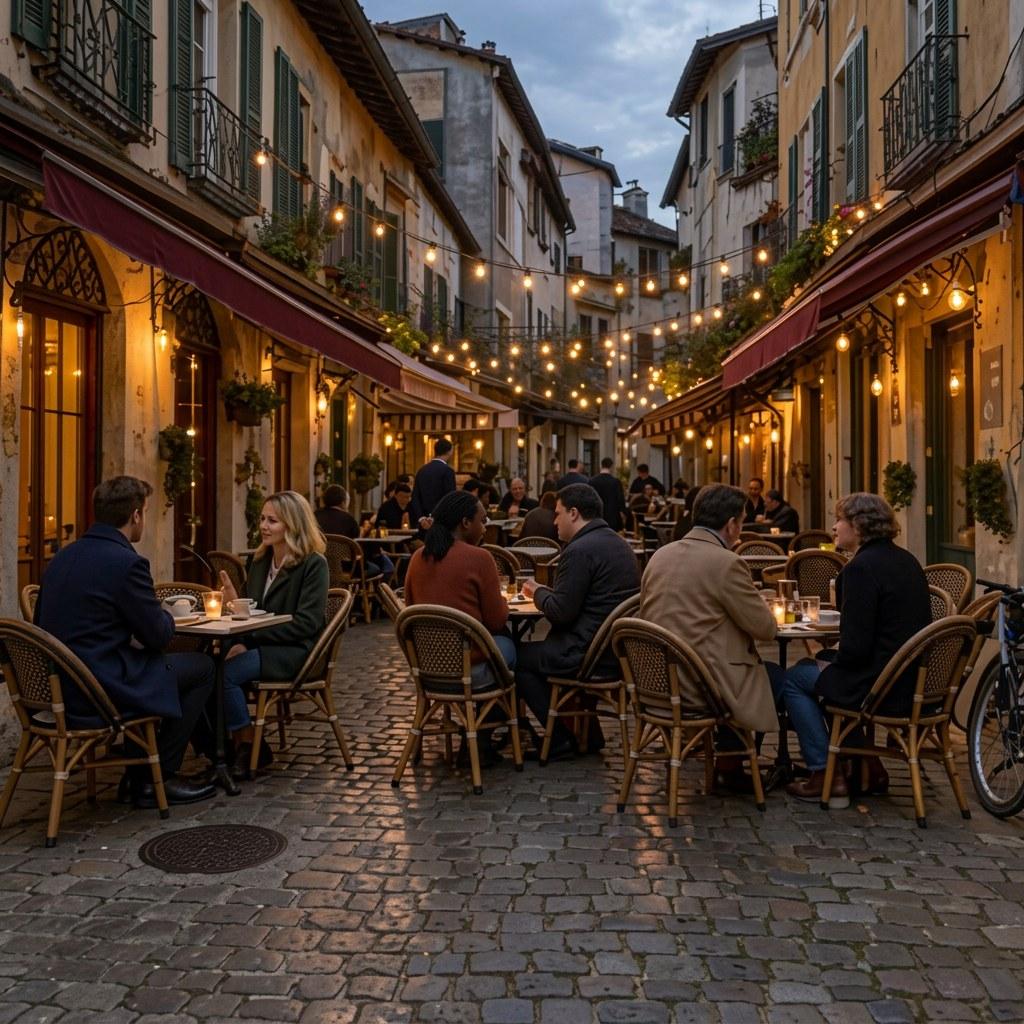
AI photo upscaler
A small, soft photo made sharp.
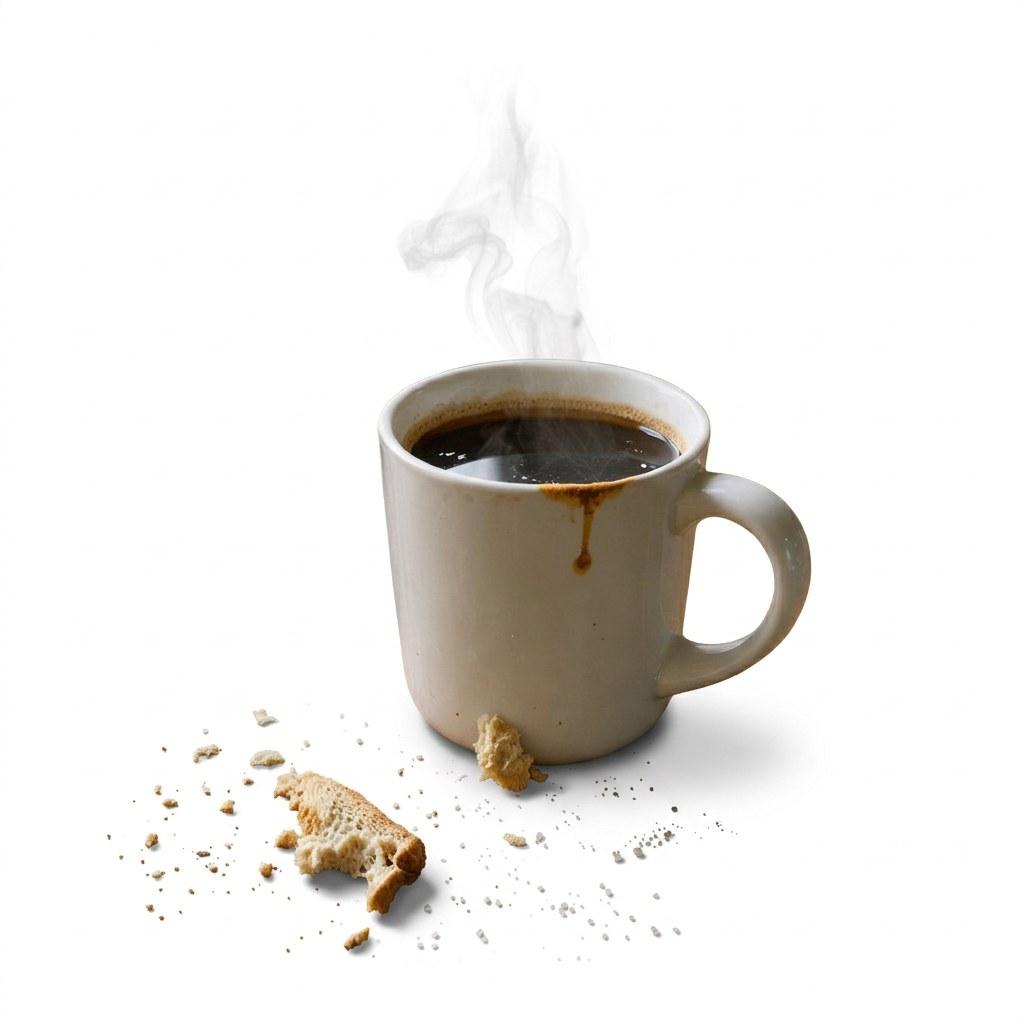
Remove background from image
A clean cut-out, nothing behind it.
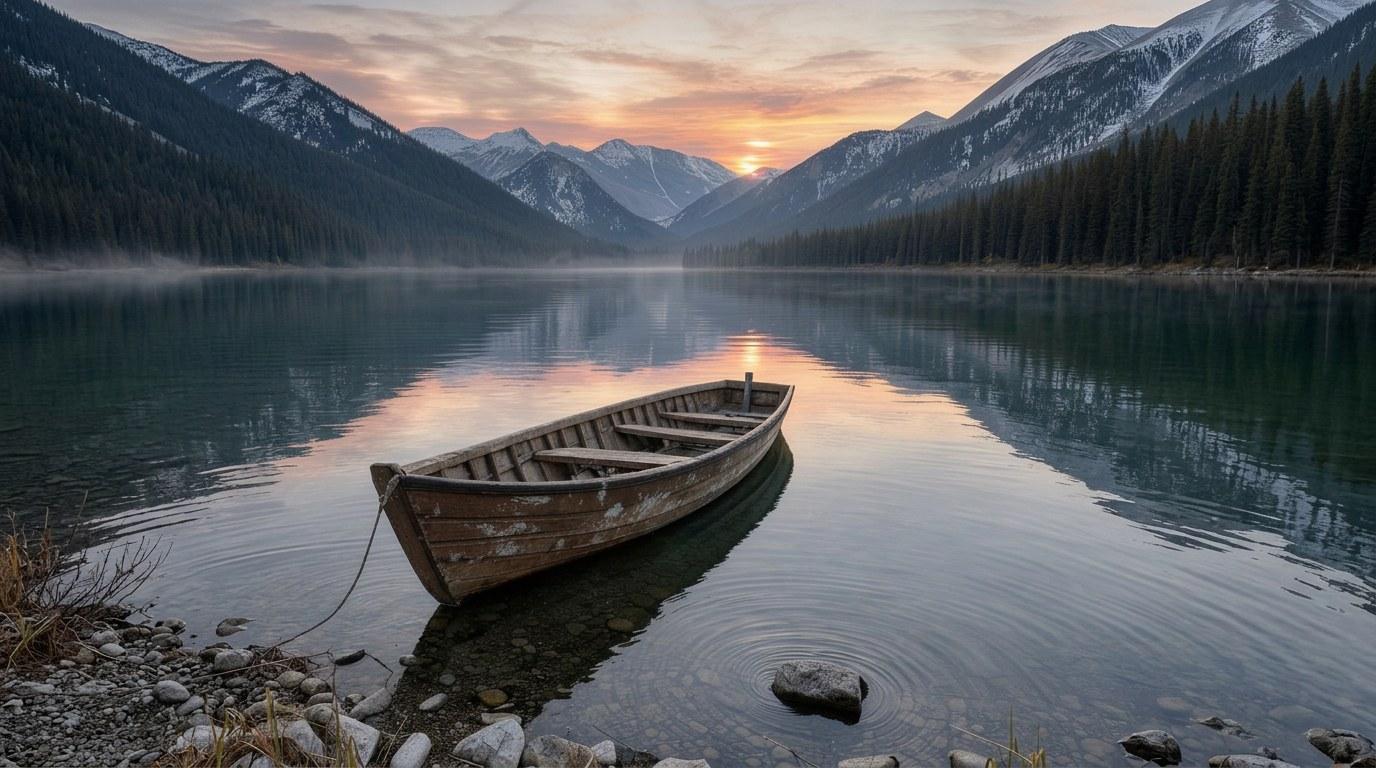
Expand image with AI
A square photo, made wide or tall.
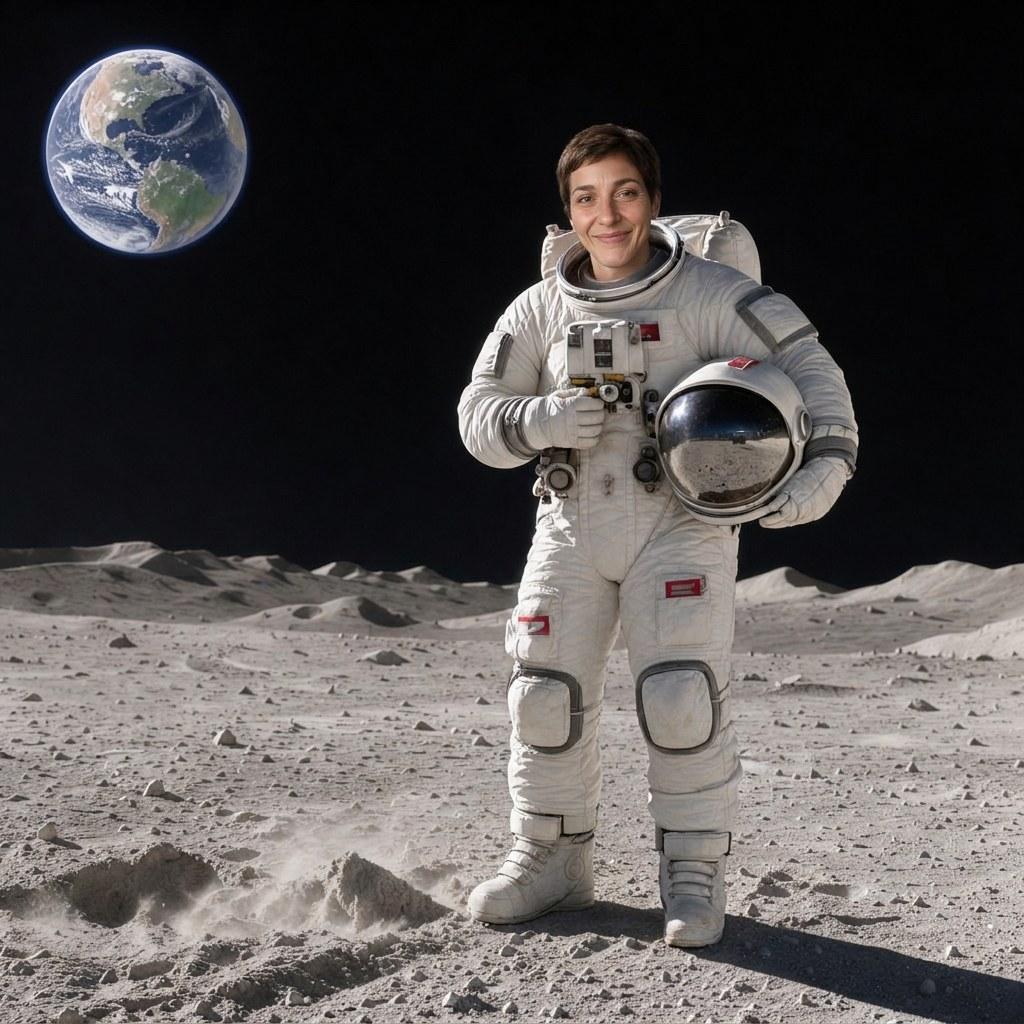
AI face swap
Your face, in any picture.
Unblur image
The shot you almost got, made sharp.

Remove text from image
The words gone, the picture whole.
Blur background
Portrait mode, after the fact.