Blur background
Portrait mode, after the fact.
Upload a photo where everything is in focus and get the look of a fast lens: the person or the product stays sharp, and the street, the room or the crowd behind softens with distance.
Photo tools come with every paid plan, from $19.99 a month.
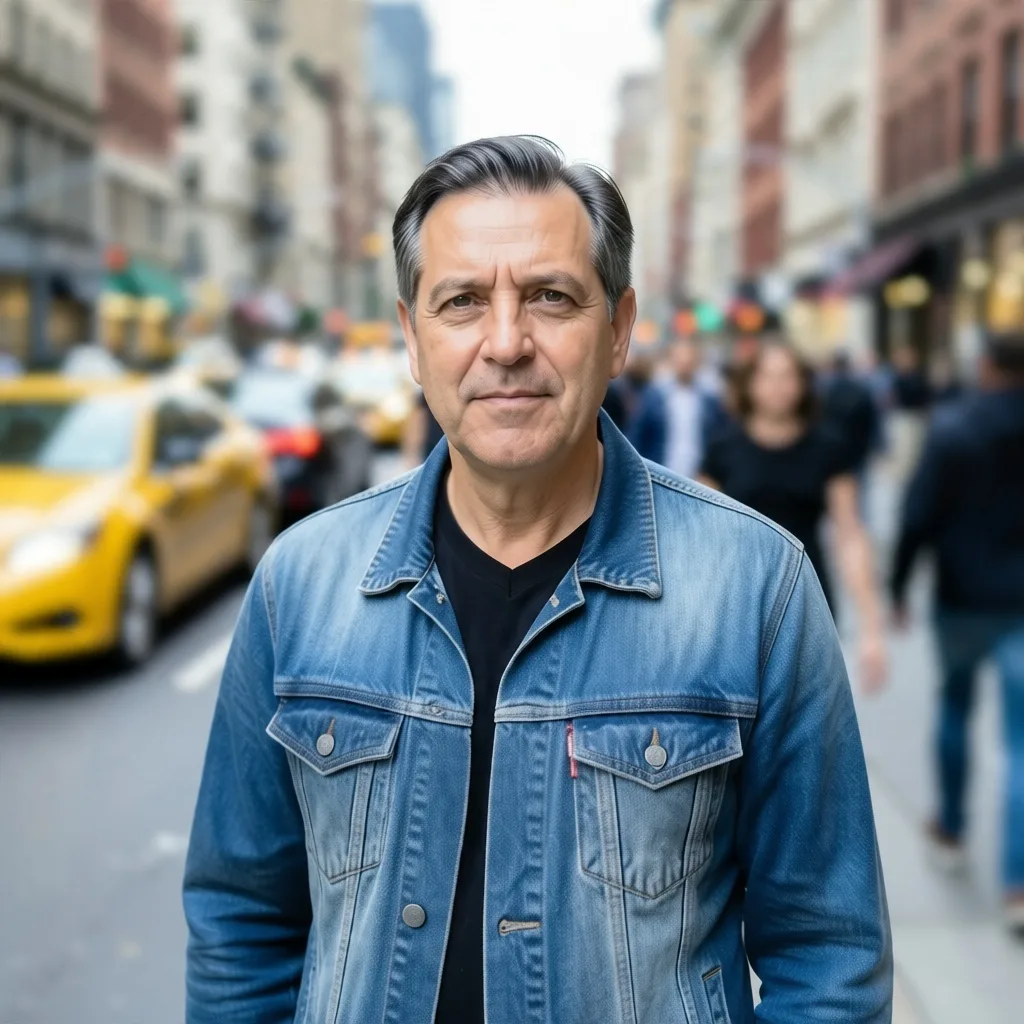
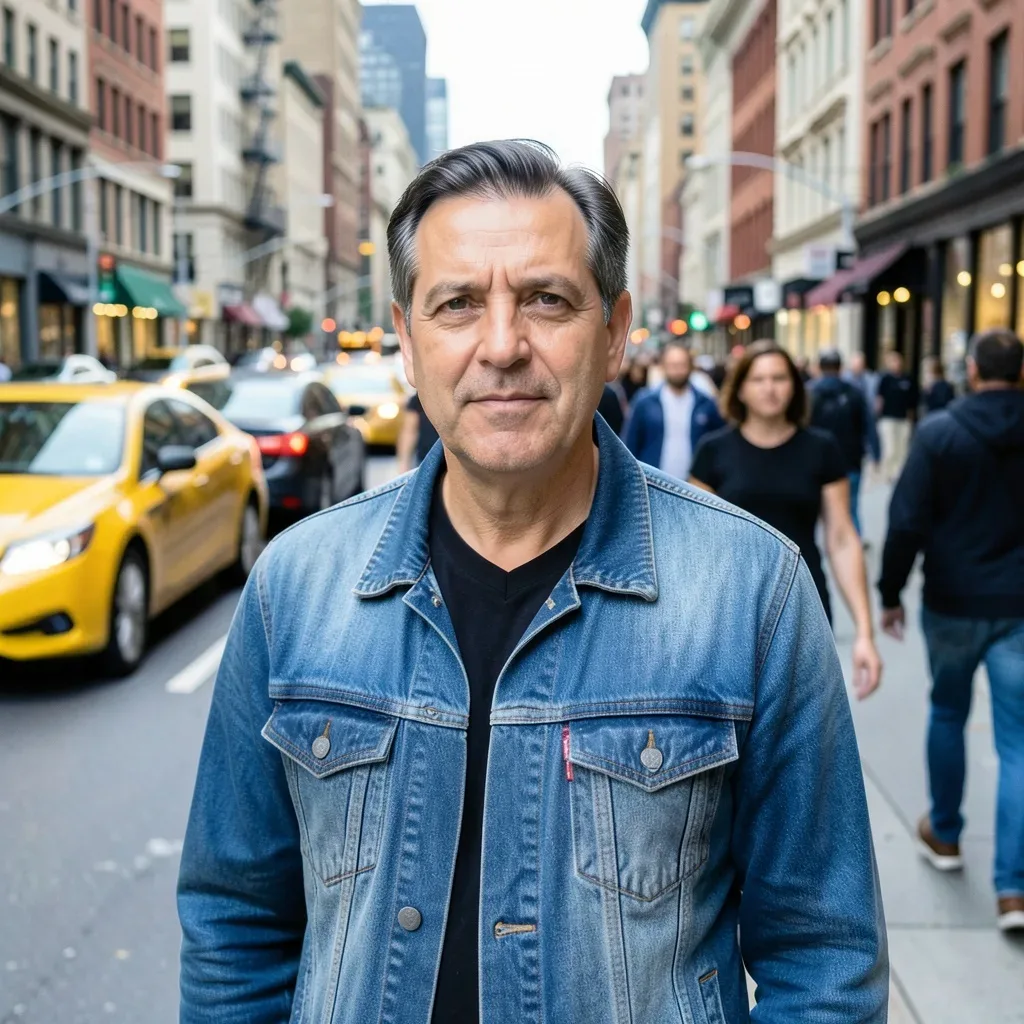
Before and after.
A busy street behind a portrait, and a cluttered cafe counter behind a coffee. Drag the slider to compare.


How it works.
- 1Upload the photoA person, a pet or a product in front of a busy background.
- 2Pick the blurPortrait for a natural look, Soft to keep the place readable, Strong for creamy bokeh.
- 3DownloadCompare with the slider and download, or try another strength.
- Blur that grows with distance. Near things stay a little sharp, far ones melt, like a real camera, not a flat filter.
- Real runs on this page. Both before-and-afters below came out of the Blur background tool itself.
- The price before you run. The tool shows what one photo costs in credits before you press the button.
When people blur a background.
Profile photos
LinkedIn, dating and team pages, without the kitchen behind you.
Product shots
The product in focus and the table clutter gone soft.
A messy room
Hide what is behind you without moving anything.
Privacy
Faces, plates and house numbers behind you made hard to read.
- Travel photos. The person you came with stands out from the crowd.
- Social posts. A phone photo that looks shot on a real camera.
Questions, answered.
Something else on your mind? Write to us.
How do I blur the background of a photo?
Upload it, pick a strength and press Blur background. The subject is kept sharp and everything behind it is softened.
Is it the same as portrait mode?
Yes, it gives the same look as a phone's portrait mode, on a photo taken without it.
Will my subject change?
The face, hair, pose and clothes are kept. Check fine edges like loose hair, where the blur meets the subject.
Can I remove the background instead?
Yes, with Remove background, which cuts the subject out onto a transparent or white background.
Is it free?
Blur background runs on credits, so it needs a paid plan. The free plan covers chat and text-to-image only.
More photo tools.
All AI tools
Remove background from image
A clean cut-out, nothing behind it.
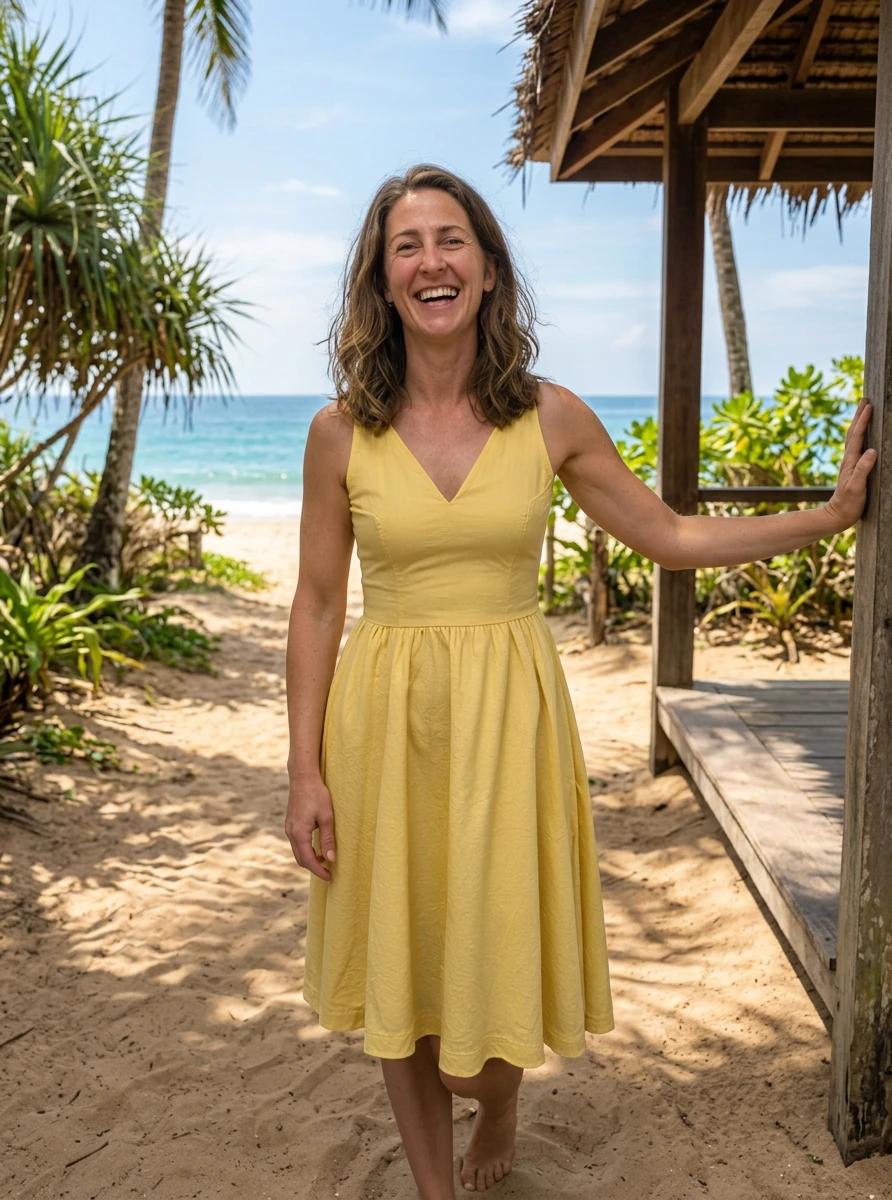
Change photo background
The same people, somewhere else.

AI headshot generator
A studio headshot from one selfie.

Remove object from photo
Paint it. Gone.

Restore old photos
The family print, without the damage.
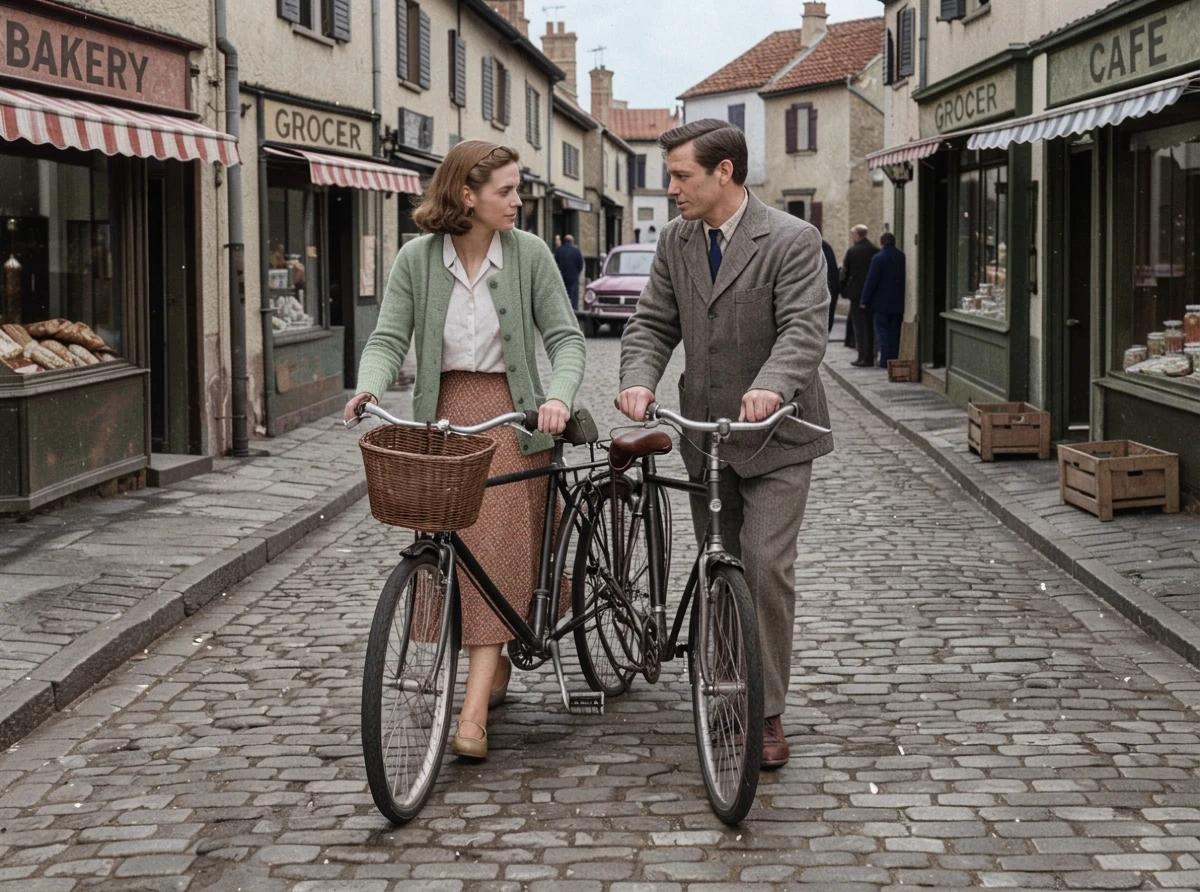
Colorize black and white photos
Old photos, in the color of their time.
AI photo upscaler
A small, soft photo made sharp.
Expand image with AI
A square photo, made wide or tall.