Photo to video.
The photo, moving.
Upload a photo, an old family print or a portrait, and get it back as a short clip: people blink, smile and turn their head, the scene breathes. Made from the photo itself, so the faces stay theirs.
Video comes with the Creator and Pro plans.·300,000+ people have signed up
The photo, then the clip.
Real clips, each made from the photo on its left.
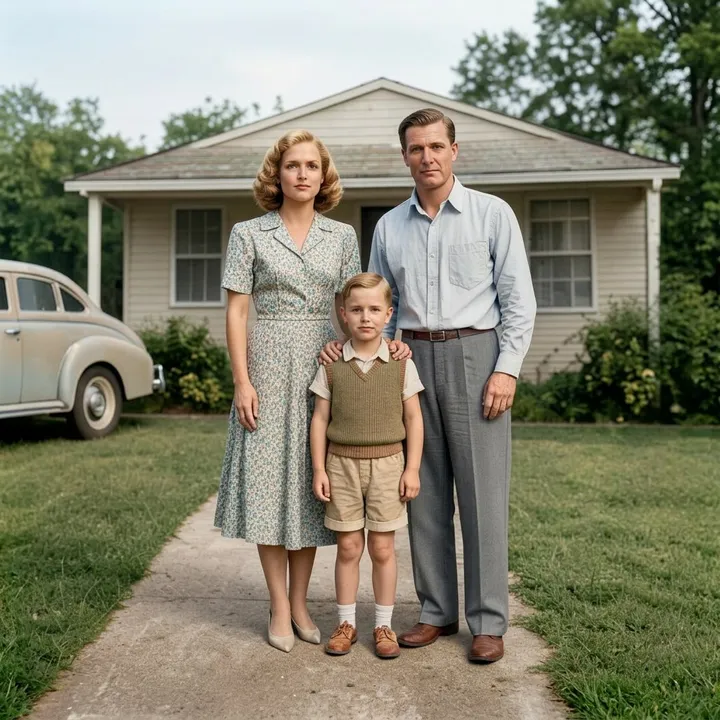
Photo Video A 1950s family photo, moving
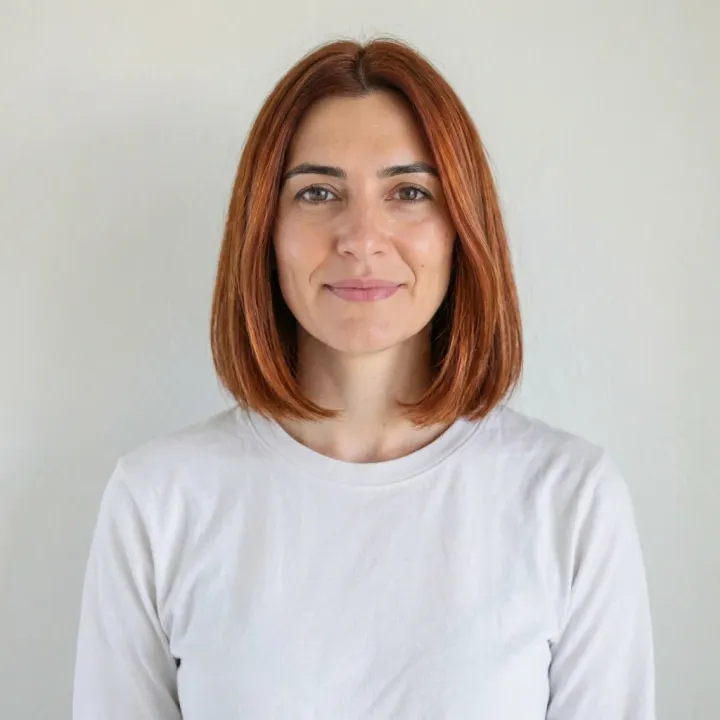
Photo Video A portrait that laughs
How it works.
- 01
Open the studio
The line that brings a photo to life is already written for you.
- 02
Add the photo
One clear photo. Restore an old one first if it is scratched.
- 03
Make the clip
Pick the length and the shape, see the price, and get a short video.
Who it's for.
Family memories
Grandparents in an old print, smiling again.
Memorial videos
A gentle living portrait for a tribute.
Birthdays and anniversaries
A wedding photo that moves, for the big date.
Social posts
A still that stops the scroll because it moves.
Portraits
A headshot or a selfie with a natural smile.
Old scans
Restore and colorize first, then animate.
Questions, answered.
Something else on your mind? Write to us.
How do I turn a photo into a video?
Open the video studio from this page, add your photo, and make the clip: the line that animates it is already filled in.
Does it work on old photos?
Yes. For a scratched or faded print, run Restore a photo first so the clip starts from a clean image.
Will the faces change?
The clip starts from your photo, so faces stay the same; strong movement can soften details, so gentle motion works best.
How long is the clip?
A few seconds, the length you pick in the studio. The price shows before you start.
Is it free?
Video comes with the Creator and Pro plans, paid in credits. The free plan covers chat and text-to-image.
More from Merlio.
All AI tools



Bring an idea.
Leave with the whole thing.
The words, the picture, the clip, the soundtrack and the voiceover, made in one place.
Free planNo card neededCancel anytime