AI photo upscaler
A small, soft photo made sharp.
Upload a low-resolution or slightly blurry image and get a larger, cleaner version with the detail filled back in. Nothing in the picture is moved, added or removed.
Photo tools come with every paid plan, from $19.99 a month.
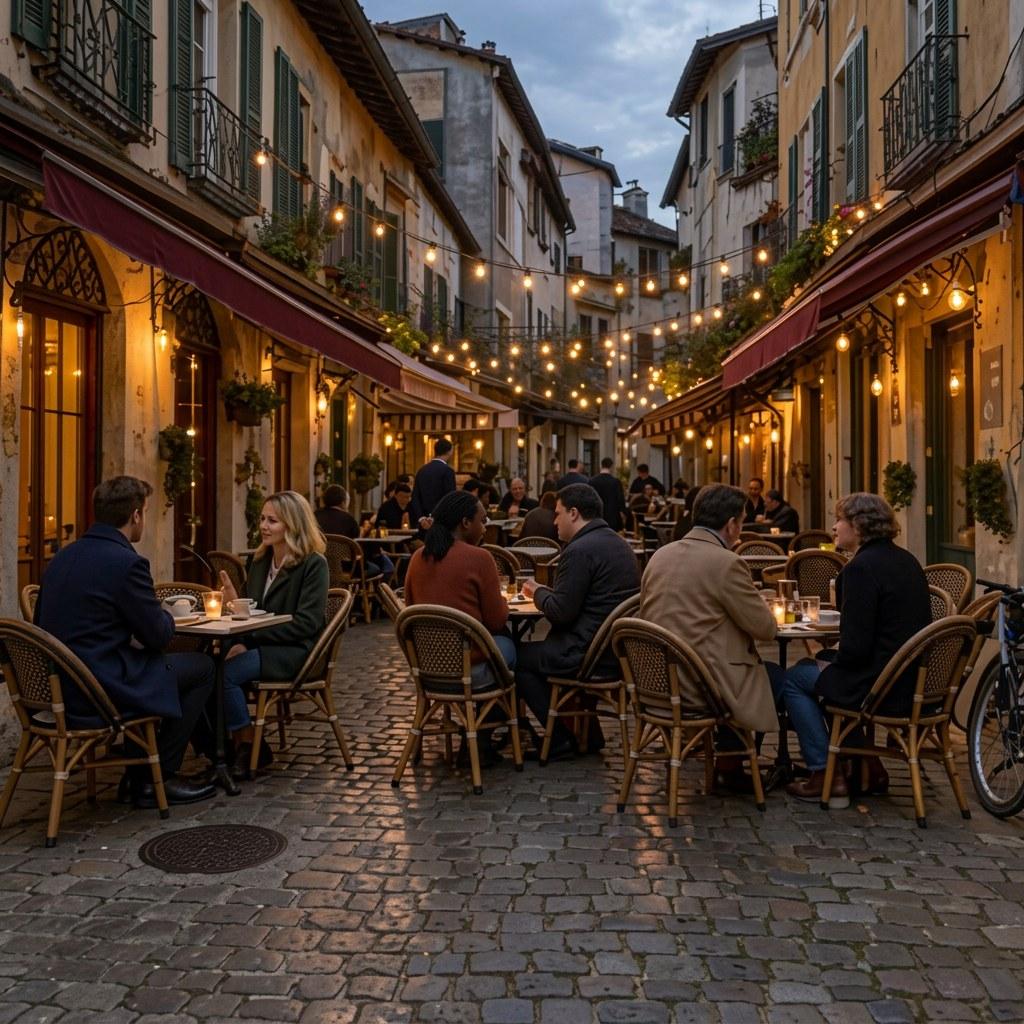
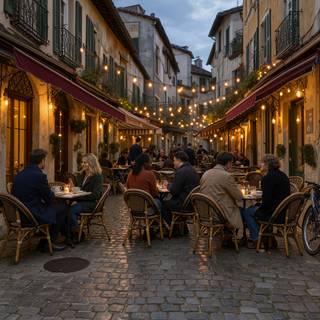
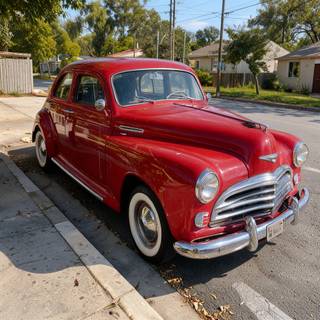
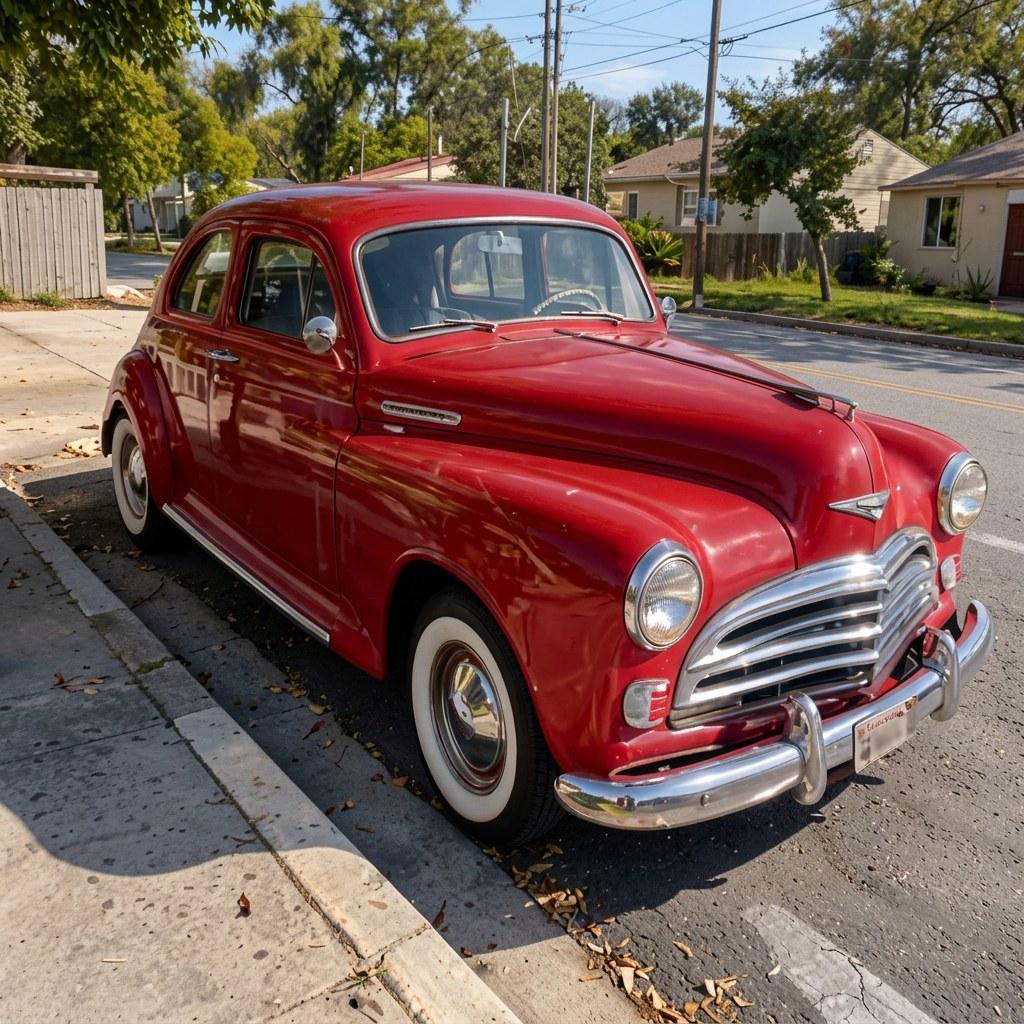
Before and after.
A small, soft photo and a tiny shot, each upscaled by the tool. Drag the slider to compare.
How it works.
- 1Upload the imageThe smallest and softest version you have is fine. That is what the tool is for.
- 2UpscaleOne click. No settings: it aims for the sharpest result that still matches the original.
- 3Check at full sizeZoom in on faces, text and logos. Download it, or run Restore if the photo is also damaged.
- Same picture, more detail. The instruction is to change nothing in the image, only its sharpness and resolution.
- Real runs on this page. Both before-and-afters below came out of the Upscale tool itself.
- The price before you run. The tool shows what one upscale costs in credits before you press the button.
When people upscale.
Small prints
An old digital image that looks soft on a 10 × 15 cm print or a greeting card.
Product pages
A small supplier photo that has to fill a zoomable product gallery.
Old digital photos
Pictures from early phones and 2000s cameras, a few hundred pixels wide.
AI images
A generated image you like that came out at a small size.
- Screenshots and frames. A still taken from a video, cleaned up for a thumbnail or a slide.
- Social profiles. A crop of a group photo turned into a sharp avatar or cover.
Good to know.
Generative, so check the small things
Classic resizing stretches pixels and blurs. An AI upscaler redraws fine detail from what is there, which is why it looks sharp, and why it can guess.
- Texture and edges. Hair, fabric, foliage and brickwork come back crisp and natural.
- Faces. Usually faithful when the face is a fair size in the frame. Tiny faces can come back slightly different.
- Text and logos. Large text is kept. Small, unreadable text may be redrawn wrong: never upscale a document to read it.
Questions, answered.
Something else on your mind? Write to us.
How much larger does it make the image?
Results come out at about one megapixel, around 1,024 pixels on a side for a square image. That is a big step up for a 300-pixel thumbnail or an early phone photo. For a poster-size print from a photo that is already large, this is not the right tool yet.
Is it the same as a resize in Photoshop?
No. A resize spreads the same pixels further apart, so the image gets bigger and blurrier. An AI upscaler fills in plausible detail, so it gets bigger and sharper.
Will it change my photo?
It is told to change nothing in the image. Because it redraws fine detail, check faces, small text and logos at full size before you print or publish.
Can it fix a damaged old photo?
Upscaling adds detail; it does not remove scratches. Run Restore on a damaged print, then upscale the result if you need it larger.
Is it free?
Upscale runs on credits, so it needs a paid plan. The free plan covers chat and text-to-image only.
More photo tools.
All AI tools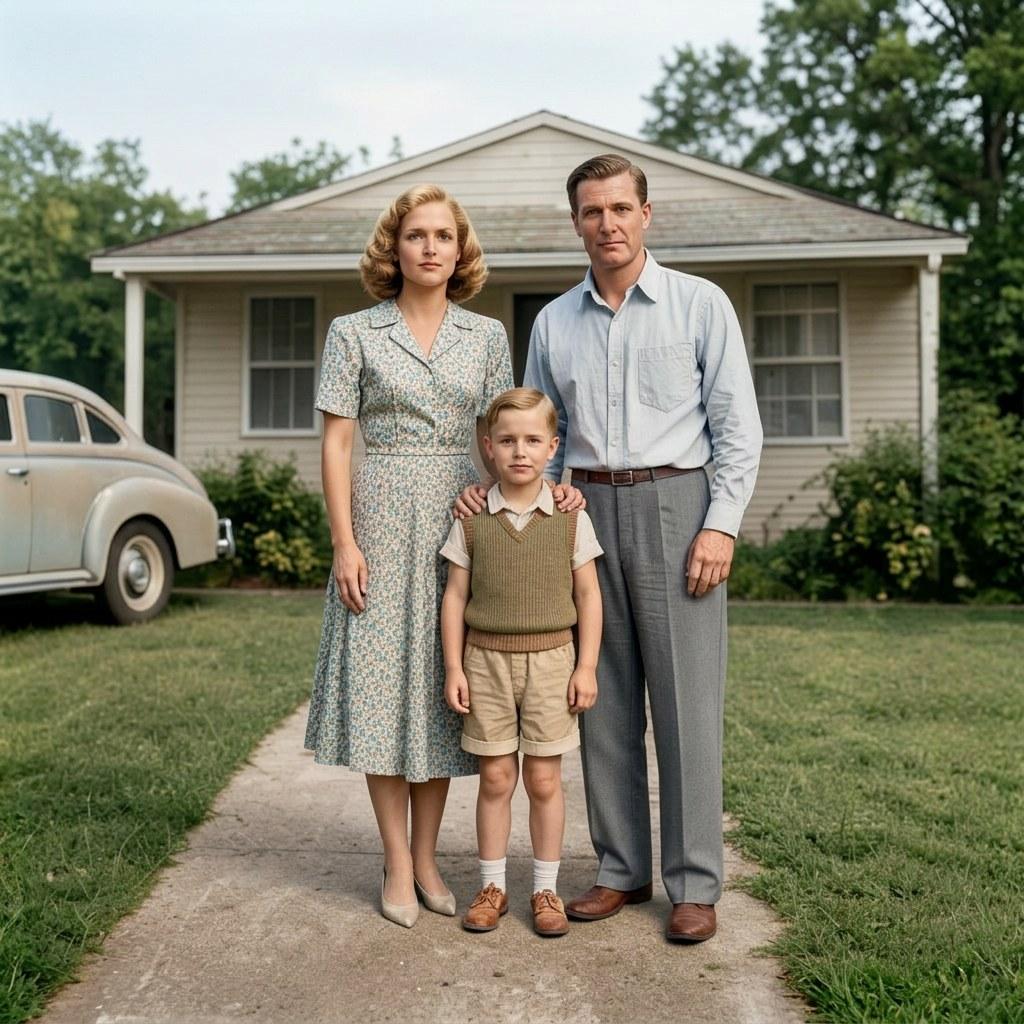
Restore old photos
The family print, without the damage.
Remove background from image
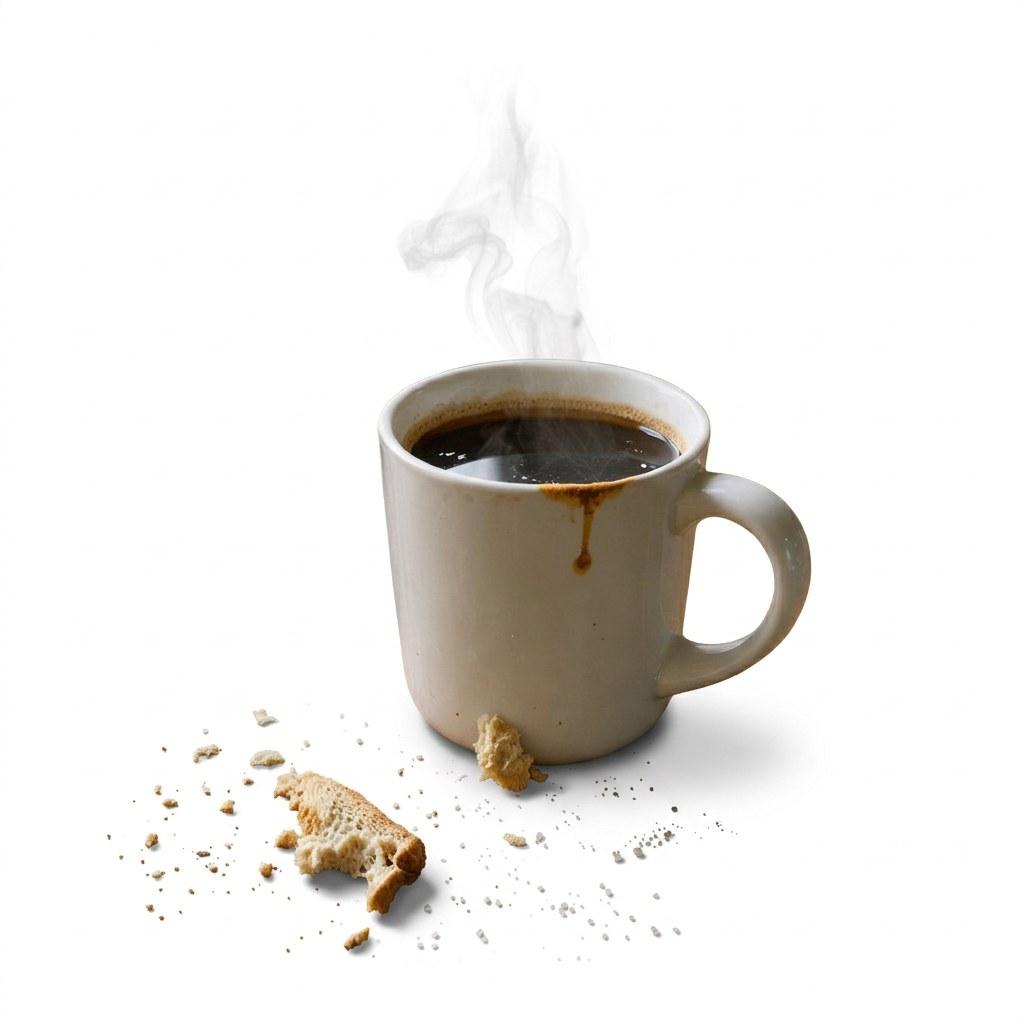
A clean cut-out, nothing behind it.
Colorize black and white photos
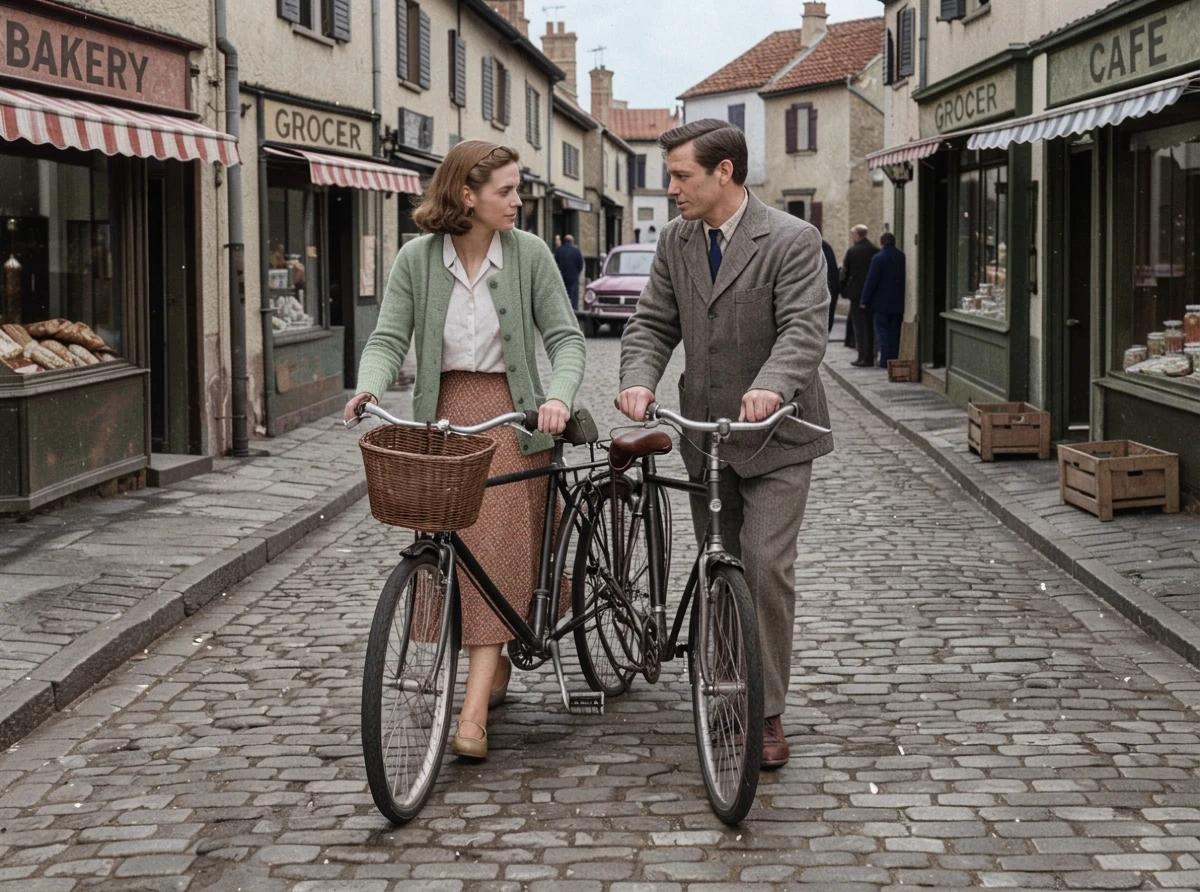
Old photos, in the color of their time.
Expand image with AI
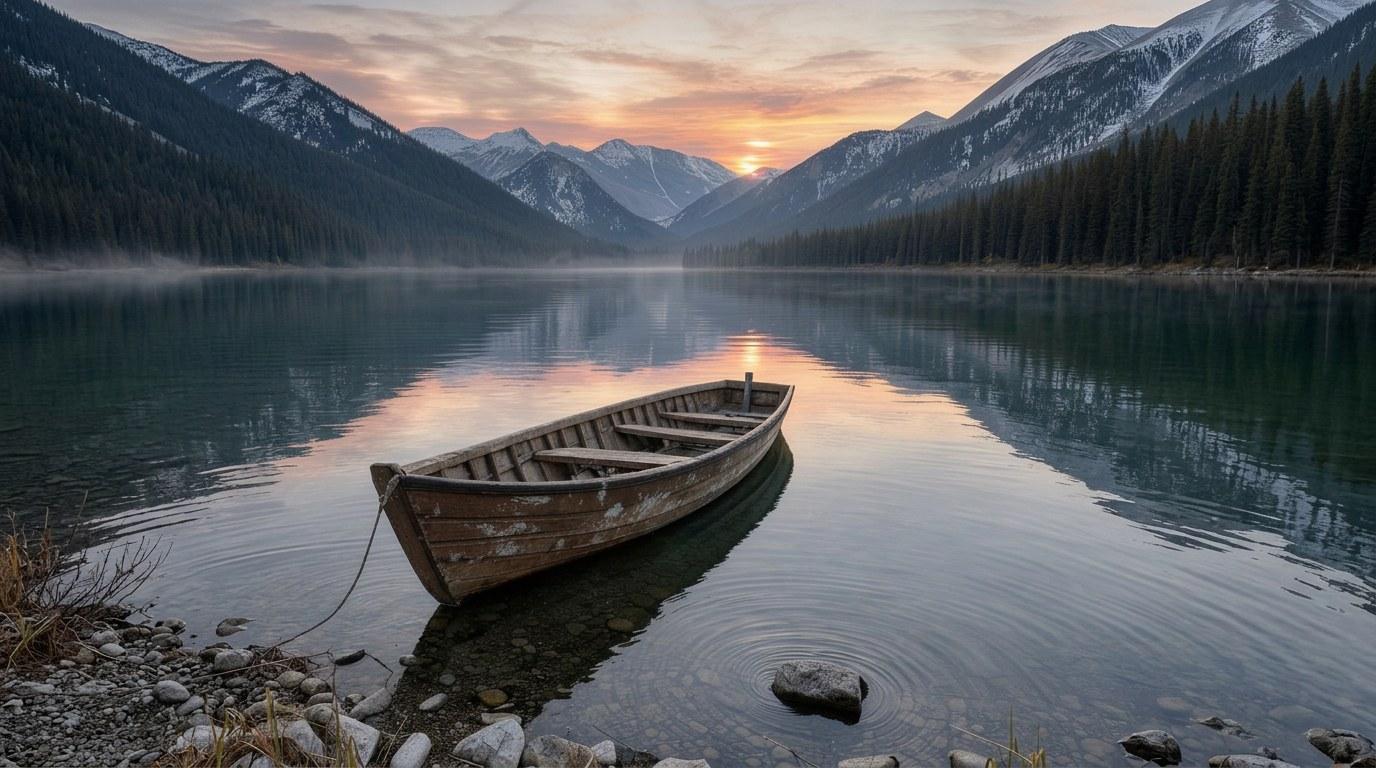
A square photo, made wide or tall.
AI face swap
Your face, in any picture.
Unblur image
The shot you almost got, made sharp.
Remove text from image
The words gone, the picture whole.
Blur background
Portrait mode, after the fact.