Expand image with AI
A square photo, made wide or tall.
Pick a new shape and the image grows to fill it: more sky, more floor, more background, drawn to match the light and the scene. What was already in the photo stays where it was.
Photo tools come with every paid plan, from $19.99 a month.
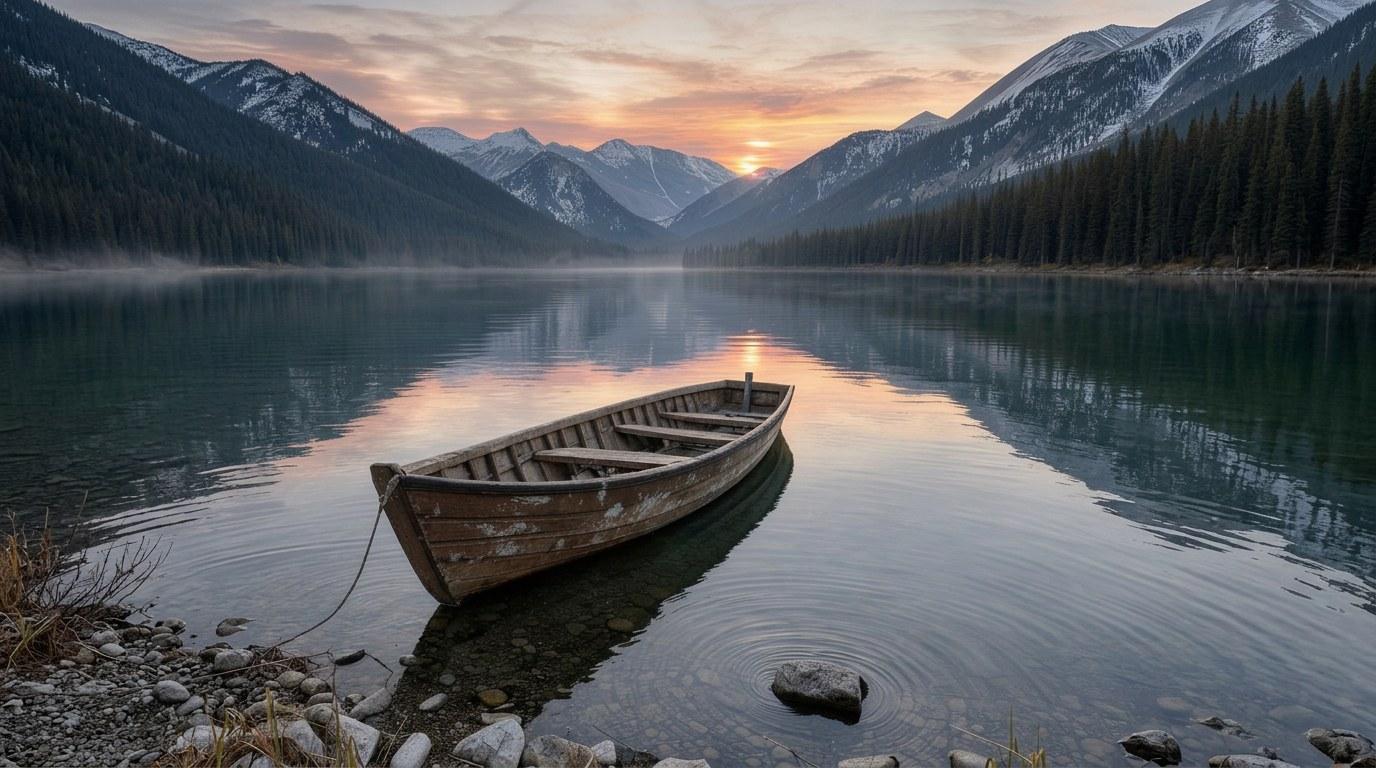
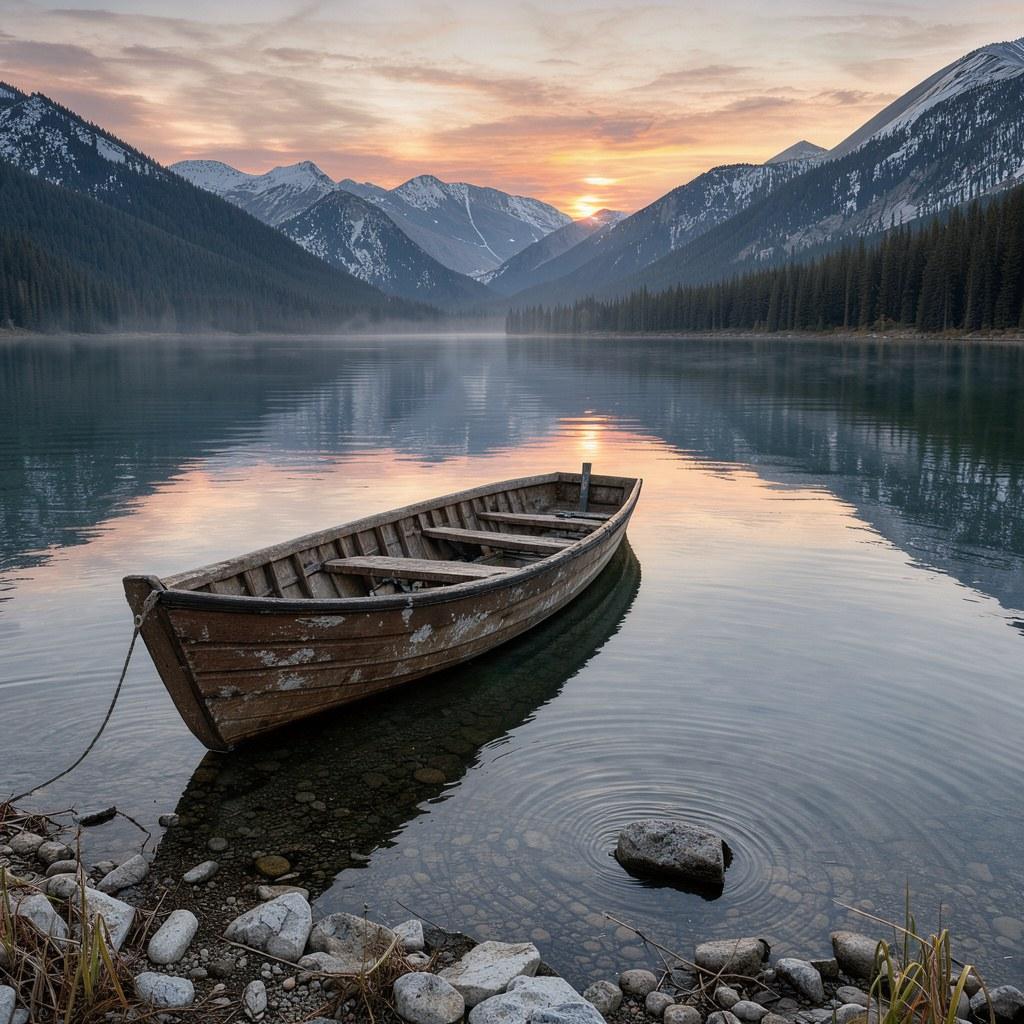
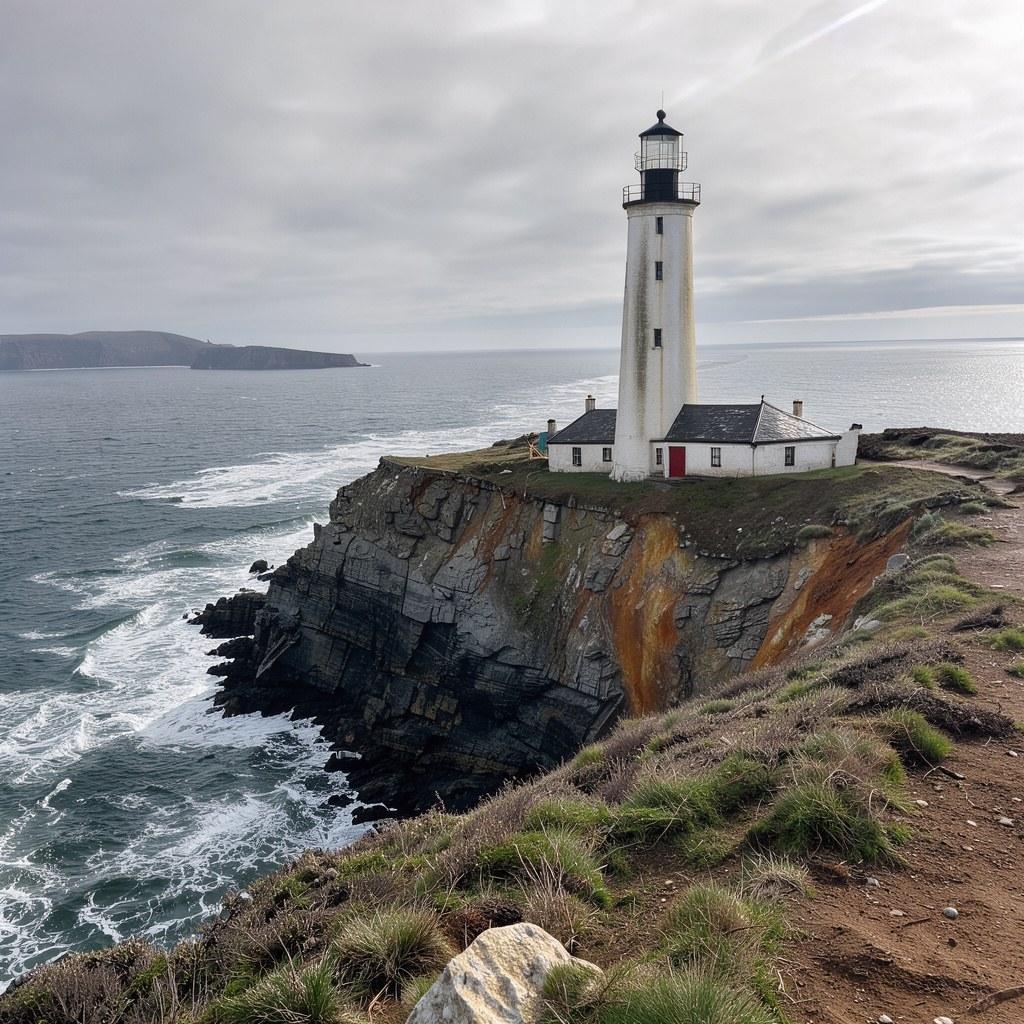
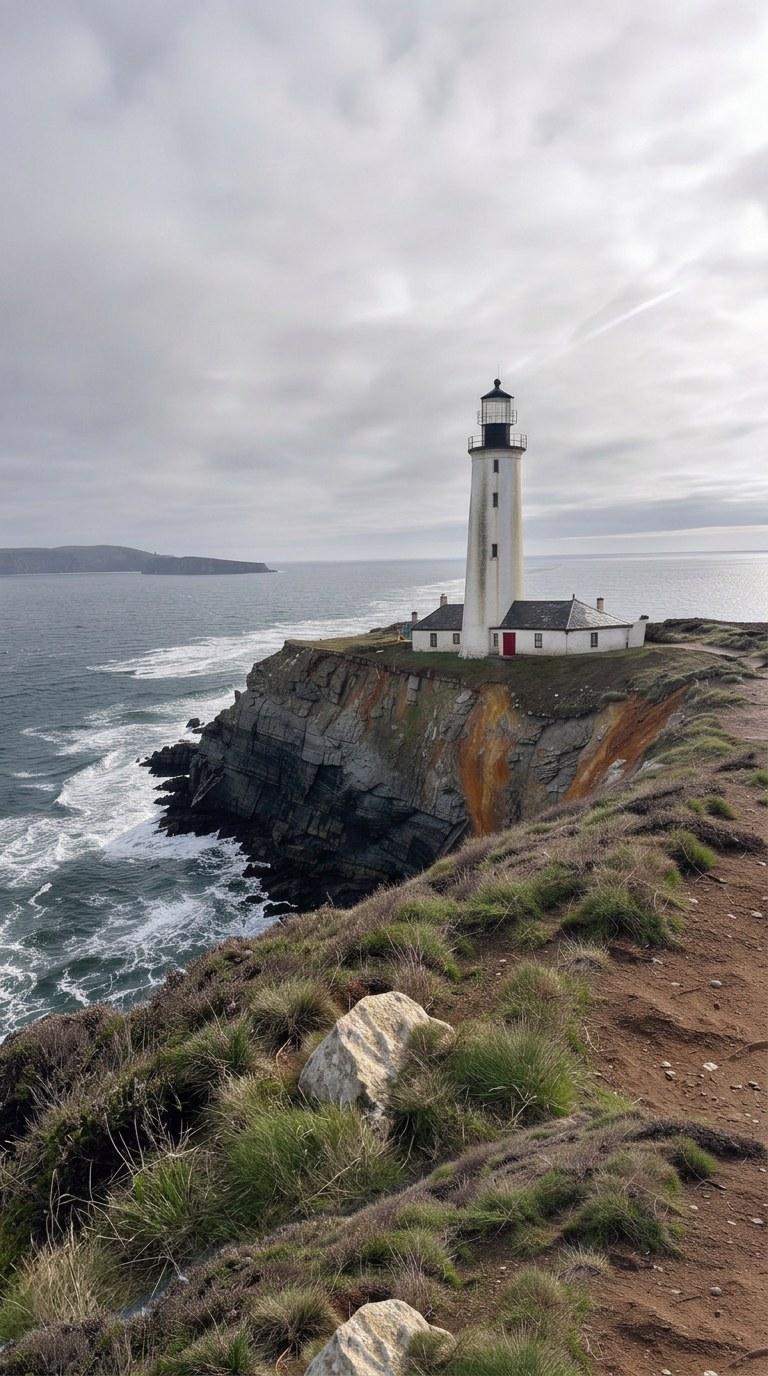
Before and after.
A square photo made wide, and one made tall for Stories. Drag the slider to compare.
How it works.
- 1Upload the photoAny shape. The subject can sit close to the edge: that is the side that grows.
- 2Pick the new shape16:9 for a banner or a video, 9:16 for Stories and Reels, 4:3, 3:2 and more.
- 3ExpandOne click. Check the new edges, then download or run it again for another version.
- Nothing cropped. The photo keeps all of its pixels. Only the new space around it is drawn.
- Real runs on this page. Both before-and-afters below came out of the Resize tool itself.
- The price before you run. The tool shows what one expansion costs in credits before you press the button.
When people expand an image.
Stories and Reels
A square or landscape photo turned into a full-screen 9:16 vertical.
YouTube and banners
A portrait made wide for a thumbnail, a cover or a website header.
Room for text
Empty space added beside a product or a person, for a title or a price.
Print sizes
A phone photo brought to 3:2 or 4:3 for a frame, without cropping heads.
- Product listings. A tight product shot given a full, even background for a marketplace.
- AI images. A generated image you like that came out in the wrong shape.
Good to know.
Expanding is not stretching
A classic resize to another shape either crops the photo or squashes it. Expanding keeps the photo whole and draws what could plausibly be around it, which is also called uncropping or outpainting.
- Scenery and backgrounds. Sky, water, walls, grass and studio backdrops extend cleanly and match the light.
- People at the edge. A shoulder or an arm cut by the frame is completed, so check hands and faces near the new edges.
- Text and logos. New space never adds readable text. Signs cut by the old frame may be finished wrong.
Questions, answered.
Something else on your mind? Write to us.
What does expanding an image mean?
The canvas gets bigger in one or two directions and AI fills the new area so it looks like part of the original photo. The photo itself is not cropped or stretched.
Is it the same as an AI image extender or uncrop?
Yes. Expand, extend, uncrop and outpaint all name the same thing: a photo given more space around it, filled to match.
Which shapes can I choose?
Wide 16:9, tall 9:16, square, 4:3, 3:4, 3:2 and 2:3. The tool lists the shapes its model can make.
Will it change my photo?
It is told to change nothing else. Because the new space is drawn, check people and objects cut by the old edges before you publish.
Is it free?
Resize runs on credits, so it needs a paid plan. The free plan covers chat and text-to-image only.
More photo tools.
All AI tools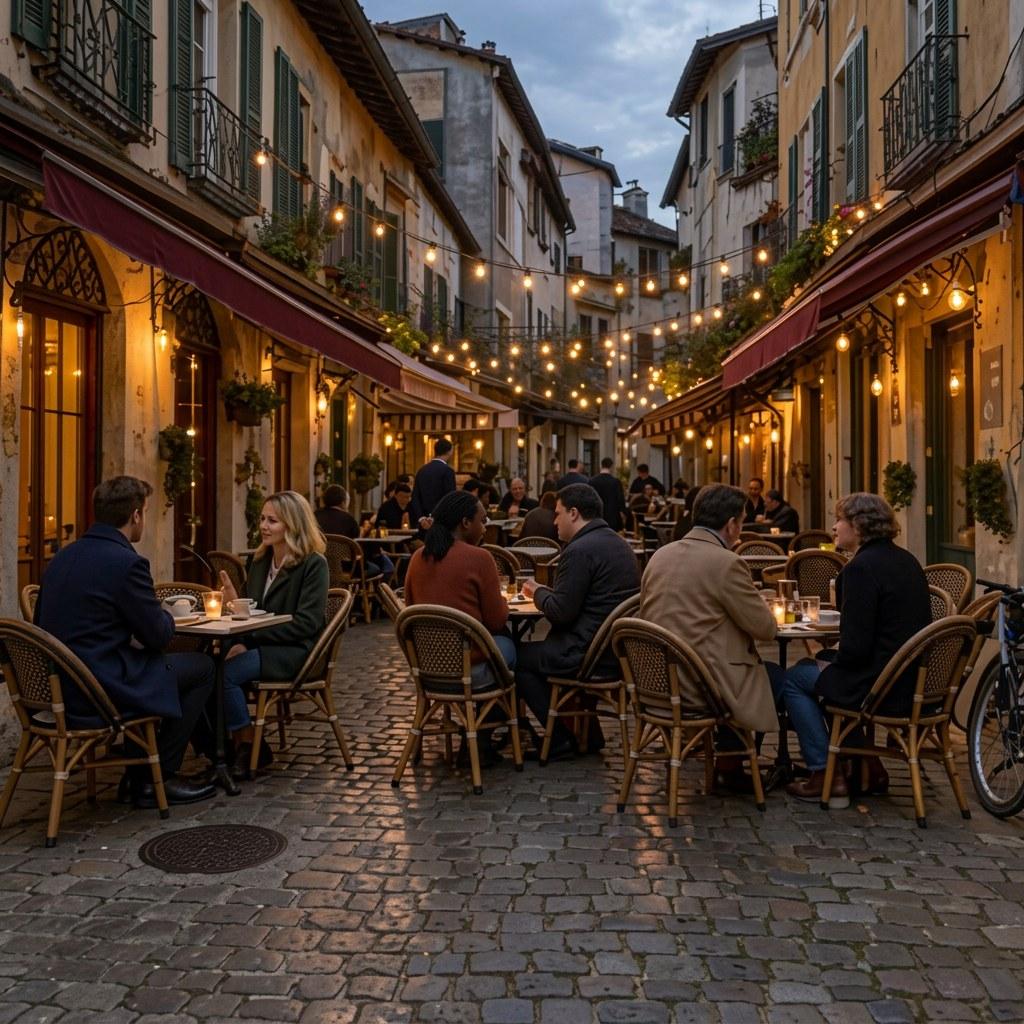
AI photo upscaler
A small, soft photo made sharp.
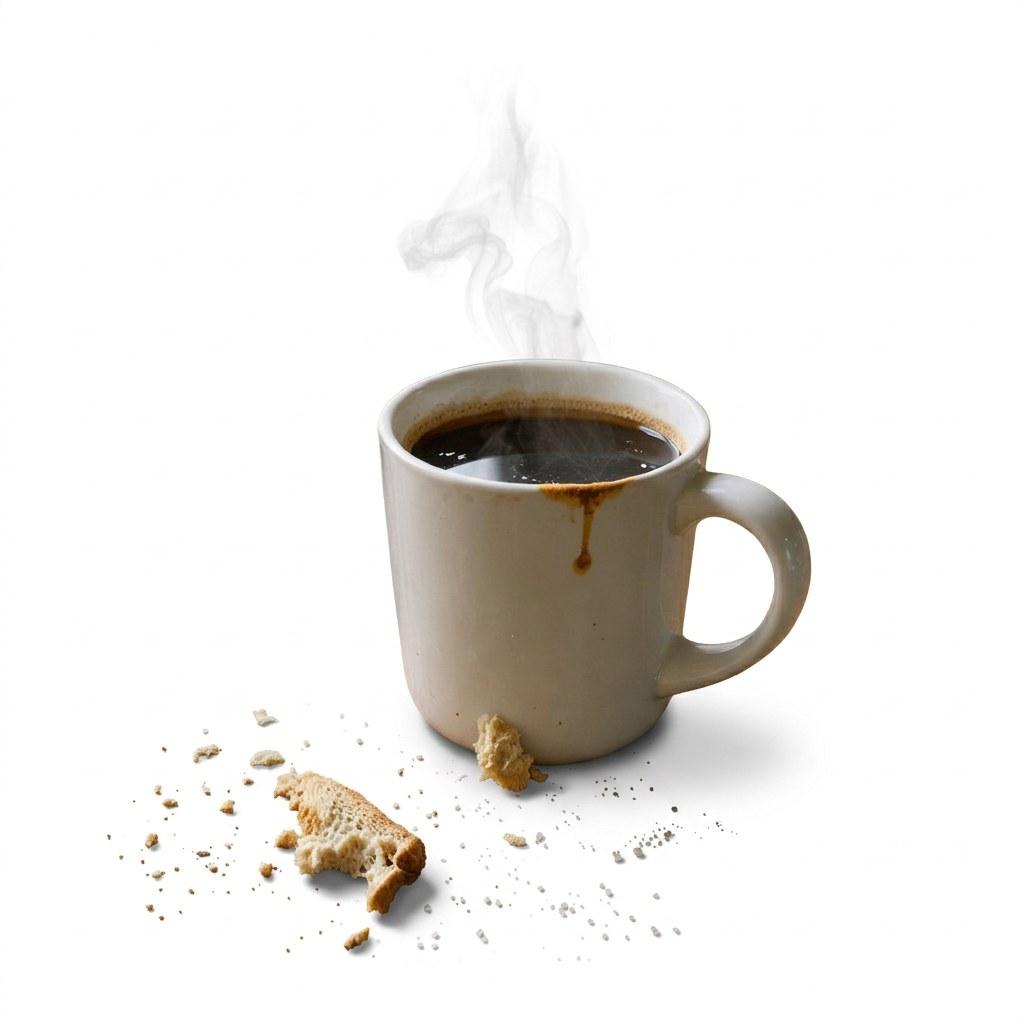
Remove background from image
A clean cut-out, nothing behind it.
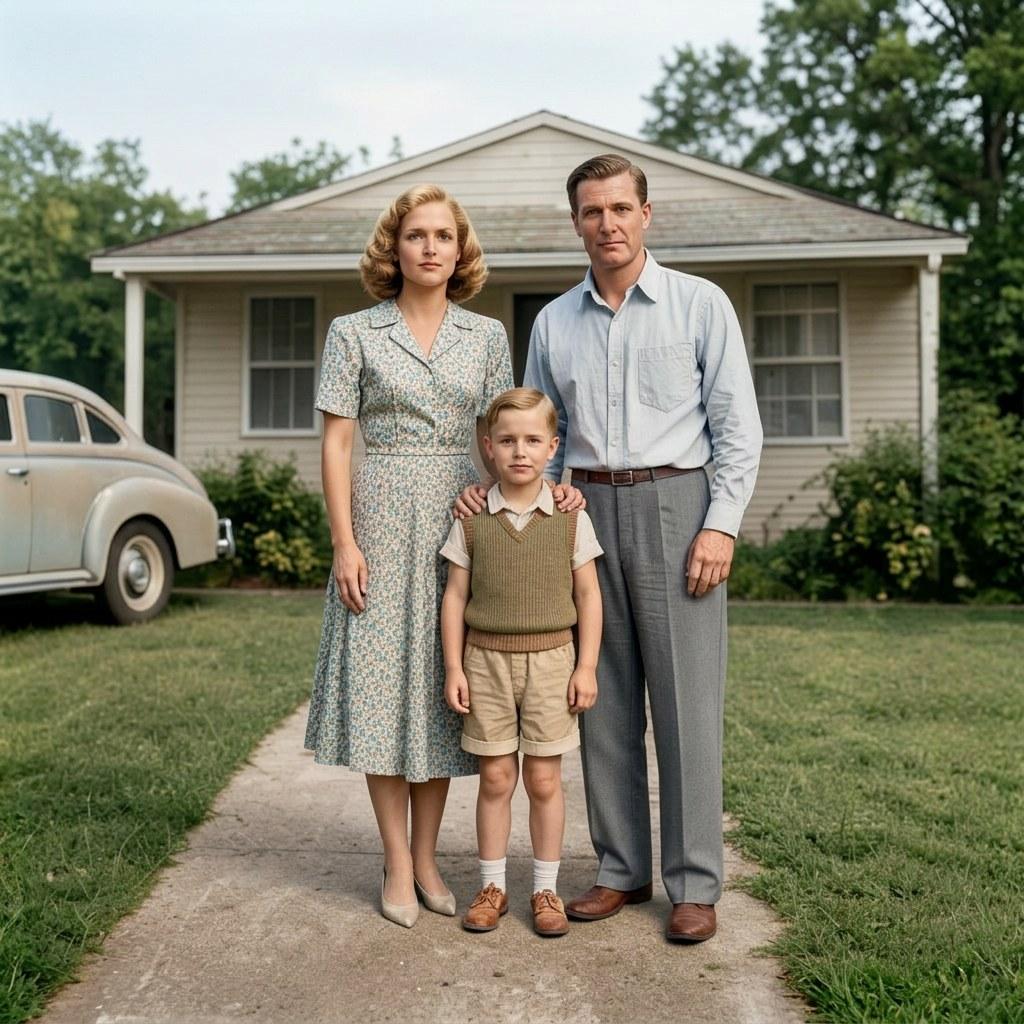
Restore old photos
The family print, without the damage.
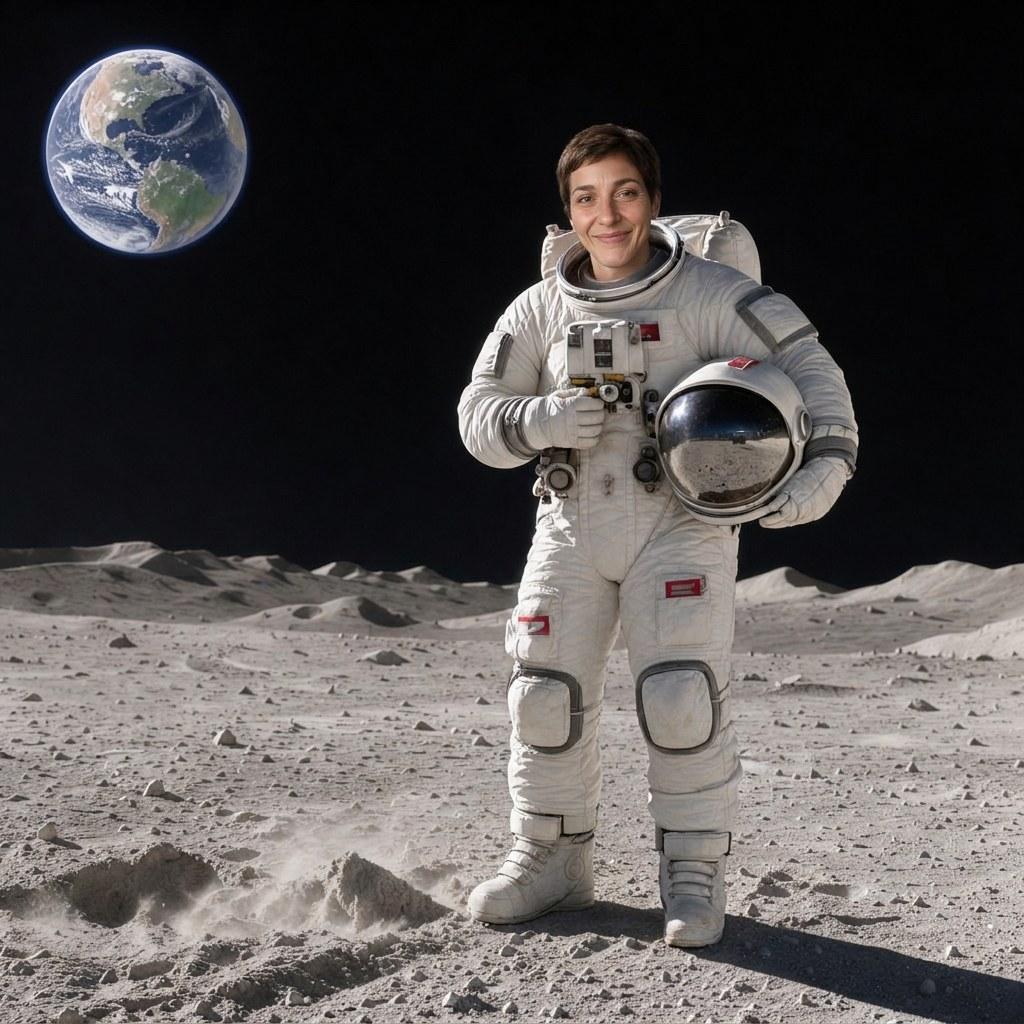
AI face swap
Your face, in any picture.
Unblur image
The shot you almost got, made sharp.
Remove text from image
The words gone, the picture whole.
Blur background
Portrait mode, after the fact.

Remove object from photo
Paint it. Gone.