AI sticker maker
Anyone or anything, as a die-cut sticker.
Upload a photo and pick a look: cartoon, kawaii, glossy 3D, or the photo itself cut out. You get the subject with a thick white border that follows its outline, the way printed die-cut stickers look.
Photo tools come with every paid plan, from $19.99 a month.
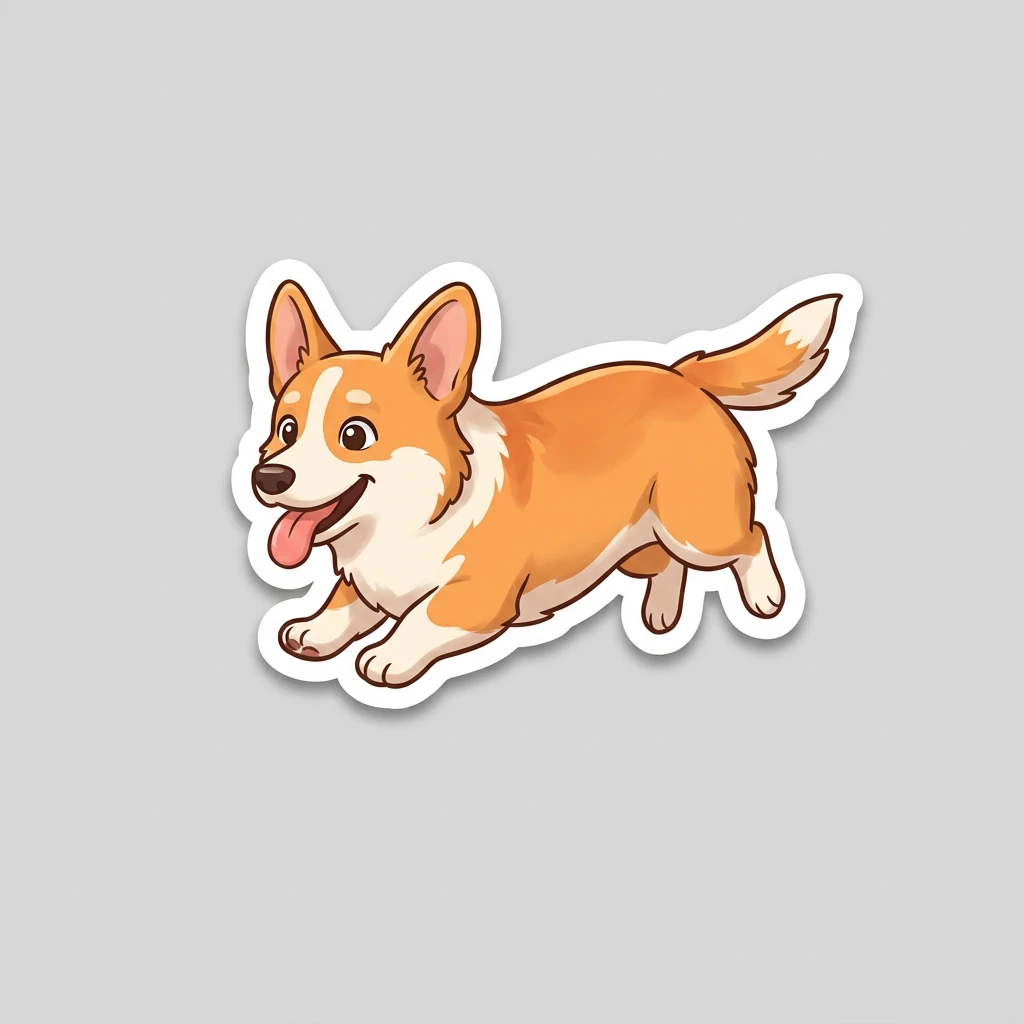
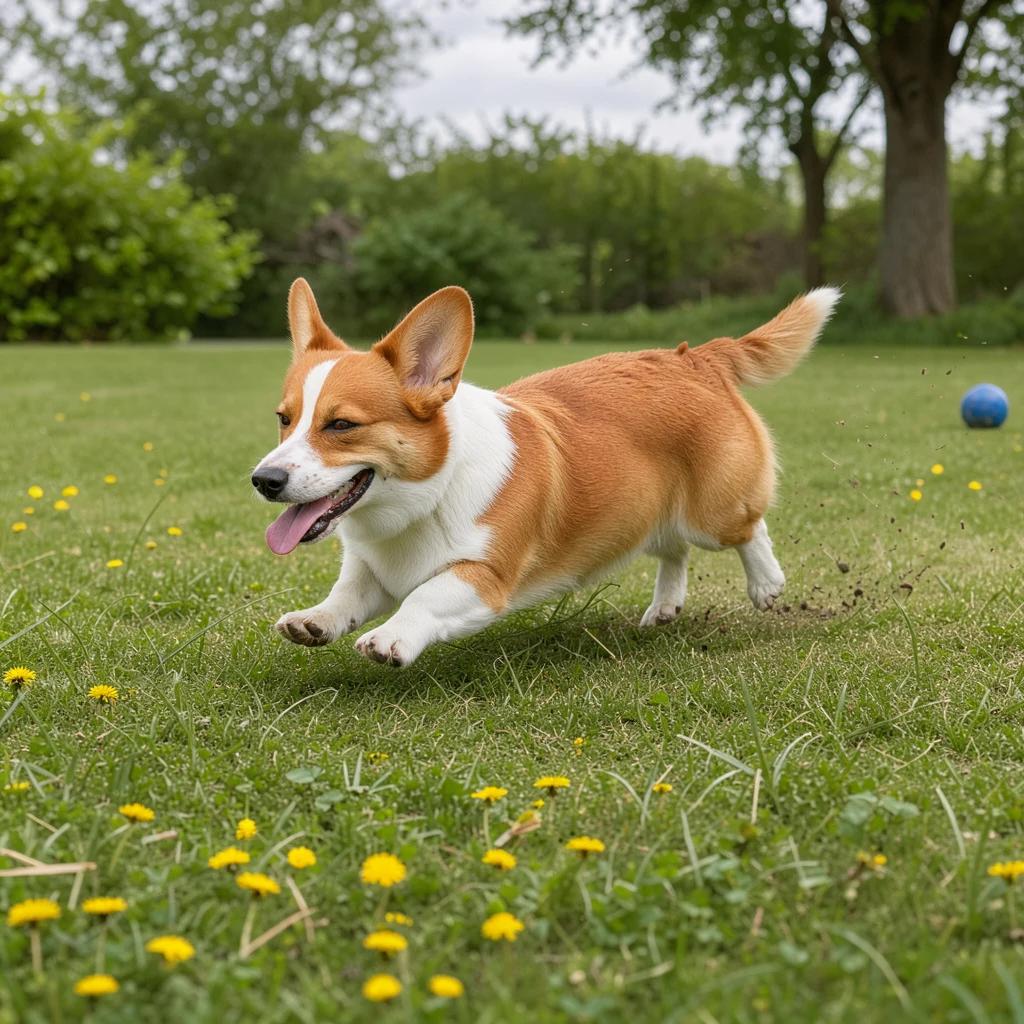
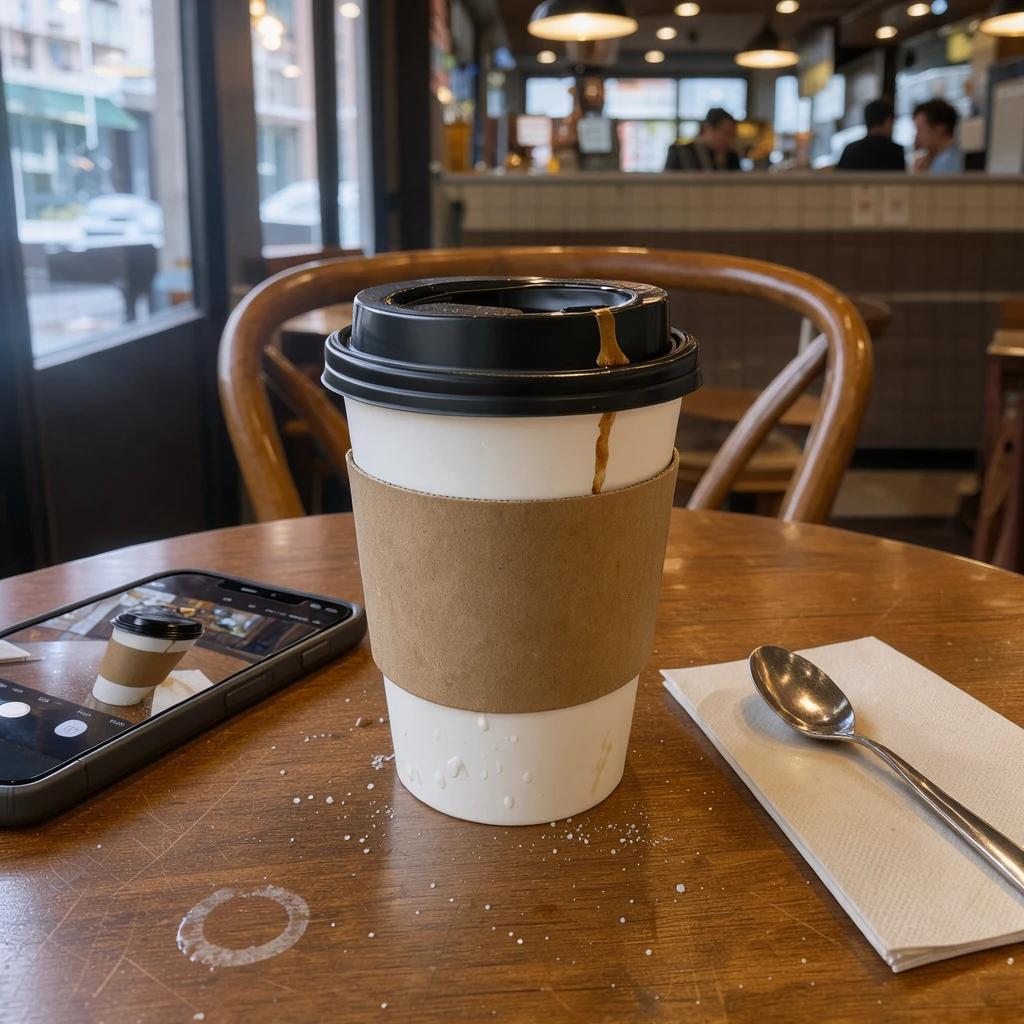
Before and after.
A corgi as a cartoon sticker and a coffee cup as a kawaii one, made by the Sticker tool.

How it works.
- 1Upload a photoOne clear subject, whole in the frame: a pet, a person, a plant, a mug, your logo on a product.
- 2Pick a lookCartoon, kawaii, 3D vinyl, or the photo itself with a white border.
- 3Cut it out for printRun the result through Remove background to drop the gray backdrop, then send it to your printer.
- Still recognisable. Your dog stays your dog: the tool keeps the subject's colors and features in every look.
- Real runs on this page. Both before-and-afters below came out of the Sticker tool itself.
- Commercial license. Included in every paid plan, so you can sell the stickers you design.
What people make.
Pet stickers
The most asked for: a dog or cat as a cartoon, for a laptop or a water bottle.
Small brands
Your product or mascot as a sticker to slip into every order.
Gifts and parties
A friend's face as a kawaii sticker for a birthday or a hen party.
Planners and journals
Your own houseplants, coffee or bike as a sticker set.
Good to know.
From screen to sticker sheet
- Transparent file. The sticker comes on a plain light gray background. Remove background turns it into a transparent cut-out.
- Size and resolution. Results are about 1,024 pixels across: sharp at up to roughly 8 cm (3 in) at 300 dpi, the usual sticker size.
- The cut line. Print shops (Sticker Mule, Redbubble, a local printer) trace the white border to make the die-cut path for you.
- Messaging apps. WhatsApp and Telegram stickers want a transparent 512 × 512 image. Cut it out, then resize.
Questions, answered.
Something else on your mind? Write to us.
Can I print the stickers?
Yes. Remove the gray background with Remove background, then upload the cut-out to a print shop. Most trace the white border into the die-cut line themselves.
Can I make a WhatsApp or Telegram sticker?
Yes. Both take a transparent image of 512 × 512 pixels. Cut the sticker out with Remove background, then resize it in any photo app before you add it.
Can I sell stickers I make?
Every paid plan includes a commercial license. Don't use characters, logos or people you have no rights to, whatever the tool can draw.
Can I make a sticker from a text prompt?
This tool starts from a photo. To start from words, describe the sticker in the AI image generator, then run the result through this tool or Remove background.
Is it free?
The Sticker tool runs on credits, so it needs a paid plan. The free plan covers chat and text-to-image only.
More photo tools.
All AI tools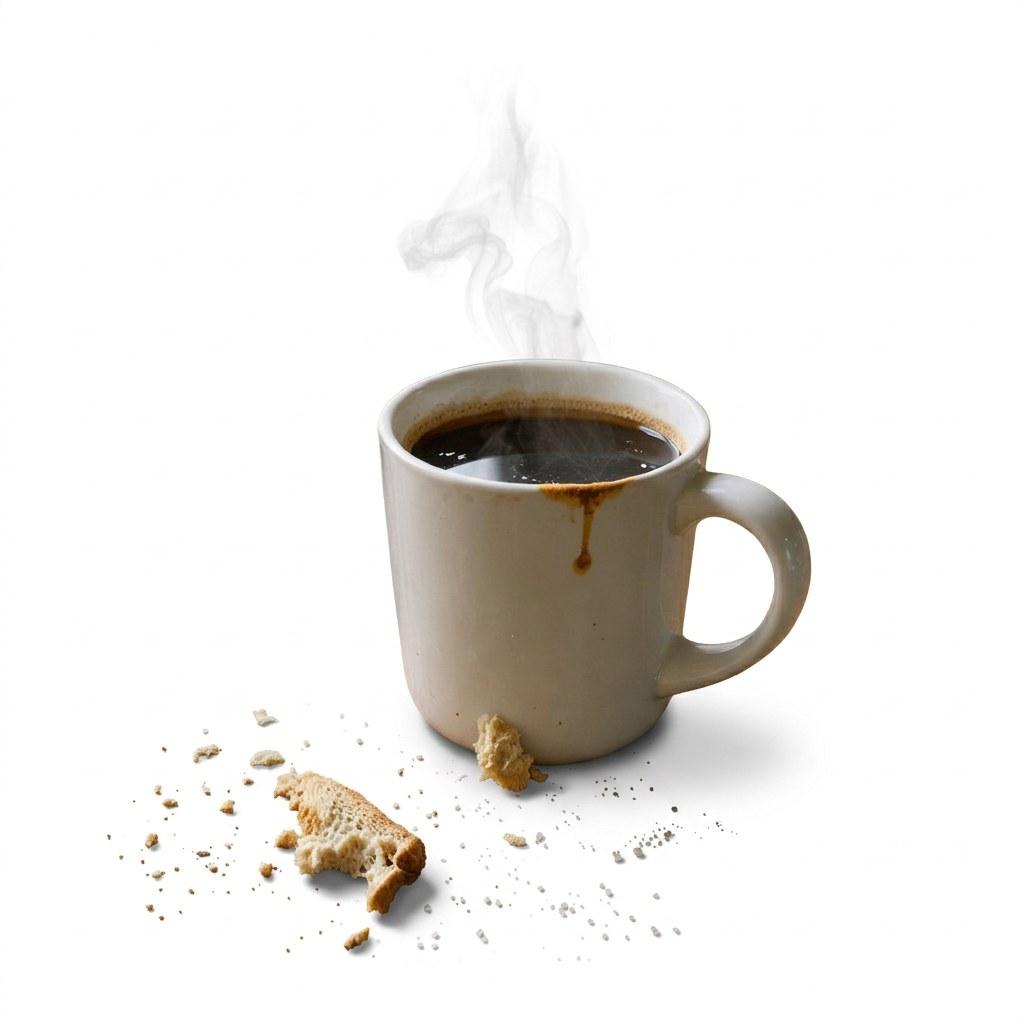
Remove background from image
A clean cut-out, nothing behind it.
AI face swap
Your face, in any picture.

AI headshot generator
A studio headshot from one selfie.
AI hairstyle try on
See the cut before you make it.
Catch Santa in your own home
Proof, by the tree.

AI age progression
You at 70. Or at 8.
AI baby generator
A little of you both.
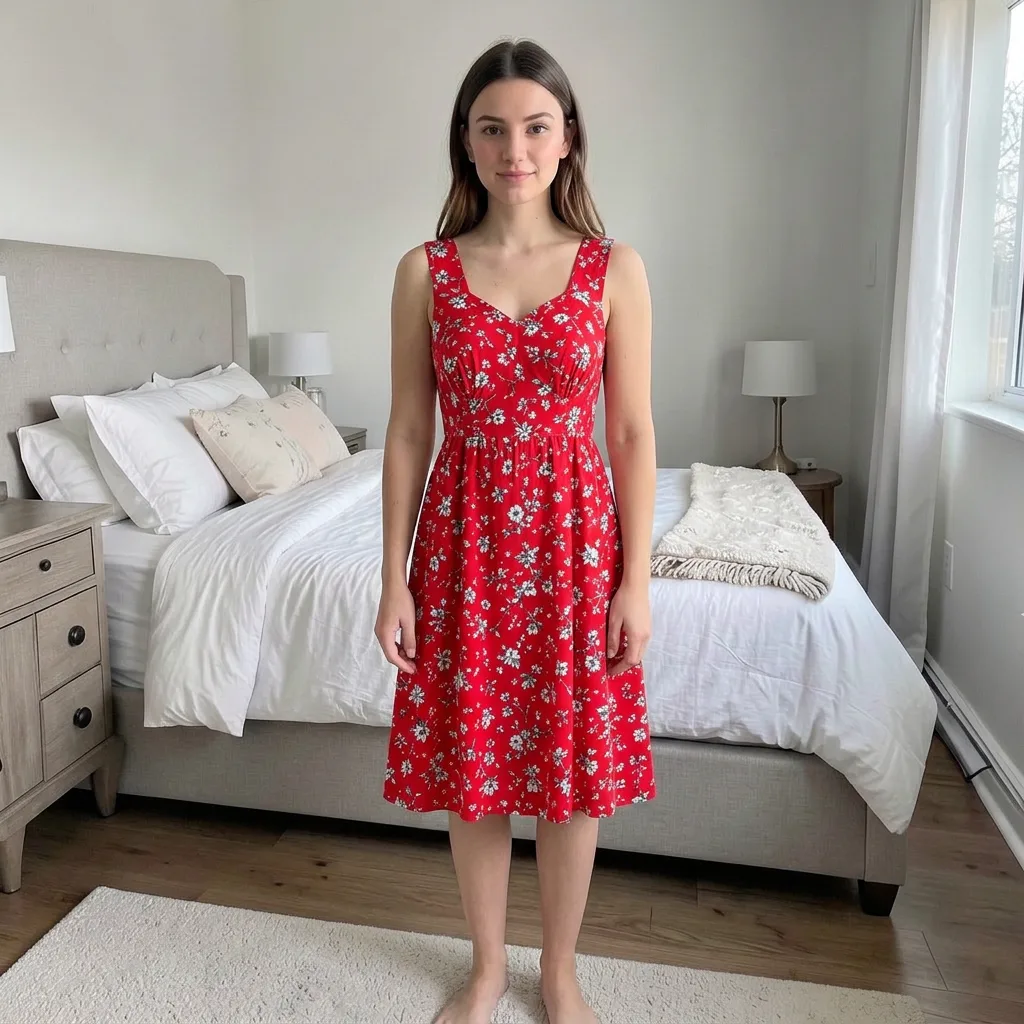
Virtual try on
Before the order, not after the return.