Day to night photo
The same scene, at another hour or season.
Upload a photo and change its light: night, golden hour, blue hour, neon, dramatic or soft overcast. Or change its season: winter snow, autumn leaves, spring blossom, summer or a rainy day. The place and the people stay as they are.
Photo tools come with every paid plan, from $19.99 a month.
Before and after.
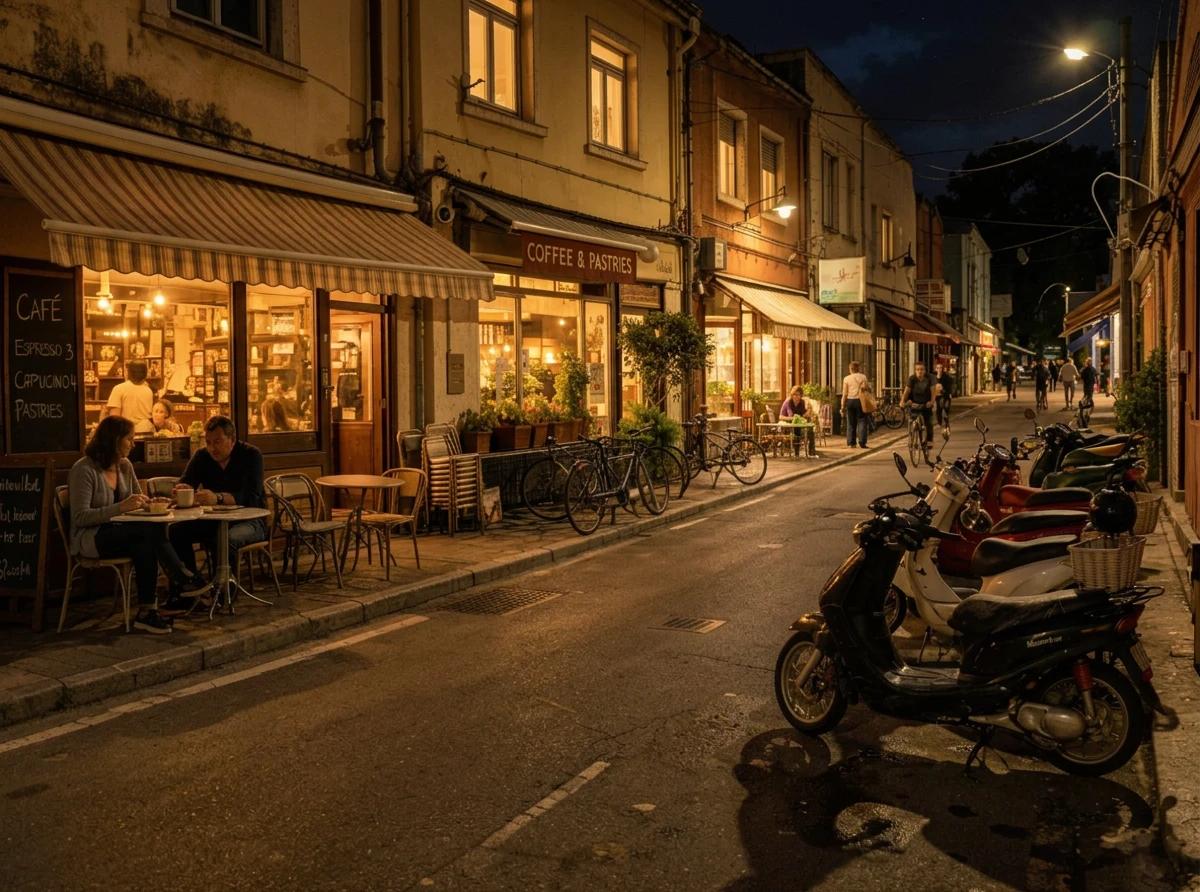
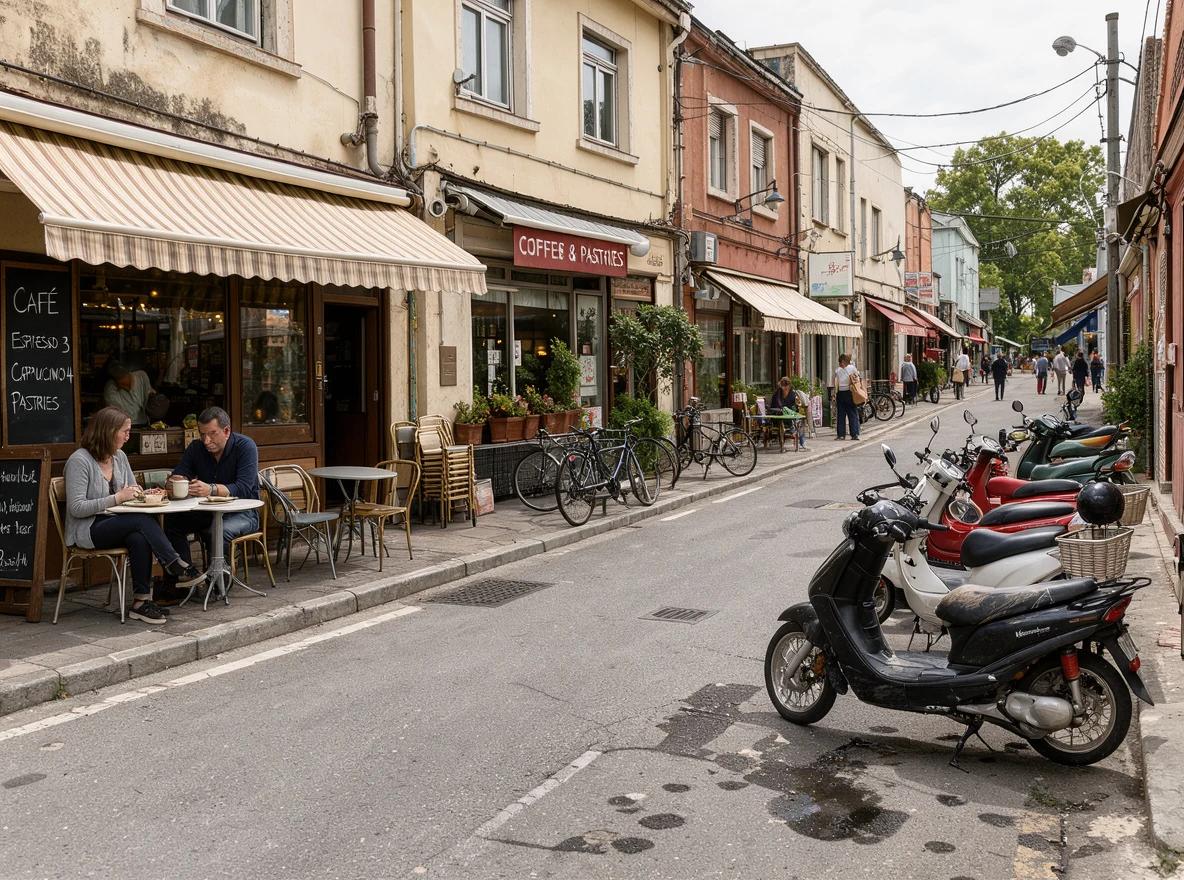
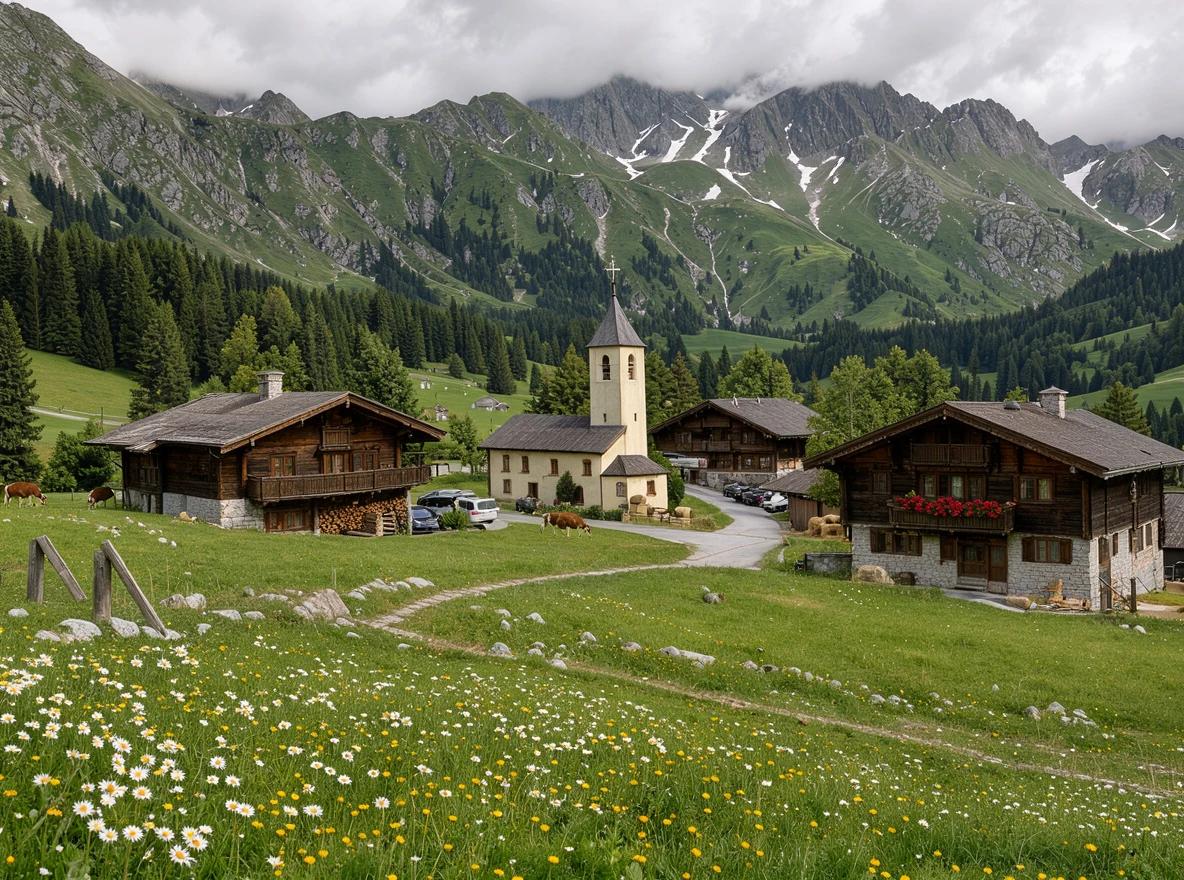
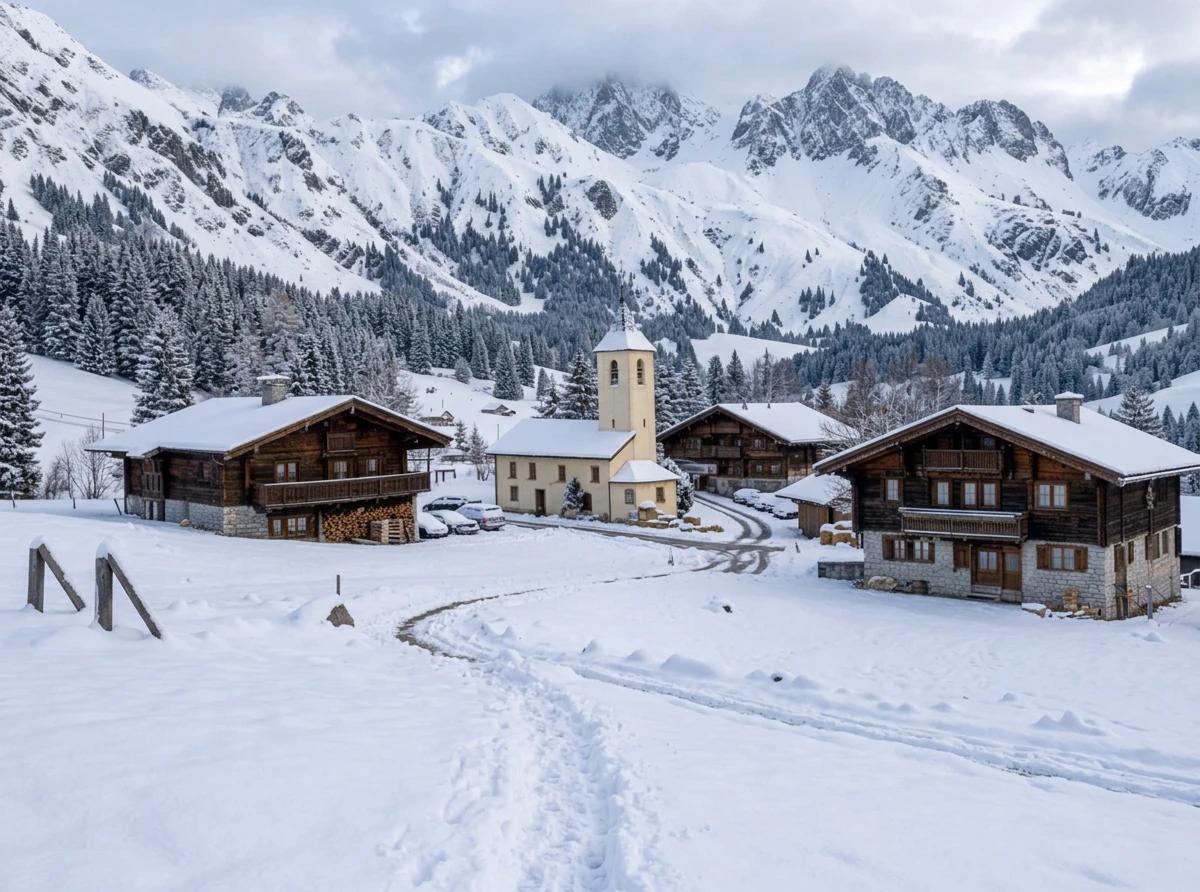
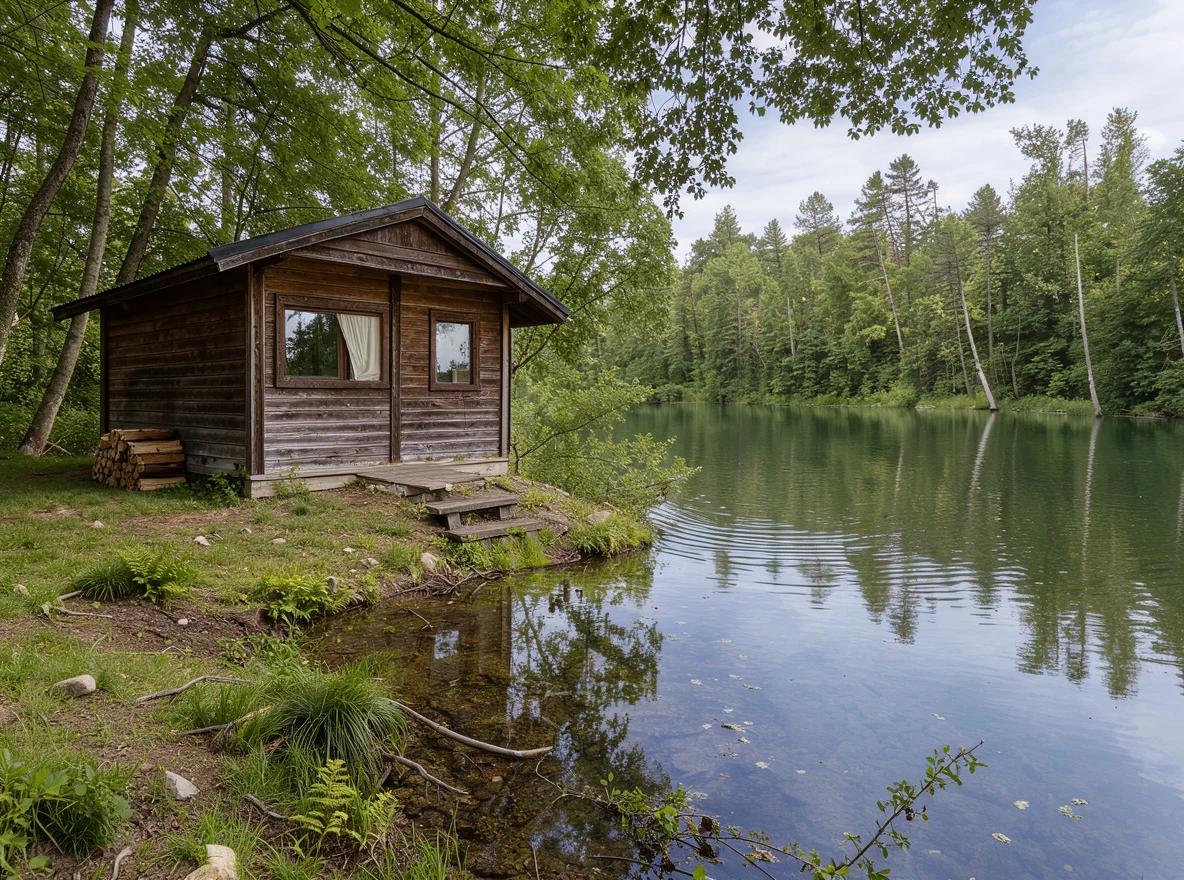
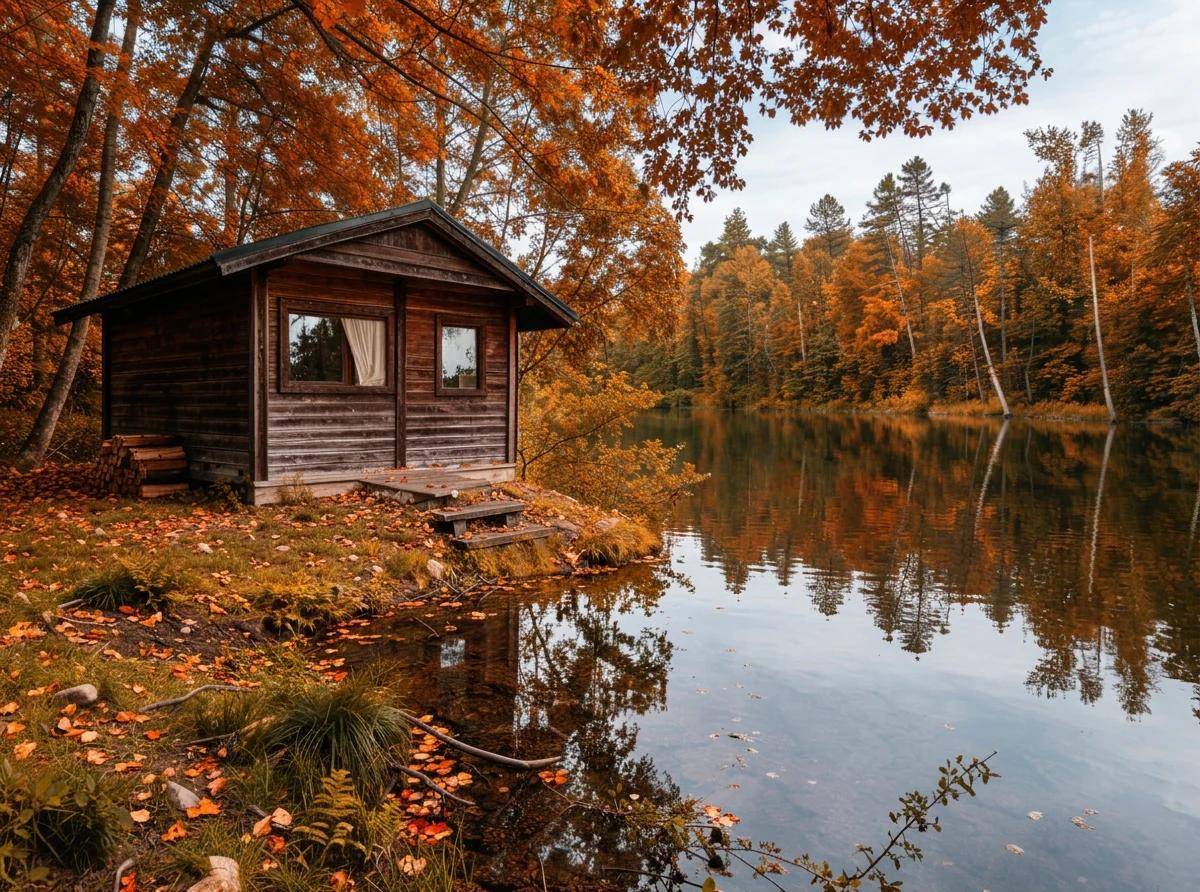
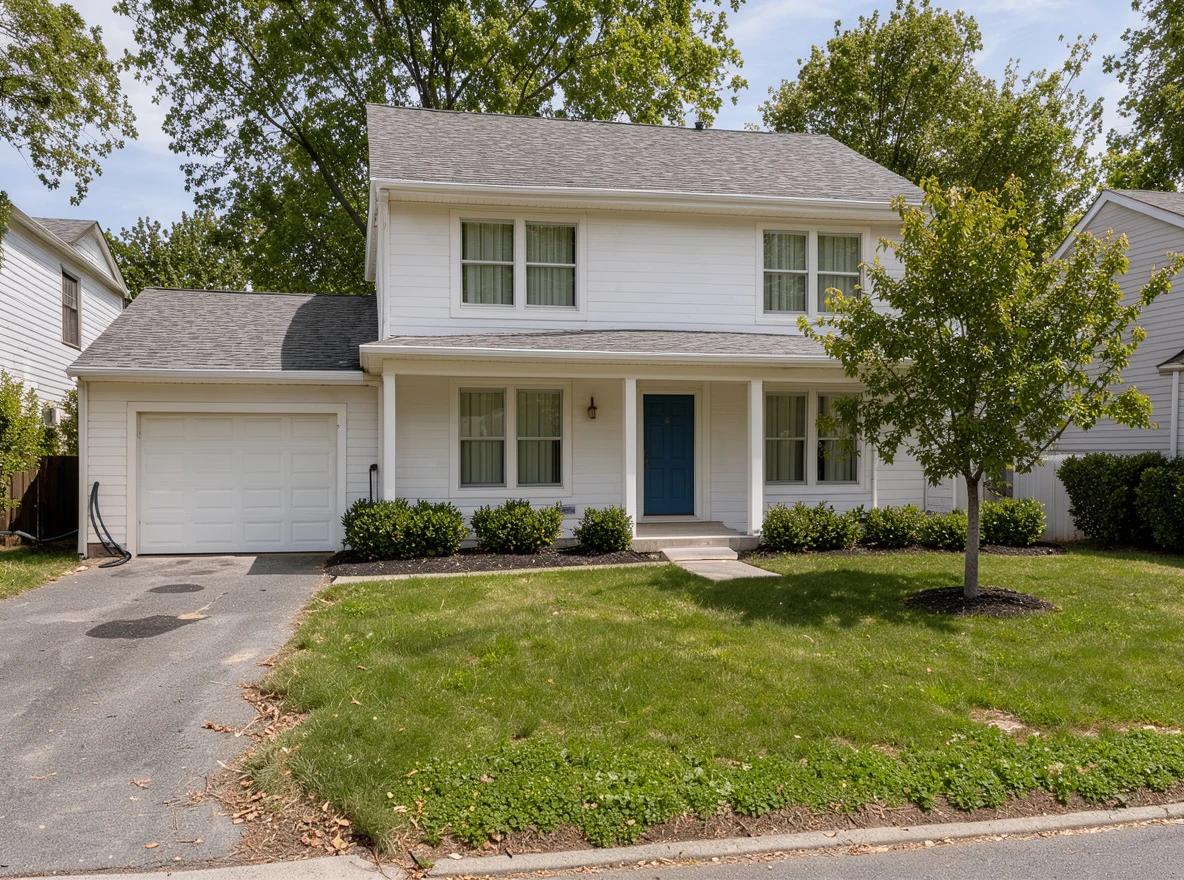
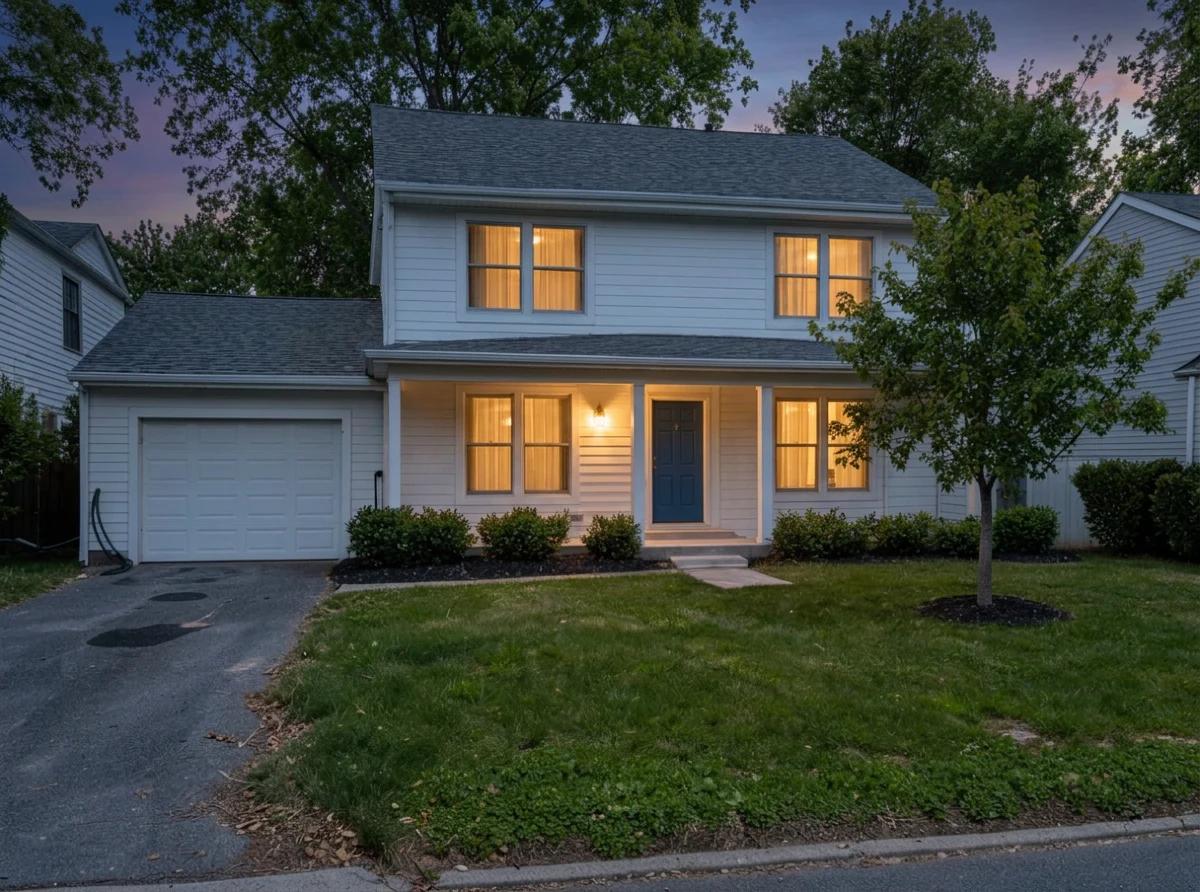
A street at noon turned to night, a house at blue hour, a summer village under snow and a lake cabin in autumn.
How it works.
- 1Upload the photoStreets, houses, landscapes and outdoor portraits give the clearest change.
- 2Pick a light or a seasonNight, golden hour, blue hour, neon… or winter, autumn, spring, summer, rain.
- 3DownloadCompare with the original, then download or try another hour.
- Only the light changes. Change lighting is told to keep the place, the people and every object, and change only light, shadows and sky.
- Real runs on this page. The street at night and the village under snow below came out of the tools themselves.
- Two tools, one photo. Relight a photo, then change its season, or the other way round.
Who uses it.
Real estate
A house shot at noon, shown at dusk with its windows lit.
Holiday cards
The family home or a summer photo, under snow for the winter card.
Travel and hotels
One shoot of a place, shown in every season and at night.
Creators
A plain daytime shot turned into a moody night or neon scene.
Good to know.
Six kinds of light
- Night. Lit windows and street lamps, a dark sky: the classic day-to-night edit.
- Golden hour and blue hour. Warm low sun, or the cool glow just after sunset.
- Neon and dramatic. Colored city light, or strong contrast and deep shadows.
- Soft overcast. Even, gentle light that takes harsh noon shadows off faces.
Five seasons and weathers
Change season keeps the place, the buildings, the people and the composition, and changes what grows and falls.
- Winter. Snow on roofs, trees and the ground.
- Autumn. Orange and red leaves, on the trees and underfoot.
- Spring and summer. Blossom and fresh green, or full summer light and color.
- Rainy day. Wet streets, reflections and a grey sky.
Questions, answered.
Something else on your mind? Write to us.
Can I turn a day photo into a night photo?
Yes. Pick Night in Change lighting: the sky darkens, windows and street lamps light up, and the place stays the same.
Will it change the buildings or people?
Both tools are told to keep the place, the people and the composition. Check signs and small details at full size, since the light is redrawn.
Can I change the season of a photo?
Yes, with Change season: winter, autumn, spring, summer or a rainy day.
Does it work on indoor photos?
Lighting works indoors too, like a neon or golden-hour room. Seasons show most outdoors, where there is sky, trees and ground.
Is it free?
Both tools run on credits, so they need a paid plan. The free plan covers chat and text-to-image only.
More photo tools.
All AI tools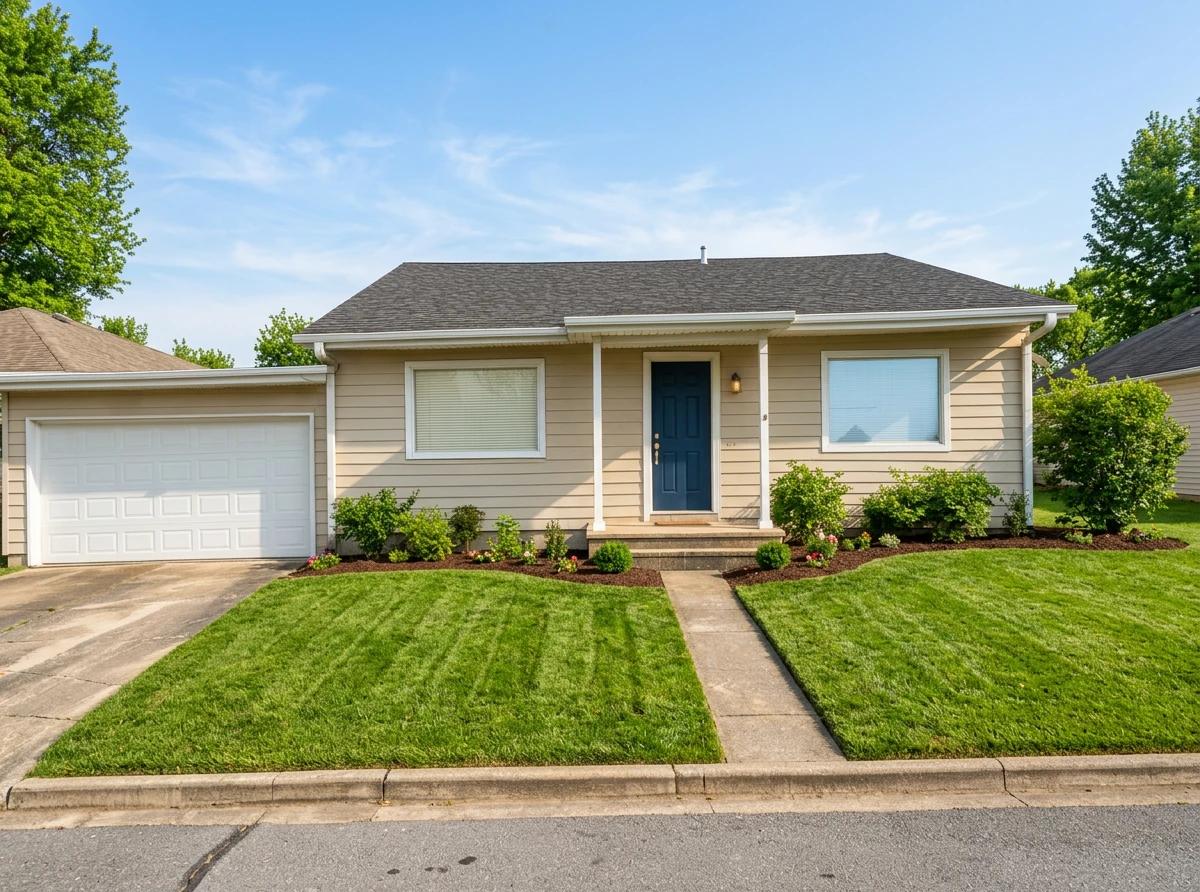
AI real estate photo editing
Listing photos on the house's best day.
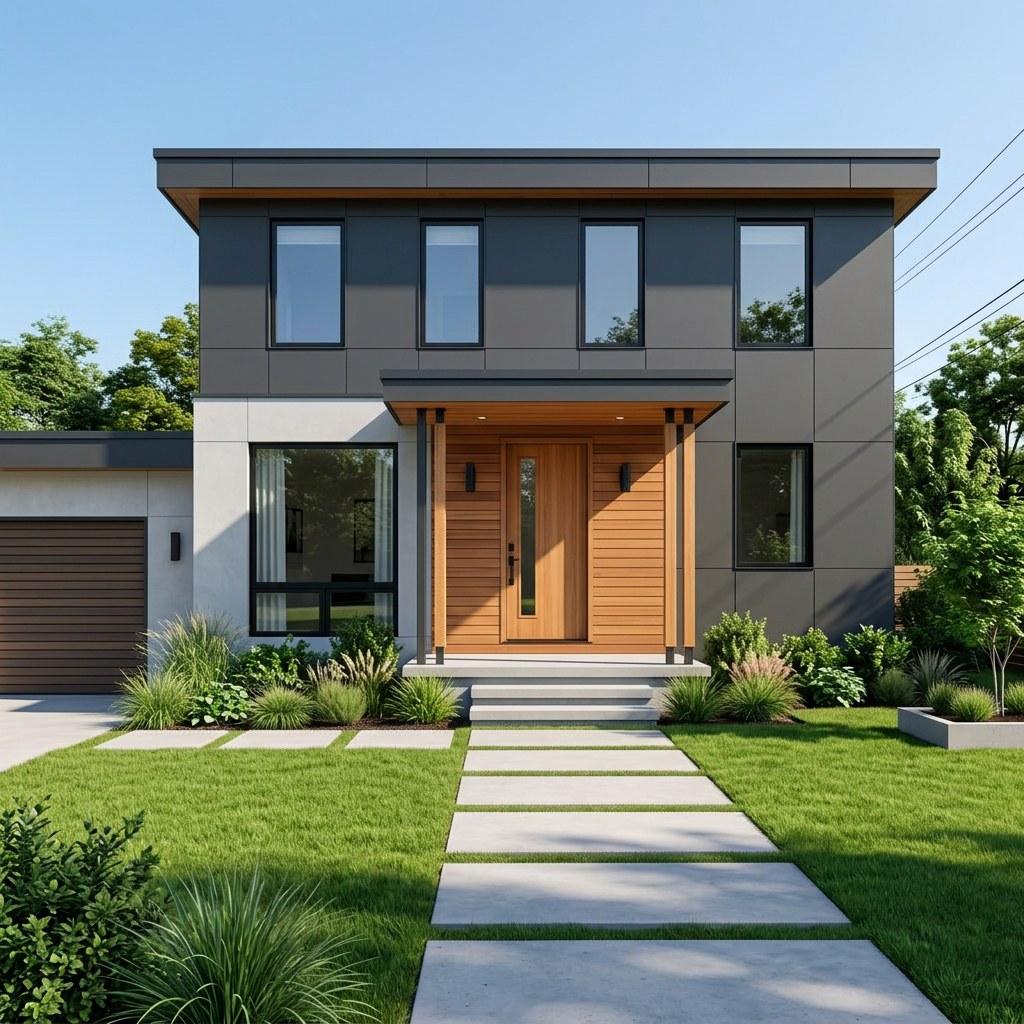
AI exterior design
See your own house redesigned.

Change photo background
The same people, somewhere else.

AI sticker maker
Anyone or anything, as a die-cut sticker.

AI hairstyle try on
See the cut before you make it.
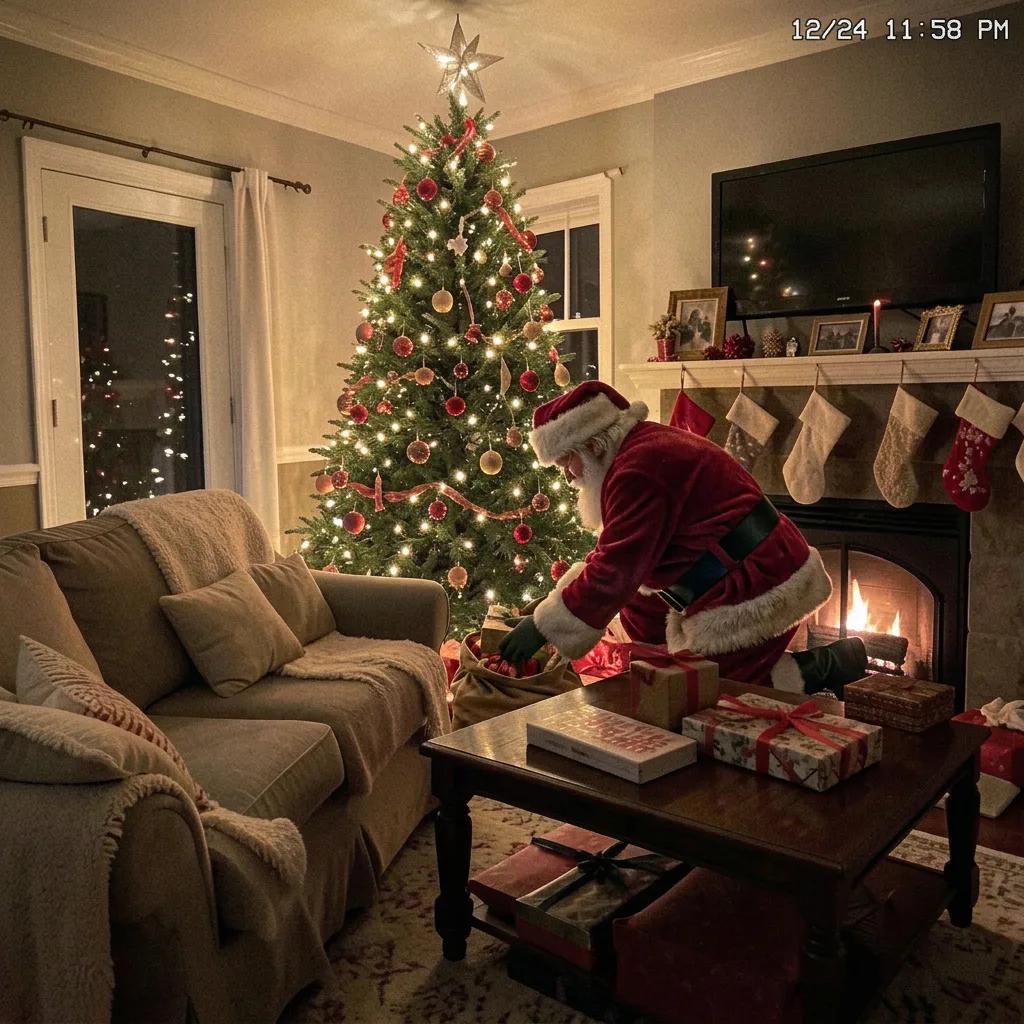
Catch Santa in your own home
Proof, by the tree.
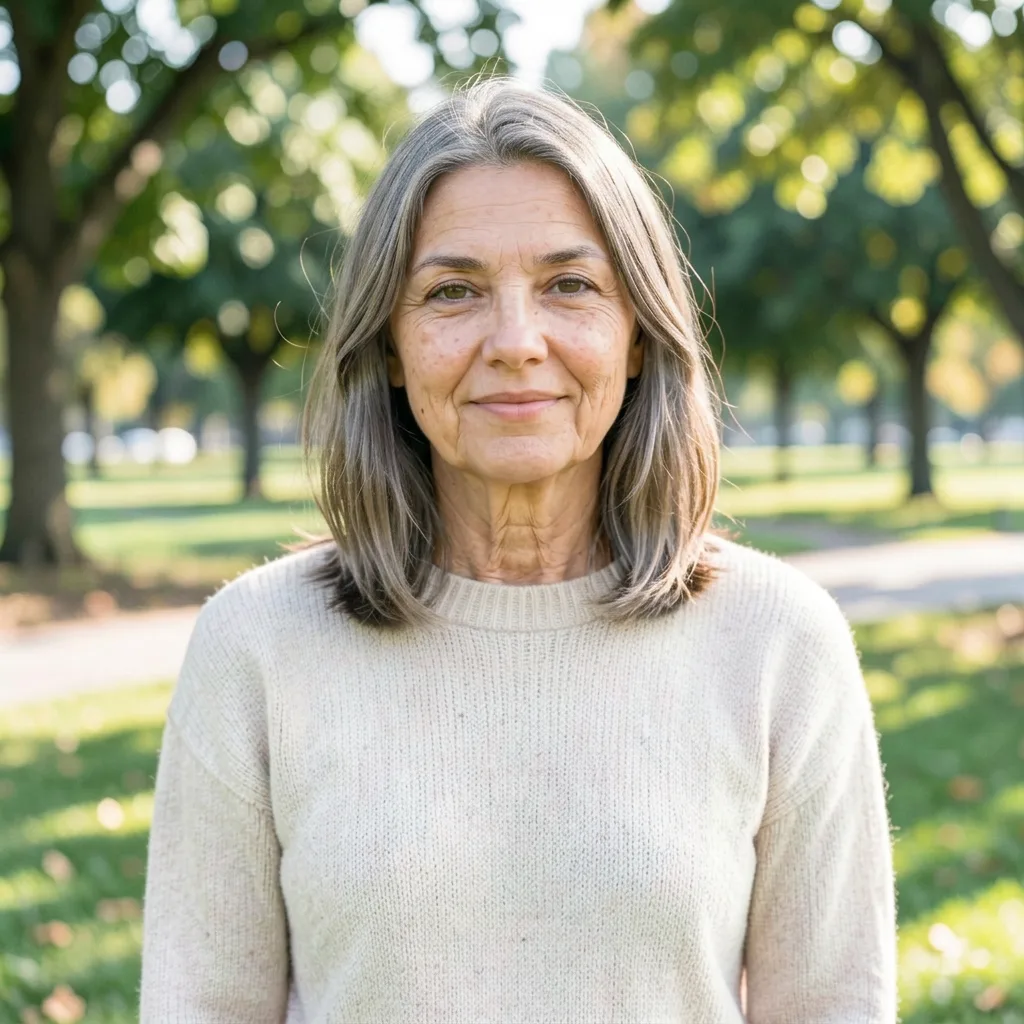
AI age progression
You at 70. Or at 8.

AI baby generator
A little of you both.