Sketch to image
Your drawing, finished.
Snap a photo of a sketch, on paper, a napkin or a tablet, and pick what it should become: a real photo, a 3D render, an anime illustration, a watercolor or a product render. Your composition and proportions stay exactly where you drew them.
Photo tools come with every paid plan, from $19.99 a month.
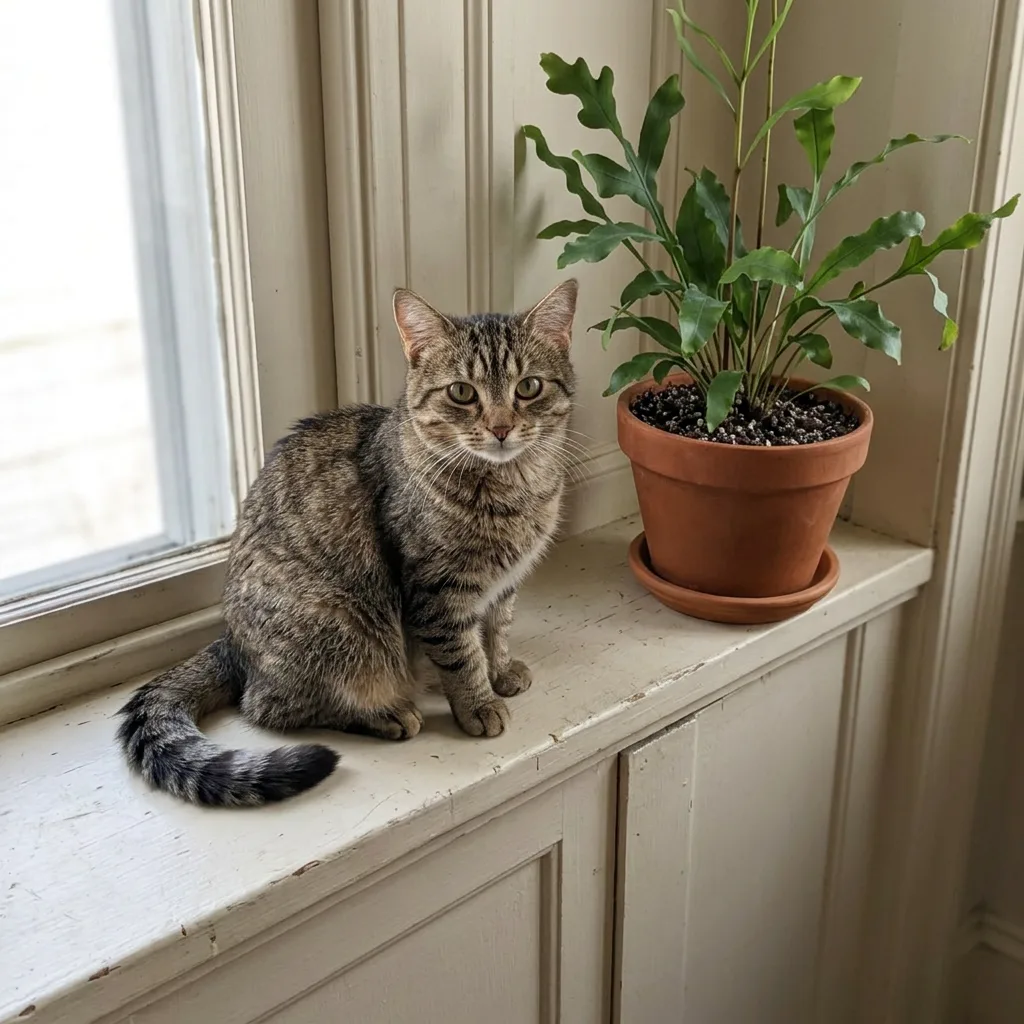
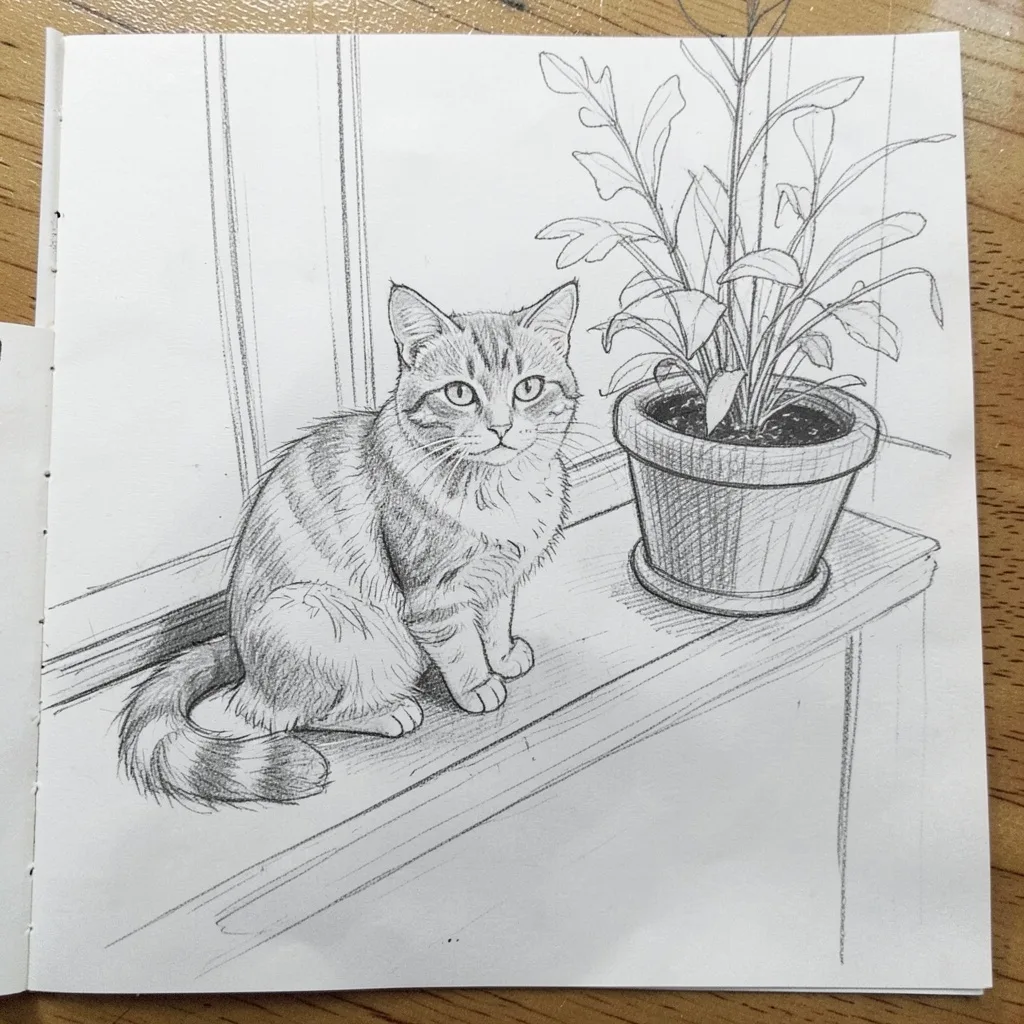
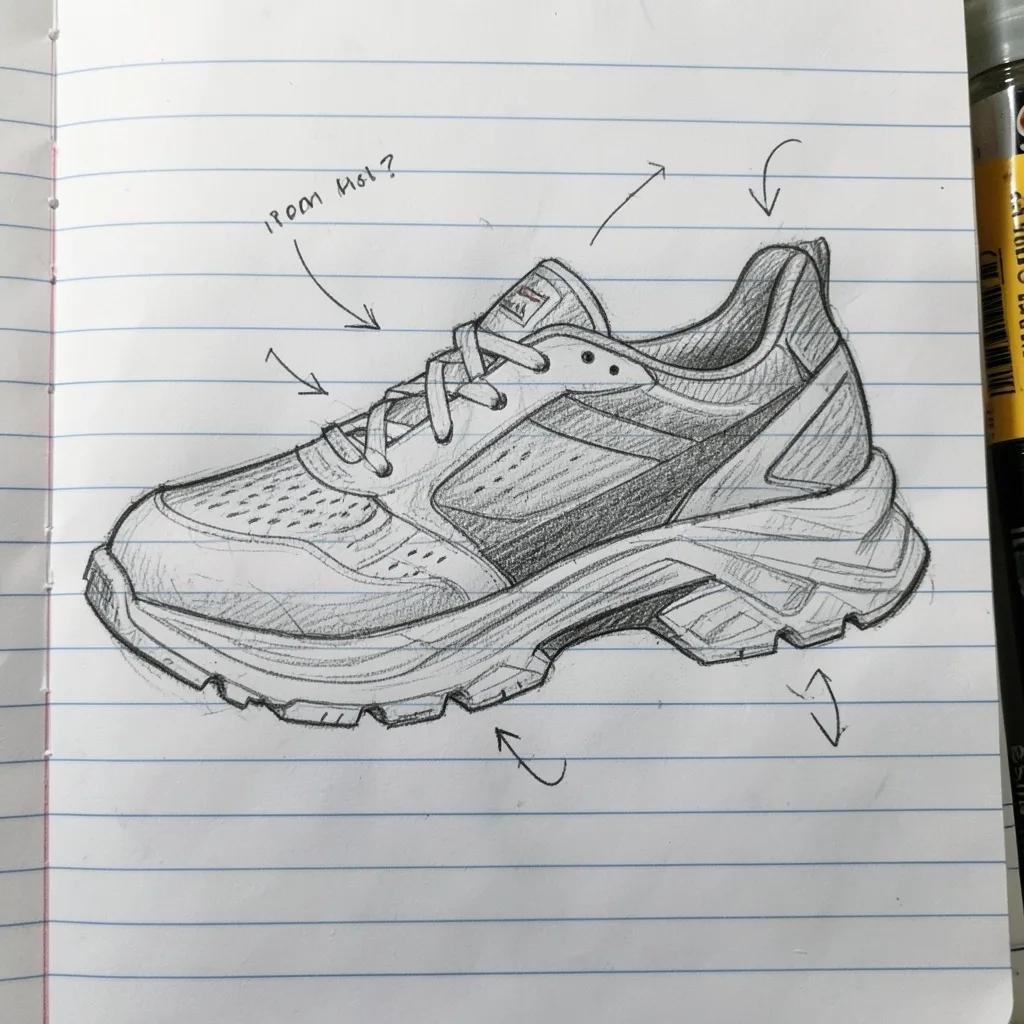
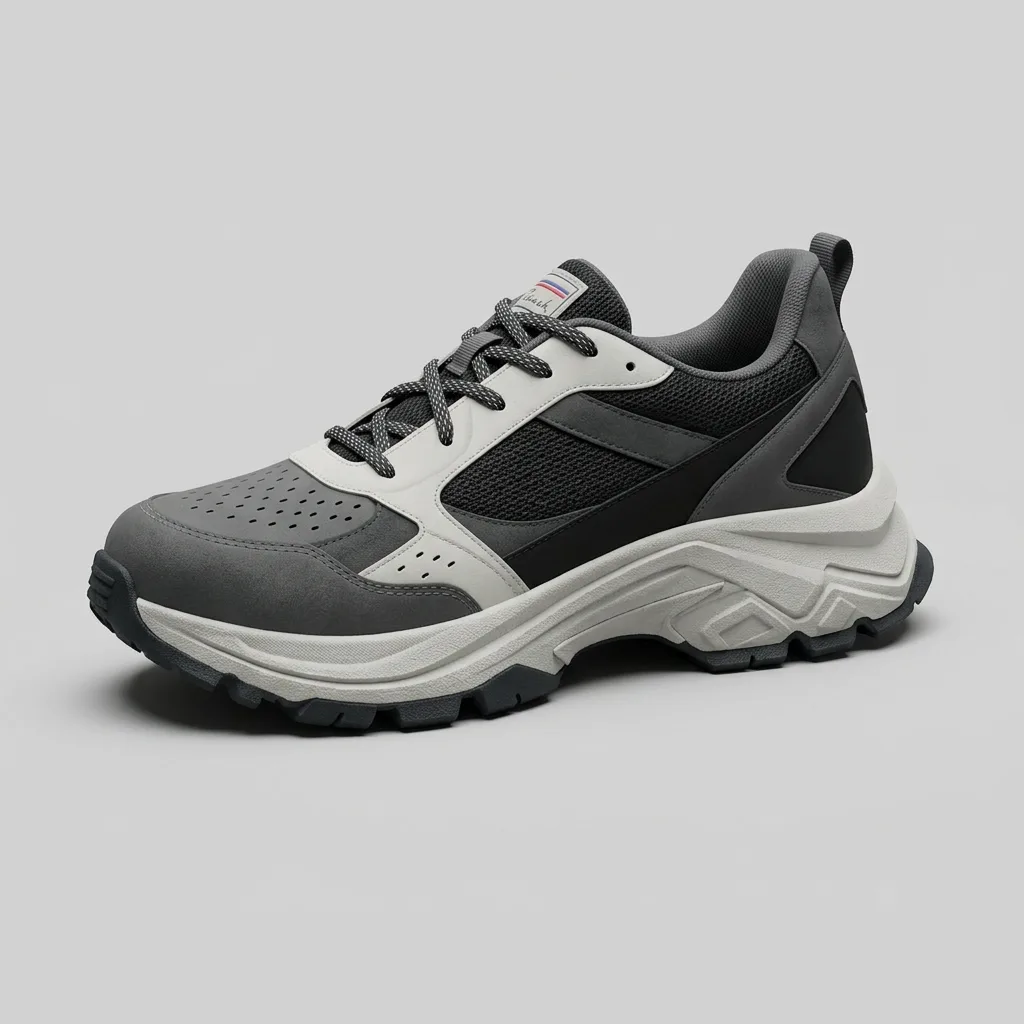
Before and after.
A pencil cat made into a photo, and a notebook sneaker made into a product render.
How it works.
- 1Photograph the sketchFrom above, in good light. Rough lines are fine.
- 2Pick the resultA photo, a 3D render, anime, watercolor or a product render.
- 3CompareDrag the slider, try another look, keep the ones you like.
- Your drawing leads. Shapes, positions and proportions are followed: it finishes your sketch, it doesn't replace it.
- Real runs on this page. Both before-and-afters below came out of the Sketch to image tool itself.
- The price before you run. The tool shows what one image costs in credits before you press the button.
Who sketches first.
Product designers
A notebook idea shown as a product render in a minute.
Illustrators
A rough layout colored to test a direction.
Architects and makers
A quick sketch of a piece of furniture or a room, made real.
Kids' drawings
A child's monster or house turned into a picture they can keep.
- Storyboards. Stick-figure frames turned into scenes for a pitch.
- Tattoo and logo ideas. A doodle tried as finished artwork.
Questions, answered.
Something else on your mind? Write to us.
How do I turn a sketch into a realistic photo?
Upload a photo of the sketch, choose A photo, and the tool finishes it with real light and materials, following your lines.
Does the sketch have to be good?
No. Rough lines work; the clearer the shapes, the closer the result follows them.
Can I use a drawing from a tablet?
Yes. A screenshot or an export from Procreate or any drawing app works like a photo of paper.
Will it add things I didn't draw?
It is told to add nothing the sketch does not suggest, so it fills in materials and light, not new objects.
Is it free?
Sketch to image runs on credits, so it needs a paid plan. The free plan covers chat and text-to-image only.
More photo tools.
All AI tools
Photo to art
Your photo, redrawn in a style.
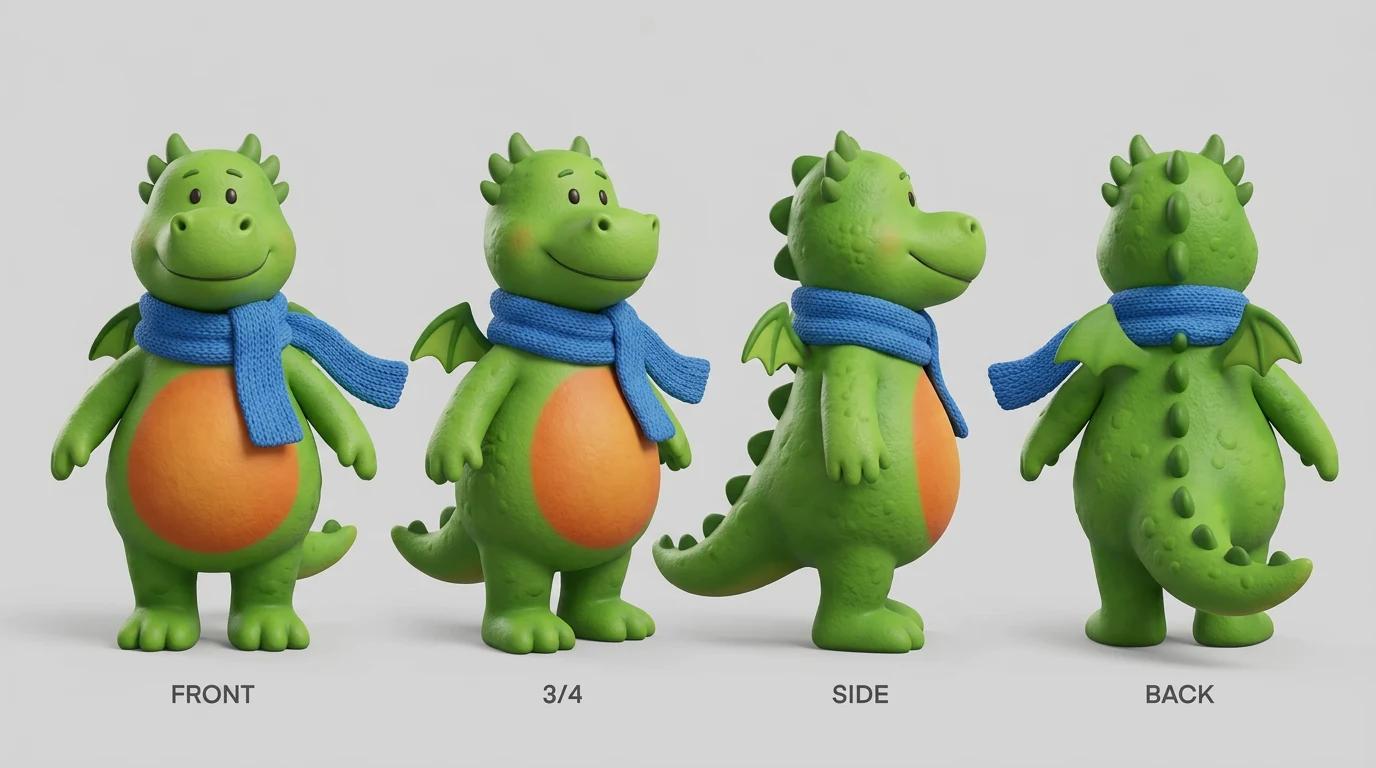
AI character sheet generator
One drawing, every side.
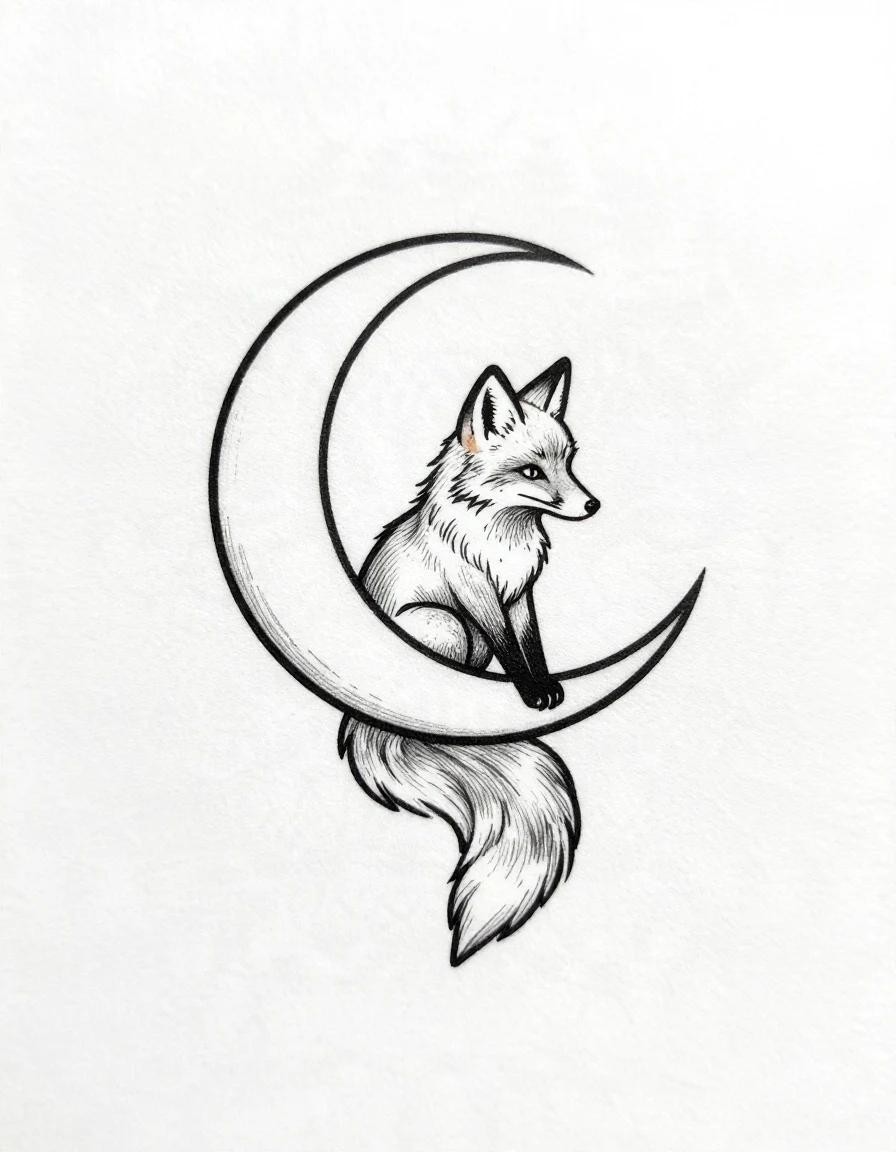
AI tattoo generator
See the idea before the ink.
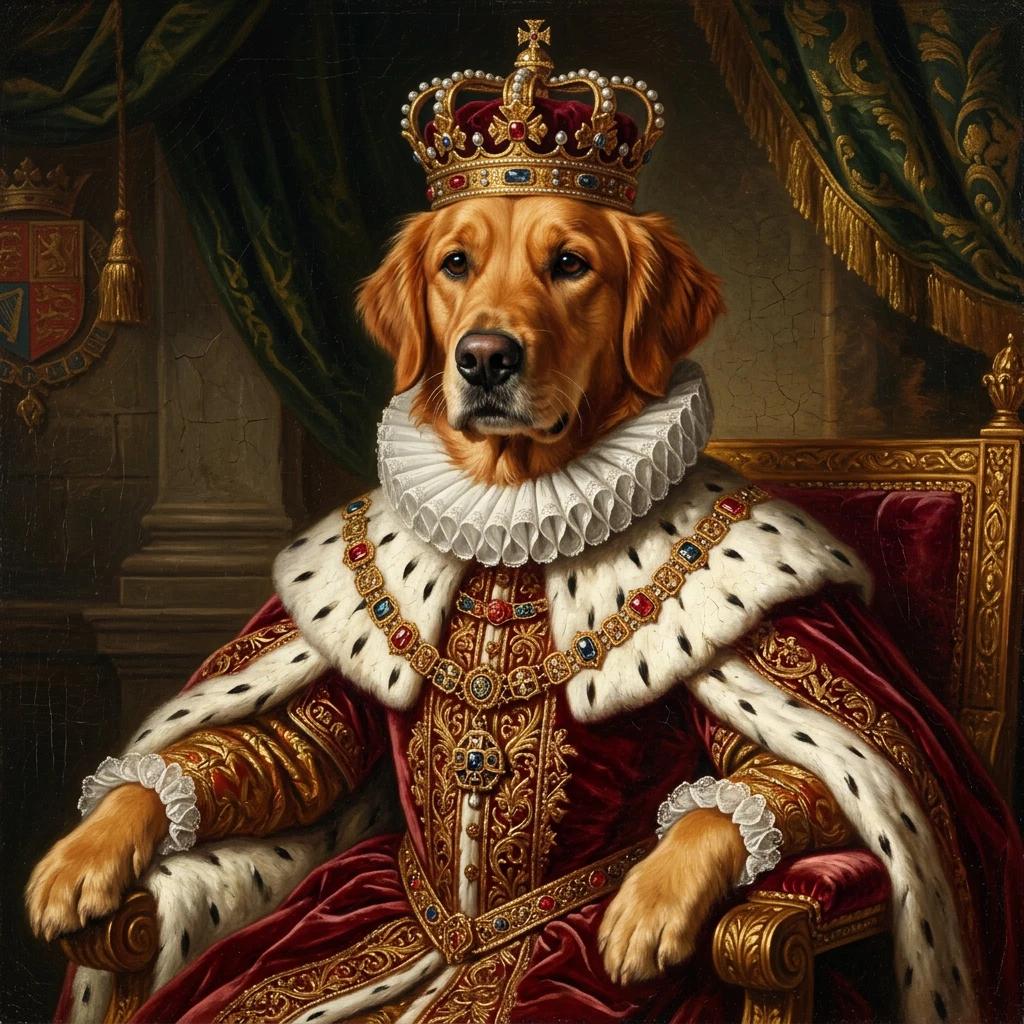
AI pet portrait
Your pet, as a work of art.
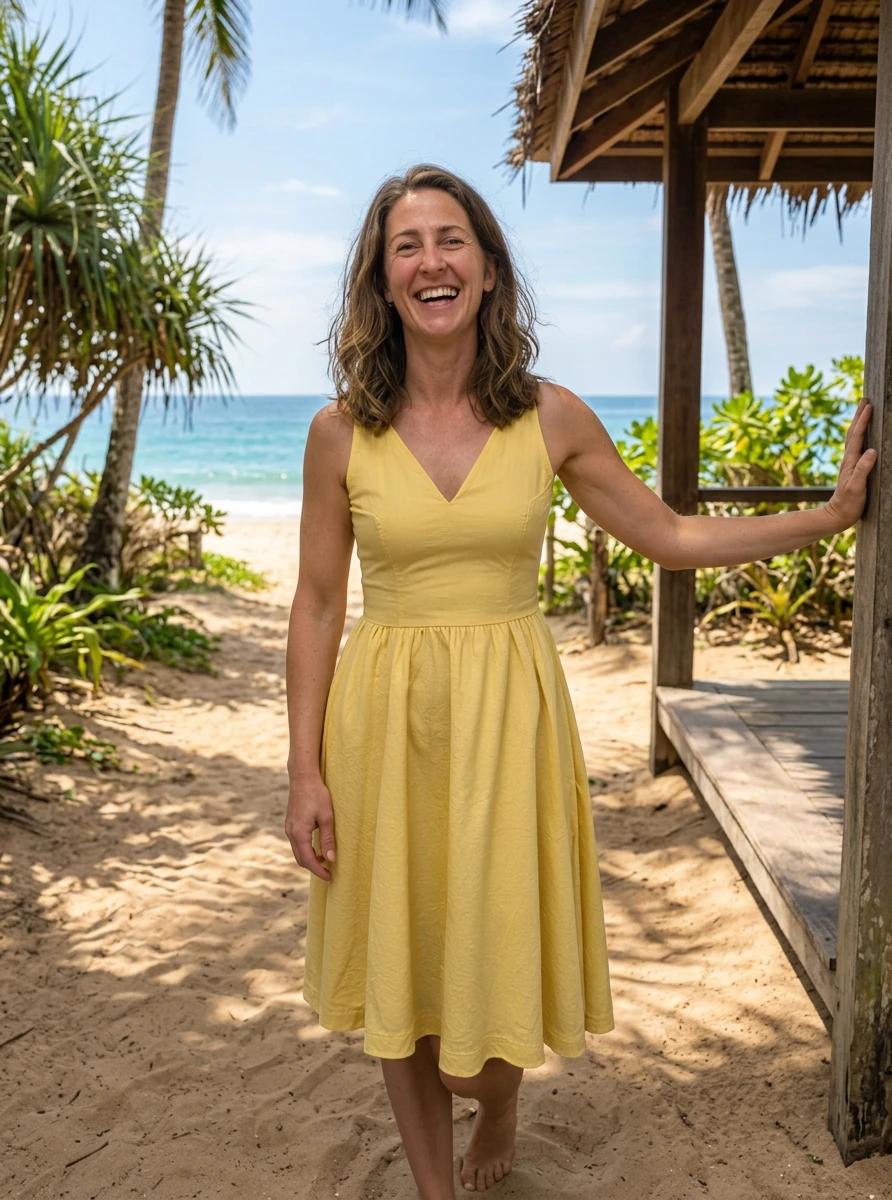
Change photo background
The same people, somewhere else.
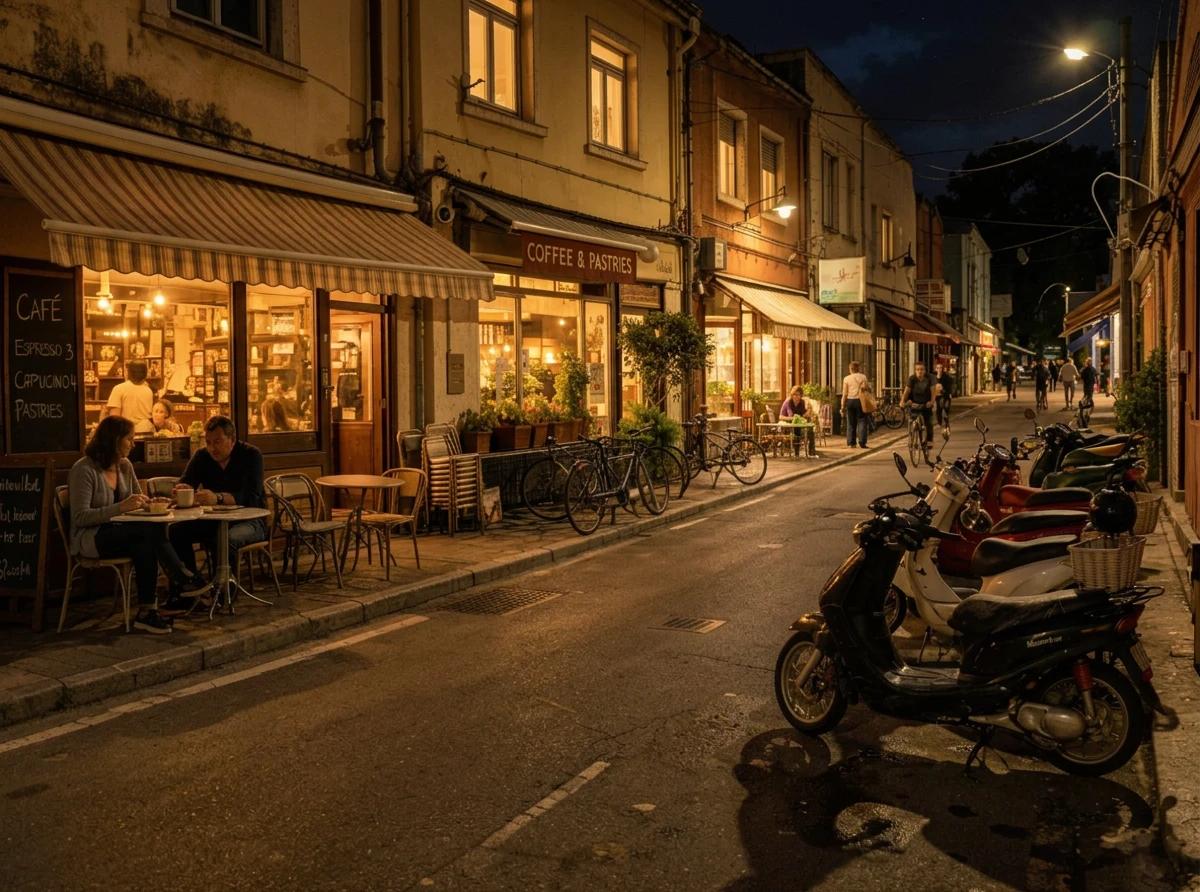
Day to night photo
The same scene, at another hour or season.
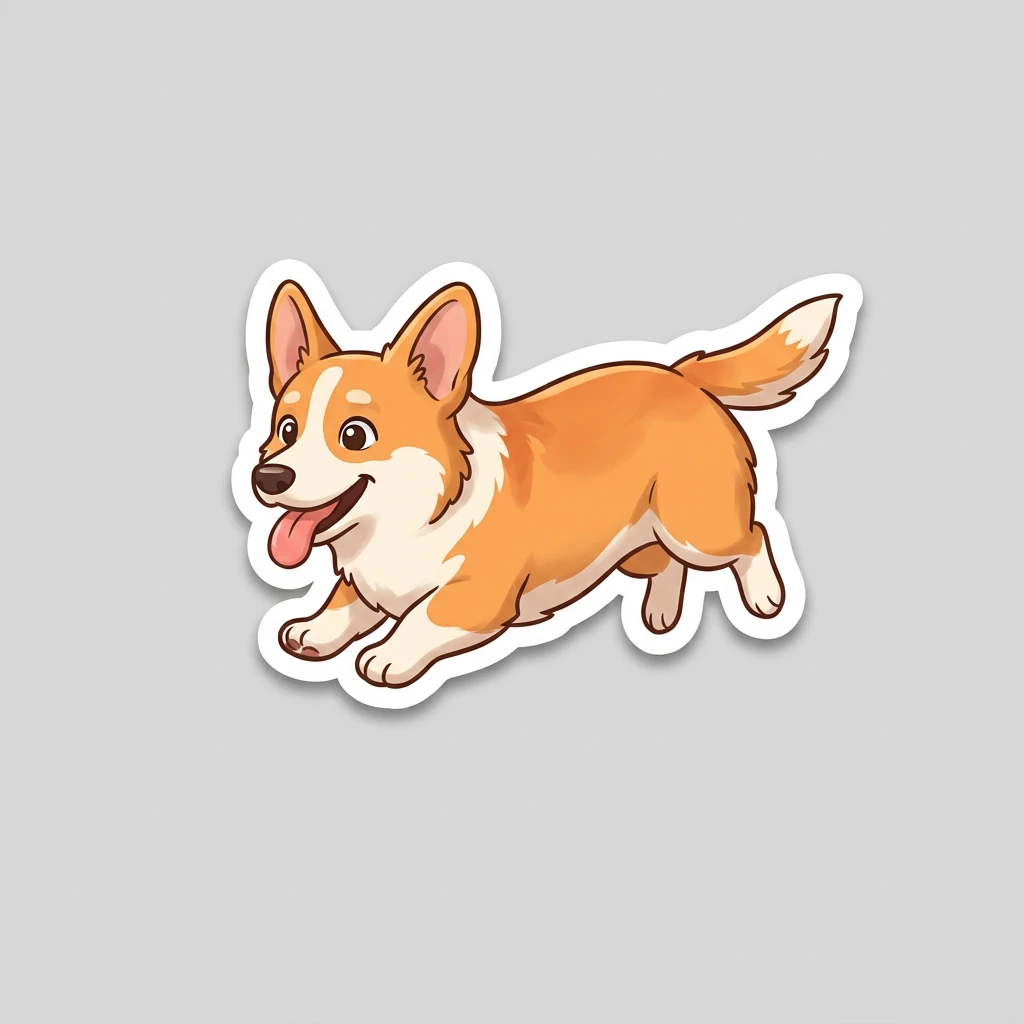
AI sticker maker
Anyone or anything, as a die-cut sticker.
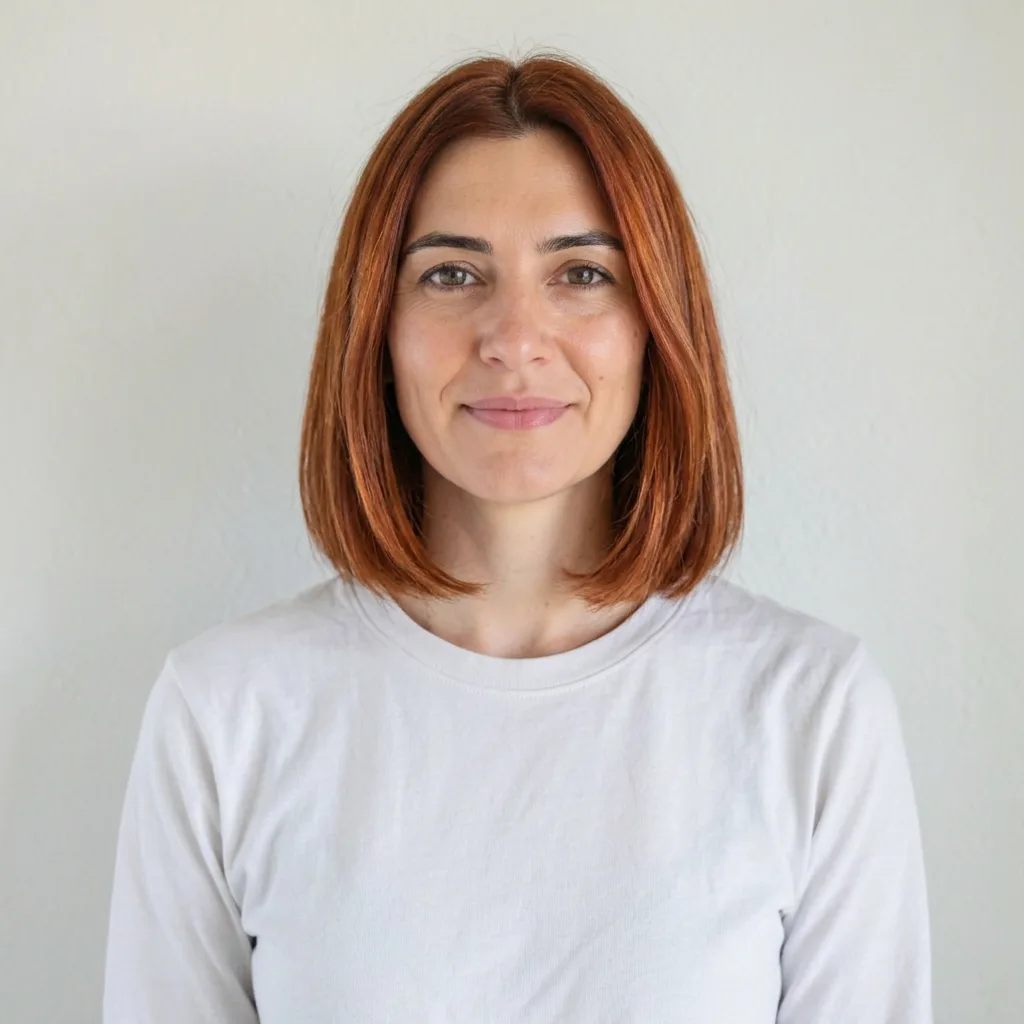
AI hairstyle try on
See the cut before you make it.