AI real estate photo editing
Listing photos on the house's best day.
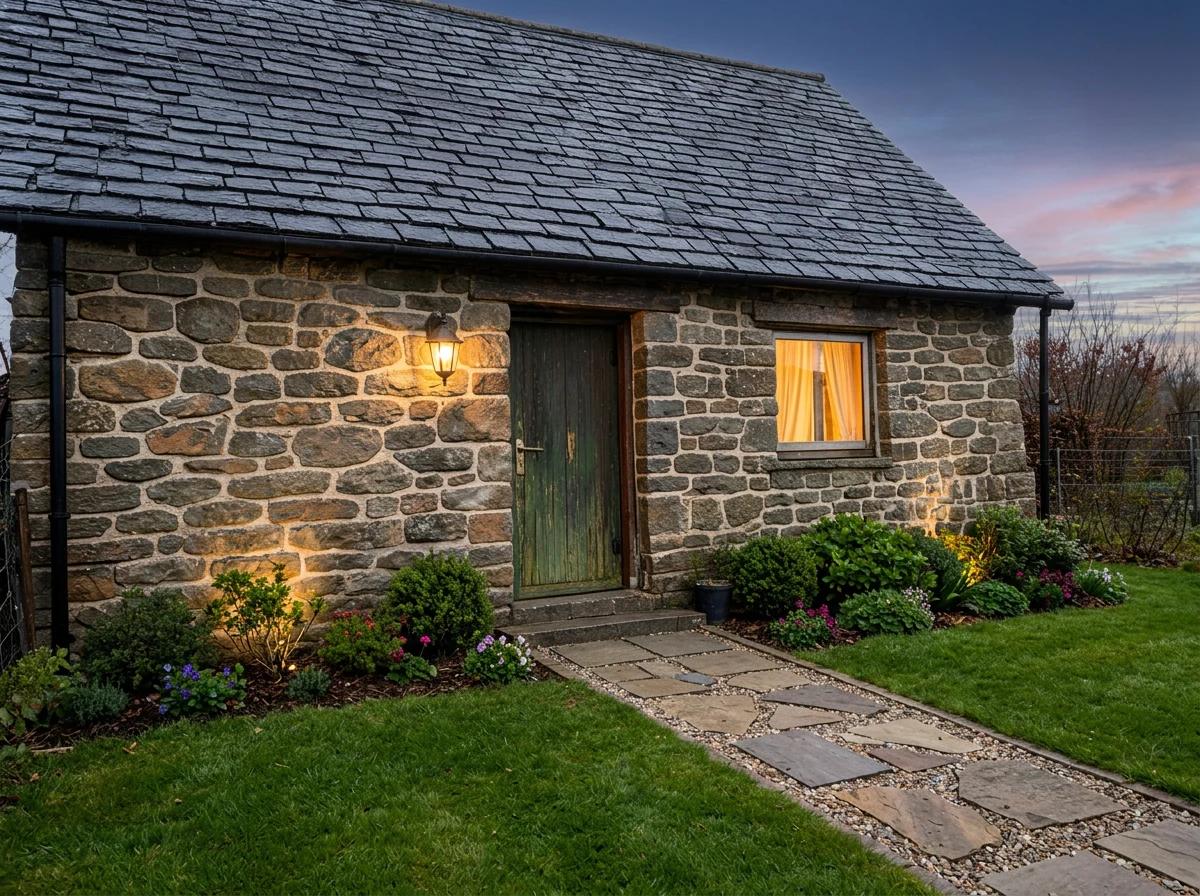
Shot the front under a flat gray sky, with the bins still at the curb? Get the same house under a blue sky or at twilight, yard tidied. Then stage the empty rooms inside. The building, the lot and the view stay exactly as they are.
Photo tools come with every paid plan, from $19.99 a month.
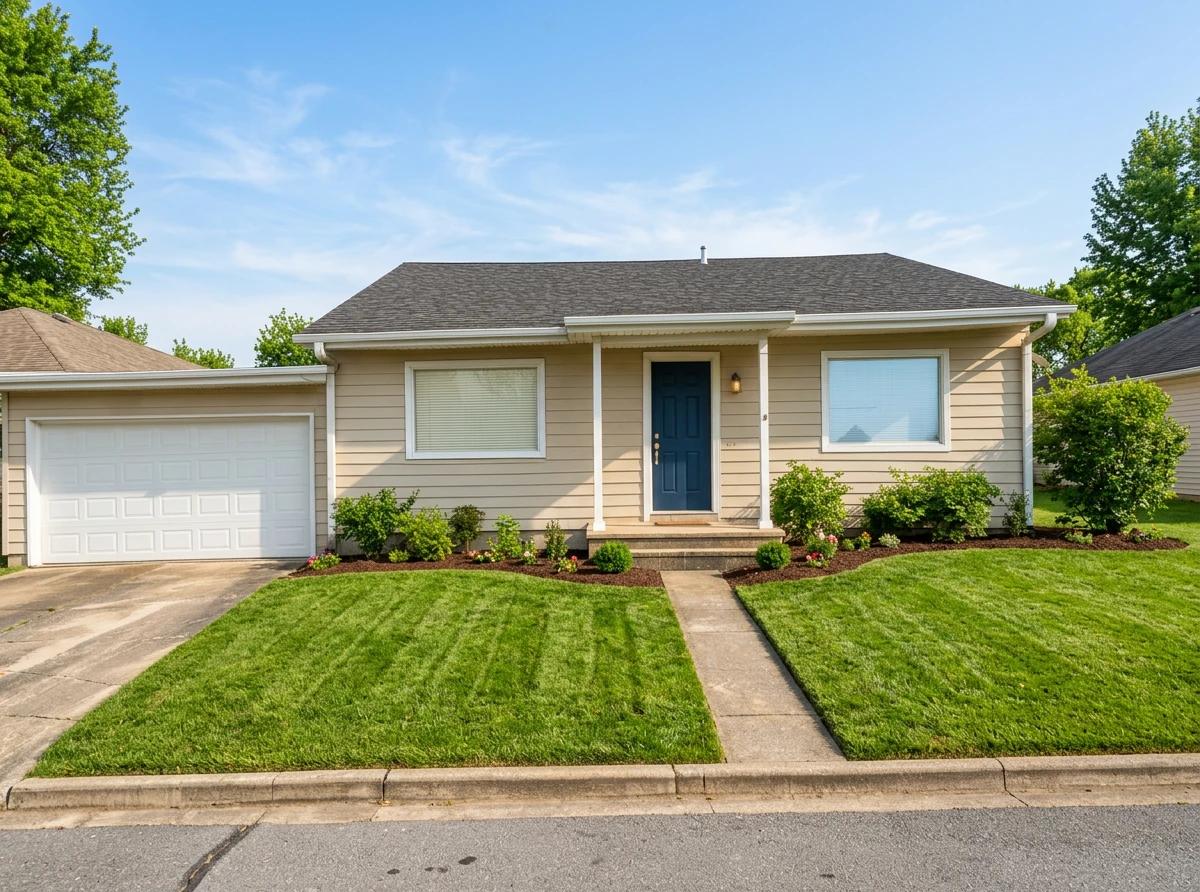
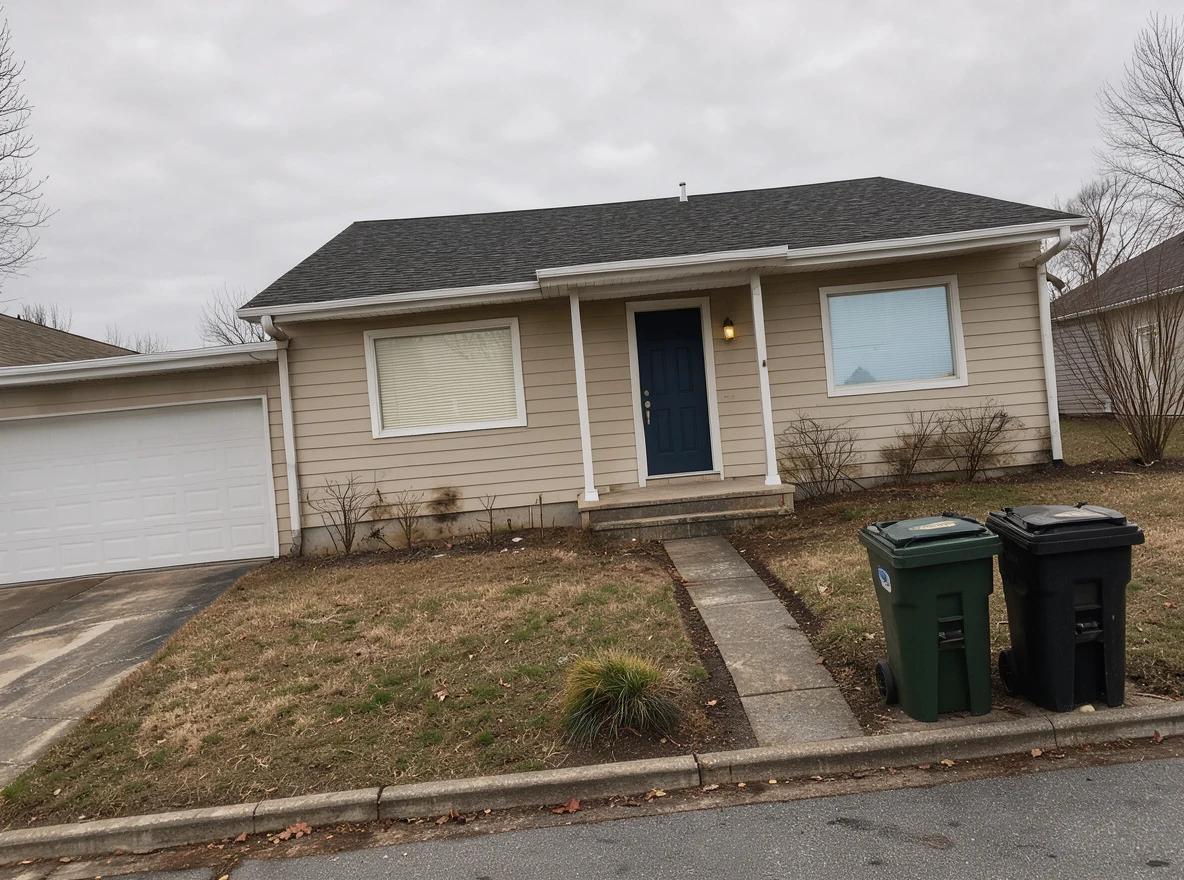
Before and after.
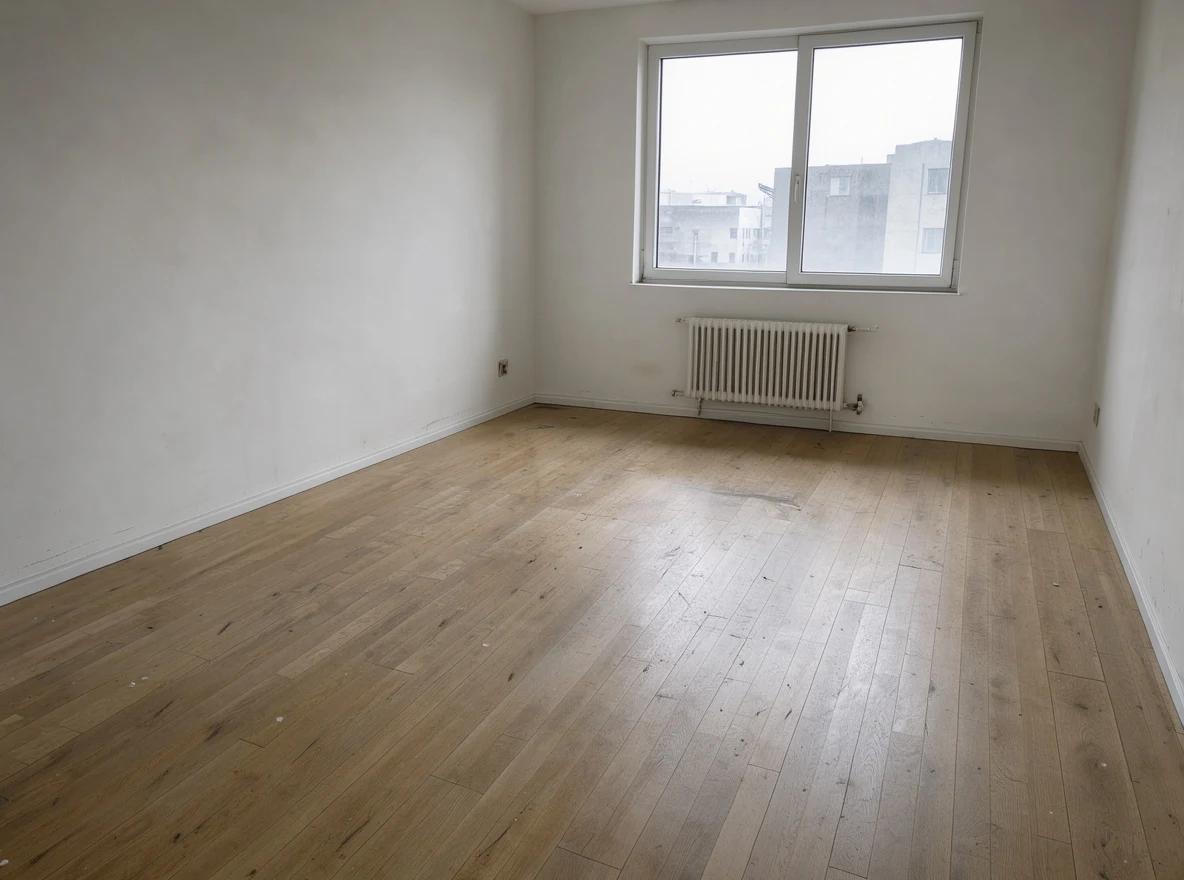
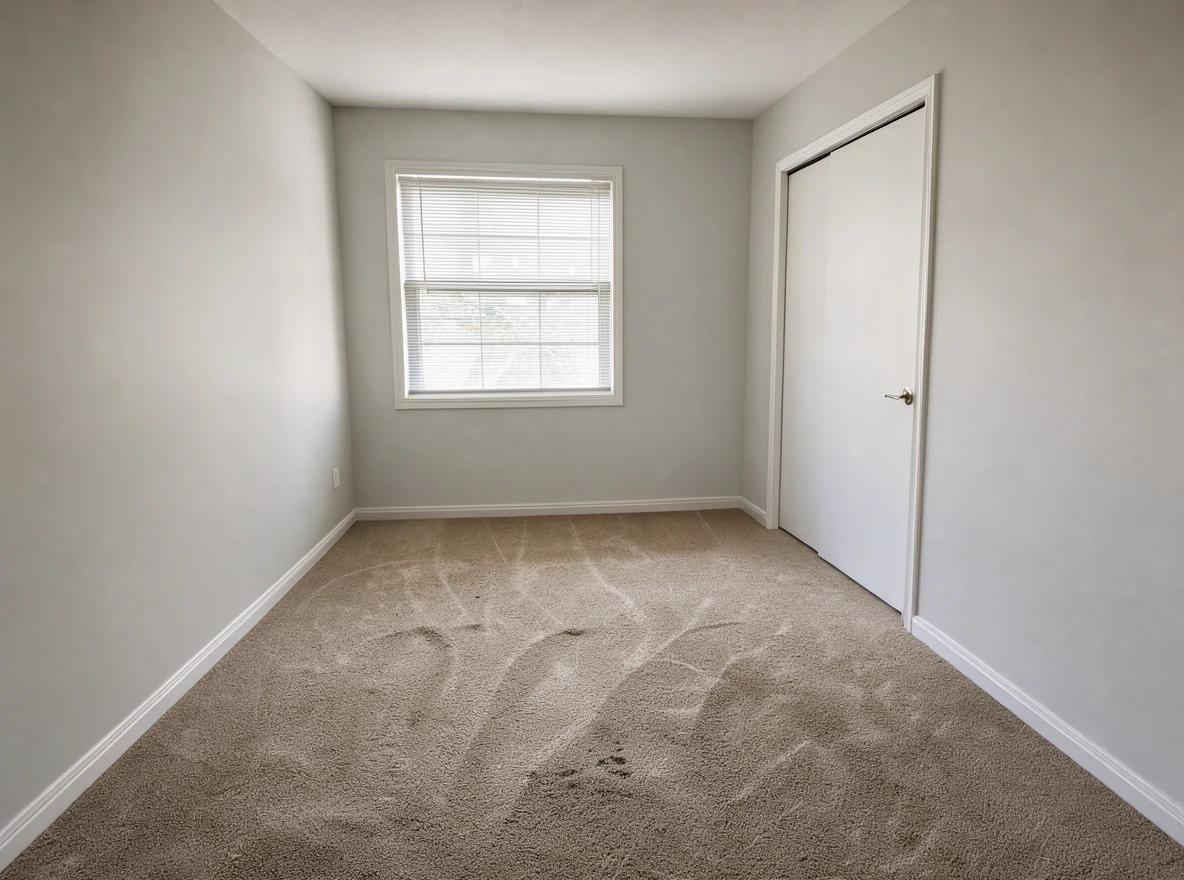
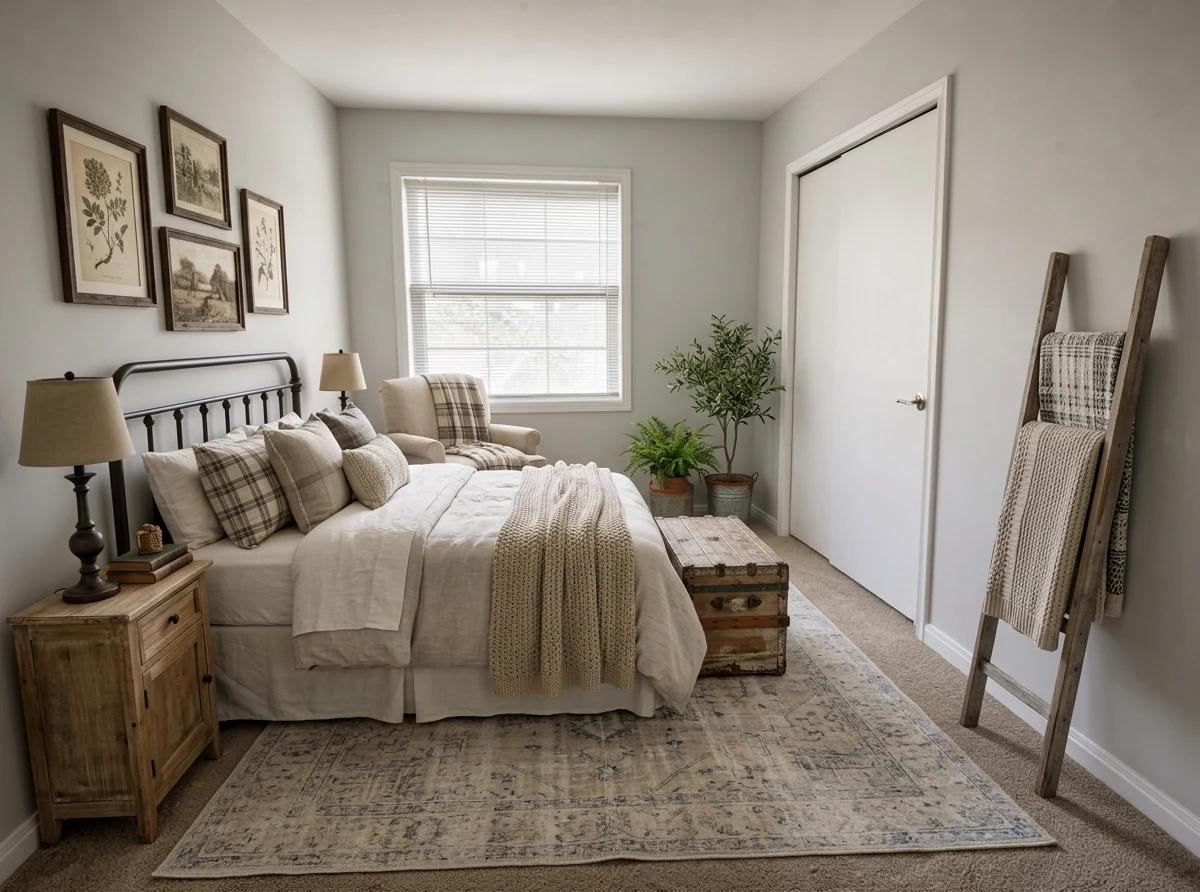
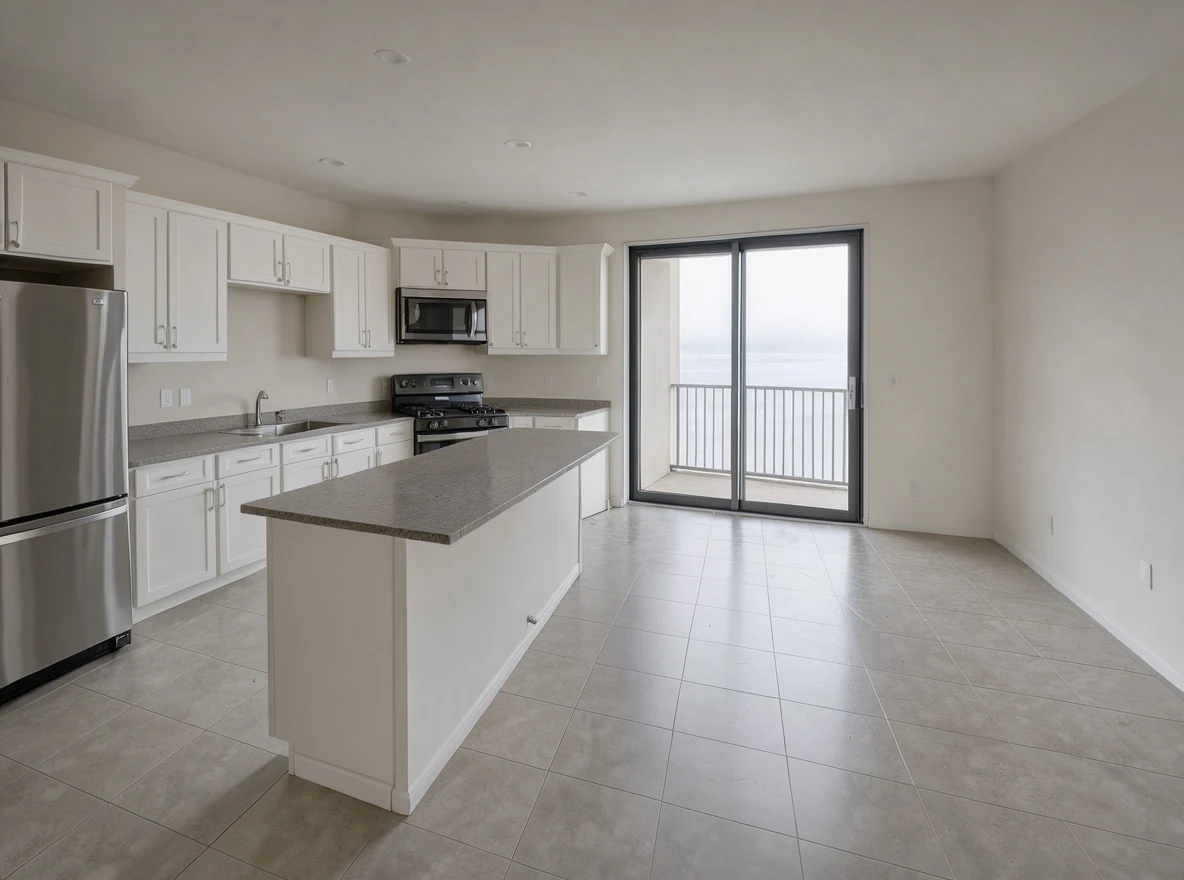
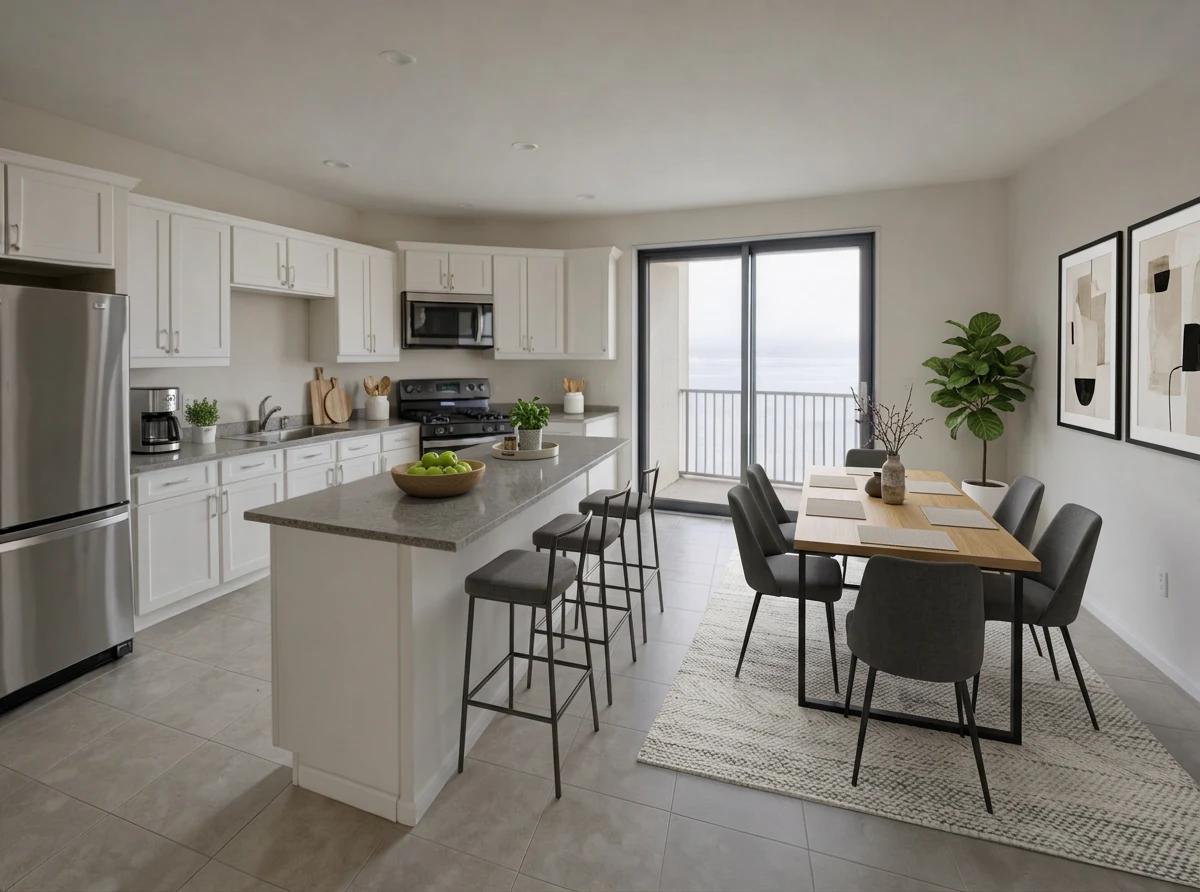
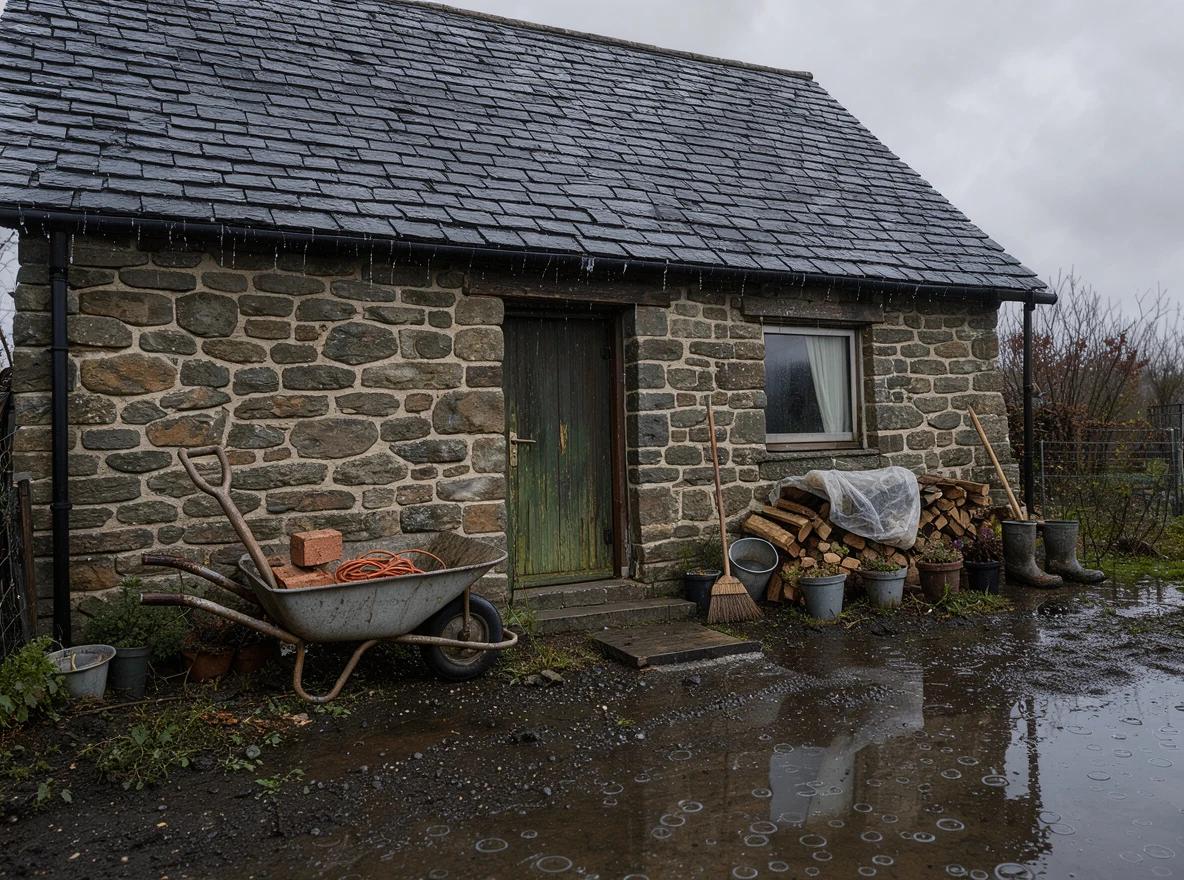
Two exteriors from the Real estate photo tool, then three empty rooms from Virtual staging. Each one opens its tool.
How it works.
- 1Shoot straight and wideLevel camera, verticals vertical, every light on. Exteriors from the corner of the lot, interiors from a doorway or corner.
- 2Edit the conditions, not the houseSky, twilight glow, bins and hoses out of the yard on the exterior; furniture in vacant rooms.
- 3Disclose, then uploadMark staged and altered photos as your MLS and state require, and keep the originals.
- The property stays true. Roof, windows, doors, materials and lot are kept. Only sky, light, clutter and furniture change.
- Real runs on this page. Every before-and-after below came out of the Real estate photo and Virtual staging tools.
- Per photo, in credits. Each tool shows its price before you run it. No editor to brief, no turnaround to wait for.
Good to know.
The edits listings need
- Blue sky. Replace a white or gray sky with a clear one and green up a tired lawn. The front of the house is the photo buyers click.
- Day to twilight. A dusk sky with every window glowing warm, from a daytime shot. No second visit at sunset.
- Yard clean-up. Trash bins, hoses and a wheelbarrow out of the frame, the house untouched.
- Virtual staging. Empty rooms furnished in a style that fits the buyer, walls, floors and fixtures unchanged.
- Sharper small photos. Upscale an old or seller-supplied photo that looks soft in the gallery.
- Agent headshot. A clean headshot for the listing flyer, your site and Zillow profile, from a selfie.
What you may change, and what you must say
A listing photo has to show the property a buyer will visit. This is a summary; your MLS and your state set the actual rules.
- Fine with disclosure. Sky replacement, twilight, removing movable clutter, virtual staging. Many MLSs ask for a label on staged photos.
- Never. Hiding cracks, stains or damage, removing power lines, a cell tower or a neighbor's building, adding a pool, new floors or a view the house does not have.
- California. Since January 2026 (AB 723), a digitally altered listing photo needs a clear statement that it was altered, and buyers must be able to see the original.
- NAR Code of Ethics. Article 12 asks for a true picture in all advertising. A disclosed edit meets it; a hidden one does not.
Questions, answered.
Something else on your mind? Write to us.
Is sky replacement allowed in real estate photos?
Generally yes: weather does not change the property. In California, AB 723 treats it as an alteration that has to be disclosed next to the photo, with the original available. Check your MLS's photo rules too.
Can I remove things from a listing photo?
Movable things, yes: bins, cars, hoses, toys. Anything that stays with the property or next to it, no: power lines, cracks, a neighbor's wall, a busy road. Removing those misrepresents the home.
How do I label virtually staged photos?
Put "Virtually staged" on the image or in its caption, and follow your MLS's wording if it has one. Some MLSs and California also want the unstaged photo in the listing.
Can I make interior photos brighter?
The Real estate photo tool is built for exteriors. For vacant rooms use Virtual staging; for a dark furnished room, a better shoot (lights on, a tripod, a brighter hour) still beats any edit.
Is this for rental listings too?
Yes, with each host site's own rules: the page for Airbnb, Vrbo and Booking.com hosts covers their sizes and what they allow.
Is it free?
Both tools run on credits, so they need a paid plan. Each shows the price of one photo before you run it.
More photo tools.
All AI tools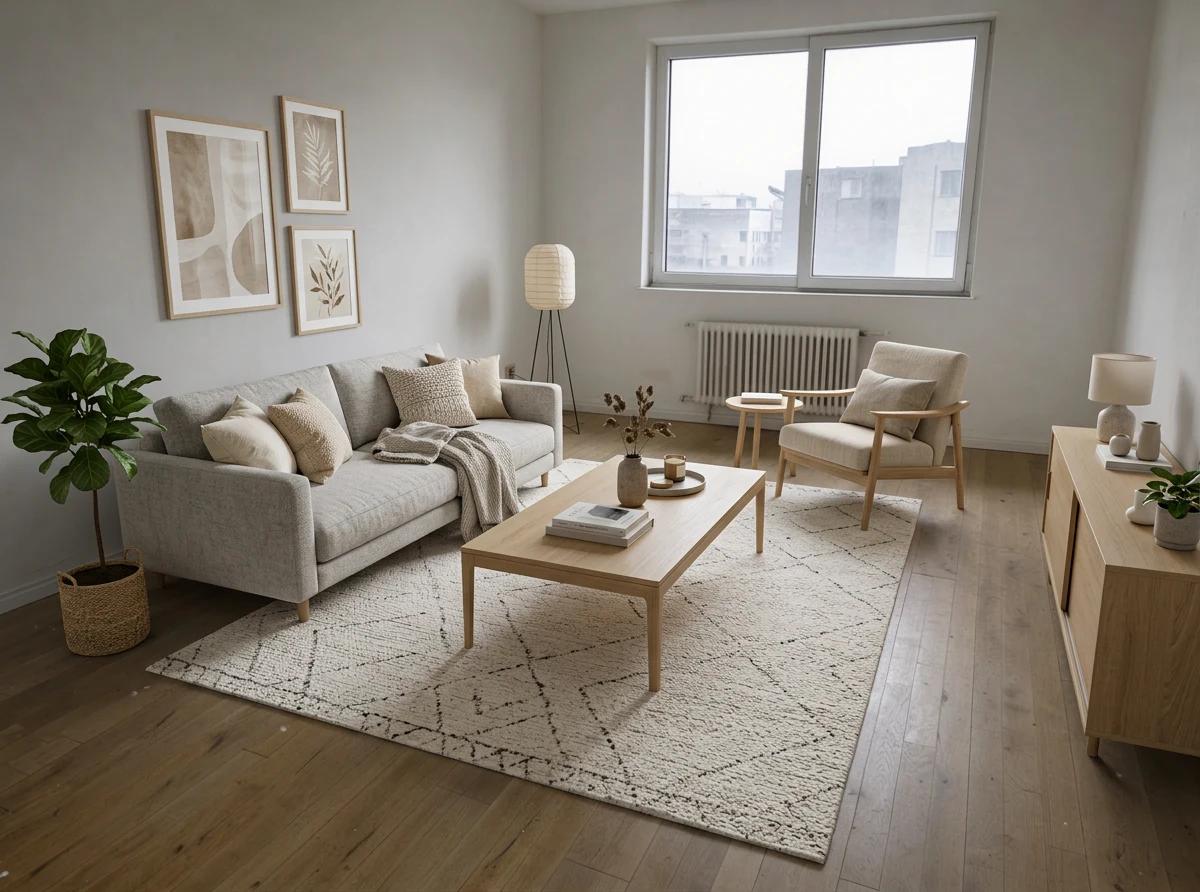
AI virtual staging
Empty rooms, furnished for the listing.

AI headshot generator
A studio headshot from one selfie.
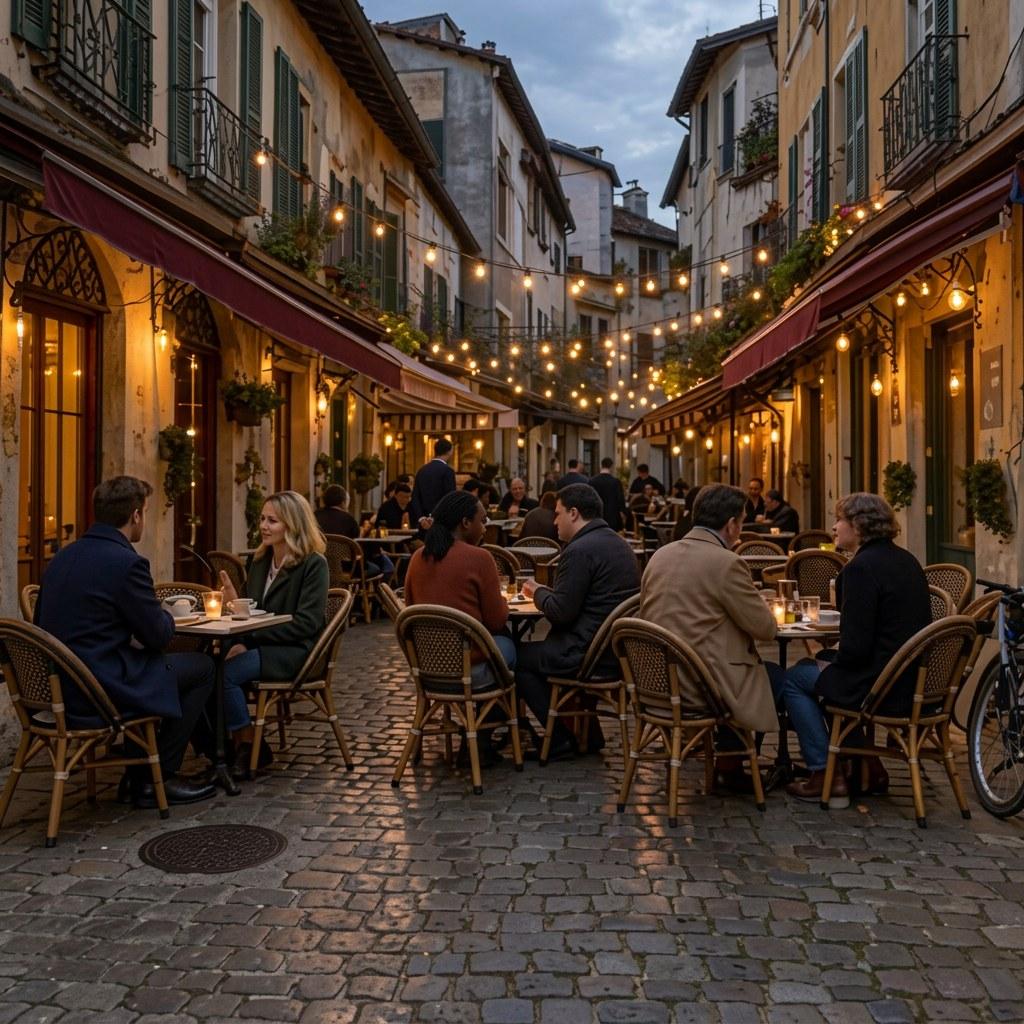
AI photo upscaler
A small, soft photo made sharp.

AI product photography
Studio shots from one phone photo.
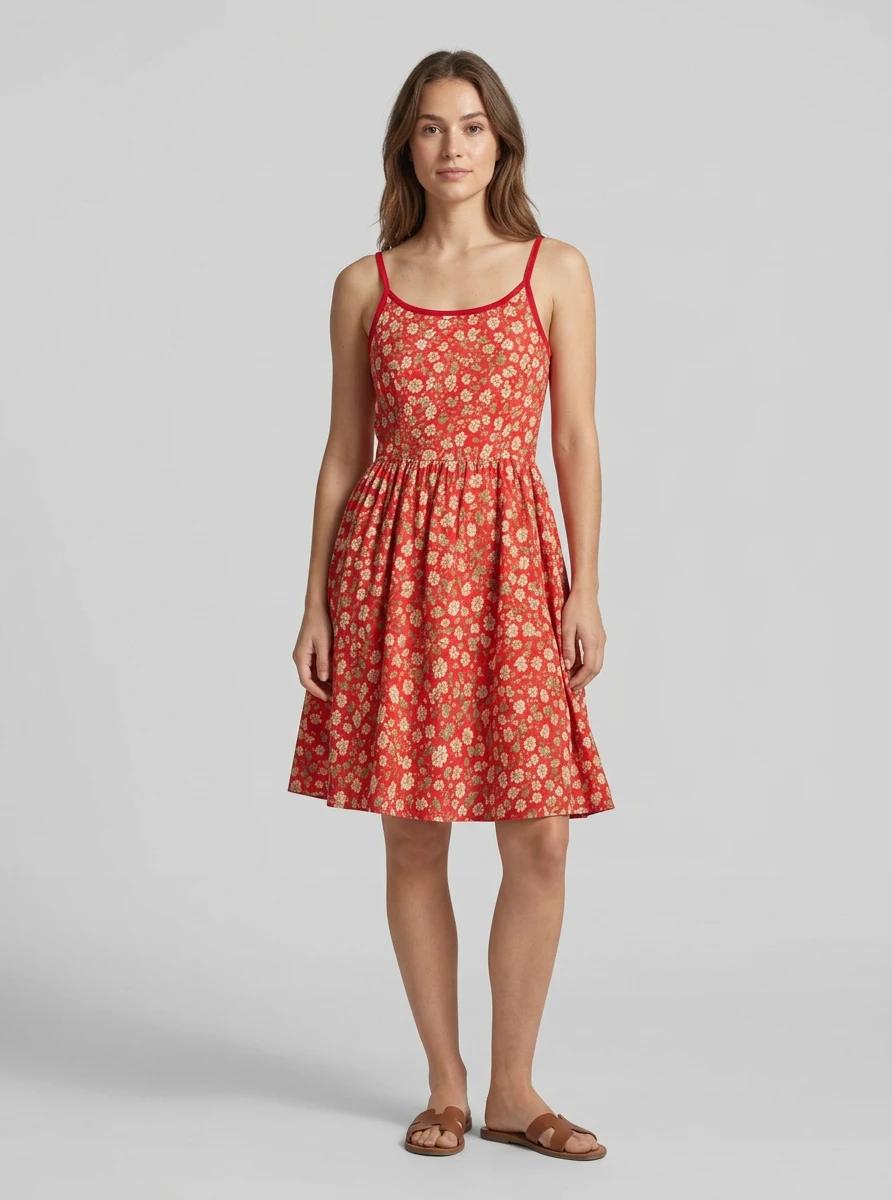
AI fashion model
Your clothes, worn on a model.

AI food photography
Better photos of the food you serve.

AI food photos for delivery apps
The dish you cook, lit like a menu.
AI photos for rental listings
Your place, on its best day.