AI food photos for delivery apps
The dish you cook, lit like a menu.
Take a phone photo of the plate you send out, pick a backdrop, and get a clean menu photo to upload to Uber Eats, Deliveroo or Just Eat.
Photo tools come with every paid plan, from $19.99 a month.
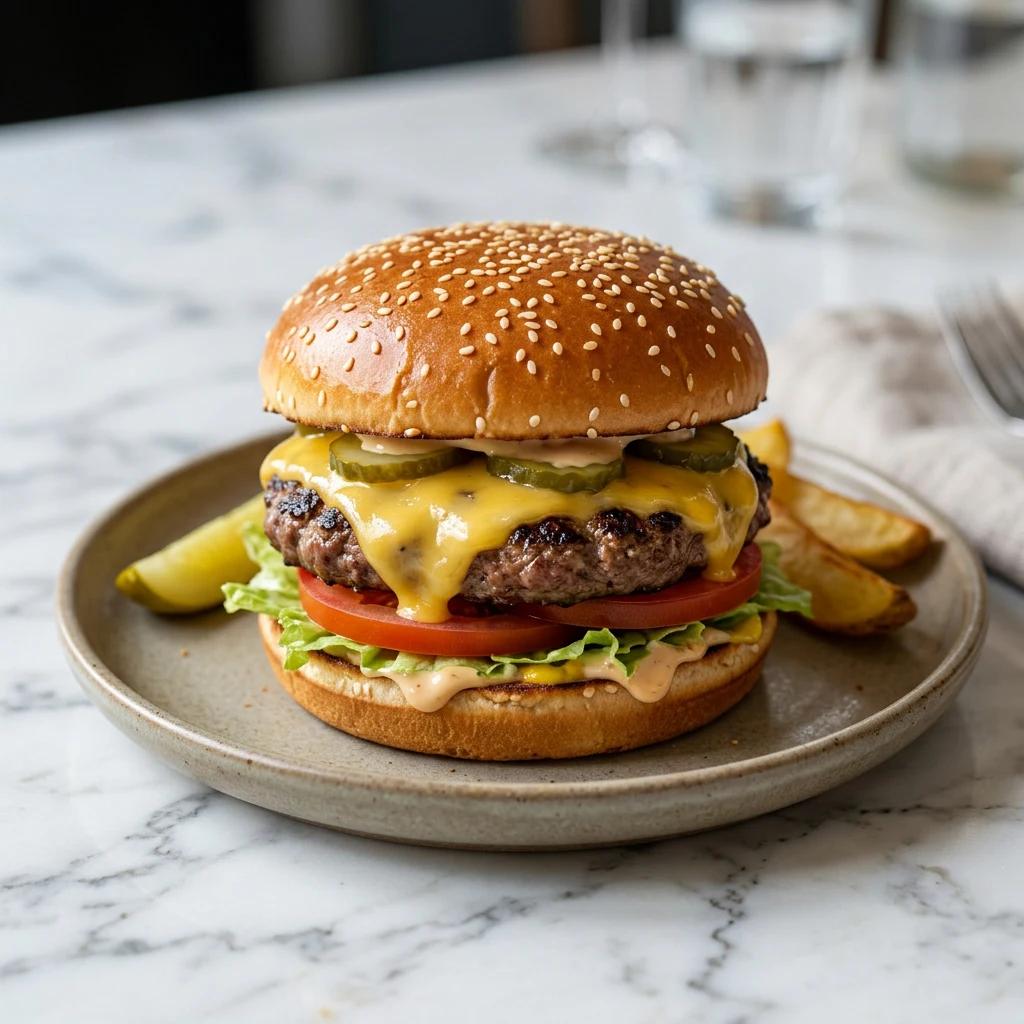
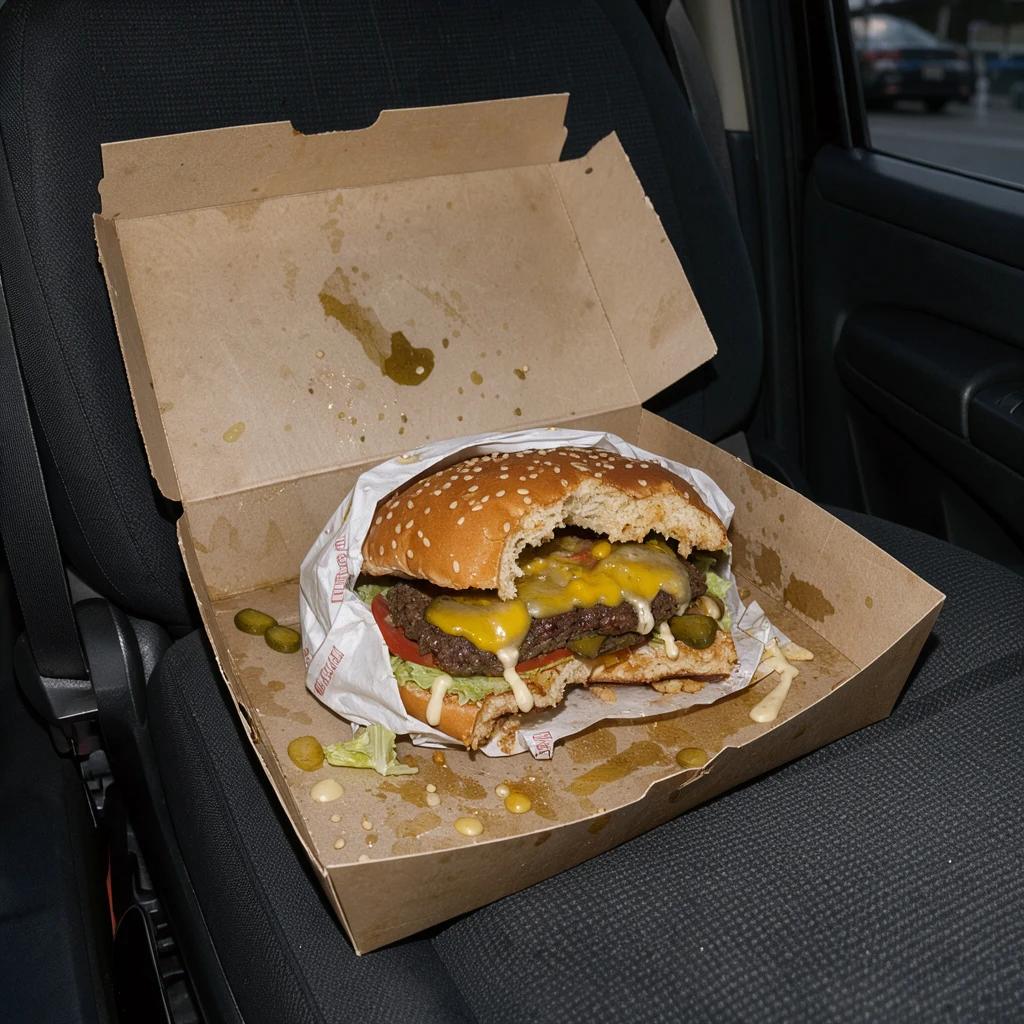
Before and after.
Two real runs of the Food photo tool: a dim kitchen shot and a burger still in its box.
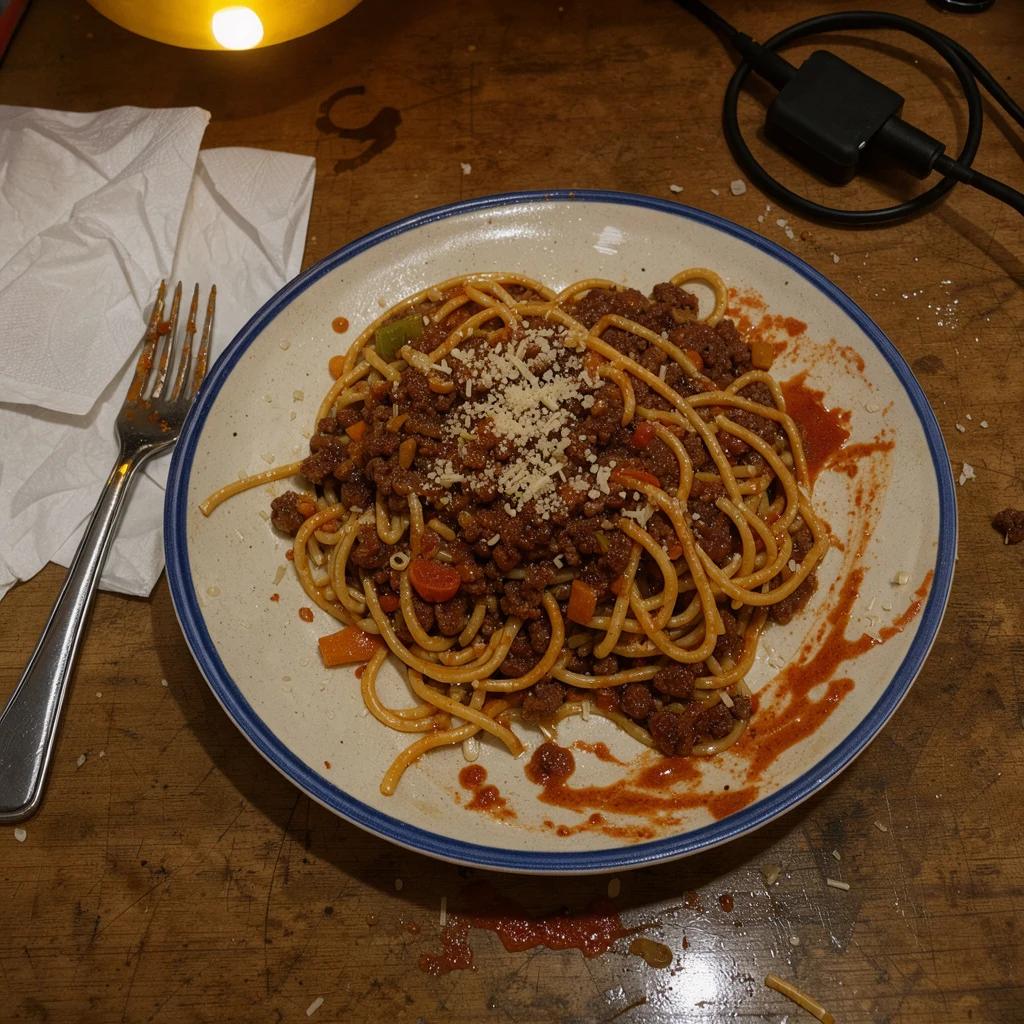
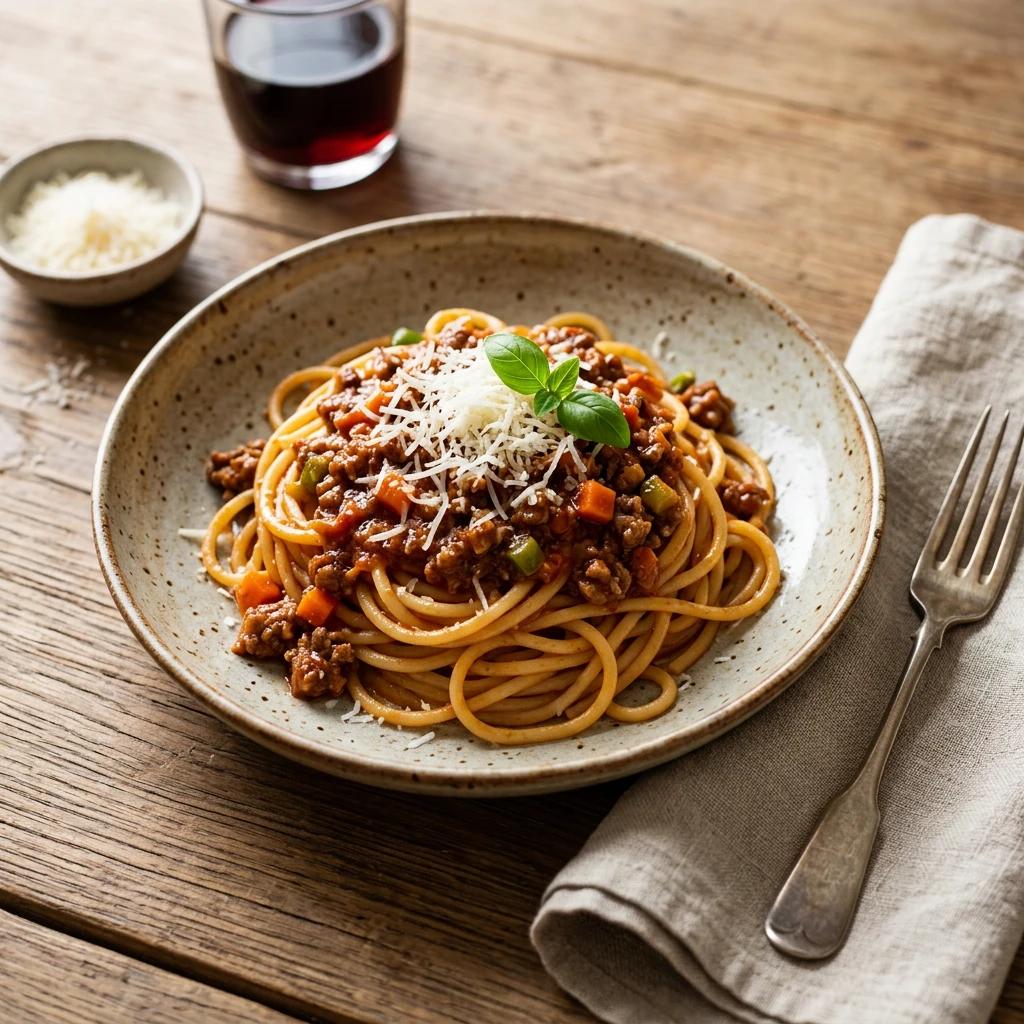
How it works.
- 1Shoot the real dishPlate it as it leaves the kitchen, in daylight if you can, with space around it.
- 2Choose a backdropRun the Food photo tool and keep the backdrop that suits the rest of your menu.
- 3Upload in the portalDownload the photo and add it to the item in your restaurant portal, then wait for the review.
- The dish you really serve. The tool keeps your dish and its ingredients and changes the light and the table, so the photo still shows what the customer receives.
- Rules from the apps' own help. Sizes and review steps below come from Uber Eats, Deliveroo and Just Eat partner pages, checked November 2026.
- Full-size downloads. Results download well above every minimum below, so each app can make its own smaller copies.
Photos that pass review.
Pick a backdrop per brand
Marble, rustic wood, slate or a clean studio white. Keep one for the whole menu so the list reads as a set.
Wide frame, dish in the middle
Shoot with room around the plate. Every app crops differently, and a centered dish survives each crop.
Dark kitchens and multi-brand sites
Give each virtual brand its own backdrop from the same pass, without a photographer per brand.
Good to know.
What each app asks for
- Uber Eats. Uber's menu API takes JPG, PNG or WebP files under 25 MB, each side between 320 and 6,000 pixels. Its photo guidance asks for one dish in the center of the frame with the ingredients easy to see, since the app crops around the middle. Photos are reviewed, and in some markets you must say how an AI-made image was produced.
- Deliveroo. Item photos go up in Menu Manager and pass a quality check before they show. The help centre lists a minimum of 1,200 by 675 pixels for an item photo. The header (hero) image is separate, reviewed by the team, and works best uncluttered.
- Just Eat. The partner photography guide asks for landscape dish photos, wider than tall, and a 3:2 header photo. If a dish comes with a side, the side belongs in the shot; anything sold separately does not. Approved photos reach the menu in three to five working days.
Questions, answered.
Something else on your mind? Write to us.
Are AI-edited photos allowed on delivery apps?
Each app reviews photos against its own rules, and they all expect the picture to show what the customer gets. Editing light and background on a photo of the real dish keeps to that. A dish invented from text is riskier: some Uber Eats markets ask how an AI image was made before approving it.
Which size should I upload?
Download the result at full size and let the app scale it. Uber Eats accepts up to 6,000 pixels a side and Deliveroo asks for at least 1,200 by 675, so a full-size download covers both.
Is Merlio part of Uber Eats, Deliveroo or Just Eat?
No. Merlio is an independent photo tool. You download the photo and upload it yourself in each app's restaurant portal.
Can I use one photo on all three apps?
Usually yes, if the dish sits in the middle with space around it. Check the crop in each portal's preview before you publish.
What does it cost?
The Food photo tool runs on credits and comes with every paid plan. The price of one photo shows on the tool before you run it.
More photo tools.
All AI toolsAI food photography
Better photos of the food you serve.
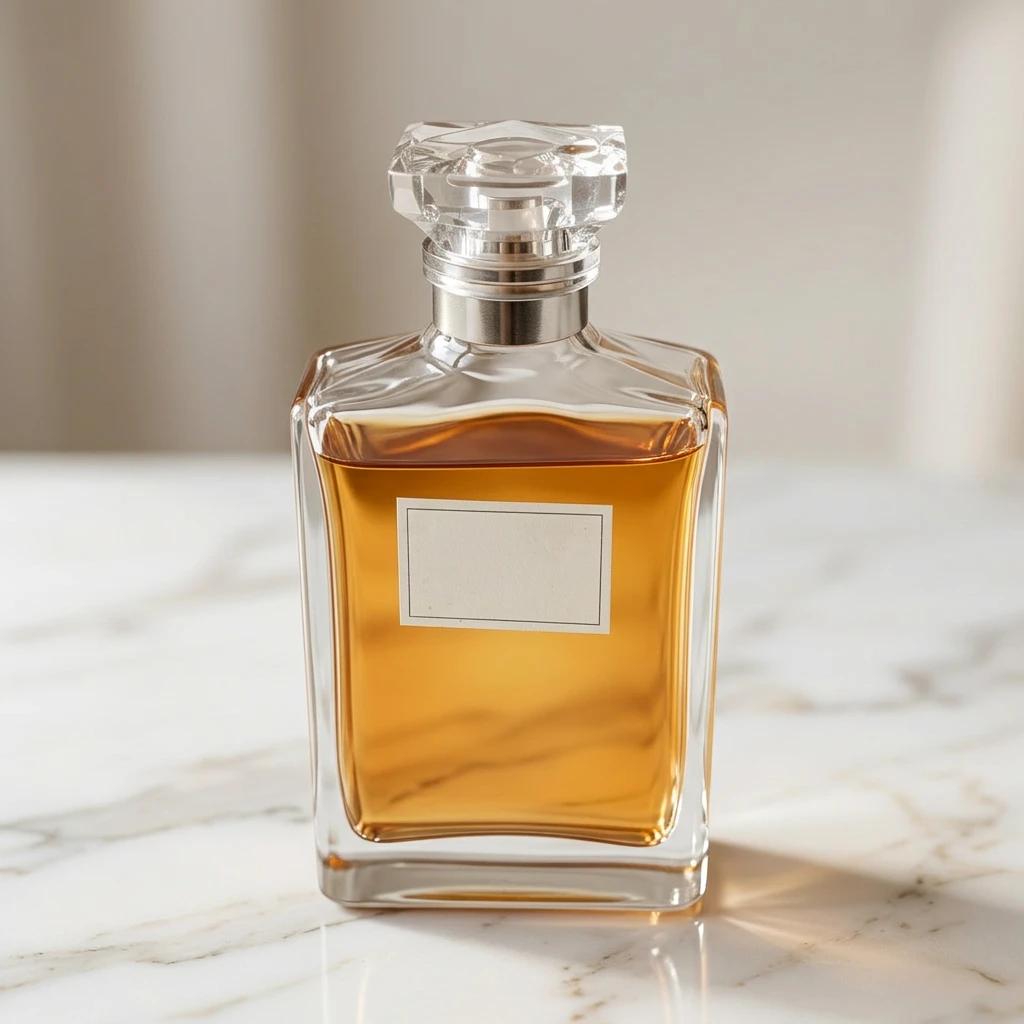
AI product photography
Studio shots from one phone photo.
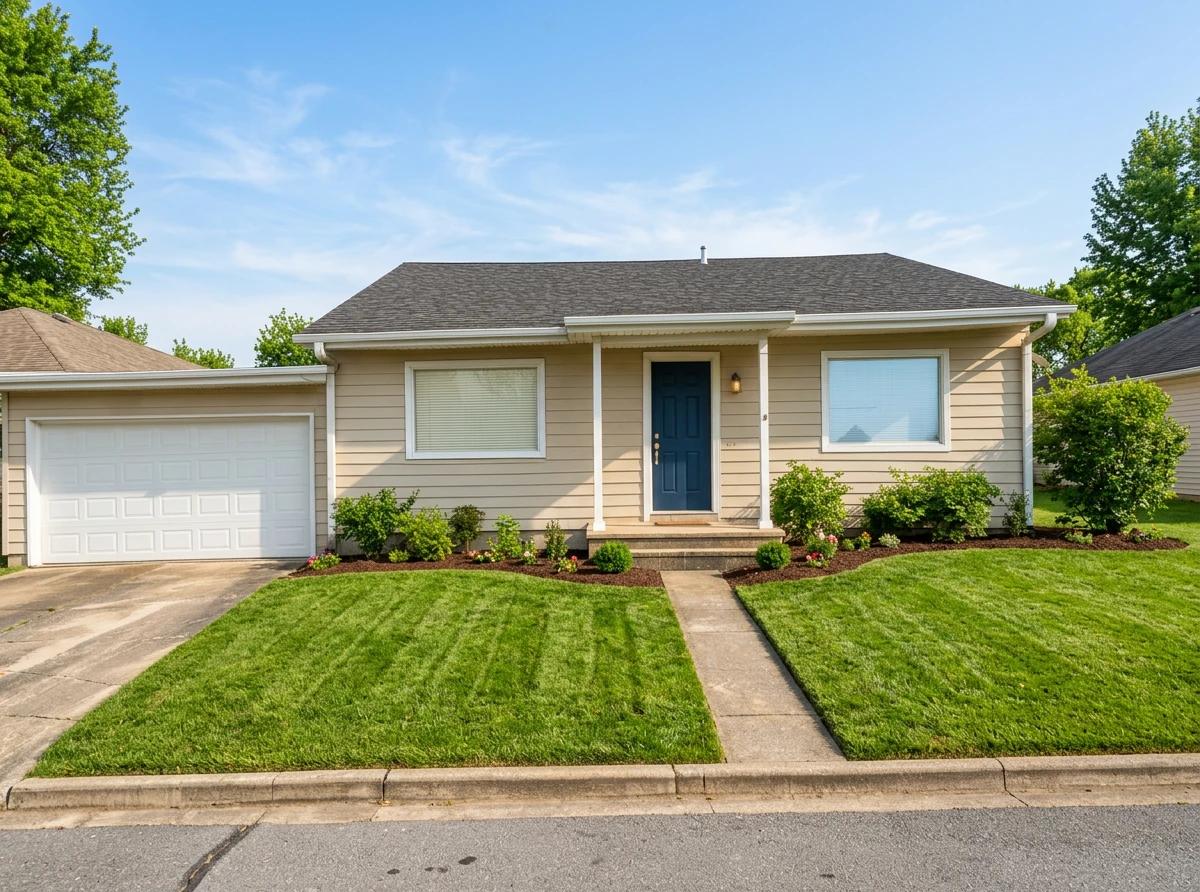
AI photos for rental listings
Your place, on its best day.
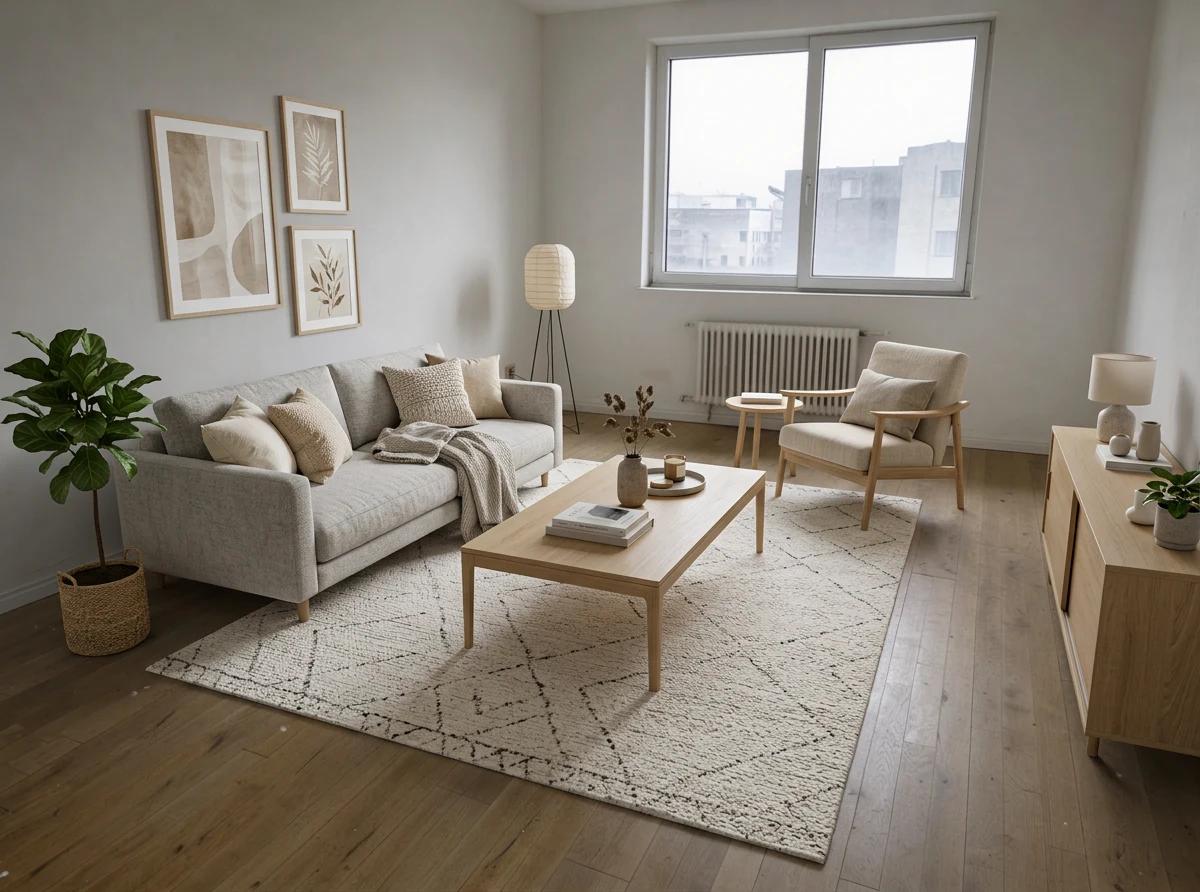
AI virtual staging
Empty rooms, furnished for the listing.
AI real estate photo editing
Listing photos on the house's best day.
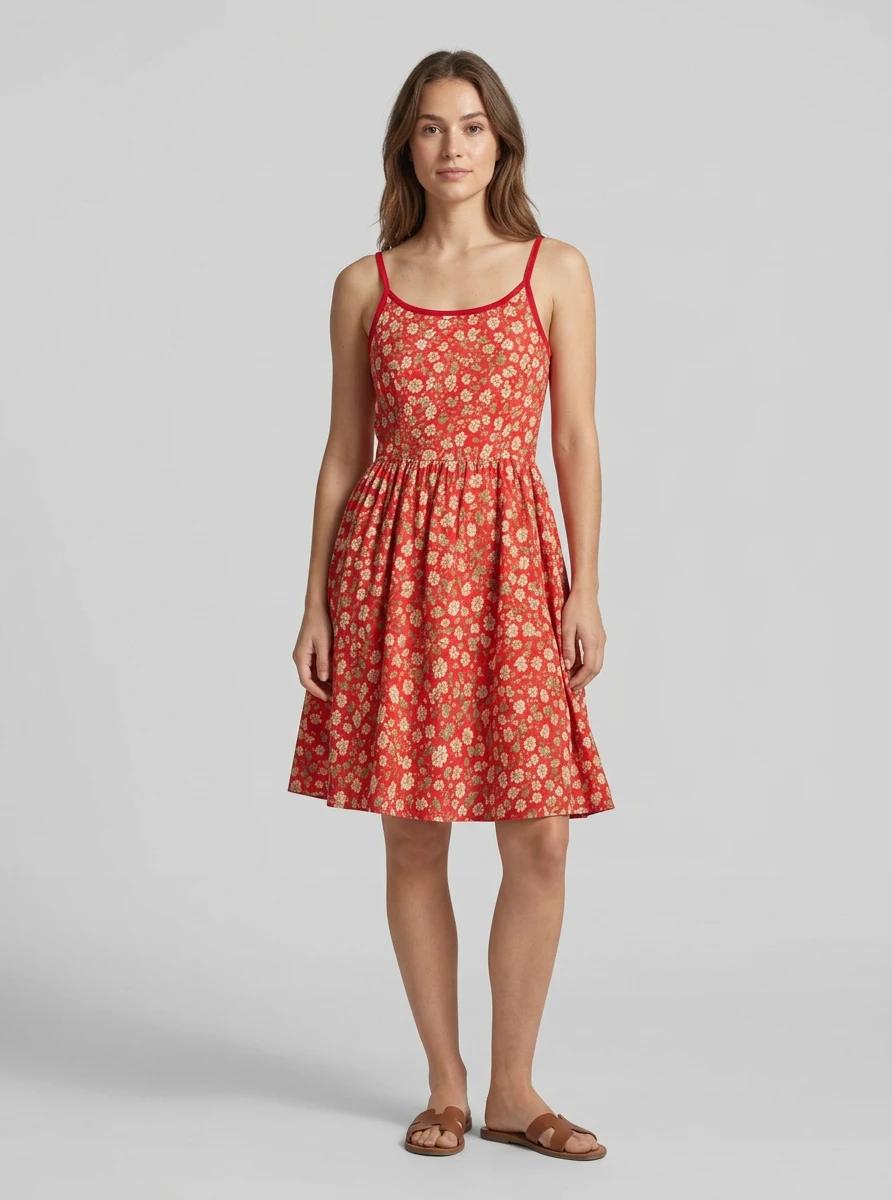
AI fashion model
Your clothes, worn on a model.
AI interior design
See your own room redesigned.
AI exterior design
See your own house redesigned.