AI exterior design
See your own house redesigned.
Upload a photo of your house or garden and see it in a new style, with the structure kept in place. Compare looks before you spend on paint, stone or plants.
Photo tools come with every paid plan, from $19.99 a month.
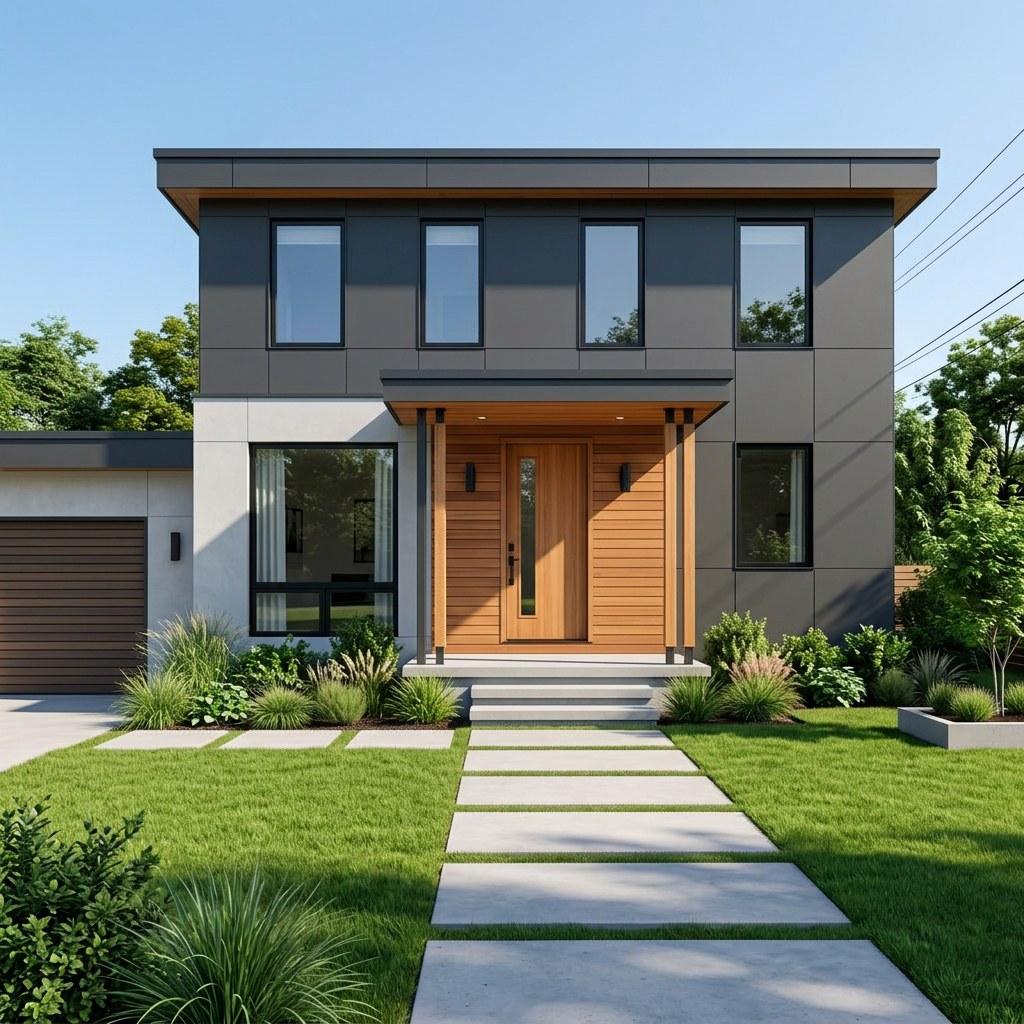
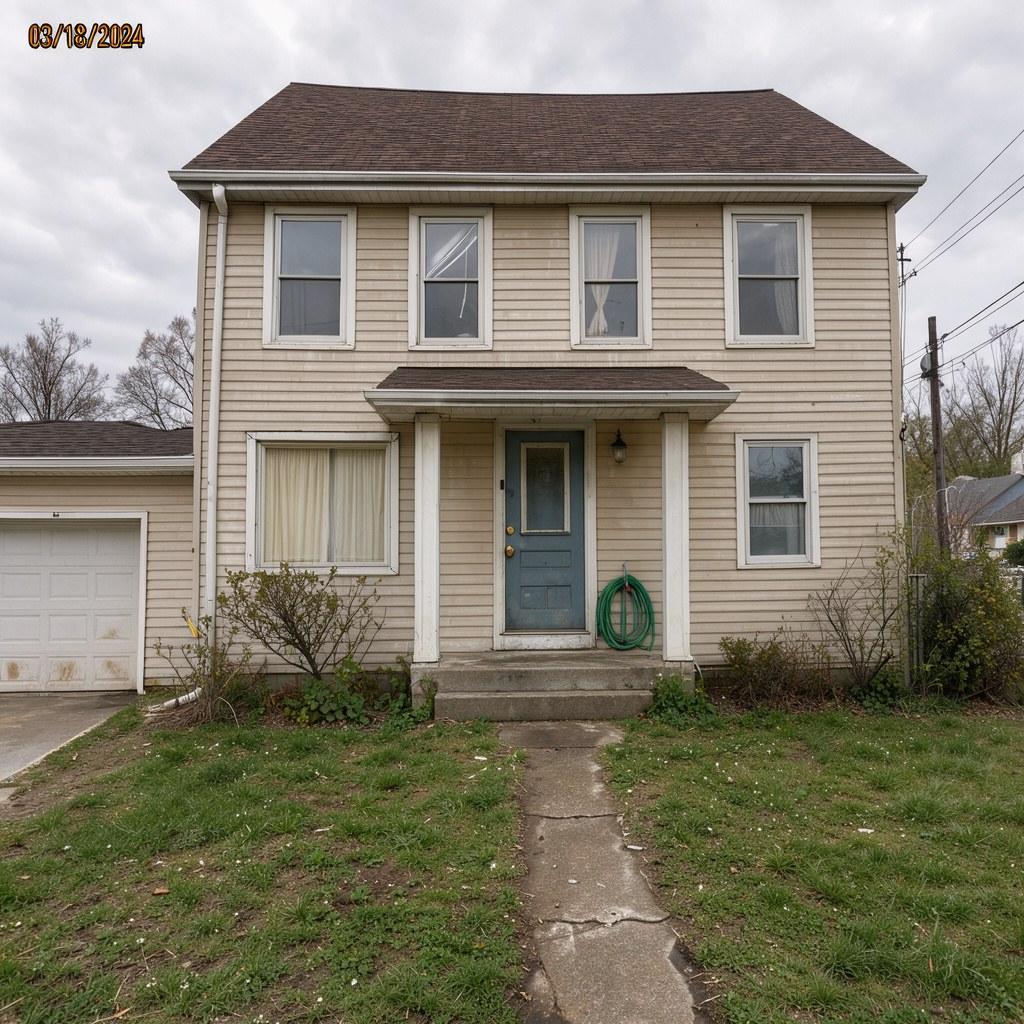
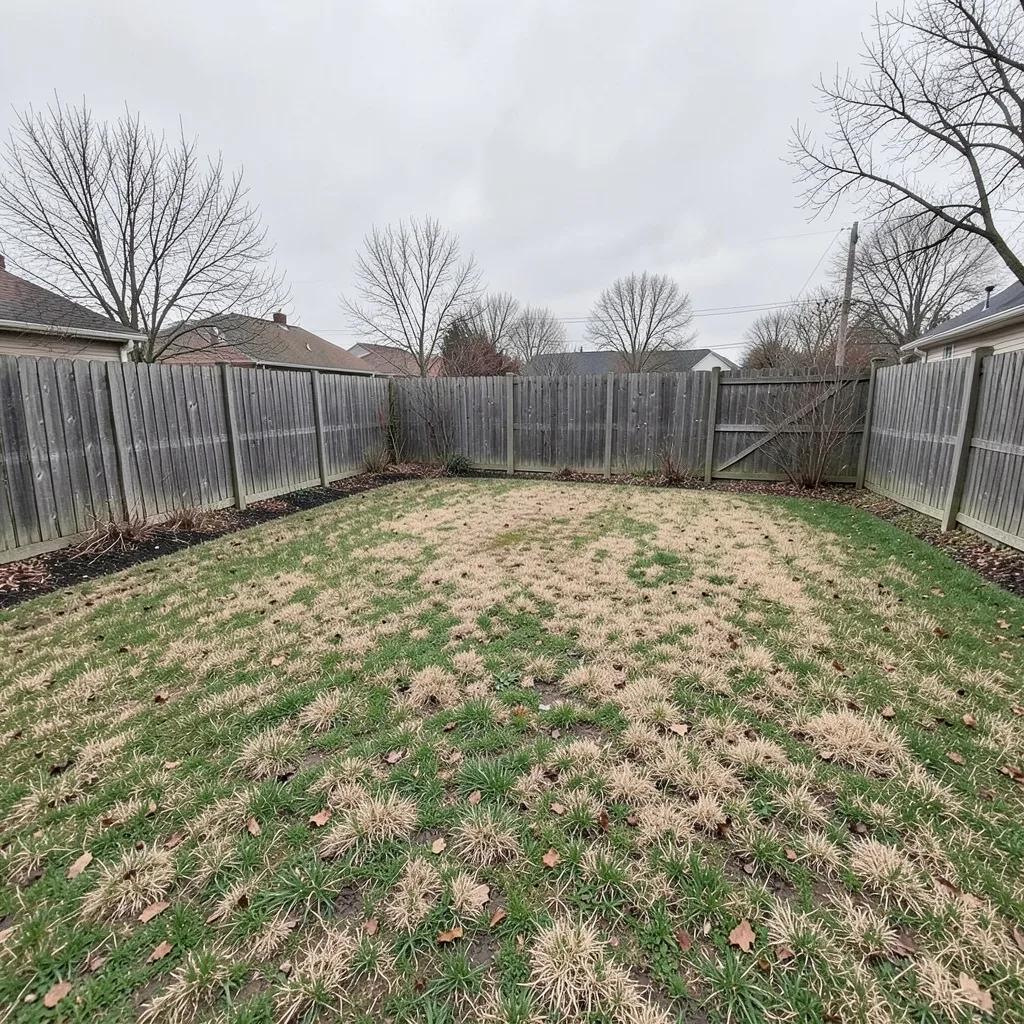
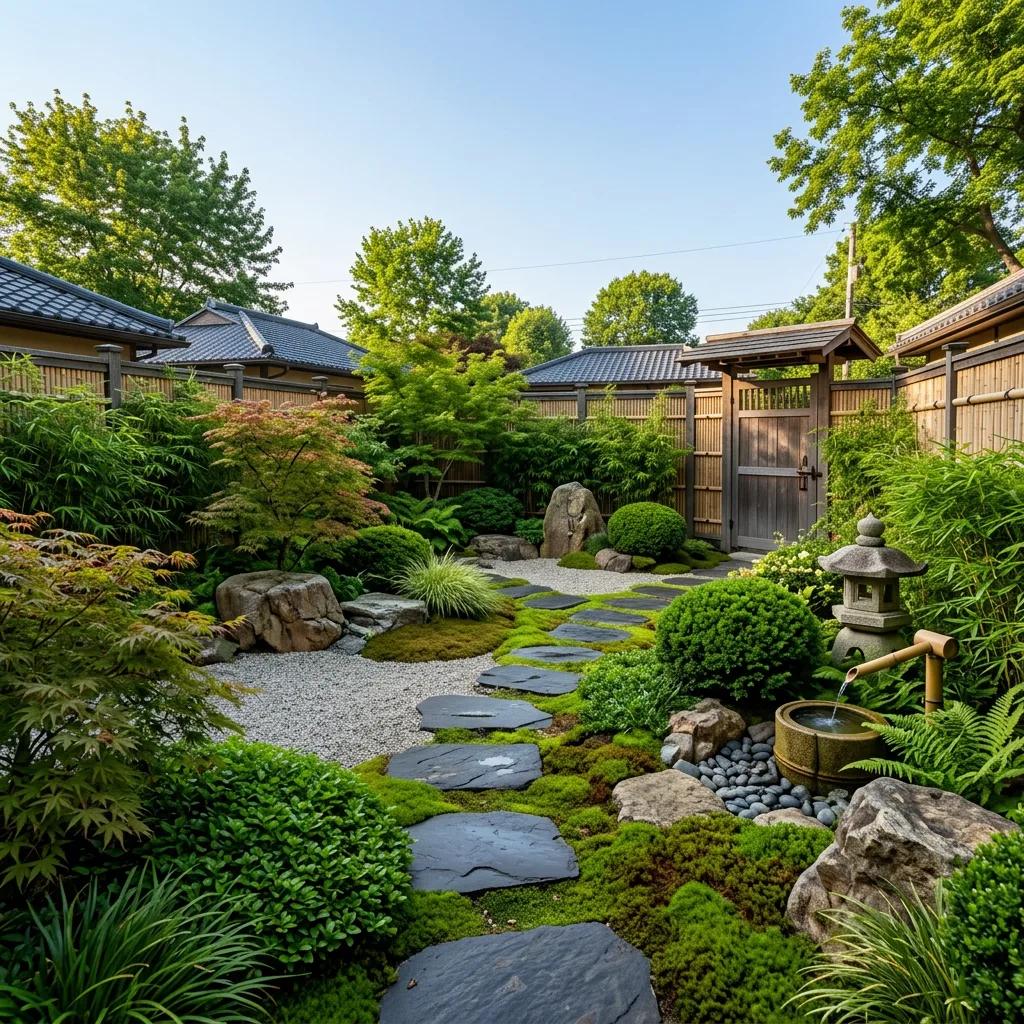
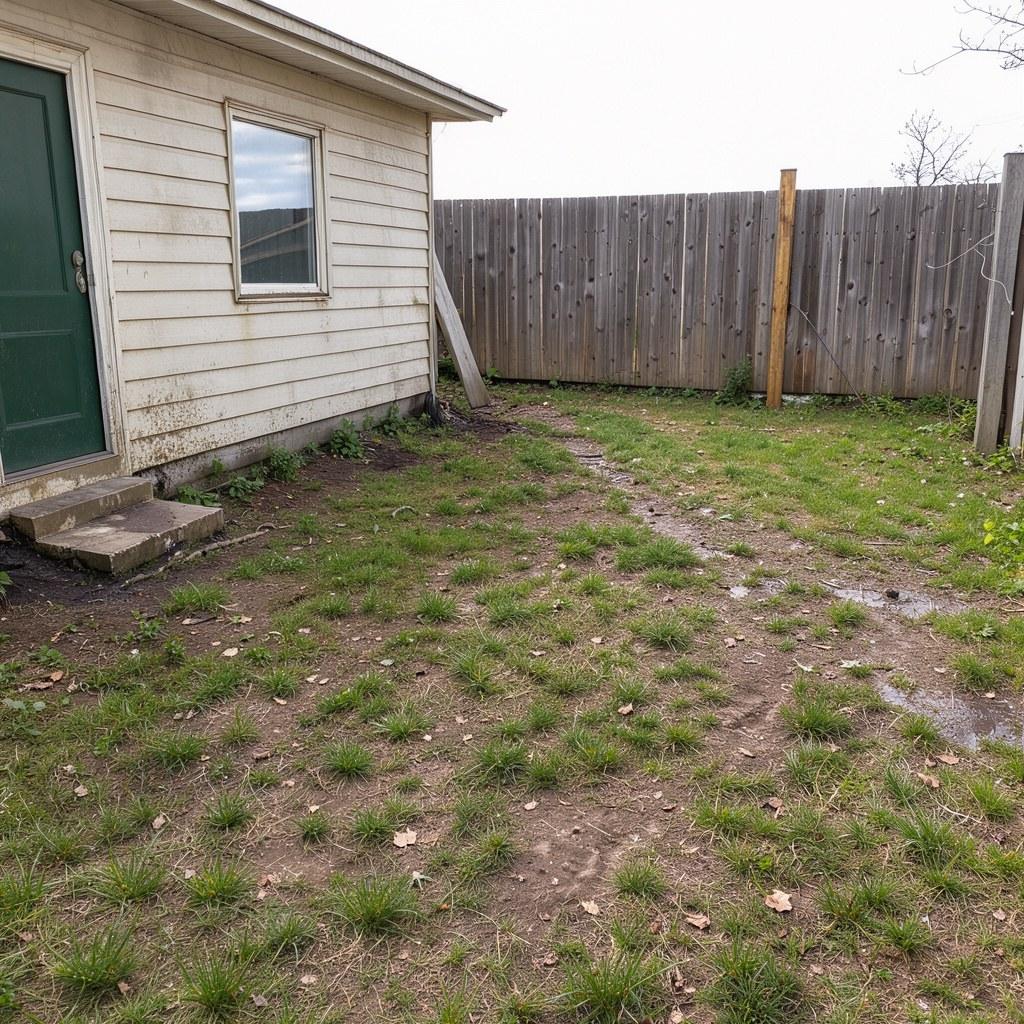
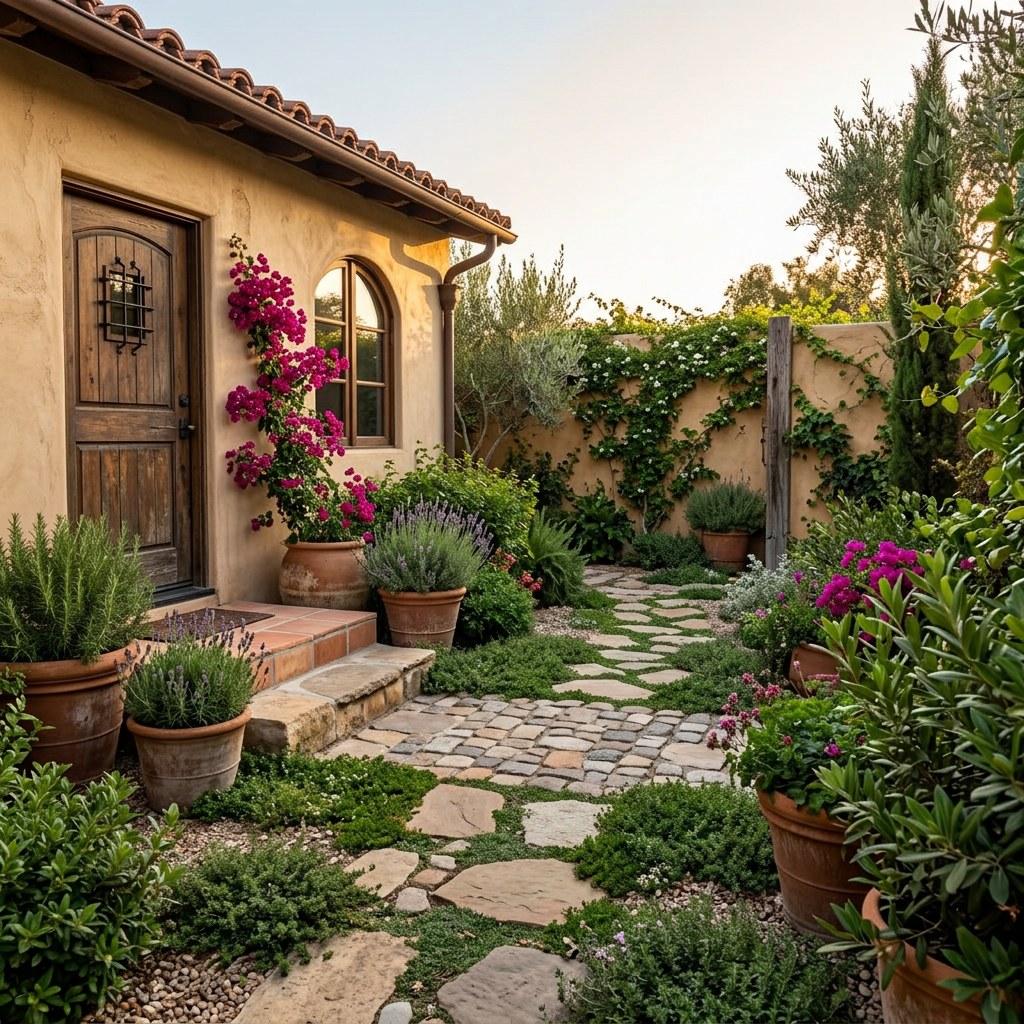
Before and after.
A facade in Modern style and a backyard in Mediterranean style at golden hour, each from a plain photo.
How it works.
- 1Upload a photoTake a picture of the house or garden in daylight, from where you would normally see it.
- 2Pick the space and a styleChoose the space and one of 12 styles, then set the light and plants if you like.
- 3Compare and downloadCompare before and after, try other styles, and keep the ones you like.
- Real runs, not renders. The facade and the backyard on this page went through the Exterior design tool, from the photo on the left.
- Your structure kept. The tool is told to keep the building and the plot as they are; only the design changes.
- Commercial license. Included in every paid plan, so architects, agents and landscapers can show the images to clients.
Who it's for.
Homeowners
Settle on a look for the facade or garden before you call a contractor.
Architects
Show a client a few directions in the first meeting, on their own house.
Real estate agents
Give buyers an idea of what a dated exterior could become.
Contractors
Agree on colors and materials with the client before work starts.
- Landscapers. Show a planting or patio idea on a photo of the client's actual yard.
- Property developers. Put a finished-looking picture next to the plans when you present a project.
- 12 styles to compare. Modern, Mediterranean, Tropical, Minimalist, Rustic, Japanese, Coastal, Contemporary, Traditional, Colonial, Victorian and Industrial. Try several on the same photo and keep the one that fits.
- Eight kinds of outdoor space. House facade, backyard, patio or deck, pool area, garden, driveway, balcony and rooftop.
- Light and plants. See the place in daylight, at golden hour or at night, with lush, tropical, desert or minimal planting.
- Add your own details. Ask for an infinity pool, a fire pit, an outdoor kitchen or a pergola, and see how it sits with the rest.
Questions, answered.
Something else on your mind? Write to us.
How does AI exterior design work?
Upload a photo of your house or garden, choose the space and a style, and add any details you want. Merlio's image model redesigns the exterior while keeping its structure, so you see your own property in the new style.
Which styles can I choose from?
There are 12: Modern, Mediterranean, Tropical, Minimalist, Rustic, Japanese, Coastal, Contemporary, Traditional, Colonial, Victorian and Industrial. You can also describe your own direction in the details field.
Which outdoor spaces does it work on?
House facades, backyards, patios and decks, pool areas, gardens, driveways, balconies and rooftops. For rooms inside the house, use AI interior design.
Is it free?
Exterior design runs on credits, so it needs a paid plan. The free plan covers chat and text-to-image.
Will the result look exactly like the finished project?
It is a realistic visualization, not a construction plan. Use it to choose a direction and share it, then check sizes, materials and permits with your architect or contractor.
Can I use the images commercially?
Yes. Every paid plan includes a commercial license, so you can use the images for clients, listings and marketing.
More photo tools.
All AI tools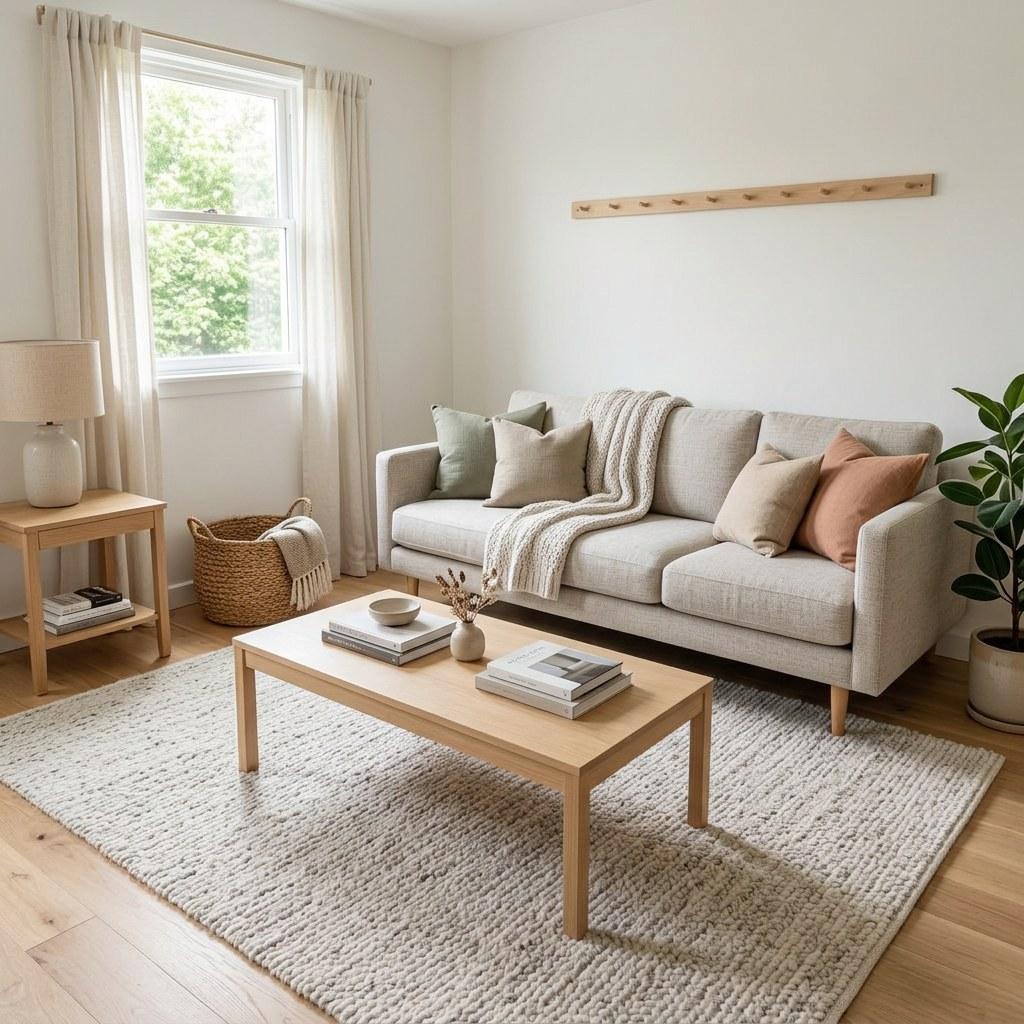
AI interior design
See your own room redesigned.
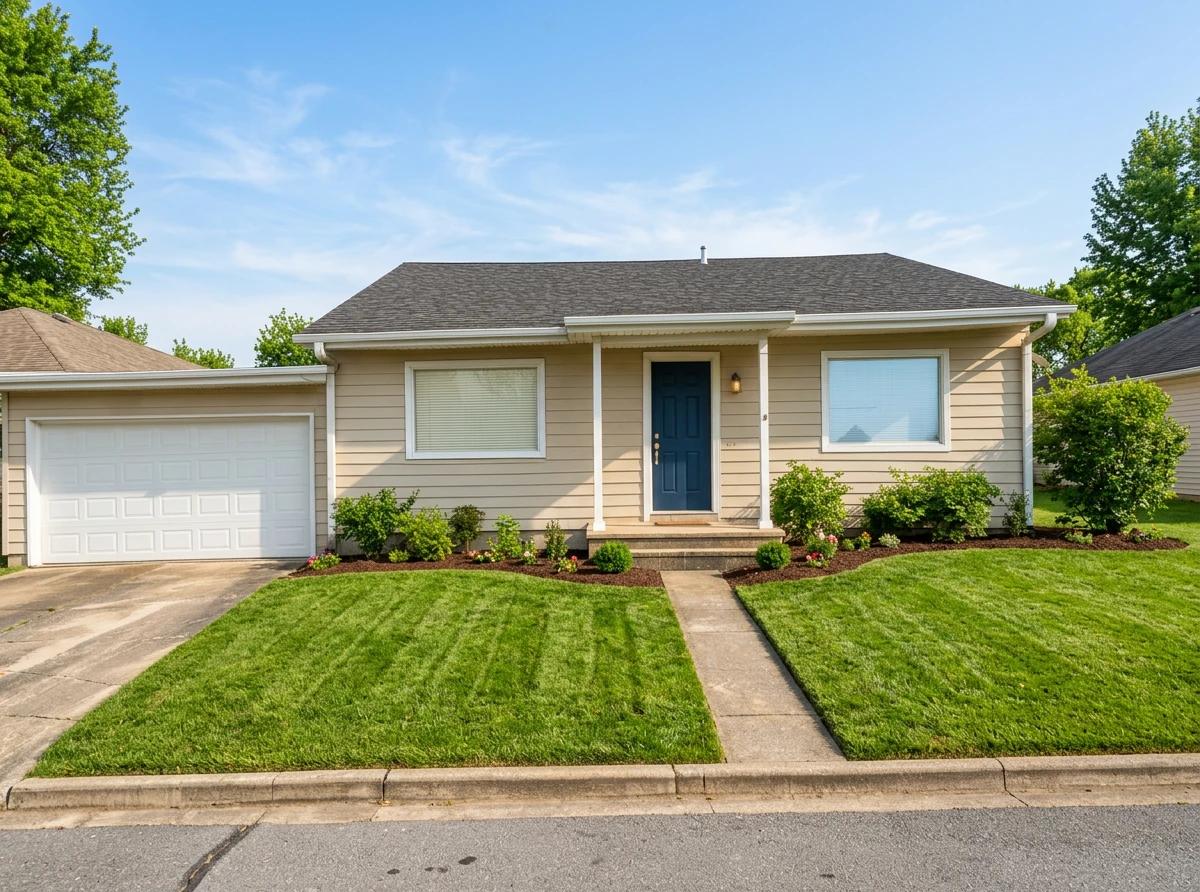
AI photos for rental listings
Your place, on its best day.

AI tattoo generator
See the idea before the ink.

AI coloring book generator
Any theme, as line art.

AI t-shirt design
Graphics for your next drop.

AI album cover generator
Artwork that sounds like the record.

AI wedding invitations
Your day, in your style.

AI book cover maker
Your title, on a cover that looks the genre.