AI book cover maker
Your title, on a cover that looks the genre.
Write the title, your name and what the book is about, pick the genre, and get a front cover in the shape of a 6x9 paperback: a thriller that looks like a thriller, a picture book that looks like one, with every word spelled right.
Free plan with 10 chats and 5 images a day. No card needed.
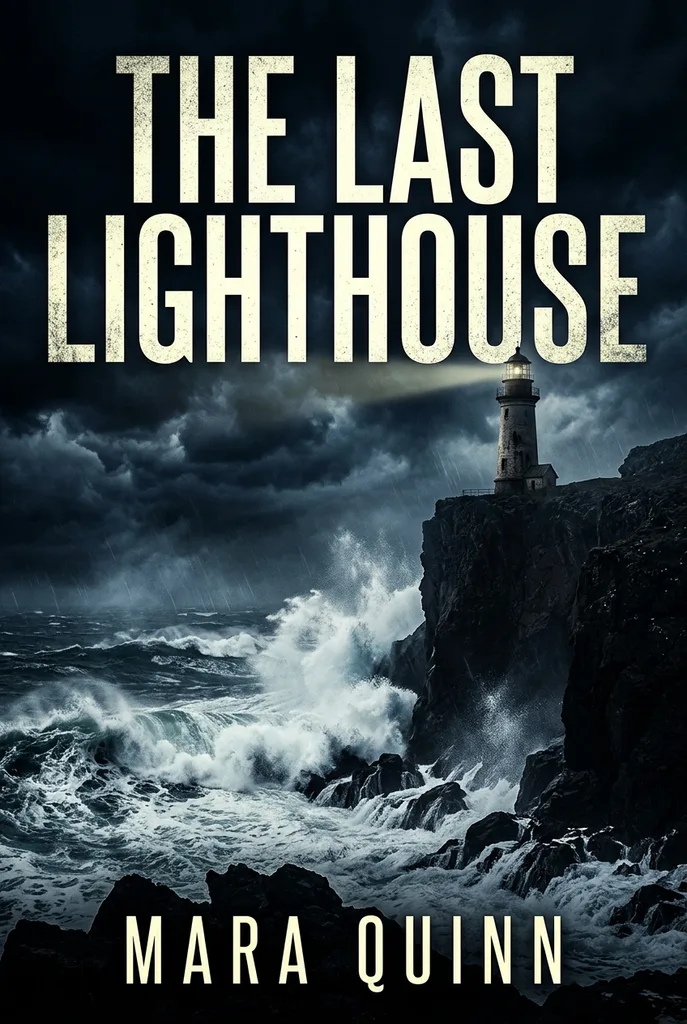
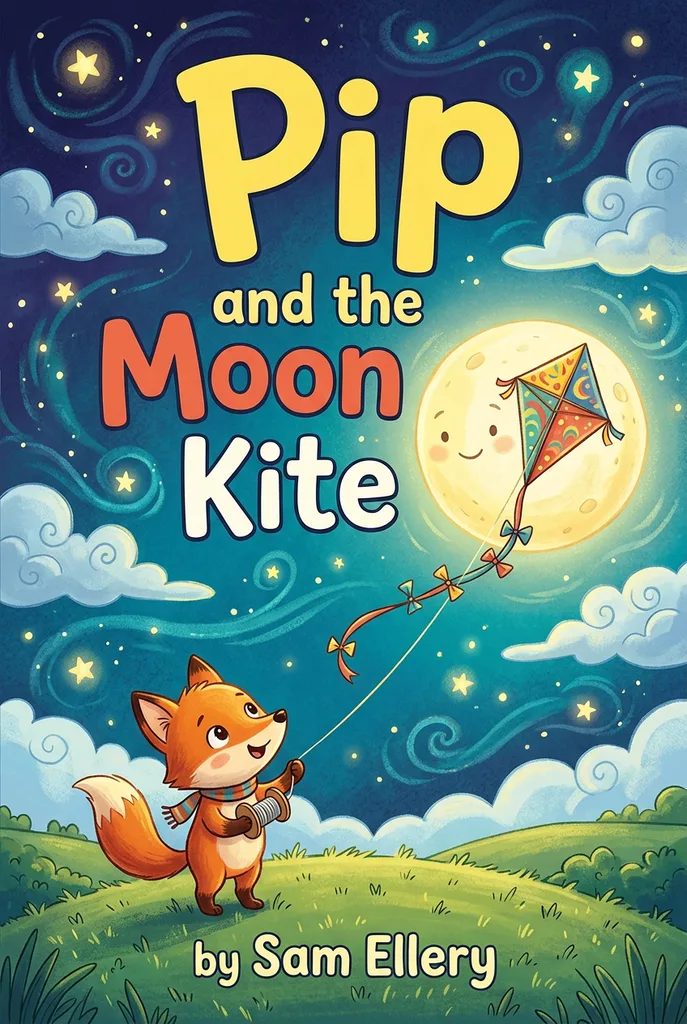
Two covers, two genres.
A storm-swept thriller and a picture book for kids, each from one line.
“Pip and the Moon Kite by Sam Ellery, a little fox flying a kite up to the moon”
How it works.
- 1Write one line“Title” by Your Name, then what the cover should show.
- 2Pick the genreThriller, romance, fantasy, sci-fi, literary, children's or non-fiction.
- 3Get the coverTry a few, keep your favorite, and download it for your book.
- Words spelled right. It runs on a model that writes text reliably, so the title and name come out as you typed them.
- Real runs on this page. Both covers below came out of the Book cover tool itself.
- The price before you run. The tool shows what one cover costs in credits before you press the button.
Who makes a cover here.
Self-published authors
A cover for Kindle Direct Publishing without hiring a designer first.
Ebooks and lead magnets
A guide or a free ebook that looks finished.
Drafts and pitches
Show an agent or a publisher the feel of the book.
Wattpad and serials
A new cover for every season of the story.
- Children's authors. A friendly picture-book cover to test with readers.
- Gifts. A family story or a memoir bound with a real-looking cover.
Questions, answered.
Something else on your mind? Write to us.
How do I make a book cover with AI?
Write the title, your name and what the cover should show, pick the genre, and the tool designs the front cover.
What size is the cover?
A 2:3 portrait, the shape of a 6x9 inch paperback, the most common trim on KDP. Check your printer's exact pixel size and bleed.
Is the title spelled correctly?
It is told to print the title and name exactly as written, on a model chosen because it writes text reliably. Always check before you publish.
Does it make the spine and back cover?
No, only the front cover. Most ebooks need only that; for print, your designer or KDP's cover tool adds the spine and back.
Is it free?
The free plan includes 5 images a day, no card needed. Paid plans add more images and a commercial license.
More photo tools.
All AI tools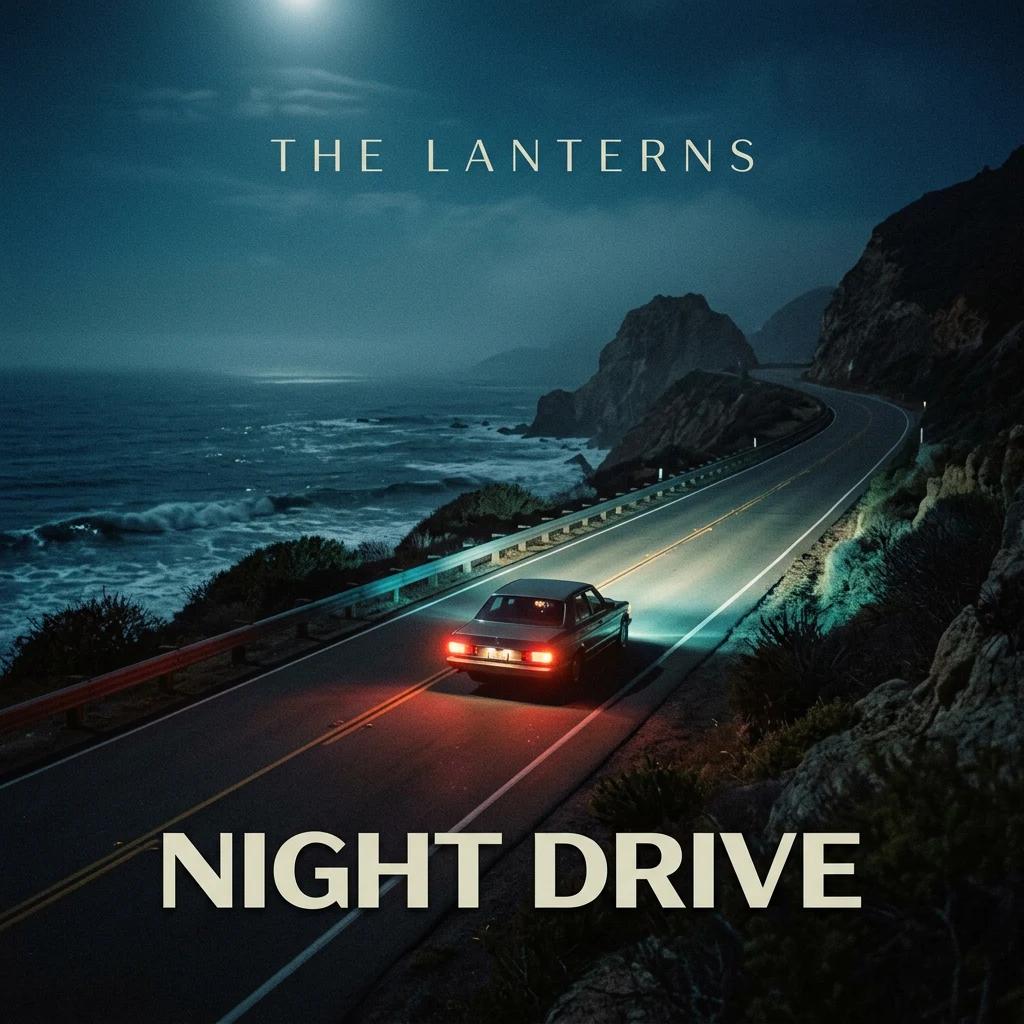
AI album cover generator
Artwork that sounds like the record.
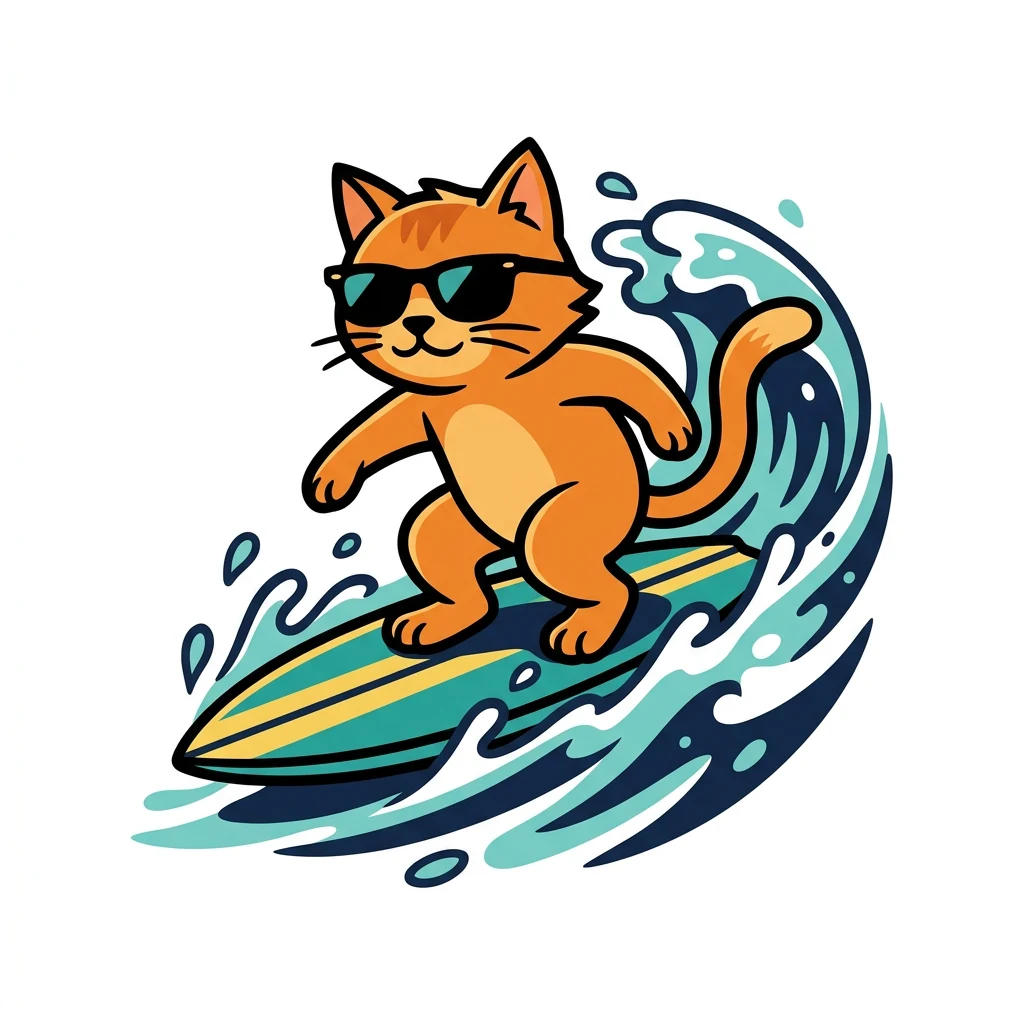
AI t-shirt design
Graphics for your next drop.
AI wedding invitations
Your day, in your style.
Floor plan to 3D
The plan, as people actually see it.

AI kitchen design
The remodel, before the remodel.

AI garden design
From bare lawn to the garden you want.
AI interior design
See your own room redesigned.

AI exterior design
See your own house redesigned.
Try it with your own idea.
Free plan with 10 chats and 5 images a day. No card needed. See plans.